Free Shipping on Domestic Orders $75+

Galaxy Tab S 10.5 Camera Replacement

What you need

  1. Galaxy Tab S 10.5 Camera Replacement, Back Cover: step 1, image 1 of 2 Galaxy Tab S 10.5 Camera Replacement, Back Cover: step 1, image 2 of 2
    • Place the plastic opening tool into the SD card slot or charge port.

    • Try in an upward motion until you see a separation between the tablet and back cover.

    Ask FixBot

    Add Comment

  2. Galaxy Tab S 10.5 Camera Replacement: step 2, image 1 of 1
    • Work around the entire device by sliding the plastic opening tool around the rim.

    • If this is the first time, it will be hard to separate the back cover from the tablet.

    • The clips are approximately 5 cm apart. While working around the device, the clips will make a dislocating sound when disconnected.

    Ask FixBot

    Add Comment

  3. Galaxy Tab S 10.5 Camera Replacement: step 3, image 1 of 1
    • Remove the back cover once all links have been separated.

    • Be careful when touching any of the internal components of the tablet.

    Ask FixBot

    Add Comment

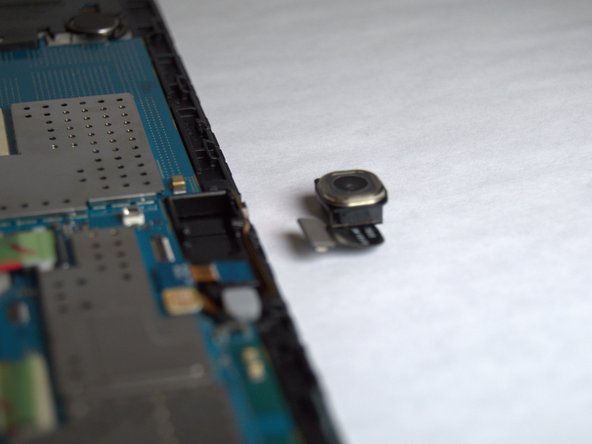
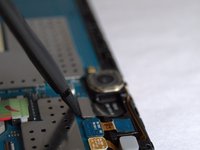
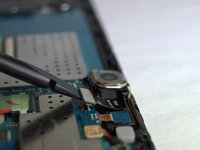
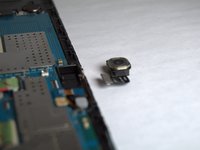
  4. Galaxy Tab S 10.5 Camera Replacement, Camera: step 4, image 1 of 3 Galaxy Tab S 10.5 Camera Replacement, Camera: step 4, image 2 of 3 Galaxy Tab S 10.5 Camera Replacement, Camera: step 4, image 3 of 3
    • Use a spudger to disconnect the camera from the motherboard and then remove the camera.

    Ask FixBot

    Add Comment

Conclusion

To reassemble your device, follow these instructions in reverse order.

Cancel: I did not complete this guide.

One other person completed this guide.

Jordan Soto

Member since: 08/26/15

3,306 Reputation

6 Guides authored

Team

USF Tampa, Team 3-2, Eyestone Fall 2015 Member of USF Tampa, Team 3-2, Eyestone Fall 2015

USFT-EYESTONE-F15S3G2

3 Members

20 Guides authored

0 Guide Comments

Add Comment

View Statistics:

Past 24 Hours: 1

Past 7 Days: 11

Past 30 Days: 44

All Time: 2,999