
G'z One Boulder Inside Screen Cover Replacement

Henry Johnson and 3 other contributors
Last updated on Jan 28, 2014
Views: 859
View statistics:
- Past 24 Hours:
- 0
- Past 7 Days:
- 10
- Past 30 Days:
- 43
- All Time:
- 859
Comments: 0
No one has left comments on this guide. Will you be first?
Go to guide commentsCompleted: 0 1
No one has marked this guide "completed." Will you be the first?
1 person has marked this guide "completed." It's you — great job!
Favorites: 0 1
No one has favorited (and subscribed to) this guide. Will you be the first?
1 person has favorited (and subscribed to) this guide — and that's you!
Introduction
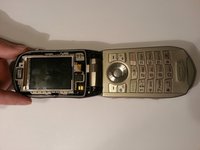
Go to step 1 ↓There are two LCD displays on this phone. When the phone is opened, the inside display has a cover with a piece of protective glass glued to it. Since this phone is designed to be water-resistant, breaking the factory seal made by the glue is not recommended as it may expose the inner electronics to moisture. This guide treats the glass and cover as a single part.
What you need
Tools

-
-
-
There are 4 black screws that need to be removed on the top of the lid. A 1.5mm flathead screwdriver will work on the star shaped screw heads.
 Ask FixBot
-
-
-
-
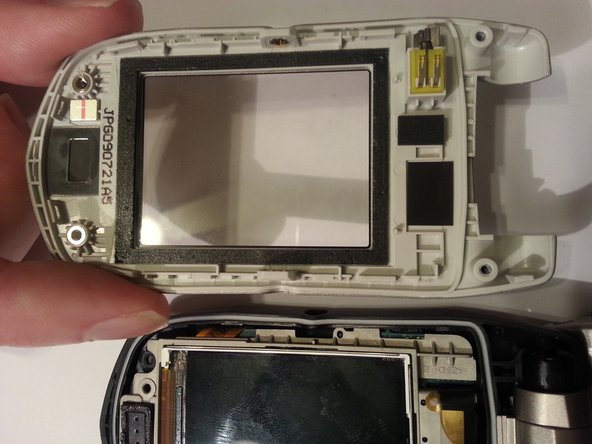
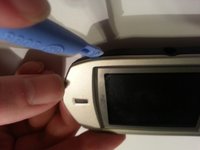
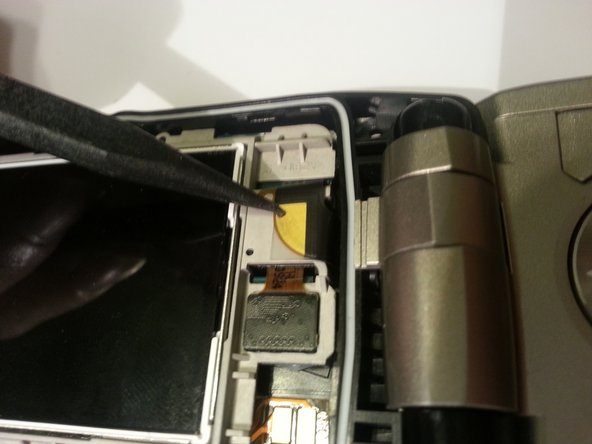
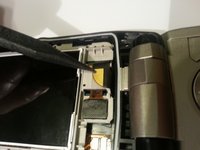
Use a plastic opening tool to remove the screen cover from the rest of the lid.
-
-



To disassemble your device, follow these instructions in reverse order.

Team

Clemson, Team 13-3, Benson Spring 2013 Member of Clemson, Team 13-3, Benson Spring 2013
CLEM-BENSON-S13S13G3
3 Members
84 Guides authored
