
Furbo Dog Camera USB Power Jack Replacement

Piper Strgar and 3 other contributors
Last updated on Dec 5, 2024
Views: 2.6K
View statistics:
- Past 24 Hours:
- 1
- Past 7 Days:
- 28
- Past 30 Days:
- 96
- All Time:
- 2,628
Comments: 5
4 comments on steps, 1 guide comment.
Go to guide commentsCompleted: 1 2
1 person has marked this guide "completed." Will you be next?
2 people have marked this guide "completed." Including you — great job!
Favorites: 0 1
No one has favorited (and subscribed to) this guide. Will you be the first?
1 person has favorited (and subscribed to) this guide — and that's you!
Introduction
Go to step 1 ↓If your Furbo Dog Camera does not turn on, or turns off and on without you doing it, the issue could lie deeper than replacing the cable. Your Furbo Dog Camera could have a faulty USB Power Jack that needs to be replaced.
In order to test this out, one should try a different USB cord and a different outlet before coming to the conclusion that there is an issue with the USB Power Jack inside. If your Furbo Dog Camera still does not work after changing the cable and the plug, it is safe to assume that there is an issue on the inside with the USB Power Jack.
There are eight steps to replace the USB Power Jack. All of the tools needed are available online and can be found at some large retail stores.
What you need
Tools


-
-
-
Rotate your Furbo so that the bottom faces you.
-
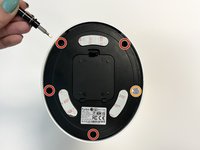
Remove the rubber caps to reveal the four screws on the bottom of the Furbo.
-
-
Tool used on this step:Flathead 3/32" or 2.5 mm Screwdriver$5.49
-
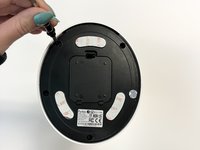
Use a 2.5 mm Flathead screwdriver to remove the four 5 mm screws from the bottom of the Furbo.
-
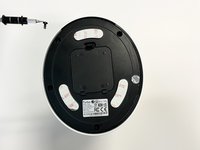
Use a 2.5 mm Flathead screwdriver to remove the single 5 mm screw under the silver sticker.
-
-
-
-
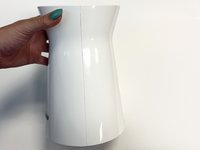
Rotate your Furbo so that the side is facing towards you.
-
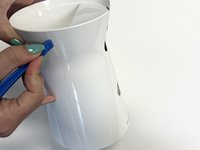
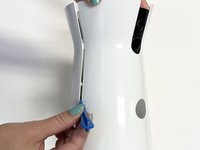
Use an opening tool to separate the two plastic coverings.
-
-
-
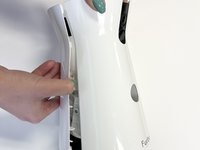
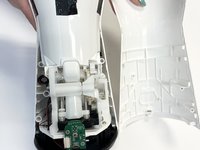
Once you have separated the two plastic coverings, remove one side by pulling on it and carefully separating it from the adhesive.
-
-
-
-
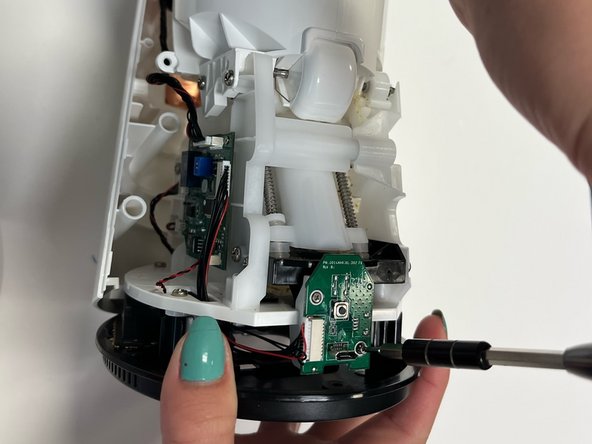
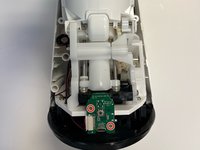
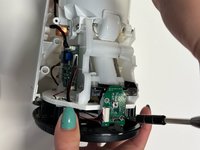
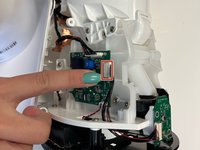
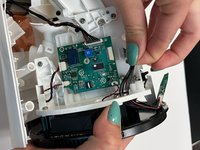
Use a Phillips #000 screwdriver to remove the two 5 mm screws from the USB power jack.
-
-
-
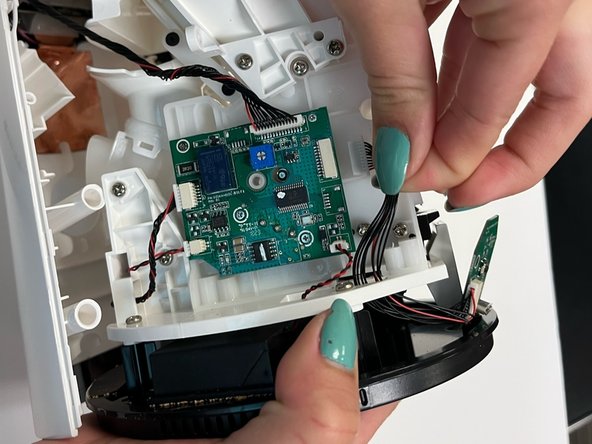
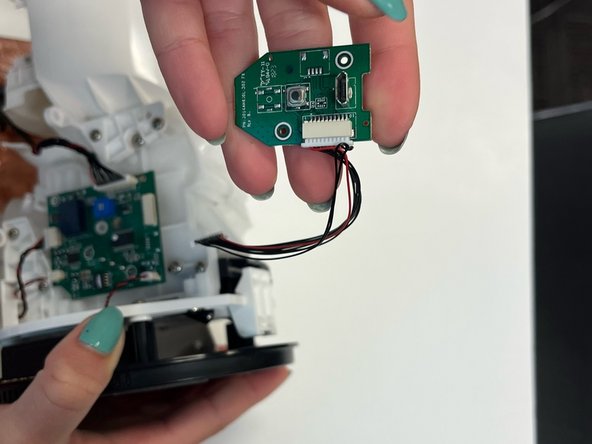
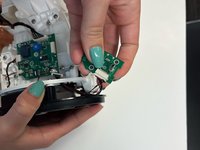
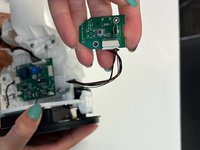
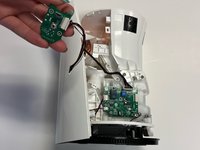
Once you have removed the screws, gently pull the bundled cable connector free from the motherboard.
-
-


 Ask FixBot










Cancel: I did not complete this guide.
One other person completed this guide.

Team

University of Alabama, Team 1-1, Bedsole Spring 2022 Member of University of Alabama, Team 1-1, Bedsole Spring 2022
UA-BEDSOLE-S22S1G1
3 Members
72 Guides authored
