
Fujifilm XP20 LCD Screen Replacement

Stephen Harden and 2 other contributors
Last updated on Dec 22, 2016
Views: 1.9K
View statistics:
- Past 24 Hours:
- 3
- Past 7 Days:
- 21
- Past 30 Days:
- 113
- All Time:
- 1,881
Comments: 0
No one has left comments on this guide. Will you be first?
Go to guide commentsCompleted: 0 1
No one has marked this guide "completed." Will you be the first?
1 person has marked this guide "completed." It's you — great job!
Favorites: 1 2
1 person has favorited (and subscribed to) this guide. Will you be next?
2 people have favorited (and subscribed to) this guide — including you!
Introduction
Go to step 1 ↓Although a cracked screen would be hard to manage with this device, replacing the LCD screen is relatively easy.
What you need
Tools
-
Spudger4.9
-


-
-
-
Using a 1.5mm Hex Screwdriver, remove the two 3.0 mm hex screws on the front of the camera.
-
Using a Phillips #00 screwdriver, remove two 3.0 mm screws on the bottom of the front face.
 Ask FixBot
-
-
-
Using a Phillips #00 screwdriver, remove 3.0 mm screws on the bottom of the camera closer to the back.
-
Using Phillips #00 screwdriver remove two 3.0 mm screws on the back of the camera. This will remove the eyelet for the camera strap and the rear cover.
-
-
-
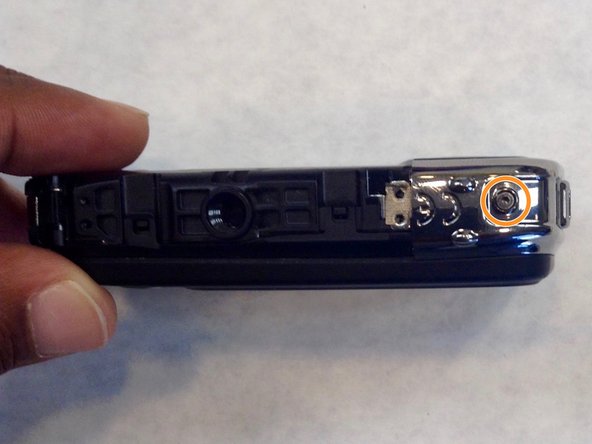
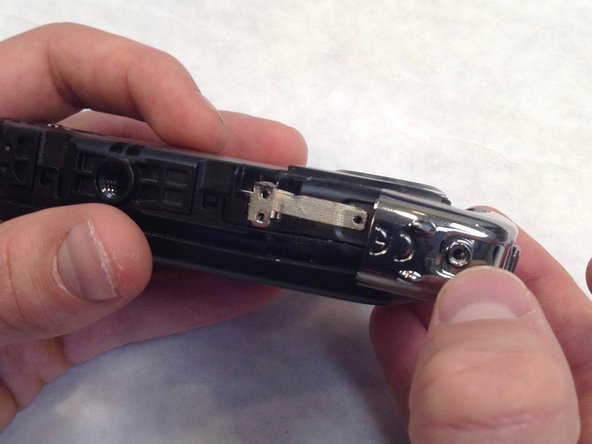
Using a 1.5mm Hex screwdriver, remove 3.0 mm hex screw on top edge of silver panel.
-
Using a Phillips #00 screwdriver, remove the 3.0 mm screw on bottom edge.
-
Once both screws are removed the silver side casing will slide off.
-
-
-
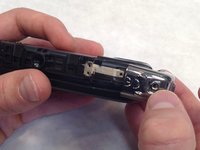
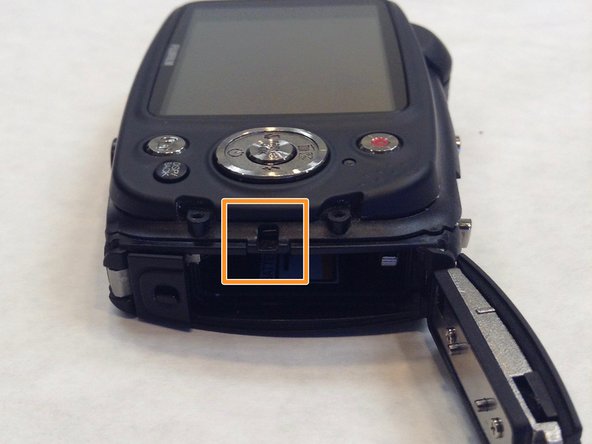
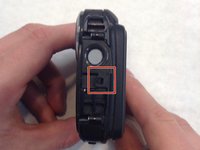
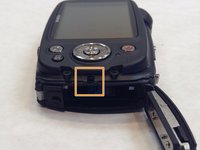
Unlatch the four clasps located on each side of the camera by hand.
-
The fourth clasp is concealed by the battery door. To reach the clasp see Fujifilm XP20 Battery Replacement for instructions.
-
-
-
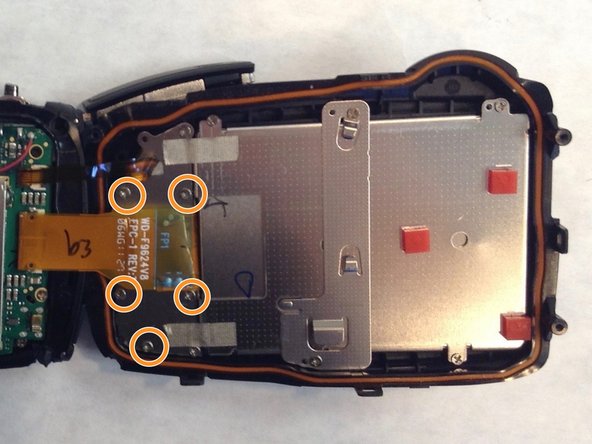
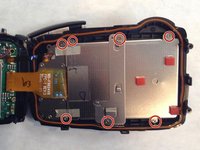
Using a Phillips #00 screwdriver, remove the seven 3.0 mm screws.
-
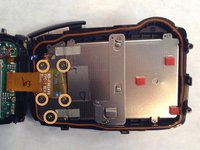
Remove the remaining five 3.0 mm screws which hold the rear case and the control panel together.
-
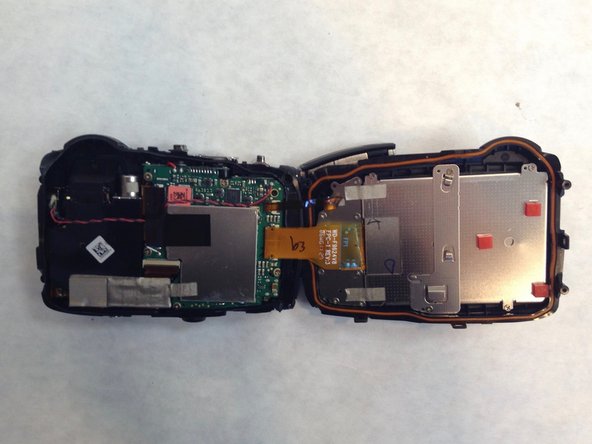
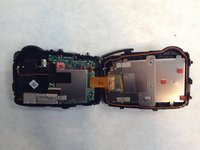
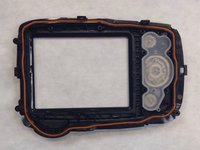
The rear panel is now free from the camera.
-
-
-
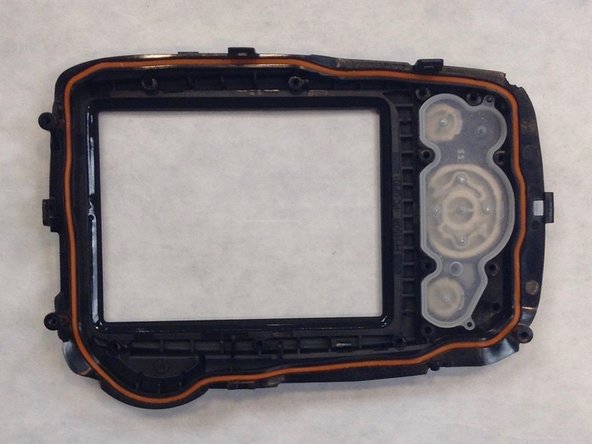
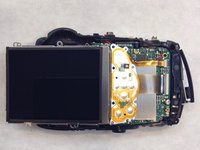
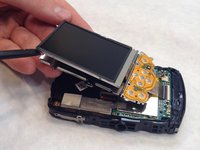
Take the spudger and wedge it in between the screen and the frame.
-
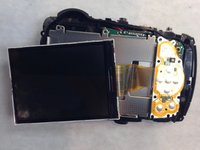
Slowly make your way around the screen with the spudger just enough to separate the screen from the frame.
-
-
-
-
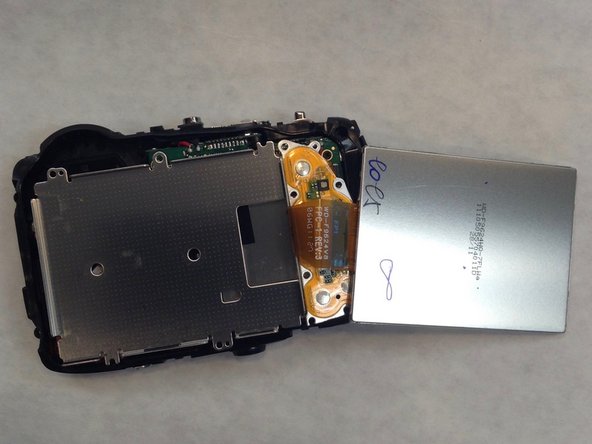
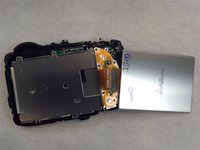
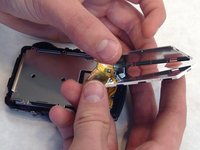
Take the spudger again and wedge it in the thinner frame to pry the LCD screen from the frame.
-
Make your way around with the spudger just enough to separate the screen and frame once again.
-
-
-
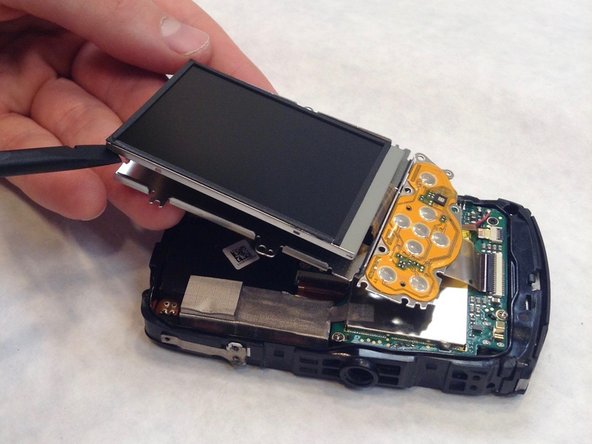
Take the spudger and wedge it very carefully between the LCD screen and the very thin and fragile frame.
-
-






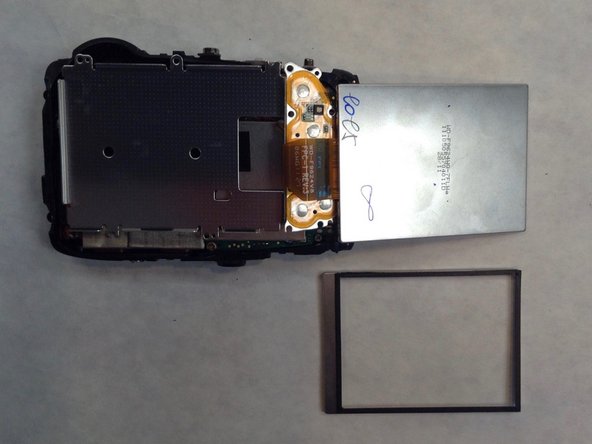

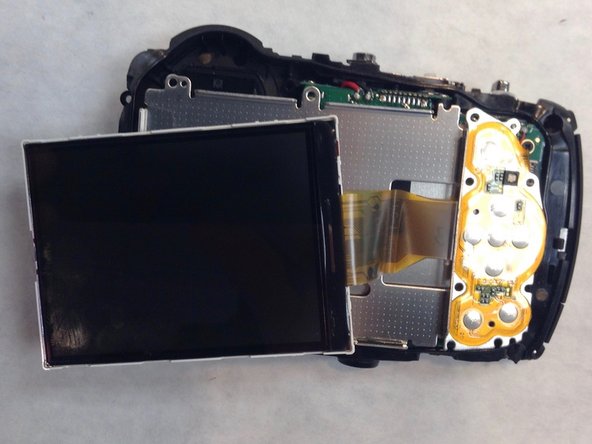

To reassemble your device, follow these instructions in reverse order.

Team

IUPUI, Team 1-1, Wilson Fall 2016 Member of IUPUI, Team 1-1, Wilson Fall 2016
IUPUI-WILSON-F16S1G1
3 Members
36 Guides authored
