Free Shipping on Domestic Orders $75+

Fujifilm Instax Minion Capacitor Replacement

What you need

  1. Fujifilm Instax Minion Capacitor Replacement, Camera Shell: step 1, image 1 of 3 Fujifilm Instax Minion Capacitor Replacement, Camera Shell: step 1, image 2 of 3 Fujifilm Instax Minion Capacitor Replacement, Camera Shell: step 1, image 3 of 3
    • Remove the six 4.5 mm #00 Phillips screws from the bottom, left, and right sides.

    Ask FixBot

    Add Comment

  2. Fujifilm Instax Minion Capacitor Replacement: step 2, image 1 of 3 Fujifilm Instax Minion Capacitor Replacement: step 2, image 2 of 3 Fujifilm Instax Minion Capacitor Replacement: step 2, image 3 of 3
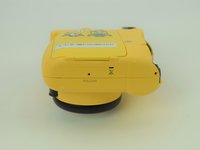
    • Use a spudger to remove the film slot guard on the top of the camera.

    • Remove the one 4.5 mm #00 Phillips screw under the slot guard.

    Ask FixBot

    Add Comment

  3. Fujifilm Instax Minion Capacitor Replacement: step 3, image 1 of 3 Fujifilm Instax Minion Capacitor Replacement: step 3, image 2 of 3 Fujifilm Instax Minion Capacitor Replacement: step 3, image 3 of 3
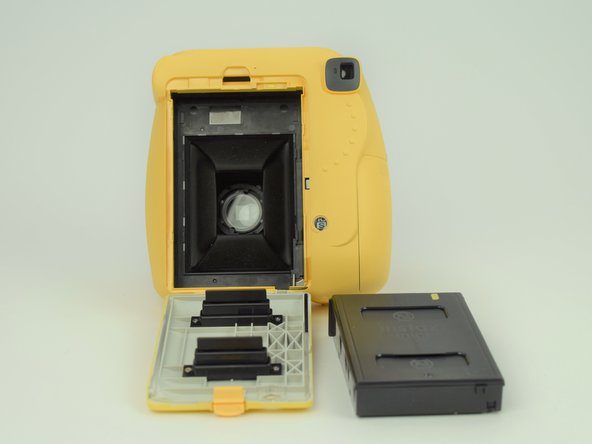
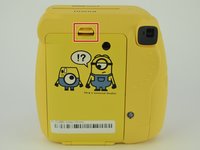
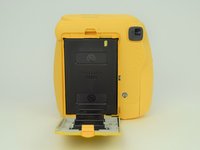
    • Press the release tab on the back of the camera to open the film compartment.

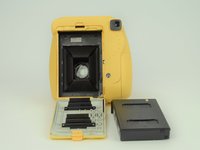
    • Remove the film cartridge within this compartment.

    Ask FixBot

    Add Comment

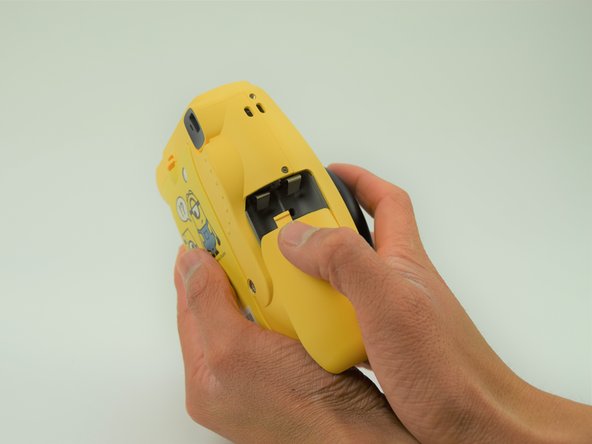
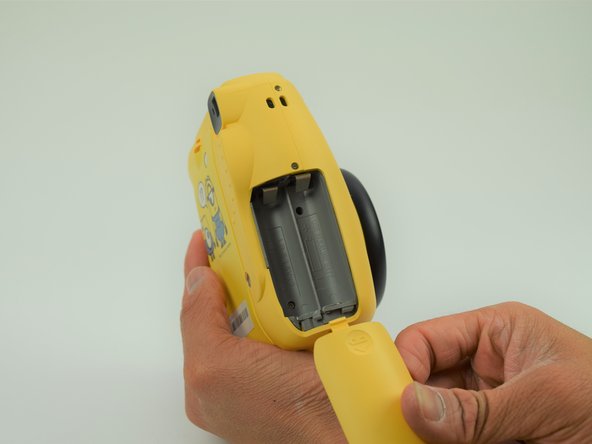
  4. Fujifilm Instax Minion Capacitor Replacement: step 4, image 1 of 3 Fujifilm Instax Minion Capacitor Replacement: step 4, image 2 of 3 Fujifilm Instax Minion Capacitor Replacement: step 4, image 3 of 3
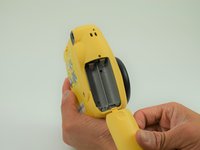
    • Press the battery cover in and down to remove it.

    • Remove any batteries within.

    Ask FixBot

    Add Comment

  5. Fujifilm Instax Minion Capacitor Replacement: step 5, image 1 of 3 Fujifilm Instax Minion Capacitor Replacement: step 5, image 2 of 3 Fujifilm Instax Minion Capacitor Replacement: step 5, image 3 of 3
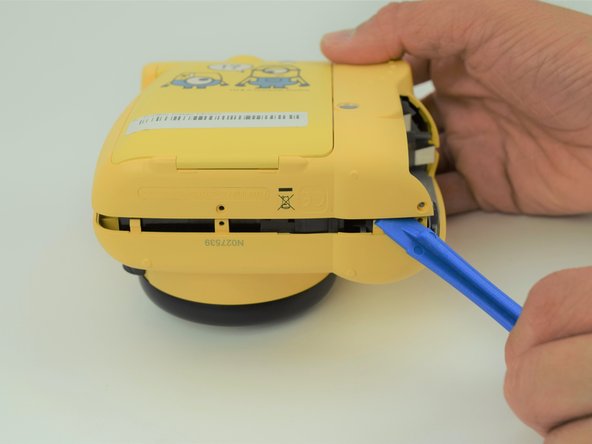
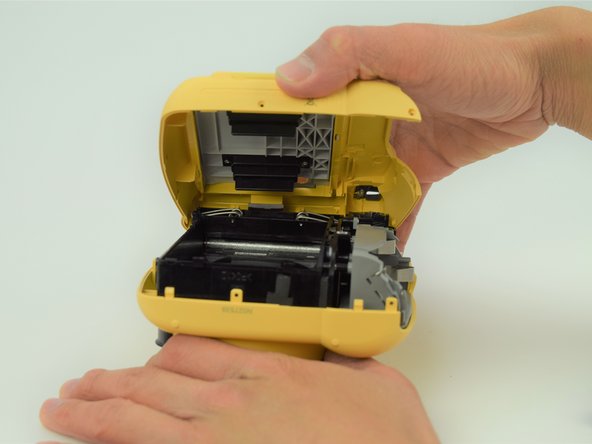
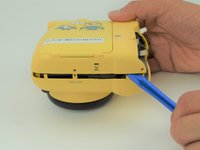
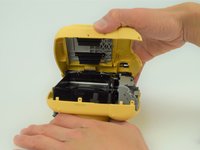
    • Use a plastic opening tool to help pry the front and back shells apart.

    • With the camera facing down, remove only the back shell.

    Ask FixBot

    Add Comment

  6. Fujifilm Instax Minion Capacitor Replacement: step 6, image 1 of 3 Fujifilm Instax Minion Capacitor Replacement: step 6, image 2 of 3 Fujifilm Instax Minion Capacitor Replacement: step 6, image 3 of 3
    Tool used on this step:
    Tweezers
    $4.99
    Buy
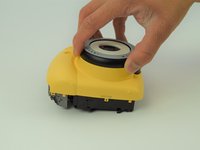
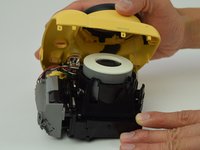
    • Carefully peel the front side of the shell away.

    • As you lift the front shell, be careful to not pull too hard since there is a spring attached to the shell and the camera body.

    • Using a set of tweezers, detach the spring from the body. The spring will retract into the black and gray ring on the front shell.

    Ask FixBot

    Add Comment

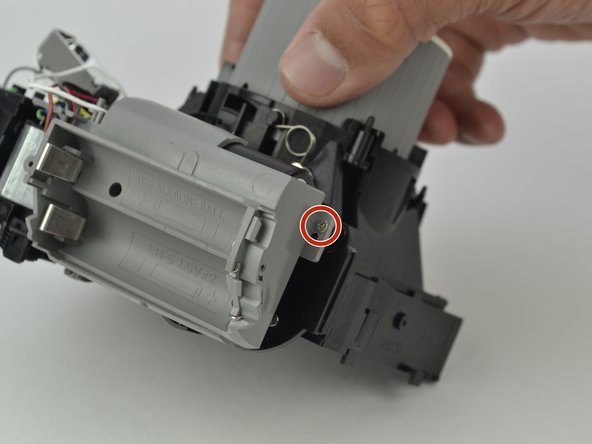
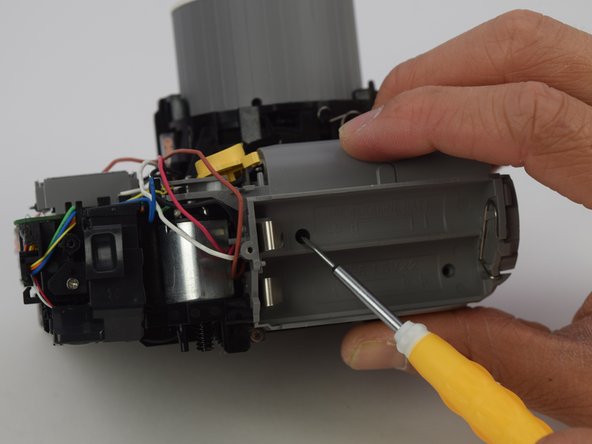
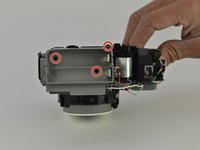
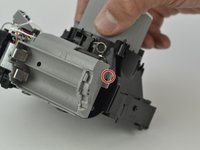
  7. Fujifilm Instax Minion Capacitor Replacement, Capacitor: step 7, image 1 of 3 Fujifilm Instax Minion Capacitor Replacement, Capacitor: step 7, image 2 of 3 Fujifilm Instax Minion Capacitor Replacement, Capacitor: step 7, image 3 of 3
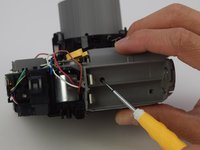
    • Remove the four 4.5 mm screws inside the battery holder with a long #00 Phillips screwdriver.

    Ask FixBot

    Add Comment

  8. Fujifilm Instax Minion Capacitor Replacement: step 8, image 1 of 3 Fujifilm Instax Minion Capacitor Replacement: step 8, image 2 of 3 Fujifilm Instax Minion Capacitor Replacement: step 8, image 3 of 3
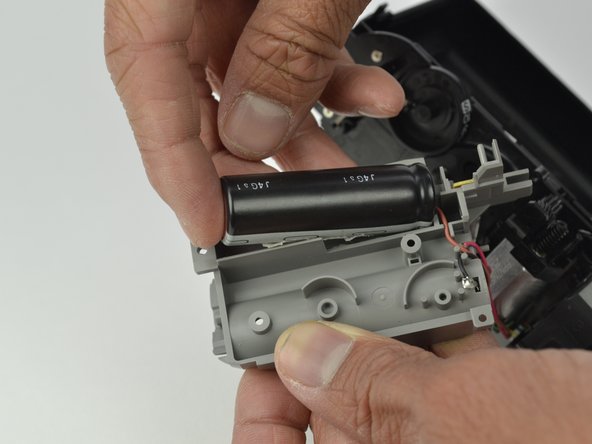
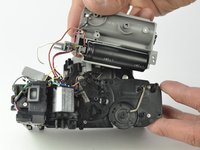
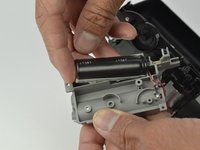
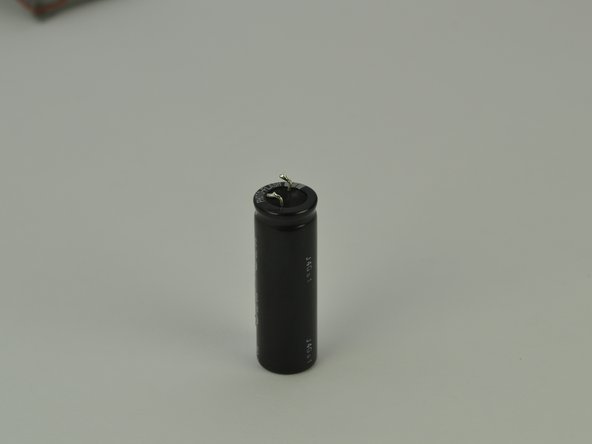
    • Gently pull on the battery holder to remove it from the case, exposing the capacitor.

    • Pull up on the backside of the capacitor to remove it from the battery holder.

    • The capacitor will have a small amount of adhesive holding it onto the battery holder. Keep this intact, but don't worry if it is damaged.

    • Be careful not to touch the wire leads on the front of the capacitor, as you could get shocked.

    Ask FixBot

    Add Comment

  9. Fujifilm Instax Minion Capacitor Replacement: step 9, image 1 of 2 Fujifilm Instax Minion Capacitor Replacement: step 9, image 2 of 2
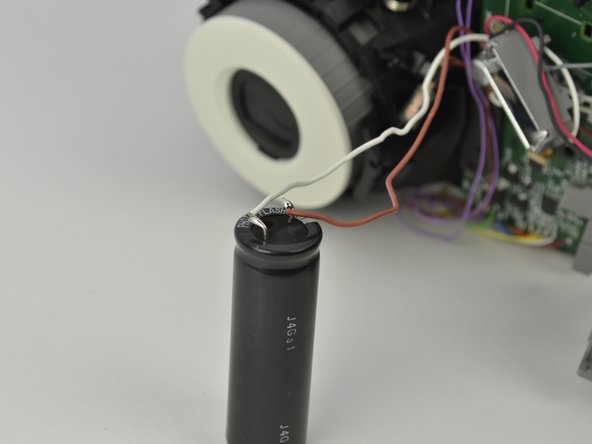
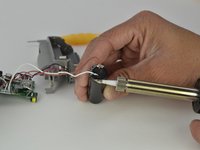
    • Desolder the ends of the wires from the leads of the capacitor to remove it.

    • Take note of the connections between the wires and leads for reassembly. The brown wire connects to side with white line and the white wire connects to the other side.

    • Be careful not to touch both leads of the capacitor with your soldering iron. This will bridge the connection and could create a spark.

    Ask FixBot

    Add Comment

Conclusion

To reassemble your device, follow these instructions in reverse order.

Cancel: I did not complete this guide.

Jeffery

Member since: 03/28/15

220 Reputation

2 Guides authored

Team

Cal Poly, Team S18-G6, Livingston Spring 2018 Member of Cal Poly, Team S18-G6, Livingston Spring 2018

CPSU-LIVINGSTON-S18S18G6

4 Members

11 Guides authored

0 Guide Comments

Add Comment

View Statistics:

Past 24 Hours: 1

Past 7 Days: 9

Past 30 Days: 34

All Time: 1,128