
Fujifilm Instax Minion Camera Shell Replacement

Jonnah Lee and 4 other contributors
Last updated on May 7, 2024
Views: 2.9K
View statistics:
- Past 24 Hours:
- 1
- Past 7 Days:
- 14
- Past 30 Days:
- 78
- All Time:
- 2,903
Comments: 0
No one has left comments on this guide. Will you be first?
Go to guide commentsCompleted: 0 1
No one has marked this guide "completed." Will you be the first?
1 person has marked this guide "completed." It's you — great job!
Favorites: 0 1
No one has favorited (and subscribed to) this guide. Will you be the first?
1 person has favorited (and subscribed to) this guide — and that's you!
Introduction
Go to step 1 ↓This replacement is fairly straight forward. The only tool you will need is a #00 Phillips screwdriver and/or an extra long #00 Phillips screwdriver. Optionally, you could use a nylon spudger to help pry open the camera shell.
What you need
Tools
-
Spudger4.9
-


-
-
-
Remove the six 4.5 mm #00 Phillips screws from the bottom, left, and right sides.
 Ask FixBot
-
-
-
Use a spudger to remove the film slot guard on the top of the camera.
-
Remove the one 4.5 mm #00 Phillips screw under the slot guard.
-
-
-
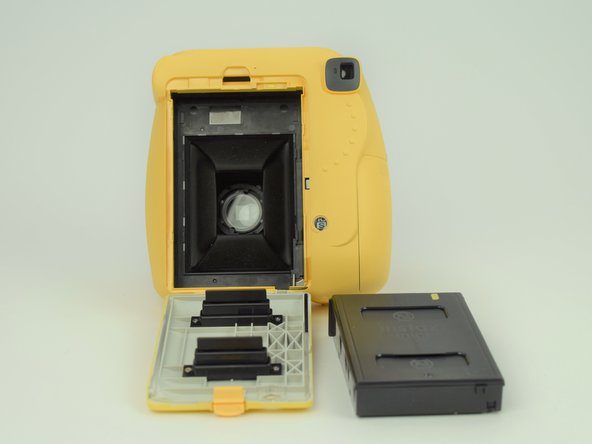
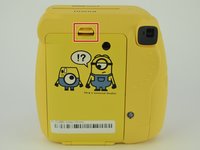
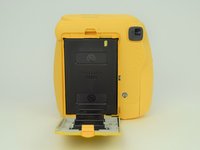
Press the release tab on the back of the camera to open the film compartment.
-
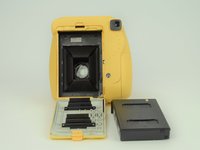
Remove the film cartridge within this compartment.
-
-
-
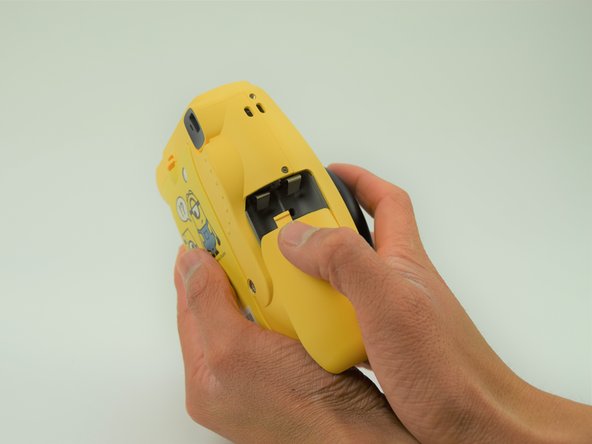
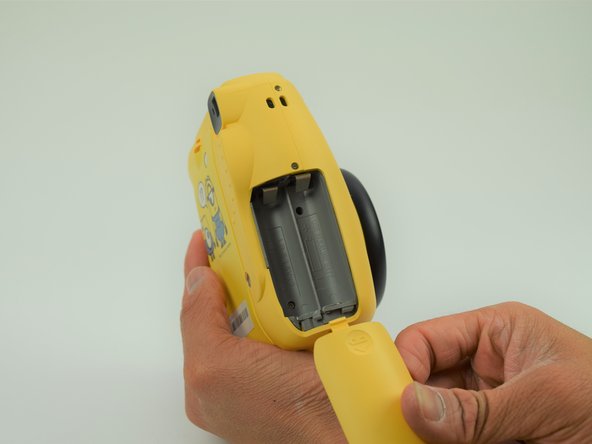
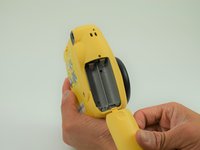
Press the battery cover in and down to remove it.
-
Remove any batteries within.
-
-
-
-
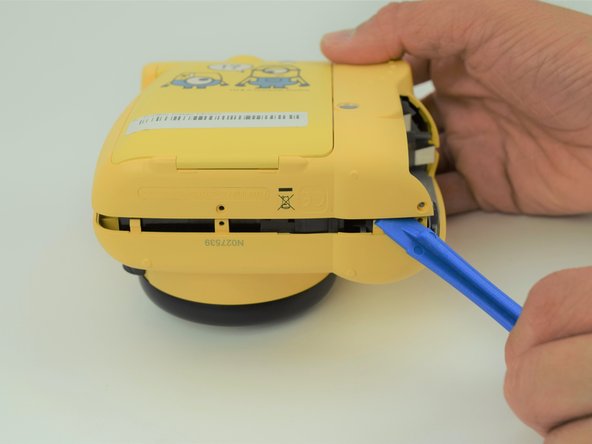
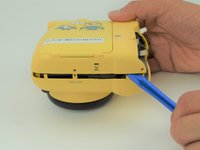
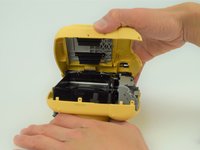
Use a plastic opening tool to help pry the front and back shells apart.
-
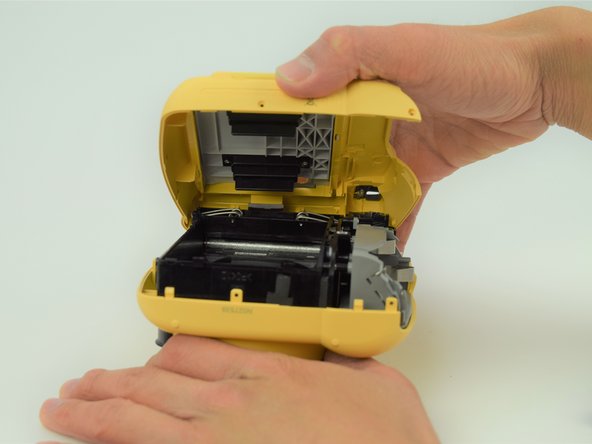
With the camera facing down, remove only the back shell.
-
-
Tool used on this step:Tweezers$4.99
-
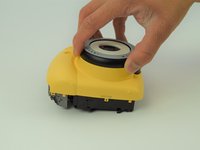
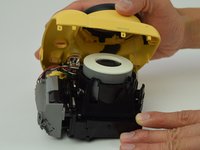
Carefully peel the front side of the shell away.
-
Using a set of tweezers, detach the spring from the body. The spring will retract into the black and gray ring on the front shell.
-
-







To reassemble your device, follow these instructions in reverse order.

Team

Cal Poly, Team S18-G6, Livingston Spring 2018 Member of Cal Poly, Team S18-G6, Livingston Spring 2018
CPSU-LIVINGSTON-S18S18G6
4 Members
60 Guides authored
