
Fujifilm FinePix Z5 LCD Screen Replacement

Kyle Kaczmar and 4 other contributors
Last updated on Jan 28, 2014
Views: 1.7K
View statistics:
- Past 24 Hours:
- 1
- Past 7 Days:
- 12
- Past 30 Days:
- 57
- All Time:
- 1,703
Comments: 0
No one has left comments on this guide. Will you be first?
Go to guide commentsCompleted: 0 1
No one has marked this guide "completed." Will you be the first?
1 person has marked this guide "completed." It's you — great job!
Favorites: 0 1
No one has favorited (and subscribed to) this guide. Will you be the first?
1 person has favorited (and subscribed to) this guide — and that's you!
Introduction
Go to step 1 ↓The LCD screen will often go black and remain non-responsive. This guide will take you through the steps of replacing the broken screen and installing a new one.
What you need
Tools


-
-
-
Remove the two screws on the right side of the camera and the two screws on the left side.
-
Use a small #00 Phillips flat head screwdriver.
 Ask FixBot
-
-
-
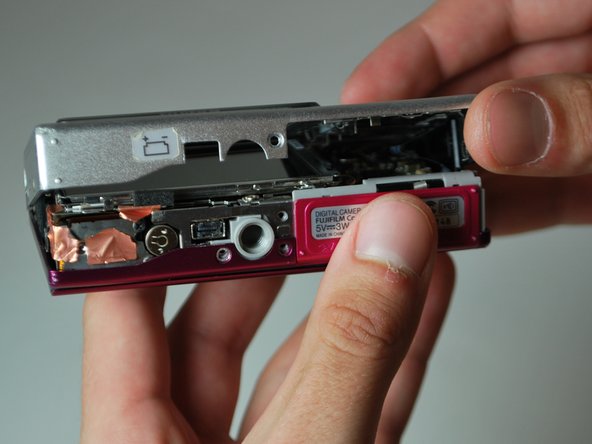
Remove the three screws from the bottom of the camera.
-
You need a three-prong screw driver for two of the three screws; keep these screws separate.
-
-
-
-
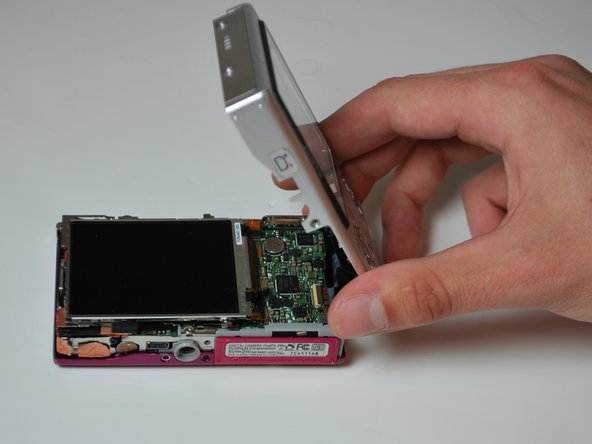
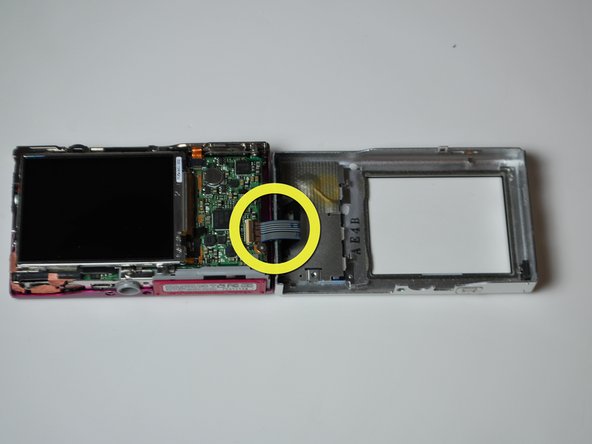
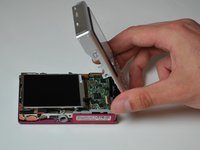
Remove the back by carefully flipping it open to the right side.
-
There will be a ribbon cable attaching the front panel to the motherboard, be sure not to tear this.
-
-
-
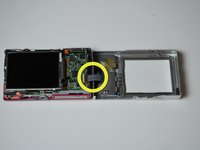
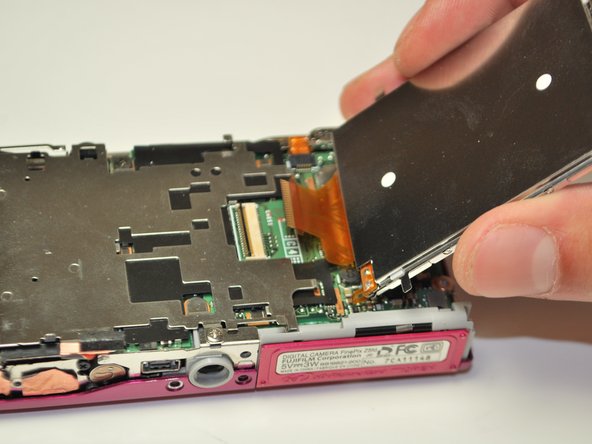
Pull the LCD screen to the left slightly, lift it and flip it open to the right.
-
-
-
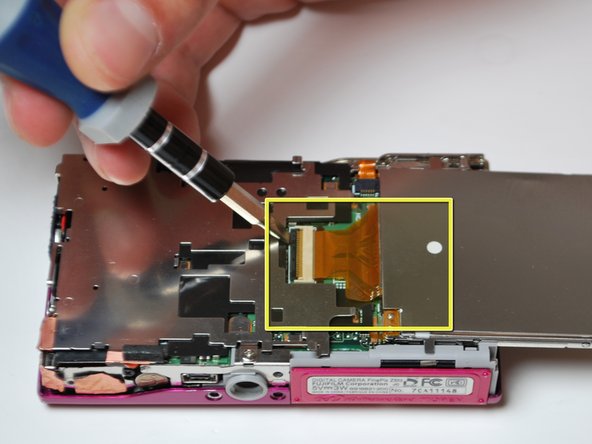
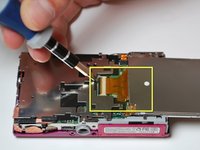
Using a small flat head screw driver, flip open the black lever to release the ribbon cable.
-
Gently slide the cable out of the lock; the LCD screen is now free to be removed.
-
-
-
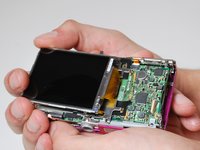
Using your index finger, guide the cable of the new screen into place. Lock it in by pushing the black lever back down.
-
-





To reassemble your device, follow these instructions in reverse order.

Team

James Madison, Team 3-4, Klein Spring 2012 Member of James Madison, Team 3-4, Klein Spring 2012
JMU-KLEIN-S12S3G4
3 Members
48 Guides authored
