Introduction
Use this guide if the rear case is cracked or broken and needs to be replaced. Replacing the rear case requires removing plenty of screws which may prove difficult if they are stripped.
What you need
-
-
-
Using 1.5mm Hex Screwdriver, remove two 3.0 mm hex screws on the front of the camera.
-
Using Phillips #00 screwdriver, remove two 3.0 mm screws on the bottom of the front face.
 Ask FixBot
-
-
-
Using Phillips #00 screwdriver, remove 3.0 mm screws on the bottom of the camera closer to the back.
-
Using Phillips #00 screwdriver remove two 3.0 mm screws on the back of the camera. This will remove the eyelet for the camera strap and the rear cover.
-
-
-
-
Using 1.5mm Hex screwdriver, remove 3.0 mm hex screw on top edge of silver panel.
-
Using Phillips #00 screwdriver, remove 3.0 mm screw on bottom edge.
-
Once both screws are removed the silver side casing will slide off.
-
-
-
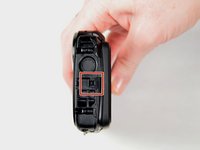
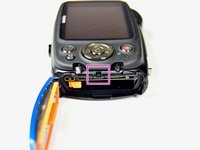
Unlatch the four clasps located on each side of the camera by hand.
-
The fourth clasp is concealed by the battery door. To reach the clasp see Fujifilm FinePix XP50 Battery Replacement for instructions.
-
-
-
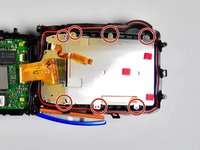
Using Phillips #00 screwdriver, remove seven 3.0 mm screws.
-
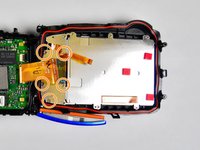
Remove the remaining five 3.0 mm screws which hold the rear case and the control panel together.
-
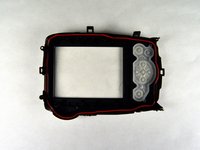
The rear panel is now free from the camera.
-
-


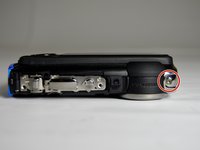
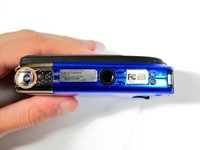
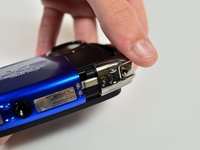

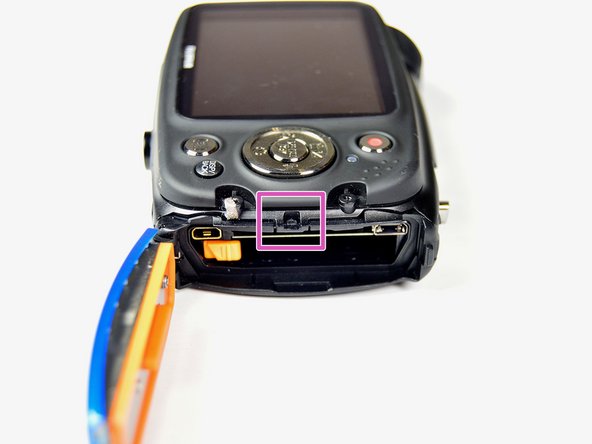
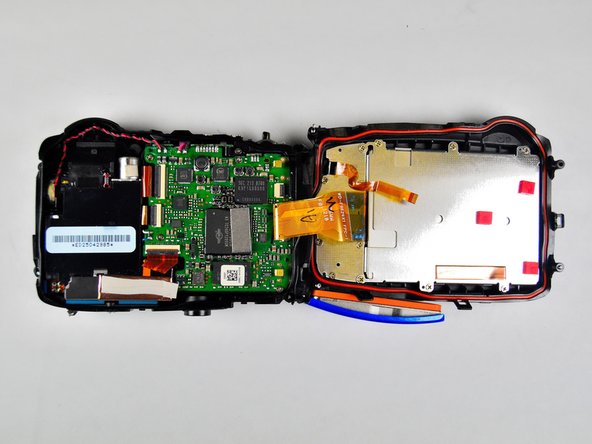


To reassemble your device, follow these instructions in reverse order.
Cancel: I did not complete this guide.
One other person completed this guide.

Team

Baylor, Team 2-4, Grigsby Spring 2015 Member of Baylor, Team 2-4, Grigsby Spring 2015
BU-GRIGSBY-S15S2G4
4 Members
24 Guides authored
