Free Shipping on Domestic Orders $75+

Fujifilm FinePix S1 EVF/LCD Button Replacement

What you need

    1. Fujifilm FinePix S1 EVF/LCD Button Replacement, Back Camera Body: step 1, image 1 of 3 Fujifilm FinePix S1 EVF/LCD Button Replacement, Back Camera Body: step 1, image 2 of 3 Fujifilm FinePix S1 EVF/LCD Button Replacement, Back Camera Body: step 1, image 3 of 3
      • Remove the 7 screws on the perimeter of the camera body.

      Ask FixBot

      Add Comment

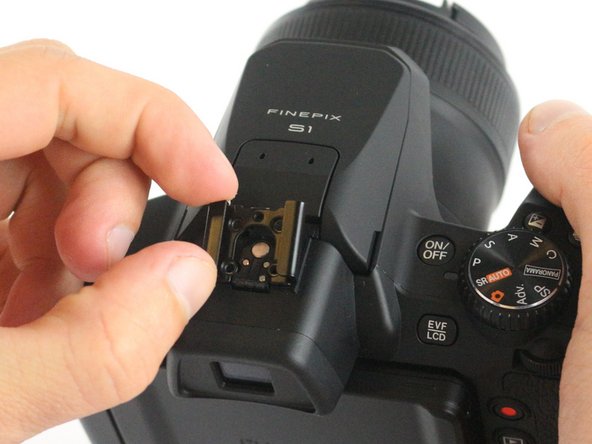
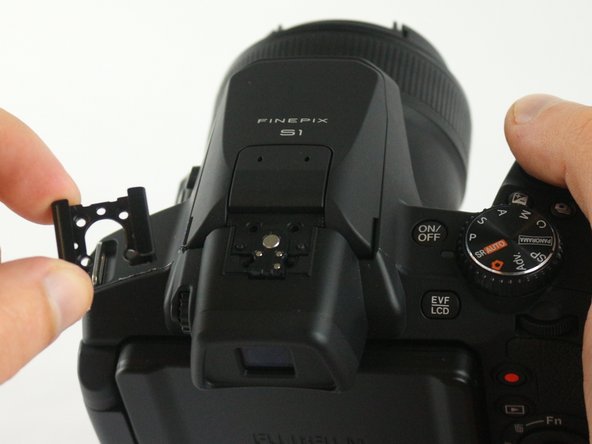
    2. Fujifilm FinePix S1 EVF/LCD Button Replacement: step 2, image 1 of 3 Fujifilm FinePix S1 EVF/LCD Button Replacement: step 2, image 2 of 3 Fujifilm FinePix S1 EVF/LCD Button Replacement: step 2, image 3 of 3
      • Remove the flash accessory cap.

      • Remove the spacer covering the screws under the flash accessory cap.

      Ask FixBot

      Add Comment

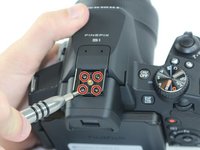
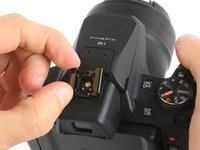
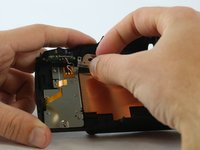
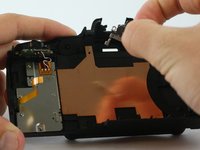
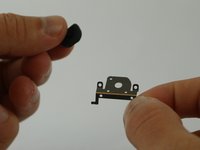
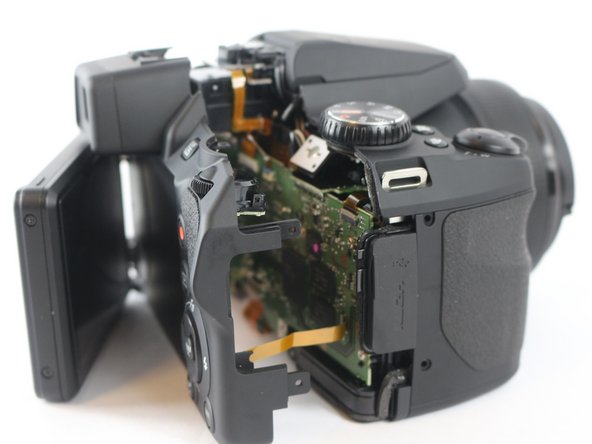
    3. Fujifilm FinePix S1 EVF/LCD Button Replacement: step 3, image 1 of 3 Fujifilm FinePix S1 EVF/LCD Button Replacement: step 3, image 2 of 3 Fujifilm FinePix S1 EVF/LCD Button Replacement: step 3, image 3 of 3
      • Remove the 4 screws from the inside of the flash accessory slot.

      • Pull off the flash accessory slot.

      Ask FixBot
      Add Comment

    4. Fujifilm FinePix S1 EVF/LCD Button Replacement: step 4, image 1 of 2 Fujifilm FinePix S1 EVF/LCD Button Replacement: step 4, image 2 of 2
      • Remove the screw from LCD Screen hinge cover.

      • Remove the LCD Screen hinge cover.

      Ask FixBot

      Add Comment

    5. Fujifilm FinePix S1 EVF/LCD Button Replacement: step 5, image 1 of 3 Fujifilm FinePix S1 EVF/LCD Button Replacement: step 5, image 2 of 3 Fujifilm FinePix S1 EVF/LCD Button Replacement: step 5, image 3 of 3
      • Remove the 3 screws located on the LCD screen hinge.

      • Remove the caps from both ends of the LCD screen hinge by lifting them off.

      Ask FixBot

      Add Comment

    6. Fujifilm FinePix S1 EVF/LCD Button Replacement: step 6, image 1 of 1
      • Remove the 2 screws from under the LCD hinge caps.

      Ask FixBot

      Add Comment

    7. Fujifilm FinePix S1 EVF/LCD Button Replacement: step 7, image 1 of 3 Fujifilm FinePix S1 EVF/LCD Button Replacement: step 7, image 2 of 3 Fujifilm FinePix S1 EVF/LCD Button Replacement: step 7, image 3 of 3
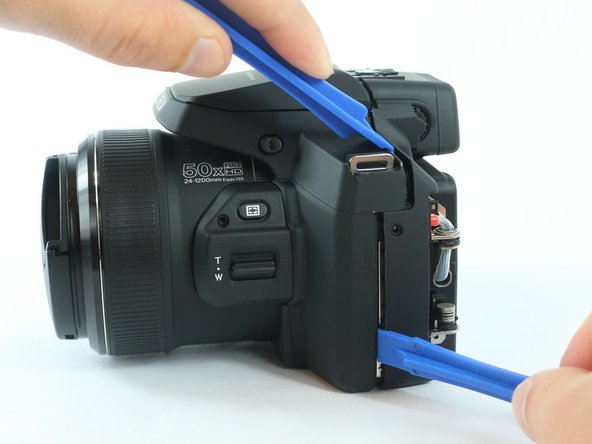
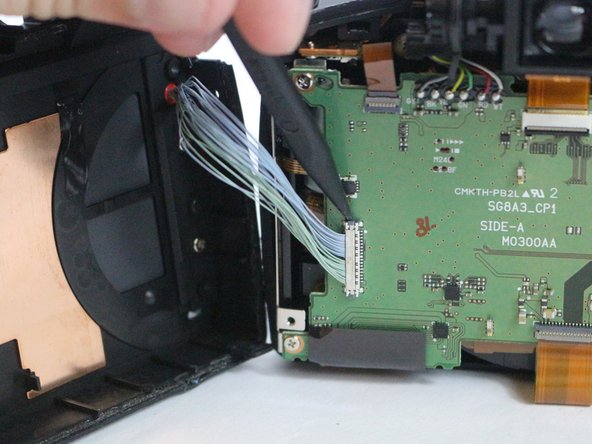
      • Pry apart the back body from the rest of the camera.

      Ask FixBot
      Add Comment

    8. Fujifilm FinePix S1 EVF/LCD Button Replacement: step 8, image 1 of 2 Fujifilm FinePix S1 EVF/LCD Button Replacement: step 8, image 2 of 2
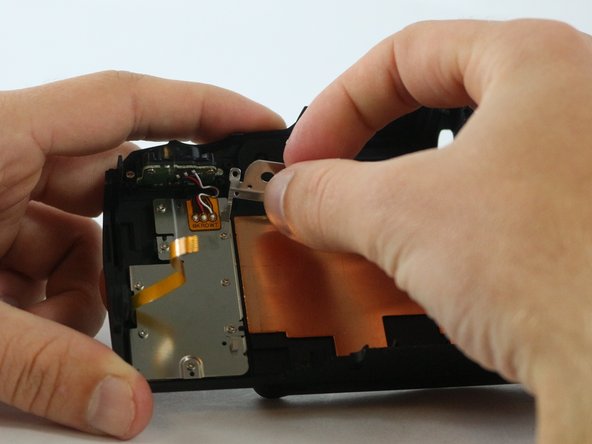
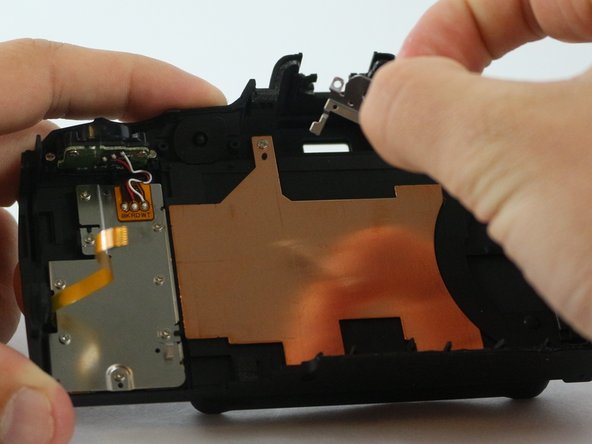
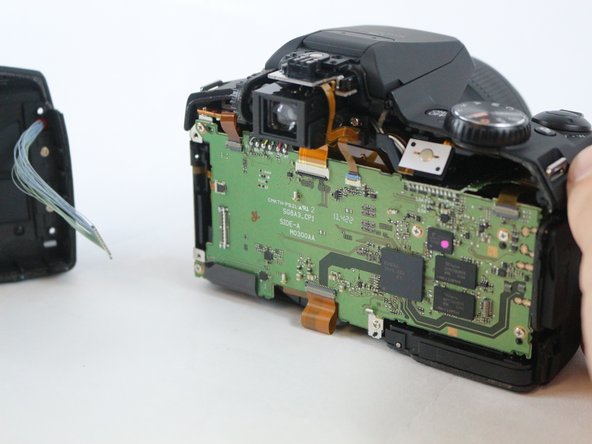
      • Carefully pull the back body off of the camera.

      • Make sure to not yank off the connections from the body to the motherboard.

      Ask FixBot
      Add Comment

    9. Fujifilm FinePix S1 EVF/LCD Button Replacement: step 9, image 1 of 3 Fujifilm FinePix S1 EVF/LCD Button Replacement: step 9, image 2 of 3 Fujifilm FinePix S1 EVF/LCD Button Replacement: step 9, image 3 of 3
      • Use a spudger to lift up on the tab, releasing the yellow wire strip.

      • Use a spudger to lift up on the side tab, releasing the blue wire connection.

      Ask FixBot

      Add Comment

    1. Fujifilm FinePix S1 EVF/LCD Button Replacement, EVF/LCD Button Cover: step 10, image 1 of 1
      • Remove 2 screws from back of EVF/LCD button.

      Ask FixBot
      Add Comment

    2. Fujifilm FinePix S1 EVF/LCD Button Replacement: step 11, image 1 of 3 Fujifilm FinePix S1 EVF/LCD Button Replacement: step 11, image 2 of 3 Fujifilm FinePix S1 EVF/LCD Button Replacement: step 11, image 3 of 3
      • Pull EVF/LCD button frame out from the camera casing.

      Ask FixBot

      Add Comment

    3. Fujifilm FinePix S1 EVF/LCD Button Replacement: step 12, image 1 of 3 Fujifilm FinePix S1 EVF/LCD Button Replacement: step 12, image 2 of 3 Fujifilm FinePix S1 EVF/LCD Button Replacement: step 12, image 3 of 3
      • Pull button cover off of the button frame.

      Ask FixBot

      Add Comment

Conclusion

To reassemble your device, follow these instructions in reverse order.

Cancel: I did not complete this guide.

Brandon Benavente

Member since: 02/15/16

704 Reputation

6 Guides authored

Team

USF Tampa, Team 3-6, Sullivan Spring 2016 Member of USF Tampa, Team 3-6, Sullivan Spring 2016

USFT-SULLIVAN-S16S3G6

4 Members

30 Guides authored

0 Guide Comments

Add Comment

View Statistics:

Past 24 Hours: 0

Past 7 Days: 7

Past 30 Days: 27

All Time: 1,523