Introduction
This guide will instruct users on how to replace their Fujifilm FinePix battery. This is a step-by-step guide that will include information on replacing, charging, and identifying defective batteries.
What you need
-
-
-
Hold the camera with the lens facing towards youself.
-
Turn the camera upside down and place your right thumb on the battery chamber cover.
 Ask FixBot
-
-
-
Hold the camera, then pull the battery chamber towards yourself with your right thumb.
-
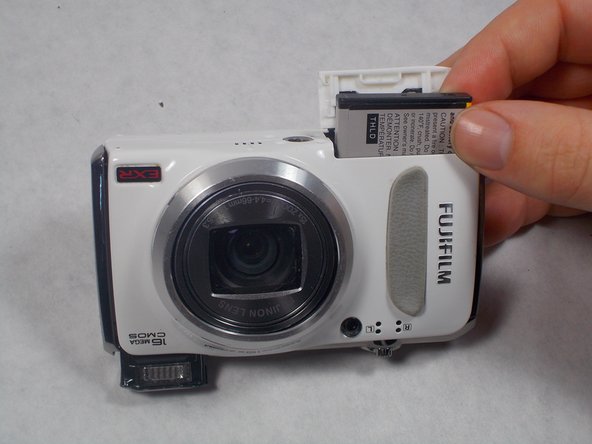
Pull the cover entirely out and release it to reveal the battery.
-
-
-
-
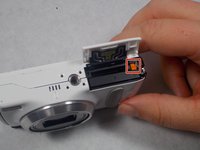
Locate the orange battery latch that holds the battery in place.
-
Use your finger to push the latch away from yourself to release the battery.
-
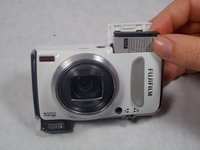
Remove the battery manually from the battery chamber.
-
Place the battery into a charger if it is dead.
-
-
-
Replace defective battery if previous steps fail
-
Contact support on the Fujifilm website for further assistance
-
-


To reassemble your device, follow these instructions in reverse order.

Team

UMass Dartmouth, Team S2-G6, Isaacson Spring 2017 Member of UMass Dartmouth, Team S2-G6, Isaacson Spring 2017
UMASSD-ISAACSON-S17S2G6
3 Members
30 Guides authored
