Free Shipping on Domestic Orders $75+

FujiFilm FinePix A340 Motherboard Replacement

What you need

  1. FujiFilm FinePix A340 Motherboard Replacement, Outer Case: step 1, image 1 of 1
    • To prevent the danger of electric shock, remove the batteries before continuing to the next steps.

    • Slide the battery cover to the side to release the batteries.

    Ask FixBot
  2. FujiFilm FinePix A340 Motherboard Replacement: step 2, image 1 of 3 FujiFilm FinePix A340 Motherboard Replacement: step 2, image 2 of 3 FujiFilm FinePix A340 Motherboard Replacement: step 2, image 3 of 3
    • Remove the five screws from the camera casing using a tri-point Y0 screwdriver.

    Ask FixBot
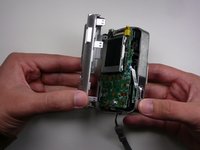
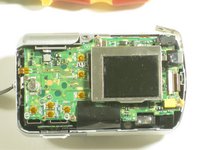
  3. FujiFilm FinePix A340 Motherboard Replacement: step 3, image 1 of 2 FujiFilm FinePix A340 Motherboard Replacement: step 3, image 2 of 2
    • Grab the case with your hands and slowly pull back the outer casing.

    Ask FixBot
  4. FujiFilm FinePix A340 Motherboard Replacement, LCD Screen: step 4, image 1 of 1
    • Locate the LCD screen and anchoring screw.

    • Remove screw.

    Ask FixBot
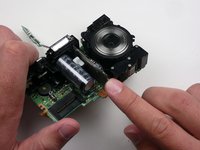
  5. FujiFilm FinePix A340 Motherboard Replacement: step 5, image 1 of 1
    • Carefully pull the LCD screen away from the board it is connected to.

    Ask FixBot
  6. FujiFilm FinePix A340 Motherboard Replacement: step 6, image 1 of 1
    • Push both blue switches away from the holding device to detach the LCD ribbon.

    • Be careful when removing the ribbon. If you damage it, you will need to replace it as well.

    Ask FixBot
  7. FujiFilm FinePix A340 Motherboard Replacement: step 7, image 1 of 1
    • Carefully detach the ribbon from where it was connected by the blue pins.

    Ask FixBot
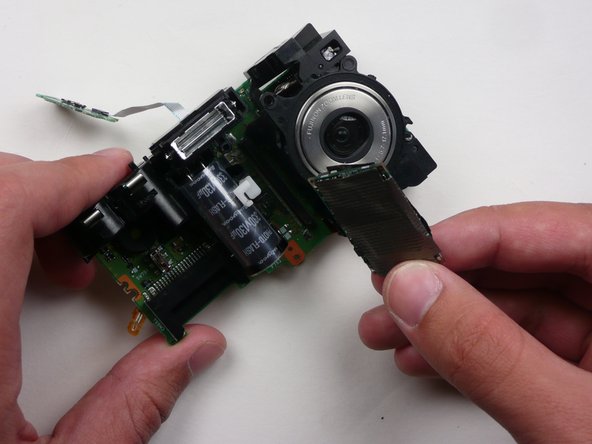
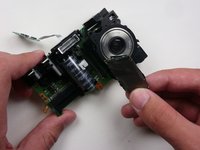
  8. FujiFilm FinePix A340 Motherboard Replacement: step 8, image 1 of 1
    • Now that everything has been disconnected from the board, remove LCD screen.

    Ask FixBot
  9. FujiFilm FinePix A340 Motherboard Replacement, Motherboard: step 9, image 1 of 1
    • Remove the two screws holding the circuit board down.

    Ask FixBot
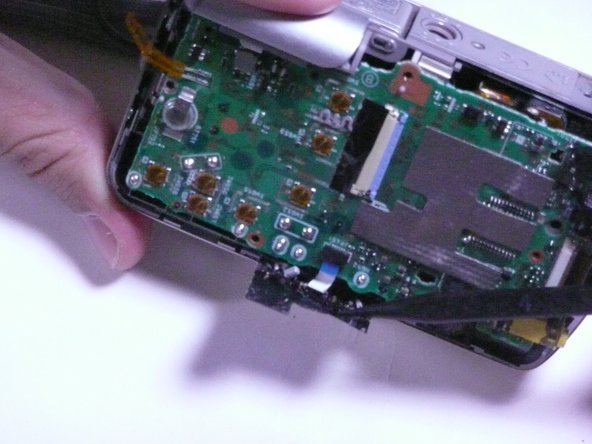
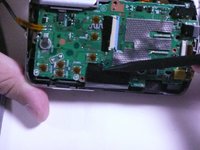
  10. FujiFilm FinePix A340 Motherboard Replacement: step 10, image 1 of 2 FujiFilm FinePix A340 Motherboard Replacement: step 10, image 2 of 2
    • Remove the black sticky tape from the circuit board and camera case.

    Ask FixBot
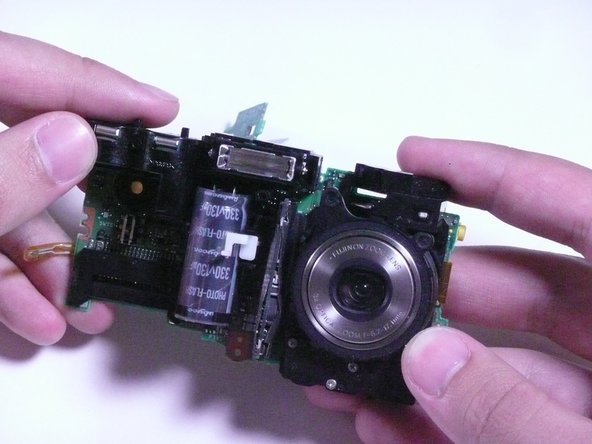
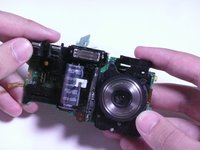
  11. FujiFilm FinePix A340 Motherboard Replacement: step 11, image 1 of 2 FujiFilm FinePix A340 Motherboard Replacement: step 11, image 2 of 2
    • Gently pull the circuit board away from the front side of the camera.

    • Be careful when removing the assembly as to not break any solder leads or damage the lens assembly.

    Ask FixBot
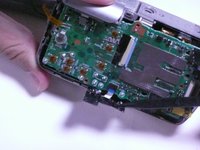
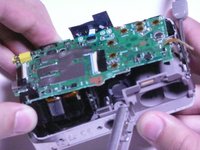
  12. FujiFilm FinePix A340 Motherboard Replacement: step 12, image 1 of 2 FujiFilm FinePix A340 Motherboard Replacement: step 12, image 2 of 2
    • Remove the motherboard by pulling it straight away from the assembly.

    Ask FixBot
Conclusion

To reassemble your device, follow these instructions in reverse order.

Cody

Member since: 04/18/10

47 Reputation

4 Guides authored

Team

Cal Poly, Team 7-11, Maness Spring 2010 Member of Cal Poly, Team 7-11, Maness Spring 2010

CPSU-MANESS-S10S7G11

3 Members

4 Guides authored

0 Guide Comments

Add Comment

View Statistics:

Past 24 Hours: 2

Past 7 Days: 9

Past 30 Days: 53

All Time: 4,186