
Fugoo Style XL Midwoofer Replacement

James Gifford and 2 other contributors
Last updated on May 7, 2024
Views: 816
View statistics:
- Past 24 Hours:
- 2
- Past 7 Days:
- 13
- Past 30 Days:
- 84
- All Time:
- 816
Comments: 2
1 comment on steps, 1 guide comment.
Go to guide commentsCompleted: 0 1
No one has marked this guide "completed." Will you be the first?
1 person has marked this guide "completed." It's you — great job!
Favorites: 0 1
No one has favorited (and subscribed to) this guide. Will you be the first?
1 person has favorited (and subscribed to) this guide — and that's you!
Introduction
Go to step 1 ↓The Fugoo Style XL has two midwoofers connected to the casing that can be removed and replaced.
What you need
Tools


-
-
-
Using your hand, unscrew the large screws underneath the speaker.
 Ask FixBot
-
-
-
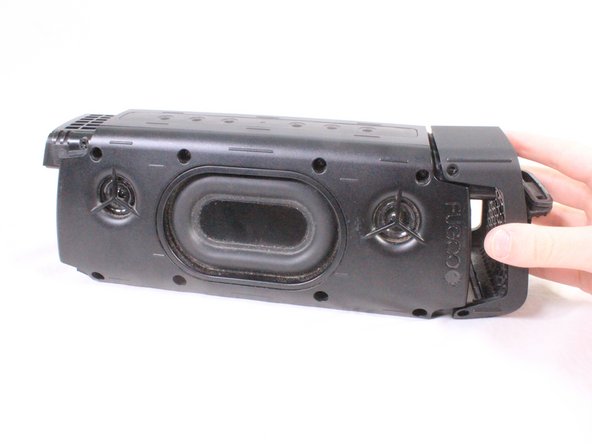
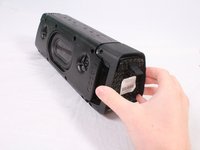
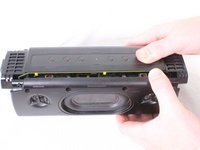
Using your hand, gently lift the large plastic tab secured to the rubber holding.
-
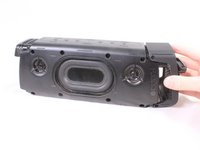
After lifting the tab, slide the speaker out of its case.
-
-
-
-
-
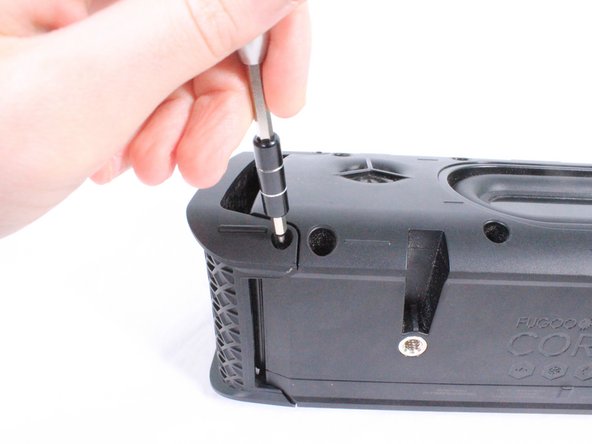
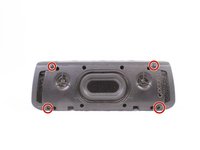
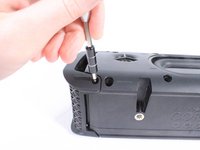
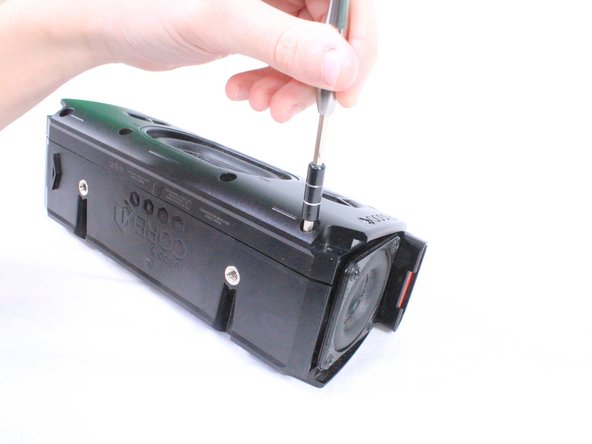
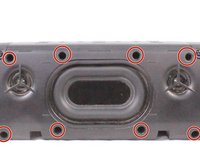
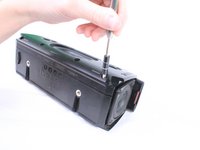
There are 8 screws (4 on each side) holding covers that conceal the bass speakers. Remove these 3mm screws using a #2.0 Hex screwdriver.
-
-
-
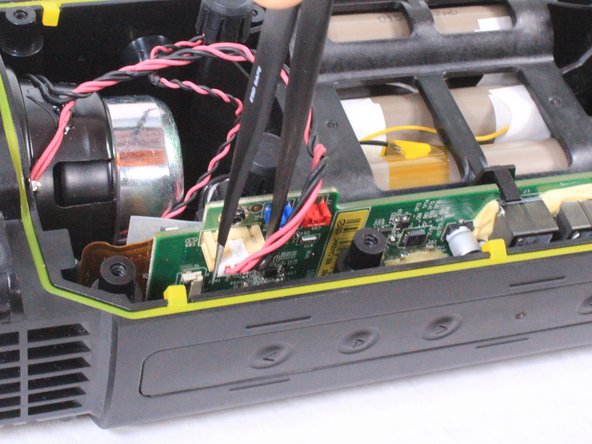
Tool used on this step:Tweezers$4.99
-
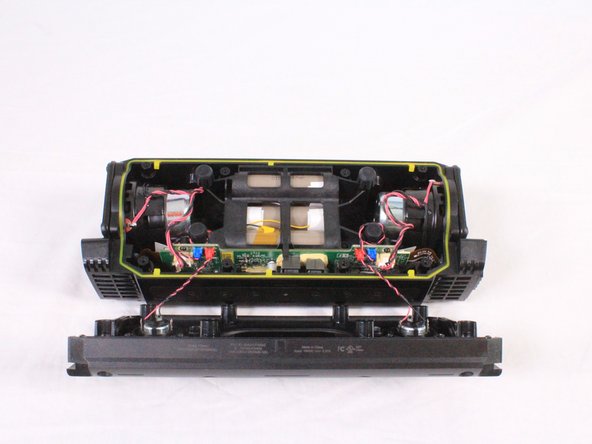
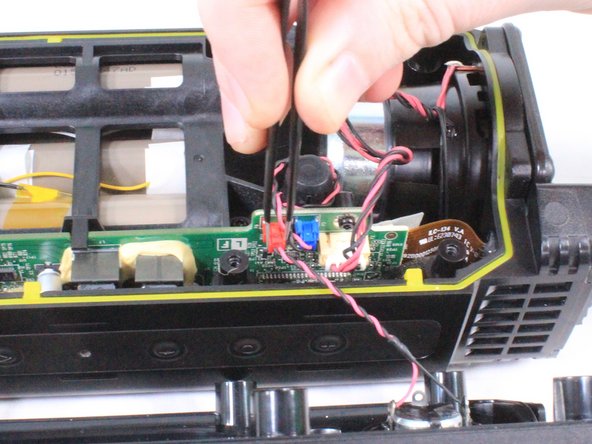
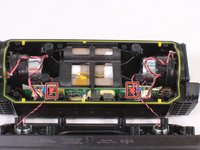
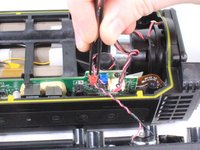
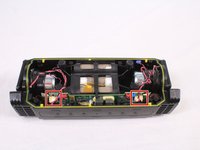
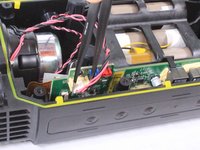
Using a pair of tweezers or your hand, carefully remove the red bundled cable connectors from the motherboard.
-
When the red bundled cable connectors are disconnected, set the outer casing aside.
-
-
-
Carefully untangle and remove the white bundled cable connectors from the motherboard.
-
-
-
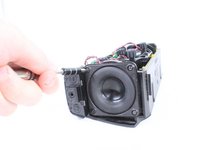
Using a T9 screwdriver, remove the 8 screws (4 on each speaker) surrounding the midwoofers.
-
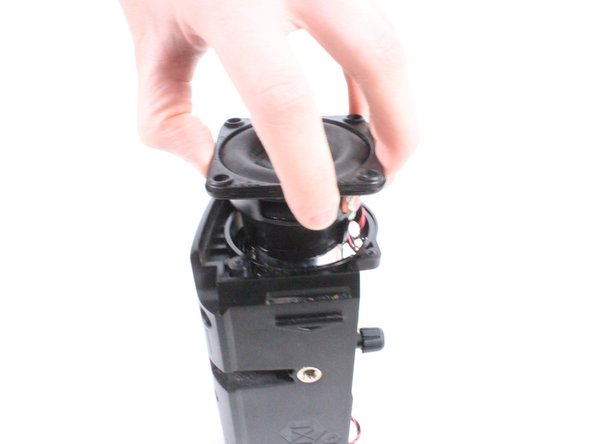
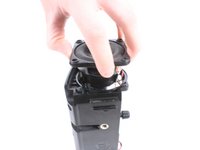
Using your hand, carefully remove the midwoofers.
-
-








To reassemble your device, follow these instructions in reverse order.

Team

USF Tampa, Team S3-G4, Cannon Fall 2017 Member of USF Tampa, Team S3-G4, Cannon Fall 2017
USFT-CANNON-F17S3G4
4 Members
60 Guides authored
1 Guide Comment
can anyone tell me where I can buy the replacement speaker
