
Fugoo Tough Speaker Replacement

Daniel and 6 other contributors
Last updated on Jun 9, 2019
Views: 876
View statistics:
- Past 24 Hours:
- 2
- Past 7 Days:
- 21
- Past 30 Days:
- 79
- All Time:
- 876
Comments: 0
No one has left comments on this guide. Will you be first?
Go to guide commentsCompleted: 0 1
No one has marked this guide "completed." Will you be the first?
1 person has marked this guide "completed." It's you — great job!
Favorites: 1 2
1 person has favorited (and subscribed to) this guide. Will you be next?
2 people have favorited (and subscribed to) this guide — including you!
Introduction
Go to step 1 ↓In this replacement guide, we will be showing the consumer how to correctly replace the inner speaker of the device.
What you need
Tools


-
-
-
Begin by unscrewing the four 10.72mm corner screws using the Hex 2.0 screwdriver.
-
Using the Hex 1.5 screwdriver, remove the remaining six 5.79mm screws on the front of the speaker.
-
Pull the front part of shell away from the back part of shell.
 Ask FixBot
-
-
-
Change to the Hex 1.3 head. Remove all 4-5.57mm screws on both speaker covers.
-
Pull on the speaker covers to remove them.
-
Rotate to side the speaker that has the charging port. Remove the 4-5.57mm screws of the facing you.
-
Rotate the speaker 180 degrees and then remove 4-5.57 screws on the side speaker that has the power/bluetooth buttons
-
-
-
Have back of speaker facing you, remove 5-12.70mm screws using 1/16 flat head screwdriver.
-
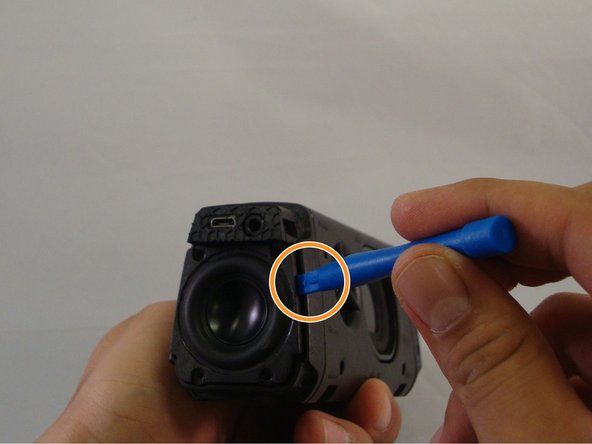
Using the plastic opening tool you will be able to wedge back face of speaker off.
-
-
-
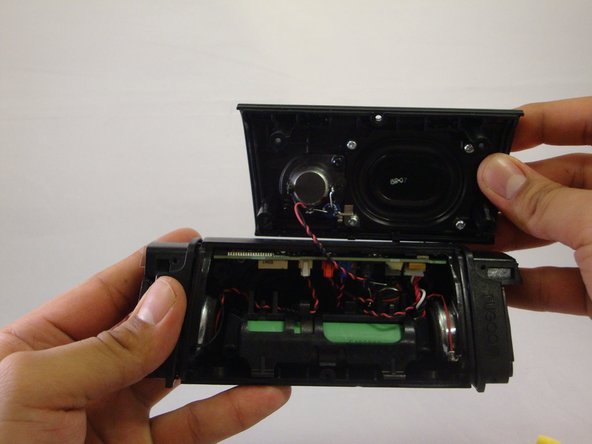
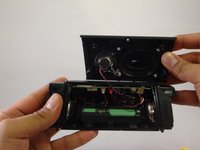
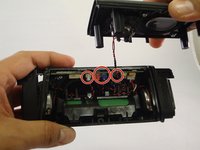
The circuit board will be revealed, you will notice the various individual speaker connections to the circuit board.
-
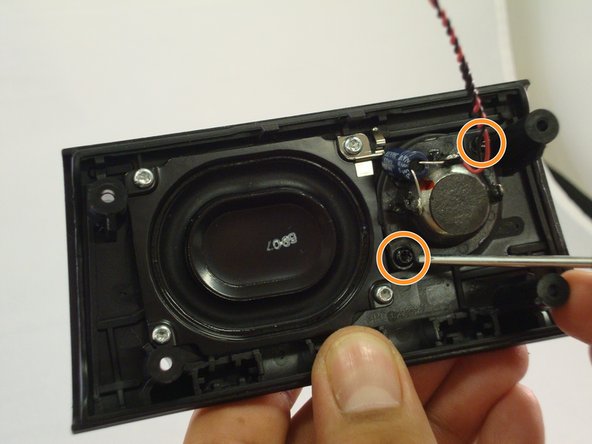
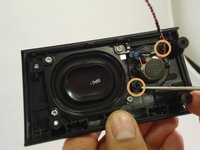
Remove black "clip" from the circuit board. Using the T9 screwdriver head remove the 2-7.20mm screws, and remove the speaker from the body of the device
-
-
-
-
Undo the clips that are now exposed inside of the speaker. The colors of these clips are white, red, blue.
-
Once the clips are undone, you can freely remove and replace the corresponding speaker within the device.
-
-





To reassemble your device, follow these instructions in reverse order.

Team

Eastern Washington University, Team 1-2, Mathisen Winter 2017 Member of Eastern Washington University, Team 1-2, Mathisen Winter 2017
EWU-MATHISEN-W17S1G2
4 Members
60 Guides authored
