
Frigidaire FFHB2750TD6 Water Filter Replacement

Blake Mueller and 2 other contributors
Last updated on Oct 30, 2023
Views: 6.2K
View statistics:
- Past 24 Hours:
- 2
- Past 7 Days:
- 20
- Past 30 Days:
- 119
- All Time:
- 6,152
Comments: 0
No one has left comments on this guide. Will you be first?
Go to guide commentsCompleted: 1 2
1 person has marked this guide "completed." Will you be next?
2 people have marked this guide "completed." Including you — great job!
Favorites: 0 1
No one has favorited (and subscribed to) this guide. Will you be the first?
1 person has favorited (and subscribed to) this guide — and that's you!
Introduction
Go to step 1 ↓If your Frigidaire french door refrigerator Model number FFHB2750TD6 is telling you to replace the water filter then this is the guide for you. This fridge’s water filter plays a key role in filtering out your drinking water to ensure it is clean and safe for everyone. This fridge model, in particular, will notify you when your water filter needs replacement which brings a lot of ease to customers. Before beginning this guide be sure to turn off the ice maker and remove items located underneath the water filter. Water may leak out during replacement so removing items and placing a towel beneath the water filter makes for an easy clean-up.
-
-
-
On the right inner side of the fridge, you will find the model number.
-
Identifying the correct model number will ensure the proper purchase of the new water filter.
 Ask FixBot
-
-
-
Click options on the control panel on the front of the left door.
-
Here it will say ice maker is on, click the minus button to turn it off.
-
-
-
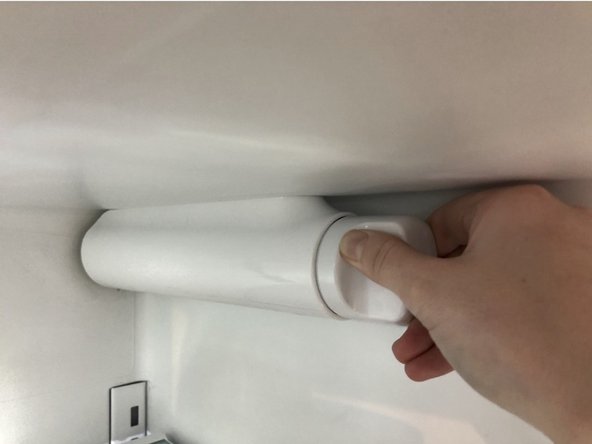
To remove the water filter turn it to the right until you feel it detach.
-
Then pull the filter straight out slowly from its slot.
-
-
-
-
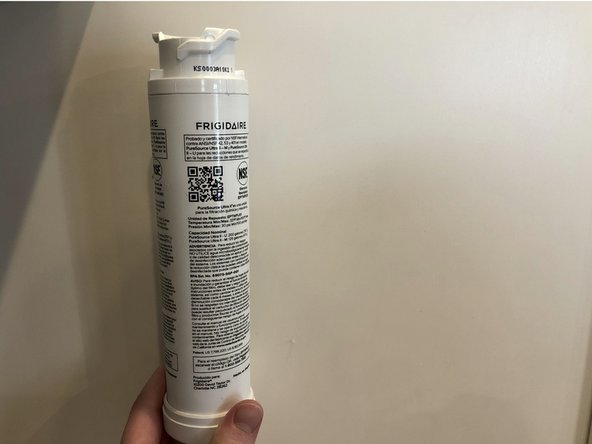
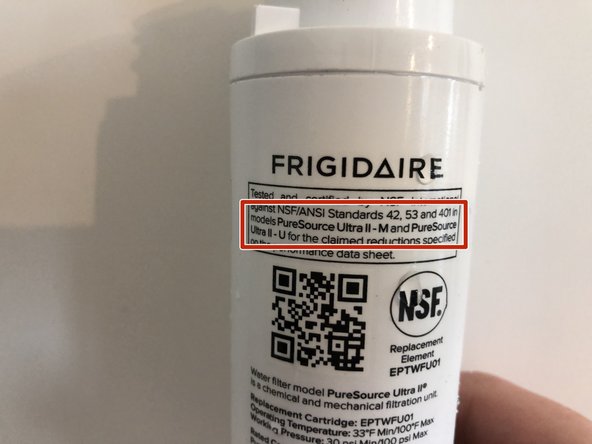
Upon getting the new filter from the store install it into the fridge.
-
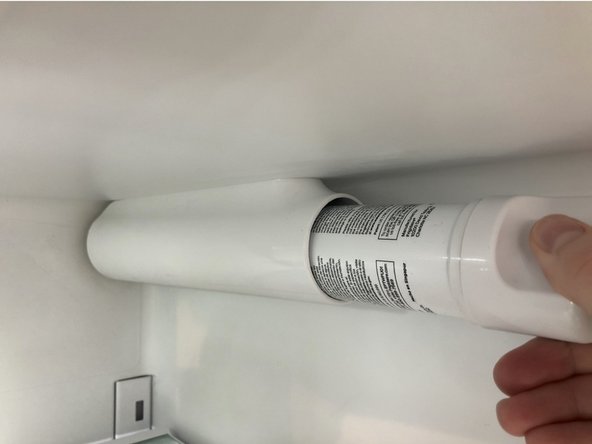
Insert the filter straight into its designated slot.
-
Twist the filter to the right until you feel and hear it click into place.
-
-
-
To turn the icemaker back on click the options button and hit the minus button, it will beep indicating it is back on.
-
To reset the water filter you hit the down arrow button beneath the options button and go down to "water filter".
-
Press and hold the set button above the minus button on the right side, it will then say "good" next to the water filter.
-
Press options again to return to the main screen.
-
-








To reassemble your device, follow these instructions in reverse order.
Cancel: I did not complete this guide.
One other person completed this guide.

Team

Grand Valley State University, Team S3-G16, DeVasto Winter 2021 Member of Grand Valley State University, Team S3-G16, DeVasto Winter 2021
GVSU-DEVASTO-W21S3G16
1 Member
12 Guides authored
