
Frigidaire CFEF3012PWC Heat Switch Repair

Last updated on Jan 15, 2026
Views: 871
View statistics:
- Past 24 Hours:
- 1
- Past 7 Days:
- 16
- Past 30 Days:
- 100
- All Time:
- 871
Comments: 0
No one has left comments on this guide. Will you be first?
Go to guide commentsCompleted: 0 1
No one has marked this guide "completed." Will you be the first?
1 person has marked this guide "completed." It's you — great job!
Favorites: 0 1
No one has favorited (and subscribed to) this guide. Will you be the first?
1 person has favorited (and subscribed to) this guide — and that's you!
Needs More Images
A few more images would make this guide's procedures crystal clear.
Introduction
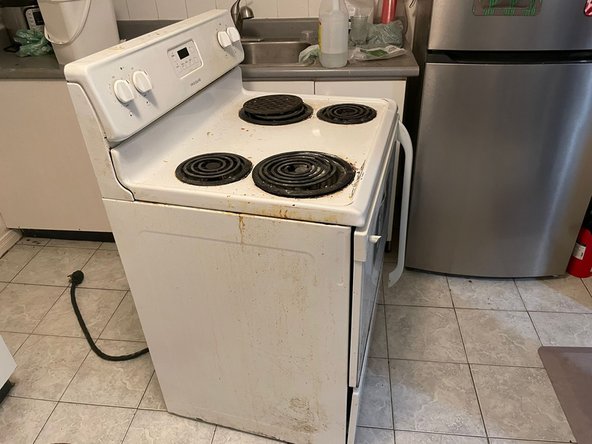
Go to step 1 ↓If your Frigidaire Electric Stove CFEF3012PWC has a burner that is not functioning properly, then this guide will show you how to repair the heat switch. The heat switch controls distribute power to each burner, and when this part is not functioning properly, the burner may stop working or heat unevenly. Before starting, double-check the control switch and the terminals to make sure the issue is not caused by a loose connection. If those seem to be fine, but the burner is still not working properly, then replacing the heat switch will likely fix the problem.
Important Tips:
- Turn off the power and unplug the stove before beginning to avoid electric shock.
- Make sure the stove and all burners have cooled completely before touching any parts.
- Keep the user manual nearby in order to identify wiring and part locations.
What you need
Tools


-
-
-
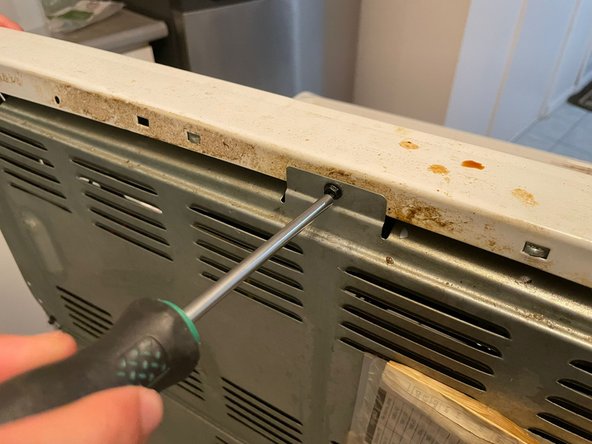
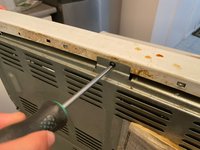
Unscrew the back panel of the stove. Depending on your model, the cover may be located on the top or bottom.
-
Use a square head screwdriver.
-
-
-
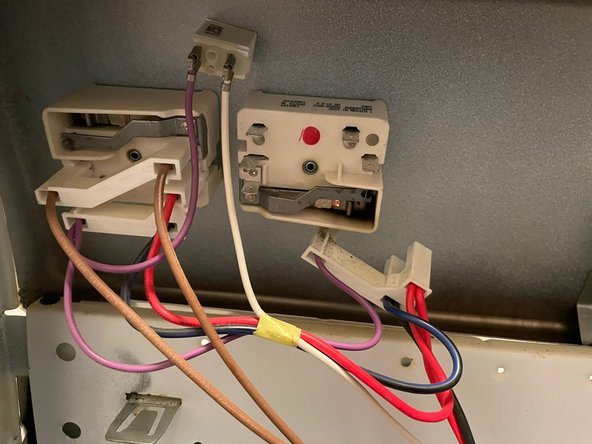
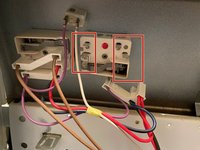
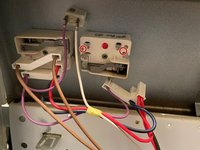
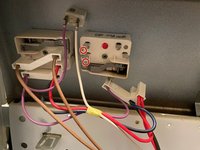
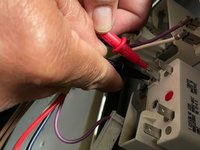
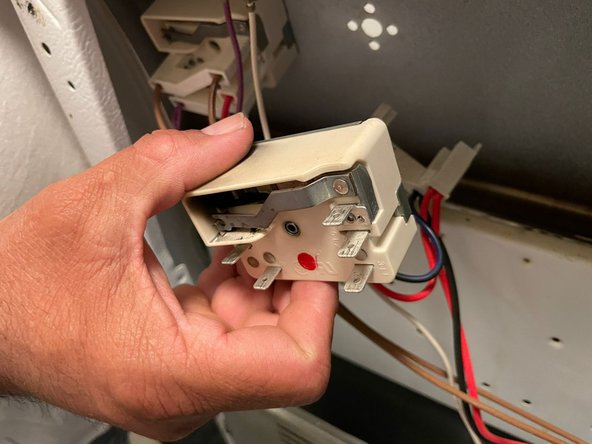
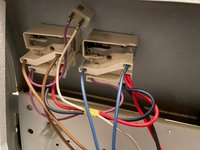
Find the terminals on the switch. These can look different depending on whether your burner is a standard or a dual burner. Each terminal should be labeled.
-
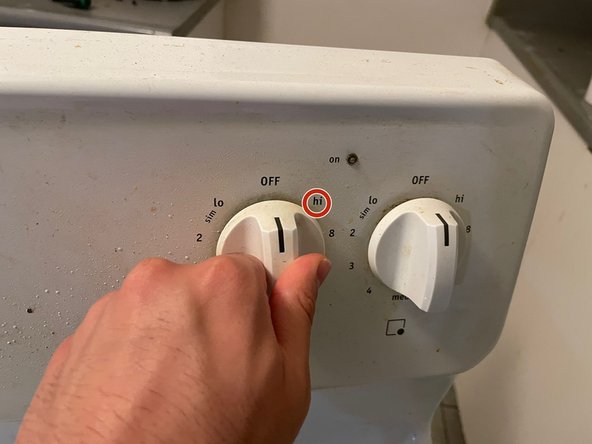
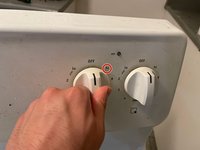
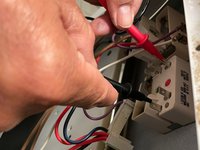
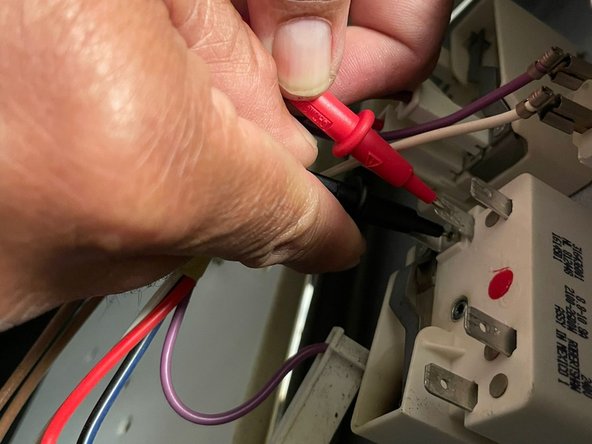
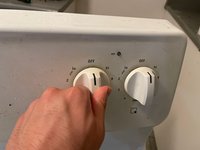
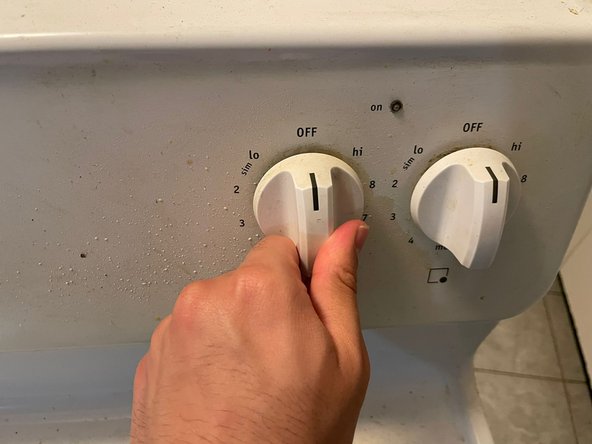
After finding the terminals, turn the heat dial to “HI”.
-
-
-
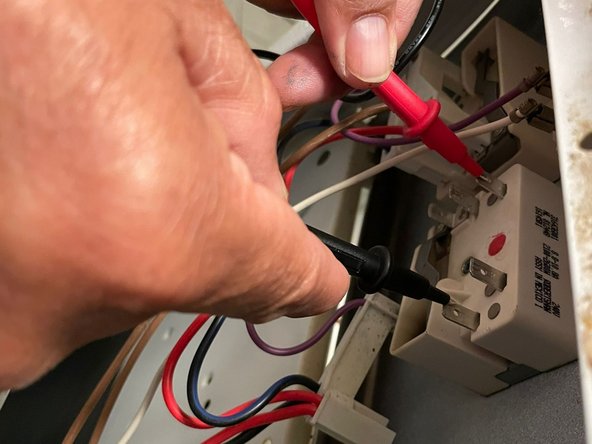
If the multimeter does not read between 0 and 1, the switch has no durability and must be replaced.
-
-
-
-
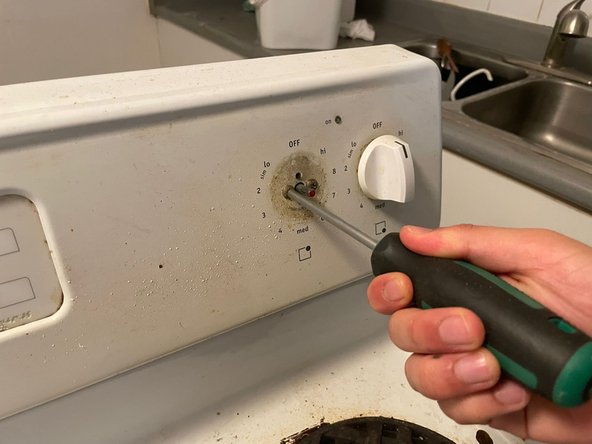
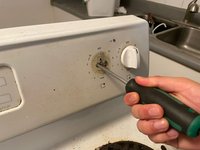
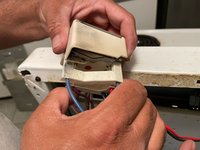
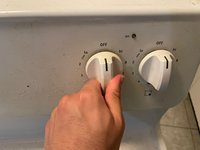
Once the switch is confirmed to be faulty, pull the heat dial out and remove the screws that are holding the switch in place.
-
-
-
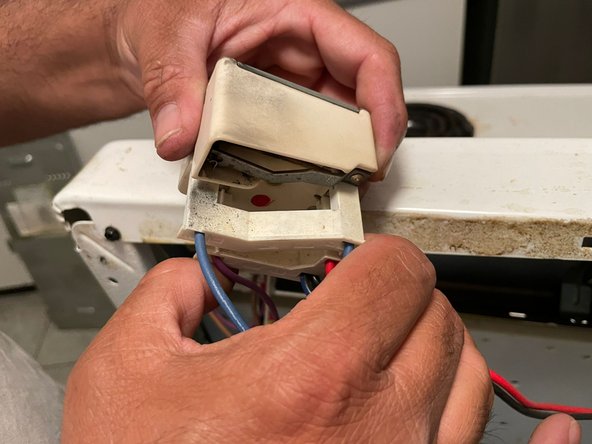
Once the heat dial is removed, remove the old switch and replace with the new switch.
-
After the switch, connect the new switch to the heat dial.
-

 Ask FixBot










To reassemble your device, follow these instructions in reverse order.
Team

York University, Team 2-22, O'Regan Fall 2023 Member of York University, Team 2-22, O'Regan Fall 2023
YORK-O'REGAN-F23S2G22
1 Member
12 Guides authored
