
Framework Laptop 12 DIY Edition Quick Start Guide

Arthur Shi and 2 other contributors
Last updated on Sep 16, 2026
Views: 1.5K
View statistics:
- Past 24 Hours:
- 3
- Past 7 Days:
- 26
- Past 30 Days:
- 132
- All Time:
- 1,515
Comments: 0
No one has left comments on this guide. Will you be first?
Go to guide commentsCompleted: 1 2
1 person has marked this guide "completed." Will you be next?
2 people have marked this guide "completed." Including you — great job!
Favorites: 0 1
No one has favorited (and subscribed to) this guide. Will you be the first?
1 person has favorited (and subscribed to) this guide — and that's you!
OEM Guide
iFixit collaborated with the manufacturer to make this guide.
Introduction
Go to step 1 ↓Congratulations on getting the Framework Laptop 12 DIY Edition! Follow this quick start guide to assemble your laptop and get it running.
If you got the pre-built Framework Laptop, follow this quick start guide instead.
If you're bringing your own memory, the SO‑DIMM memory slot supports up to 64 GB of DDR5 memory at DDR5‑6400 speed (Intel Core Series 3) or 48 GB of DDR5 memory at DDR5‑5200 speed (Intel Core 13th Gen).
Click below for a list of validated memory modules:
You'll encounter some component terms in this guide:
- The Input Cover is the part that contains the keyboard and trackpad.
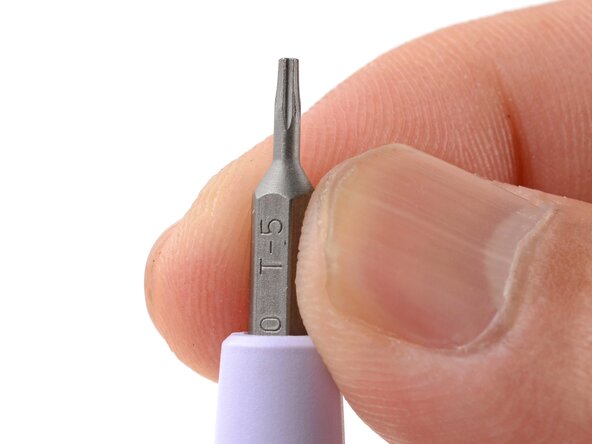
- The Framework Screwdriver is the nifty multi-tool that comes with your laptop.
What you need
Tools

-
-
-
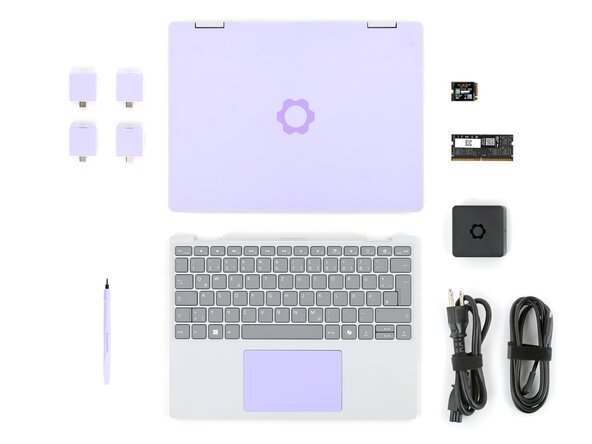
Input Cover of your choice
-
Framework Screwdriver
-
SSD
-
Memory module
-
Expansion Card(s)
-
Framework Power Adapter, USB-C Cable, and AC Cable
 Ask FixBot
-
-
-
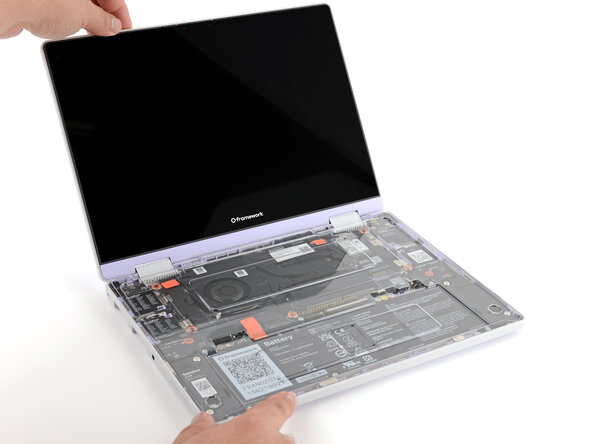
Set your laptop face-up on a clean work surface.
-
-
-
Swing the lid open until the screen's tilted back slightly.
-
-
-
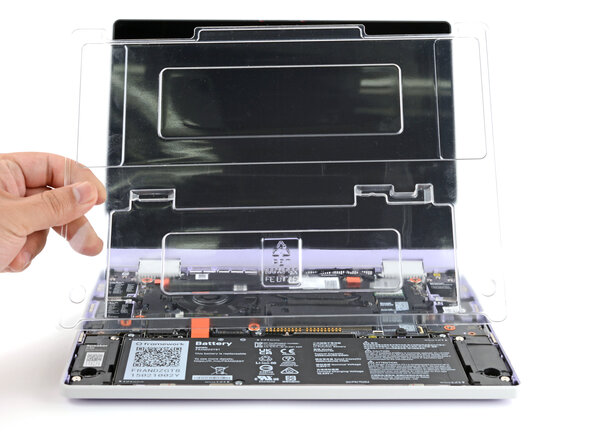
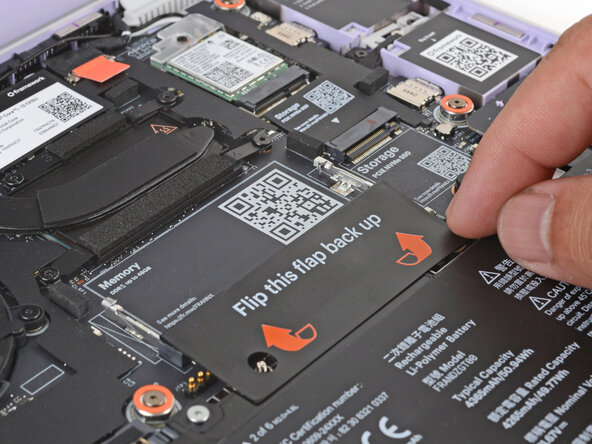
Use your fingers to lift and remove the clear protective cover from the laptop.
-
-
-
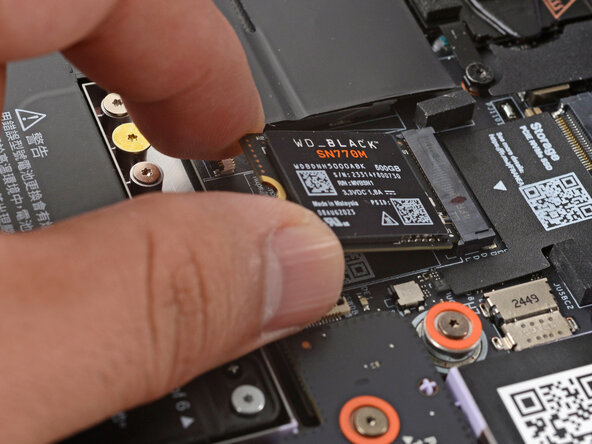
Align the SSD's gold contacts and notch with the socket.
-
Insert the SSD into the socket at a shallow angle. The gold contacts should be mostly covered by the socket.
-
-
-
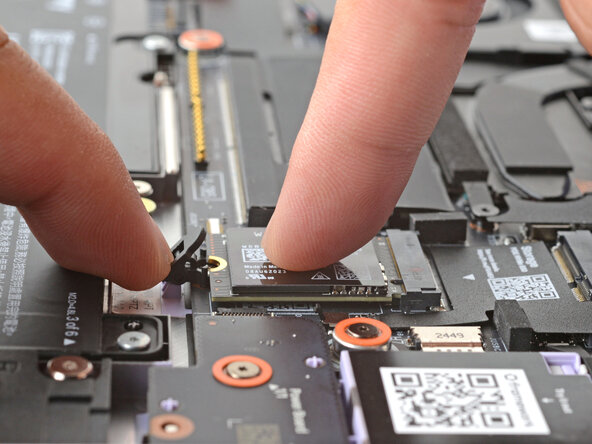
Use your finger to press the black SSD latch and keep it open.
-
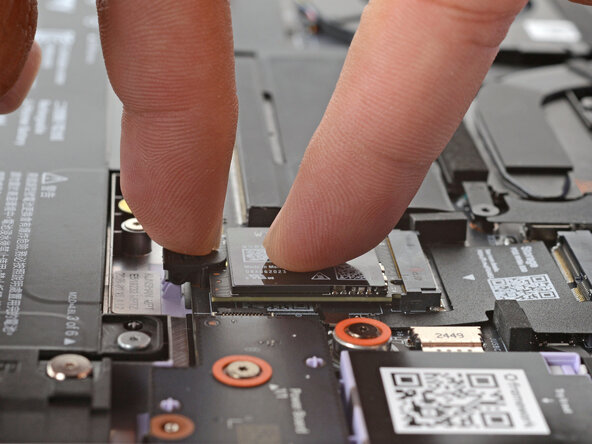
Use another finger to press the SSD down until it lays flat.
-
Use your finger to close the latch to secure the SSD in place.
-
-
-
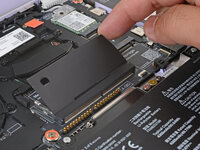
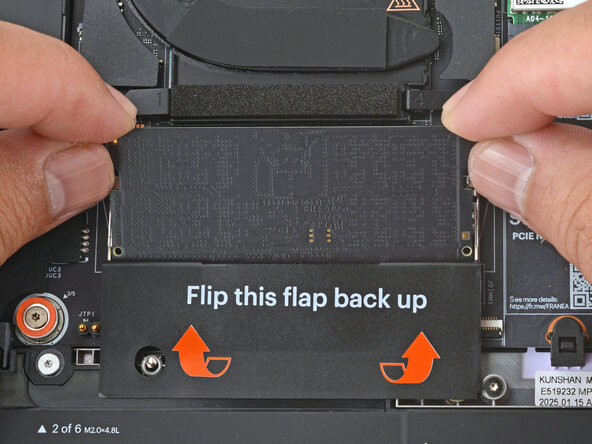
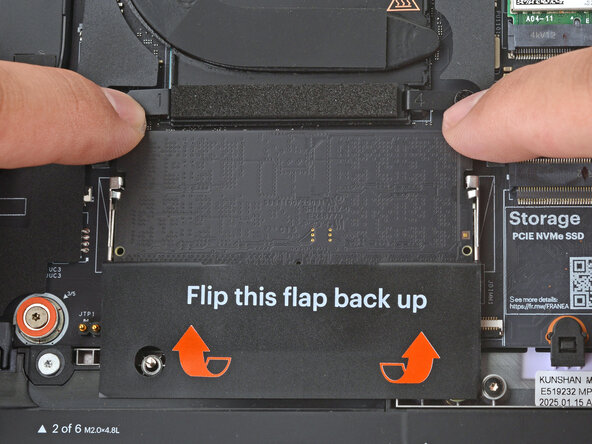
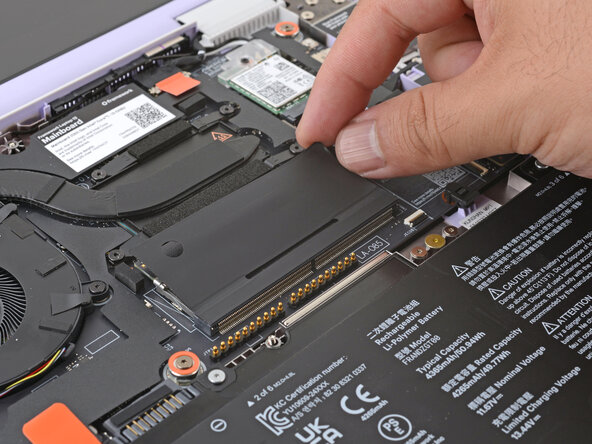
Align the notch on the memory module with the ridge in the socket.
-
Insert the contact edge into the socket at a shallow angle. The gold contacts should mostly be covered by the socket.
-
Press the edges of the memory module down until the side clips lock it in place.
-
-
-
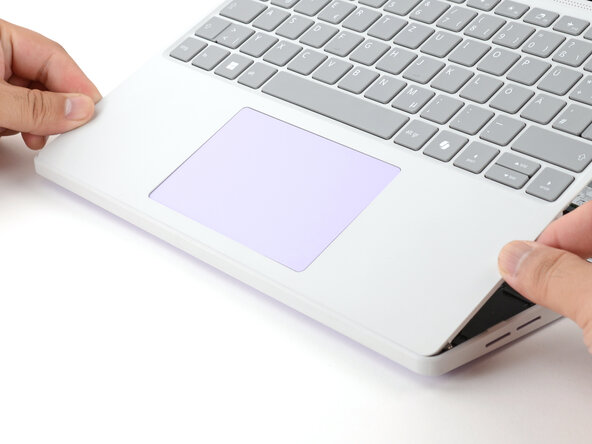
Hold the Input Cover over the laptop and angle the bottom edge of the cover towards the base of the laptop.
-
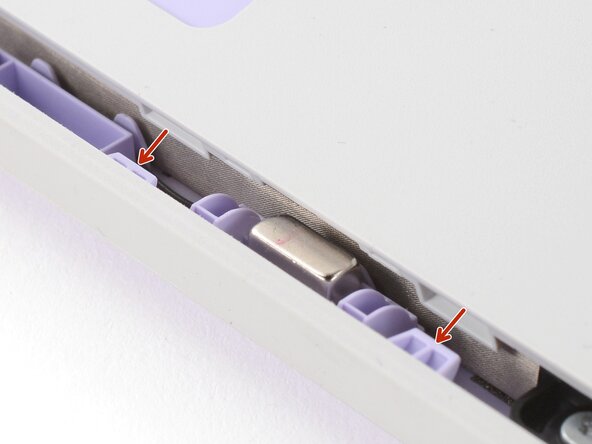
Align and insert the bottom edge of the Input Cover to the base of the laptop.
-
Make sure the slots along the bottom edge of the Input Cover slide into the tabs in the base.
-
-
-
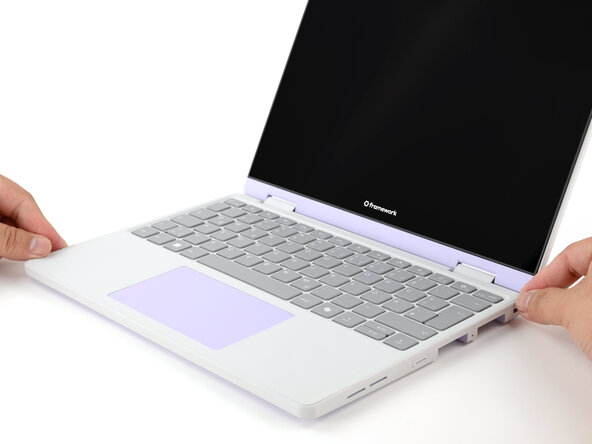
Lower the Input Cover's top edge onto the laptop until the magnets snap it in place.
-
-
-
-
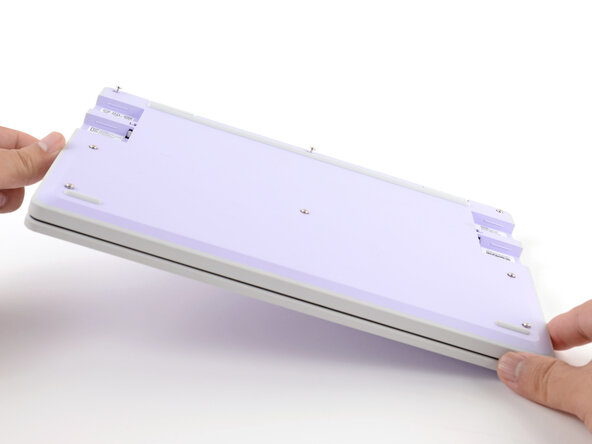
Use your Framework Screwdriver to tighten the eight captive T5 Torx screws on the bottom of your laptop.
-
-
-
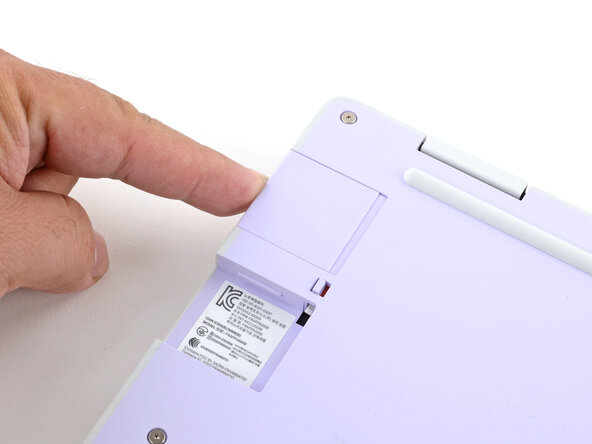
Slide an Expansion Card into an Expansion Card slot.
-
Repeat the procedure with the remaining Expansion Cards.
-
-
-
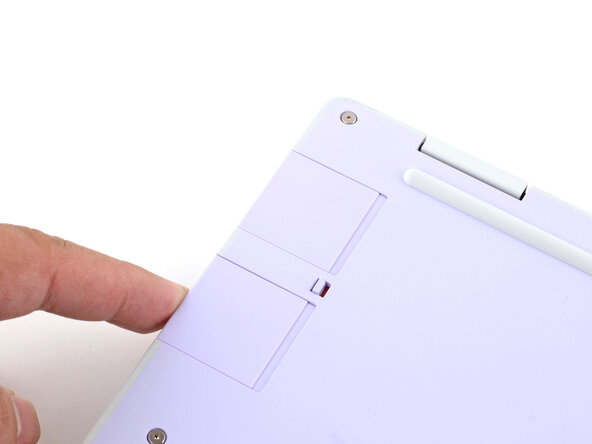
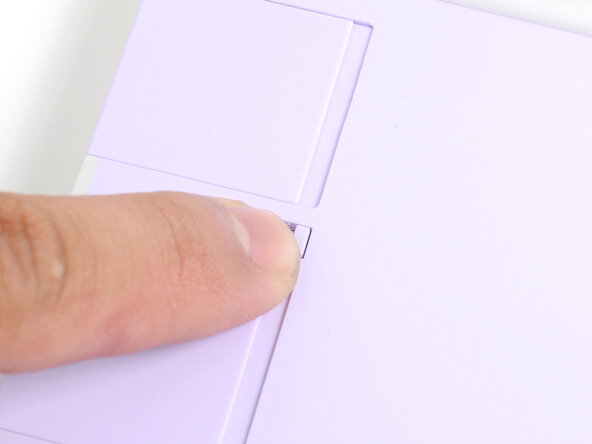
If there's a red bar showing under each Expansion Card latch, use your finger to flip the latch and lock the Expansion Card into its slot.
-
-
-
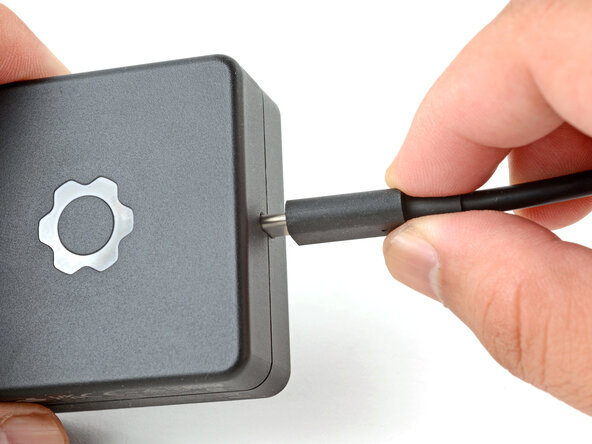
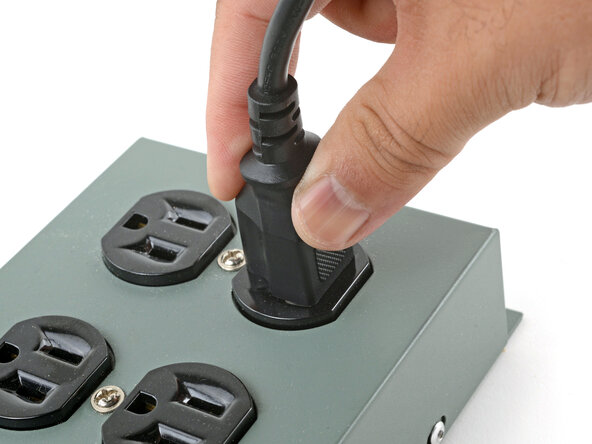
Plug the AC Cable into the Power Adapter.
-
Plug the USB-C Cable into the Power Adapter.
-
Plug the AC Cable into a power outlet.
-
-
-
You're done assembling your Framework Laptop! Now, you'll need to install an OS.
-
-































For drivers, firmware, and software updates, check out this page.
If you need help, contact Framework support.
Cancel: I did not complete this guide.
One other person completed this guide.


