Free Shipping on Domestic Orders $75+

Framework Desktop Fastener Kit

Views: 388

View statistics:

Past 24 Hours:
5
Past 7 Days:
14
Past 30 Days:
68
All Time:
388
Comments: 0

No one has left comments on this guide. Will you be first?

Go to guide comments
Completed: 0

No one has marked this guide "completed." Will you be the first?

Favorites: 0

No one has favorited (and subscribed to) this guide. Will you be the first?

Time Required: No estimate
Difficulty: Easy
OEM Guide

iFixit collaborated with the manufacturer to make this guide.

Framework Desktop Fastener Kit

Introduction

Go to step 1 ↓

Did you lose a screw in your Framework Desktop? Fear not! Follow this guide to replace your missing screws with the Framework Desktop Fastener Kit.

What you need

    1. Framework Desktop Fastener Kit, Fastener information: step 1, image 1 of 2 Framework Desktop Fastener Kit, Fastener information: step 1, image 2 of 2
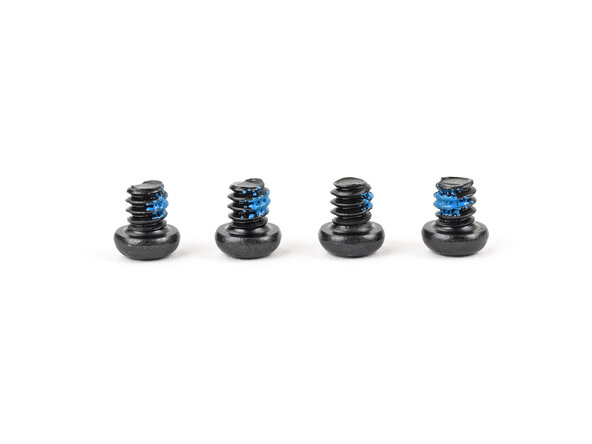
      • The Fastener Kit contains the following:

      • Four screws labeled "6.0 mm fastener with a 7.3 mm diameter 2.3 mm thick"

      • Two large screws labeled "M6 ring screws"

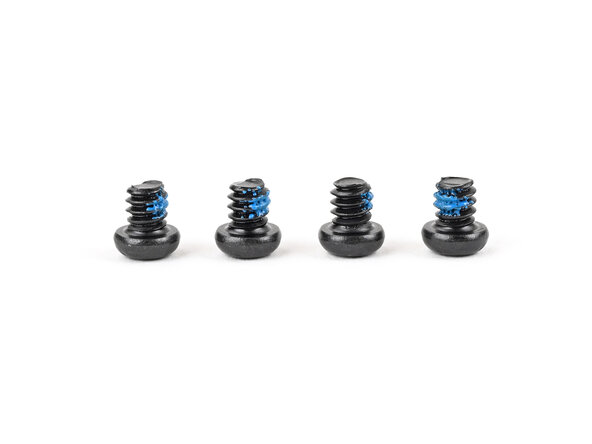
      • Four screws labeled "4.0 mm fastener with a 5.5 mm diameter 2.0 mm thick"

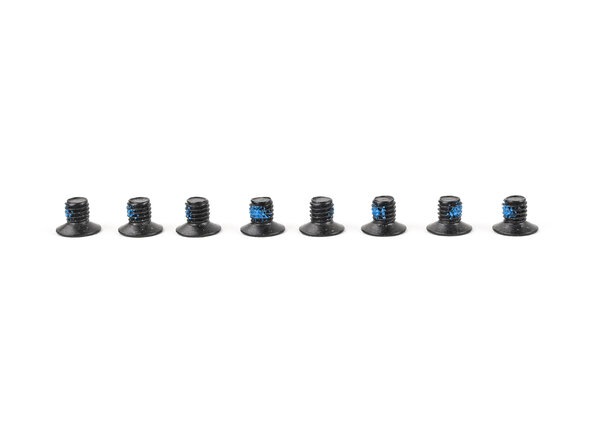
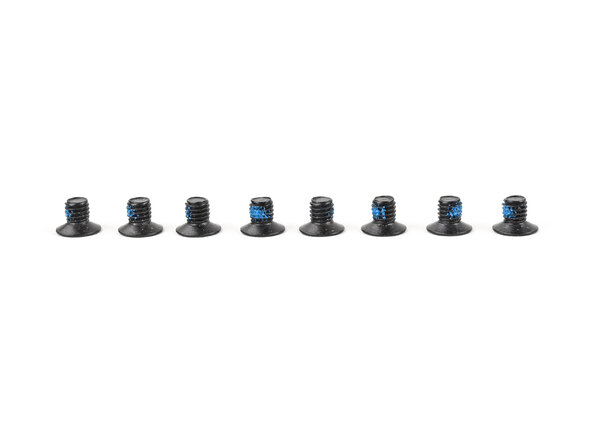
      • Eight screws labeled "4.0 mm fastener with a 5.5 mm diameter 0.9 mm thick"

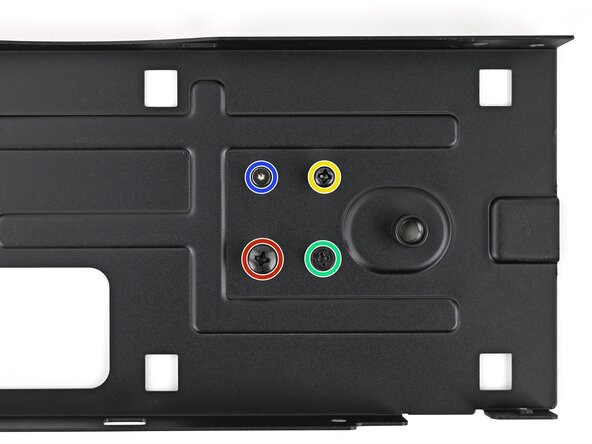
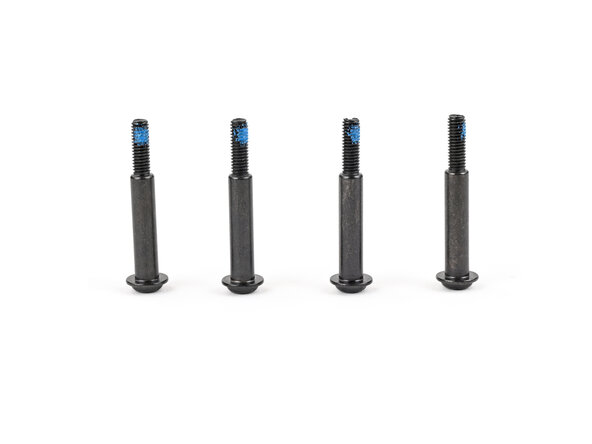
      • Four long screws labeled "26.5 mm fastener with a 7.0 mm diameter 2.0 mm thick"

      • Your Framework Desktop comes with a spare screw of each size attached to the bottom of the top plate. You can use the Fastener Kit to replenish any screws you used there.

      • Not included in the Fastener Kit is a silver 4.5 mm‑long T5 Torx screw that secures the SSD covers, I/O shield, and USB‑C brackets.

      Ask FixBot

      Add Comment

    2. Framework Desktop Fastener Kit, Top Panel screws: step 2, image 1 of 3 Framework Desktop Fastener Kit, Top Panel screws: step 2, image 2 of 3 Framework Desktop Fastener Kit, Top Panel screws: step 2, image 3 of 3
      • The two screws labeled "M6 ring screws" secure the Top Panel.

      Ask FixBot

      Add Comment

    3. Framework Desktop Fastener Kit, Fan screws: step 3, image 1 of 2 Framework Desktop Fastener Kit, Fan screws: step 3, image 2 of 2
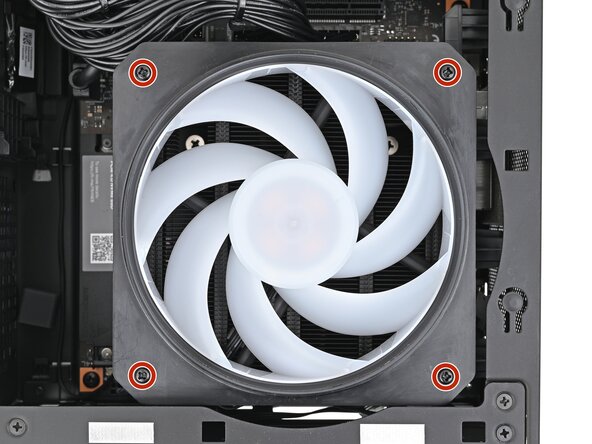
      • The long screws labeled "26.5 mm fastener with a 7.0 mm diameter 2.0 mm thick" secure the Fan.

      Ask FixBot

      Add Comment

    4. Framework Desktop Fastener Kit, Mainboard screws: step 4, image 1 of 2 Framework Desktop Fastener Kit, Mainboard screws: step 4, image 2 of 2
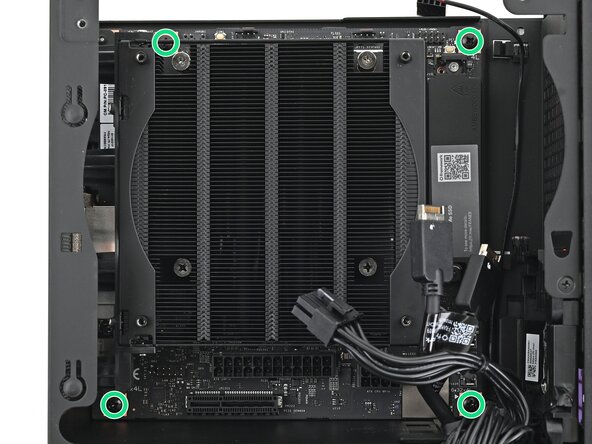
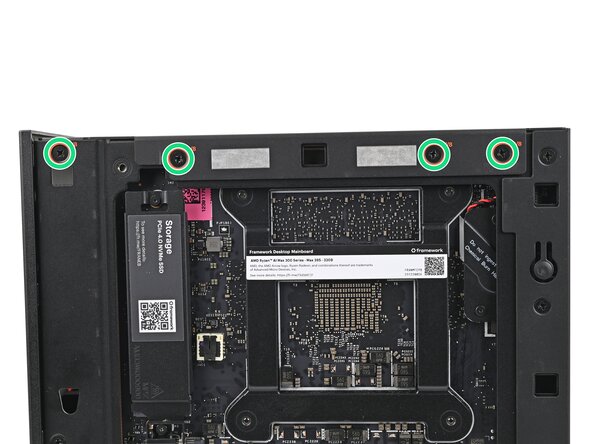
      • The screws labeled "6.0 mm fastener with a 7.3 mm diameter 2.3 mm thick" secure the Mainboard.

      Ask FixBot

      Add Comment

    5. Framework Desktop Fastener Kit, Power supply screws: step 5, image 1 of 2 Framework Desktop Fastener Kit, Power supply screws: step 5, image 2 of 2
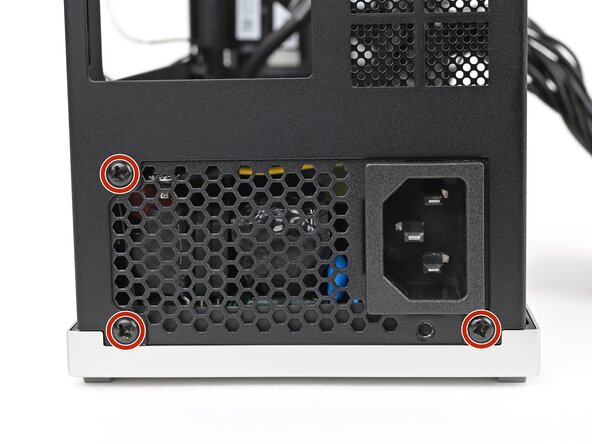
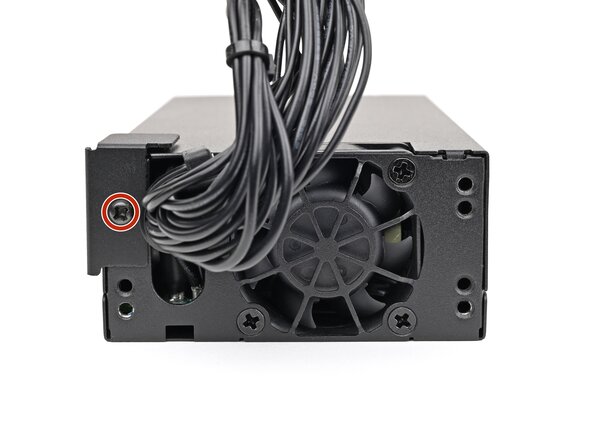
      • The screws labeled "4.0 mm fastener with a 5.5 mm diameter 2.0 mm thick" secure the power supply.

      Ask FixBot

      Add Comment

    6. Framework Desktop Fastener Kit, Top plate screws: step 6, image 1 of 3 Framework Desktop Fastener Kit, Top plate screws: step 6, image 2 of 3 Framework Desktop Fastener Kit, Top plate screws: step 6, image 3 of 3
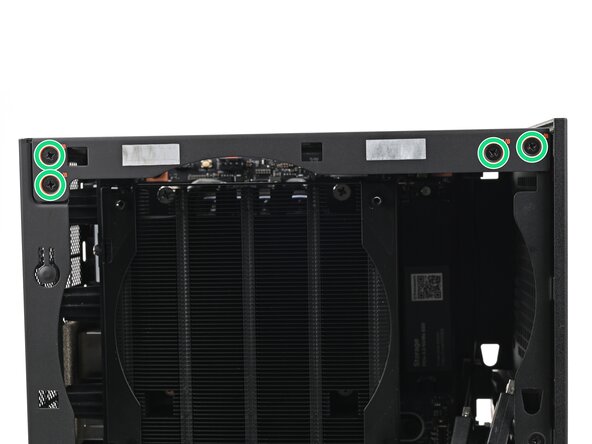
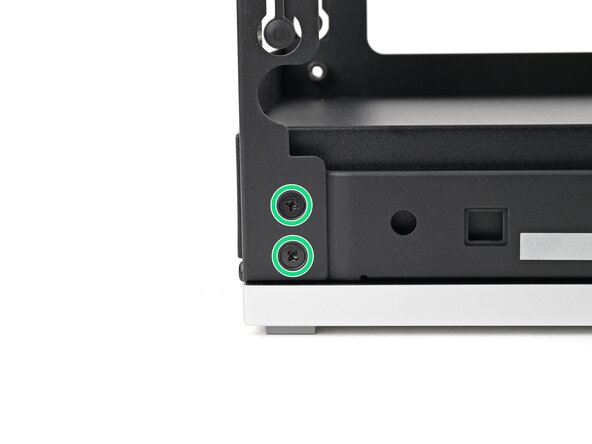
      • The screws labeled "4.0 mm fastener with a 5.5 mm diameter 0.9 mm thick" secure the top plate.

      Ask FixBot

      Add Comment

    7. Framework Desktop Fastener Kit, Rear plate screws: step 7, image 1 of 3 Framework Desktop Fastener Kit, Rear plate screws: step 7, image 2 of 3 Framework Desktop Fastener Kit, Rear plate screws: step 7, image 3 of 3
      • The screws labeled "4.0 mm fastener with a 5.5 mm diameter 0.9 mm thick" secure the rear plate.

      Ask FixBot

      Add Comment

    8. Framework Desktop Fastener Kit, Side power supply screw: step 8, image 1 of 2 Framework Desktop Fastener Kit, Side power supply screw: step 8, image 2 of 2
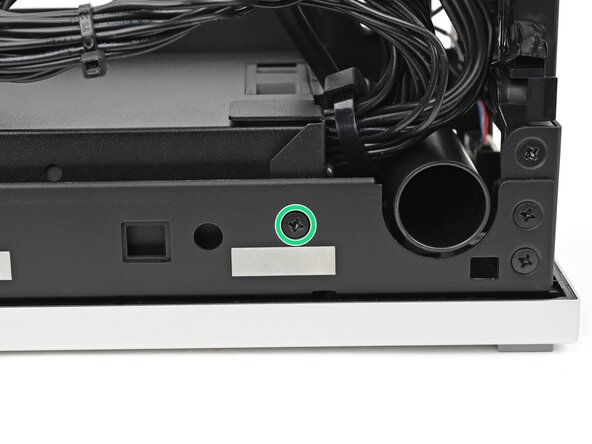
      • The screws labeled "4.0 mm fastener with a 5.5 mm diameter 0.9 mm thick" secure the side of the power supply.

      Ask FixBot

      Add Comment

    9. Framework Desktop Fastener Kit, Power duct screws: step 9, image 1 of 3 Framework Desktop Fastener Kit, Power duct screws: step 9, image 2 of 3 Framework Desktop Fastener Kit, Power duct screws: step 9, image 3 of 3
      • The screws labeled "4.0 mm fastener with a 5.5 mm diameter 2.0 mm thick" secure the power supply.

      Ask FixBot

      Add Comment

Conclusion

If you need help, contact Framework support.

Cancel: I did not complete this guide.

Alex Diaz-Kokaisl

Member since: 01/16/22

250,954 Reputation

1,200 Guides authored

0 Guide Comments

Add Comment

View Statistics:

Past 24 Hours: 5

Past 7 Days: 14

Past 30 Days: 68

All Time: 388