
First Alert Smoke Alarm 9120B Battery Replacement

Miggy Reyes and 2 other contributors
Last updated on Jun 21, 2021
Views: 73K
View statistics:
- Past 24 Hours:
- 33
- Past 7 Days:
- 272
- Past 30 Days:
- 1,592
- All Time:
- 73,080
Comments: 14
9 comments on steps, 5 guide comments.
Go to guide commentsCompleted: 2 3
2 people have marked this guide "completed." Will you be next?
3 people have marked this guide "completed." Including you — great job!
Favorites: 0 1
No one has favorited (and subscribed to) this guide. Will you be the first?
1 person has favorited (and subscribed to) this guide — and that's you!
Introduction
Go to step 1 ↓Follow this guide to fix your First Alert Smoke alarm. This fix will stop the First Alert Smoke alarm from beeping when your battery is low.
Make sure you have your 9V battery in hand and a helper to make sure that you do not fall from your stool. These alarms are usually found mounted into your ceiling so please take precautions when unmounting the alarm.
As you will be working with wires, please make sure that you are gentle with the alarm since it is easy to break the covered wires if you are too aggressive with it. All of these steps should require very little strength. If you find yourself needing to force things into place, please review the steps to make sure you are properly uninstalling/installing the smoke alarm.
What you need
Parts
Tools
-
-
-
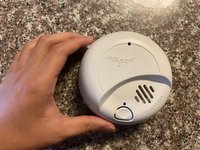
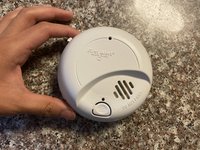
Press down on the catch on the top left of the alarm to open the battery compartment.
-
-
-
-
Remove the battery and dispose of it properly.
-
Replace the old battery with a new 9V battery and close the compartment.
-
-
-
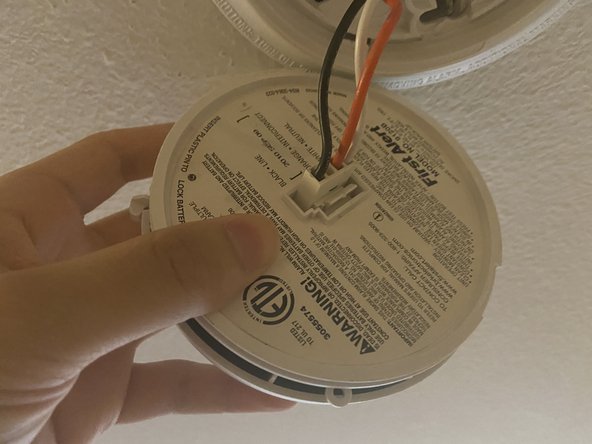
Line up the holes of the cable on the mount with the pins on the alarm.
-
Reconnect the cable on the mount to that on the alarm.
-
-
-
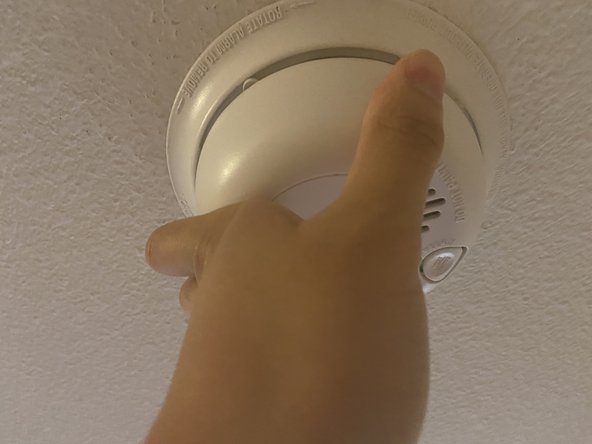
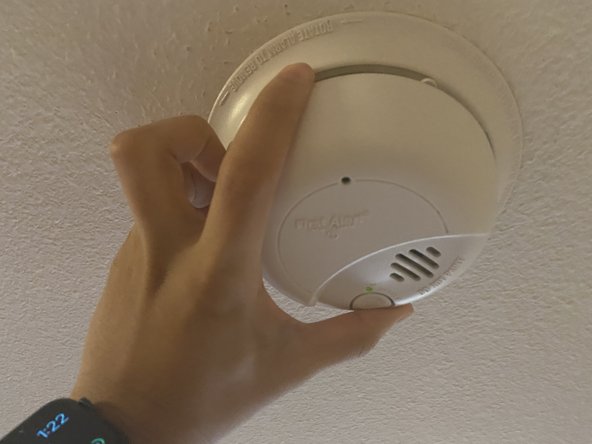
Rotate the alarm clockwise until it does not turn anymore. This makes sure the alarm is secured.
-


 Ask FixBot









Cancel: I did not complete this guide.
2 other people completed this guide.

Team

Texas Tech, Team S3-G17, Cowan Spring 2021 Member of Texas Tech, Team S3-G17, Cowan Spring 2021
TTU-COWAN-S21S3G17
1 Member
12 Guides authored
5 Guide Comments
These alarms suck! Pressing the tab and the battery compartment does NOT pop open. I needed a knife to pry it open, and then it had to be forced close. NOT user error! The plastic pins that hold the battery compartment closed don't move out of the way enough to allow opening.
I replaced the battery and it is still beeping, reset the smoke alarm. What should I do now?
Buy and install a new alarm. It’s easier than trying to fix on.
