Introduction
Use this guide to replace the USB-C port in your Fairphone Fairbuds.
You should replace your USB-C port if you're having issues charging the charging case or if USB-C cables connect loosely and require odd positions to work properly.
What you need
-
-
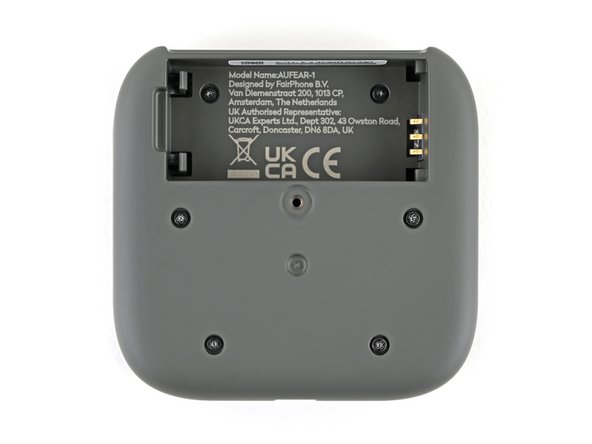
Flip your charging case upside down.
-
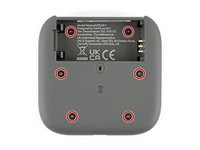
Use a Phillips screwdriver to remove the 4.5 mm‑long screw securing the outer shell.
-
-
-
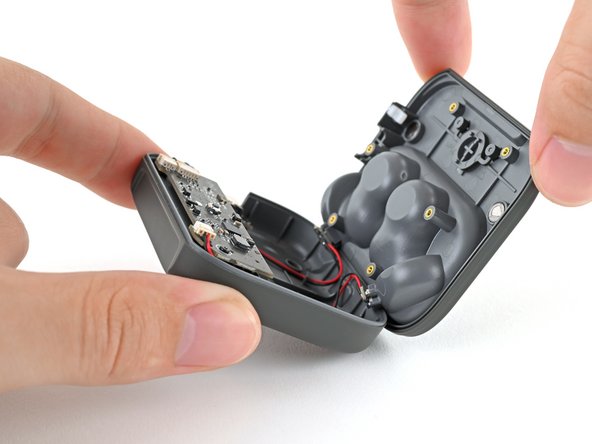
Flip up the bottom of the outer shell to expose the battery.
-
-
-
Lift the charging core out of the outer shell and remove it.
-
-
-
-
Use a Phillips screwdriver to remove the six 3.9 mm‑long screws securing the two halves of the charging core.
-
-
-
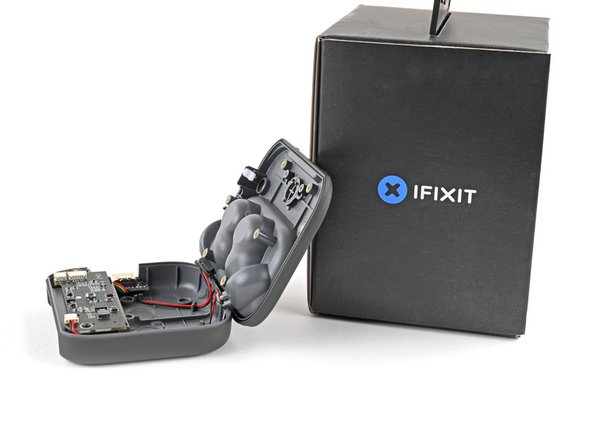
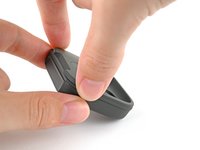
Flip over the charging core and grip its top half, near the pairing button.
-
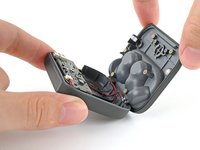
Lift the top half and swing it over the core, letting it rest on something sturdy.
-
-
-
Use your fingers to pull the left earbud charging cable out of its socket.
-
-
-
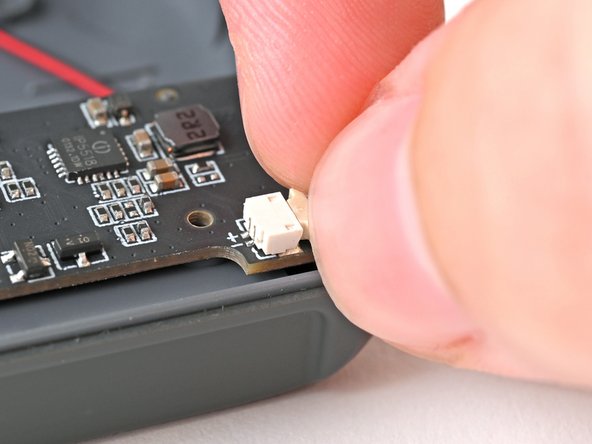
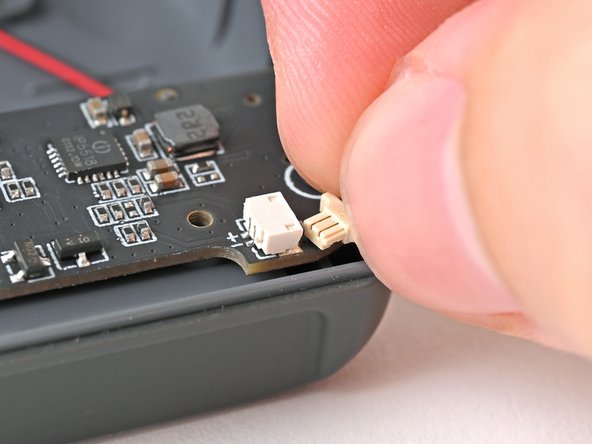
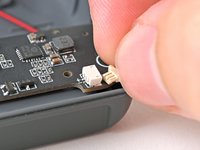
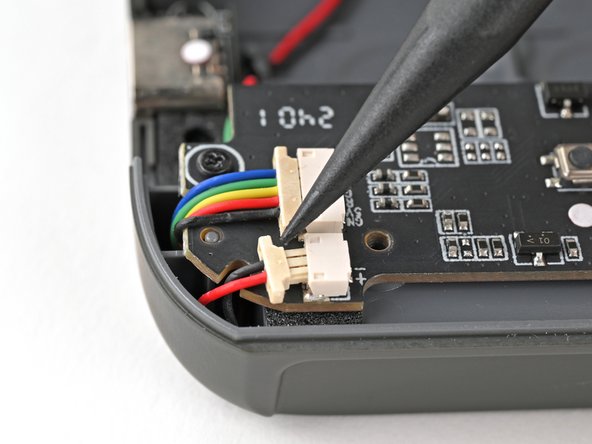
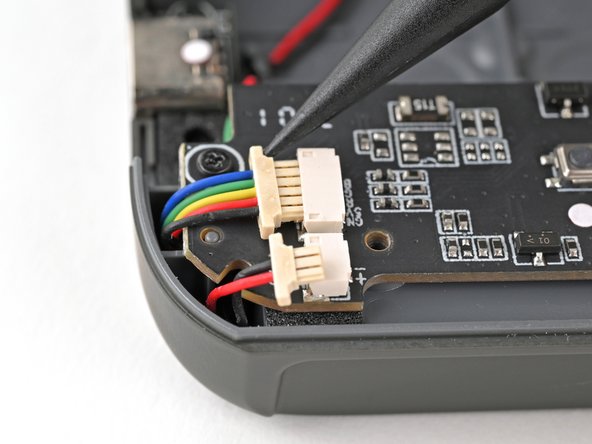
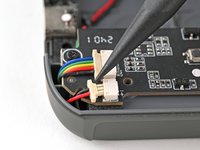
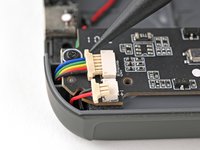
Use the tip of a spudger to push the right earbud cable head out of its socket to disconnect it.
-
Repeat for the USB-C port cable.
-
-
-
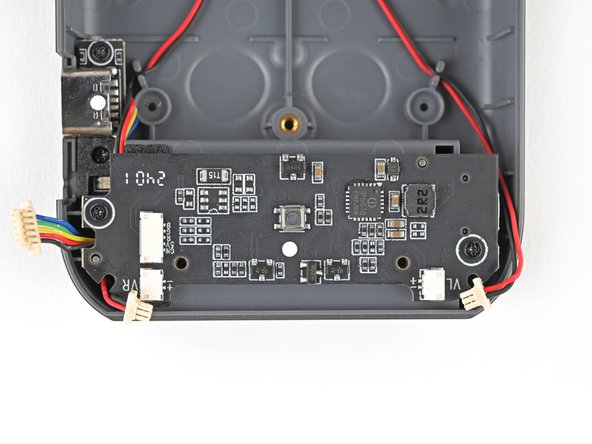
Use a Phillips screwdriver to remove the two 3.9 mm‑long screws securing the mainboard.
-
-
-
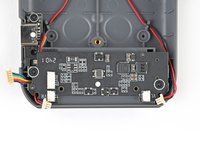
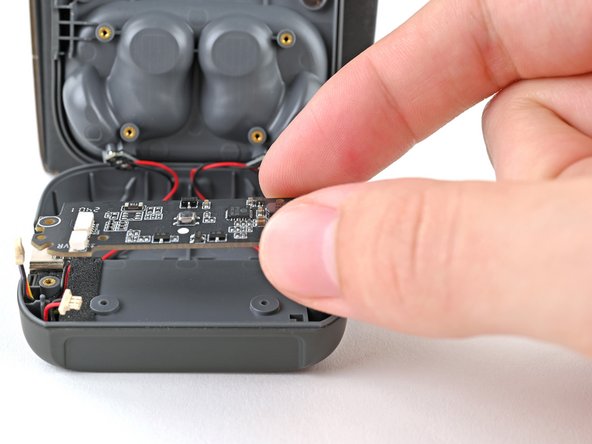
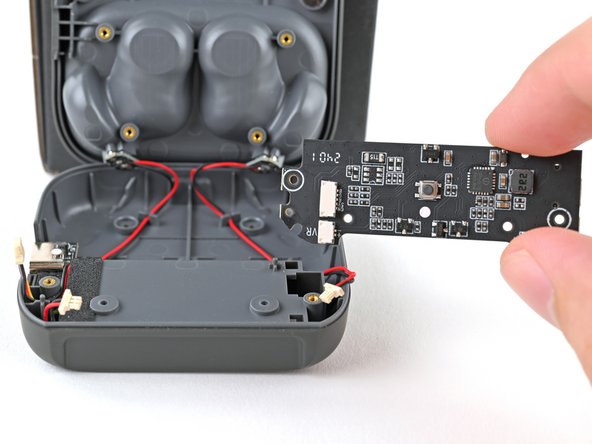
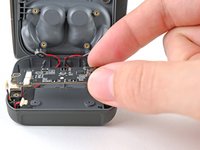
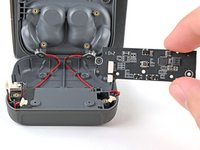
Lift the mainboard off its posts in the charging core and remove it.
-
-
-
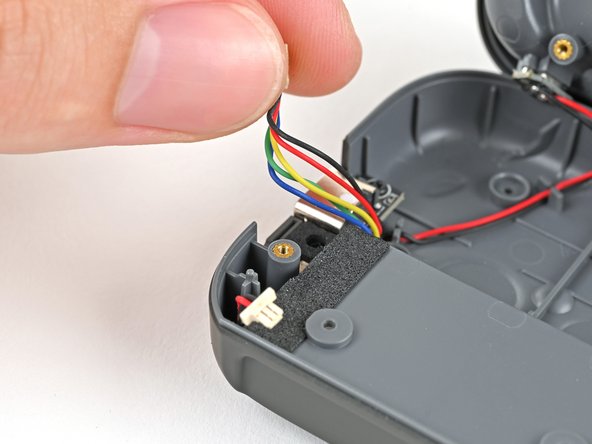
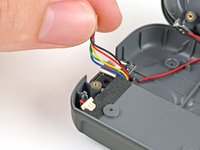
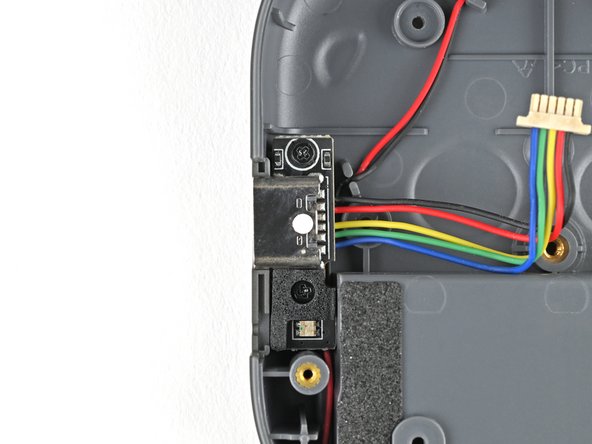
Move the USB-C port cable out of its groove next to the screw peg.
-
-
-
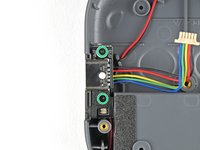
Use a Phillips screwdriver to remove the two 3.9 mm‑long screws securing the USB-C port.
-
-
-
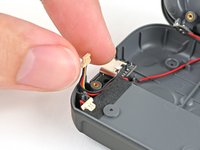
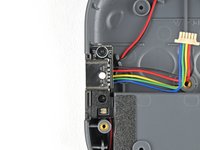
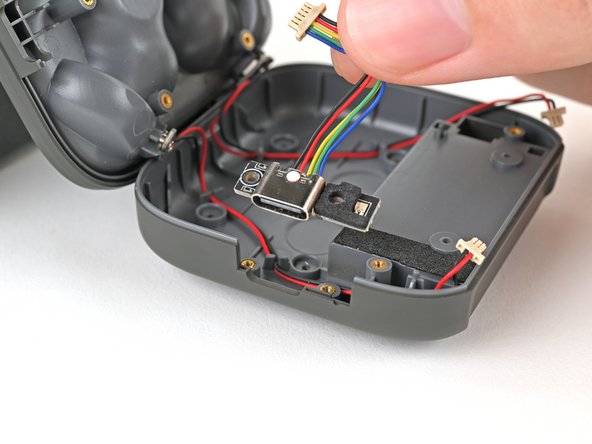
Lift the USB-C port out of the charging core and remove it.
-


 Ask FixBot


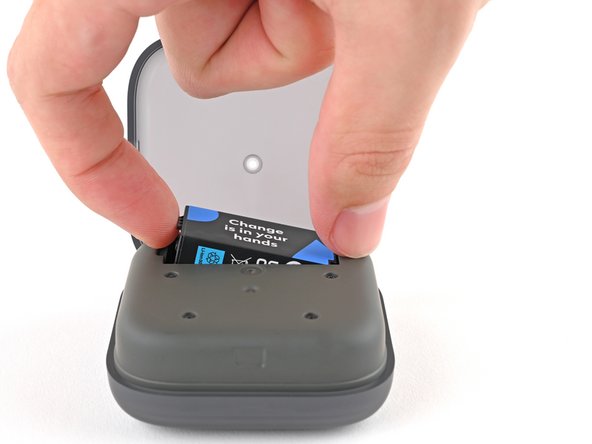
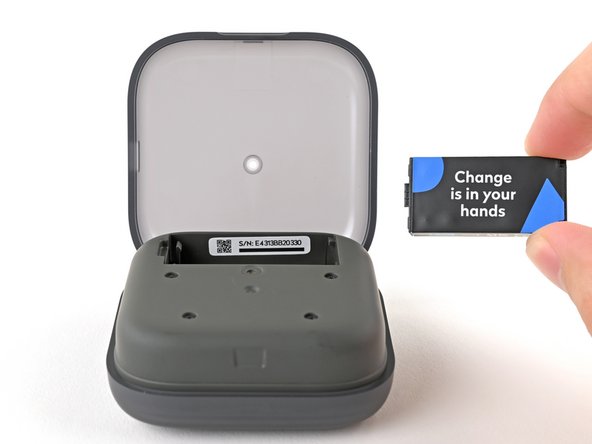
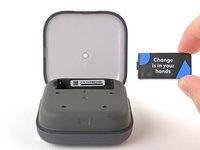

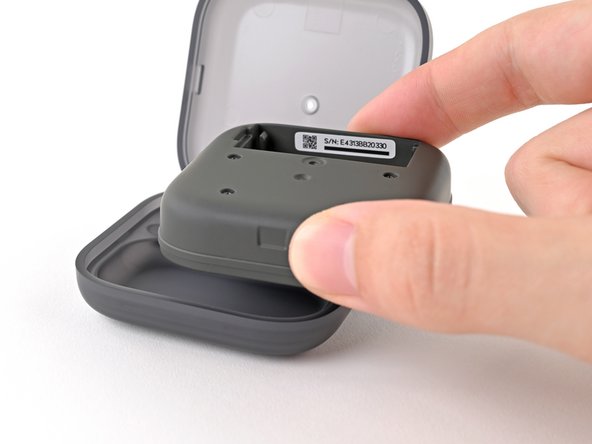









To reassemble your device, follow these instructions in reverse order.
Take your e-waste to an R2 or e-Stewards certified recycler.
Repair didn’t go as planned? Try some basic troubleshooting, or ask our Answers Community for help.
Cancel: I did not complete this guide.
One other person completed this guide.


