
Fairphone Fairbuds Mainboard Replacement

Alex Diaz-Kokaisl and one other contributor
Last updated on Jul 9, 2024
Views: 2K
View statistics:
- Past 24 Hours:
- 7
- Past 7 Days:
- 40
- Past 30 Days:
- 146
- All Time:
- 1,989
Comments: 0
No one has left comments on this guide. Will you be first?
Go to guide commentsCompleted: 2 3
2 people have marked this guide "completed." Will you be next?
3 people have marked this guide "completed." Including you — great job!
Favorites: 0 1
No one has favorited (and subscribed to) this guide. Will you be the first?
1 person has favorited (and subscribed to) this guide — and that's you!
Introduction
Go to step 1 ↓Use this guide to replace the mainboard in your Fairphone Fairbuds.
You should replace your mainboard if your charging case isn't working, and you've ruled out any issues with the charging case's battery.
What you need
Tools
-
Spudger4.9


-
-
-
-
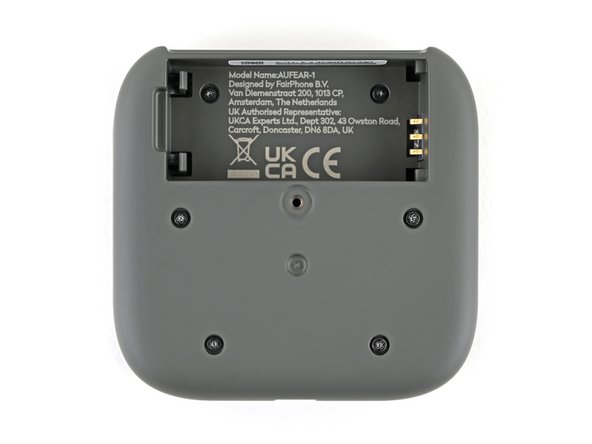
Flip your charging case upside down.
-
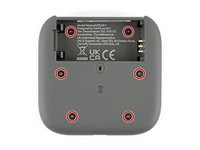
Use a Phillips screwdriver to remove the 4.5 mm‑long screw securing the outer shell.
-
-
-
Flip up the bottom of the outer shell to expose the battery.
-
-
-
-
-
Lift the charging core out of the outer shell and remove it.
-
-
-
-
-
Use a Phillips screwdriver to remove the six 3.9 mm‑long screws securing the two halves of the charging core.
-
-
-
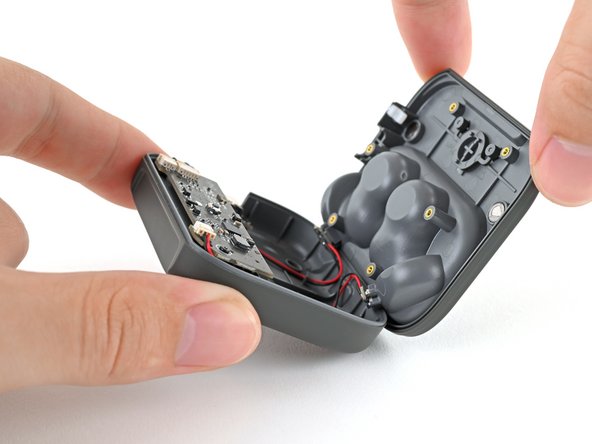
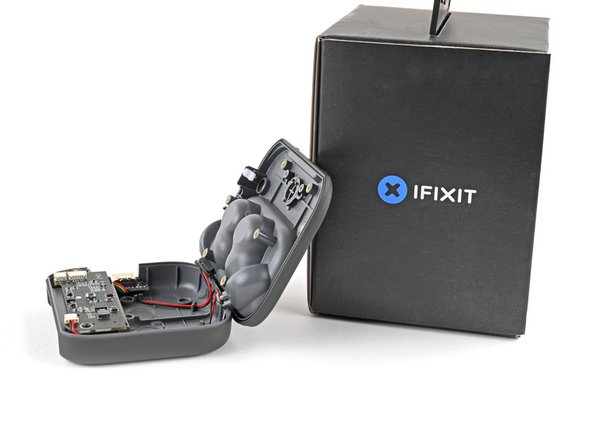
Flip over the charging core and grip its top half, near the pairing button.
-
Lift the top half and swing it over the core, letting it rest on something sturdy.
-
-
-
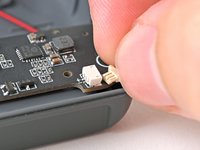
Use your fingers to pull the left earbud charging cable out of its socket.
-
-
-
-
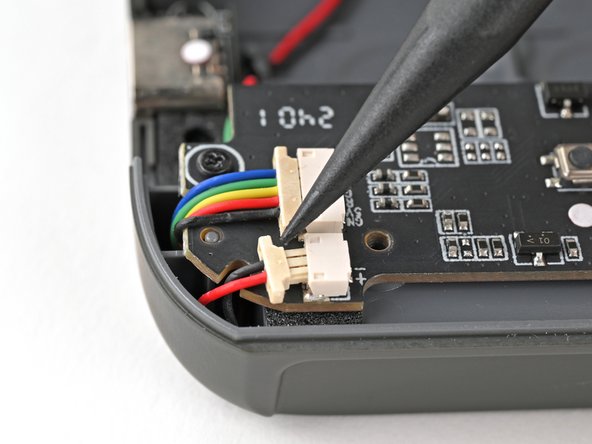
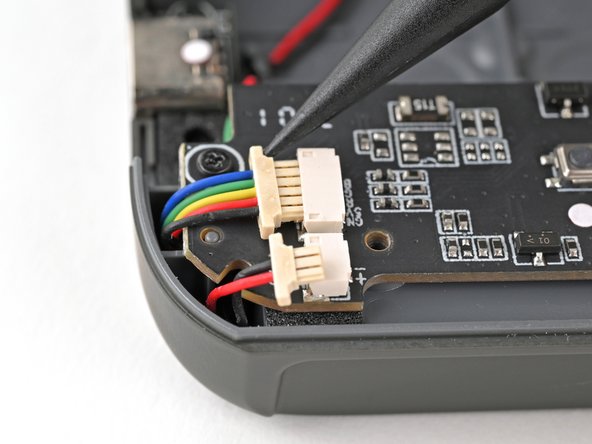
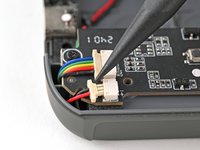
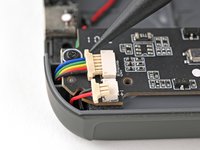
Use the tip of a spudger to push the right earbud cable head out of its socket to disconnect it.
-
Repeat for the USB-C port cable.
-
-
-
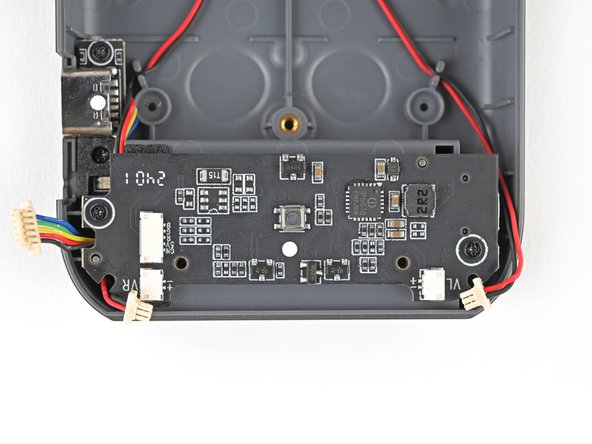
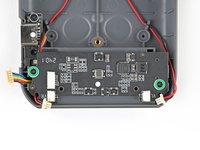
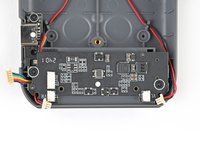
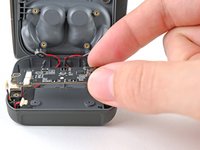
Use a Phillips screwdriver to remove the two 3.9 mm‑long screws securing the mainboard.
-
-
-
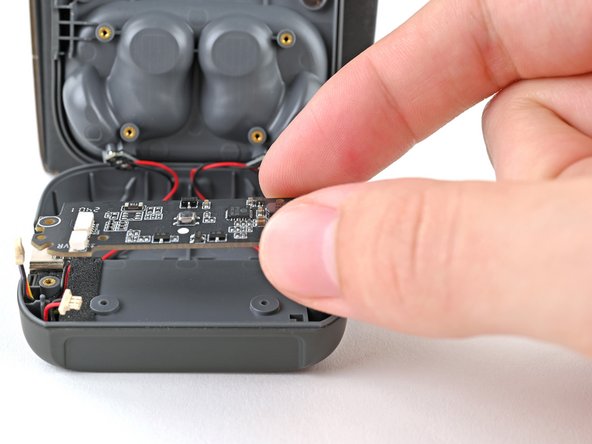
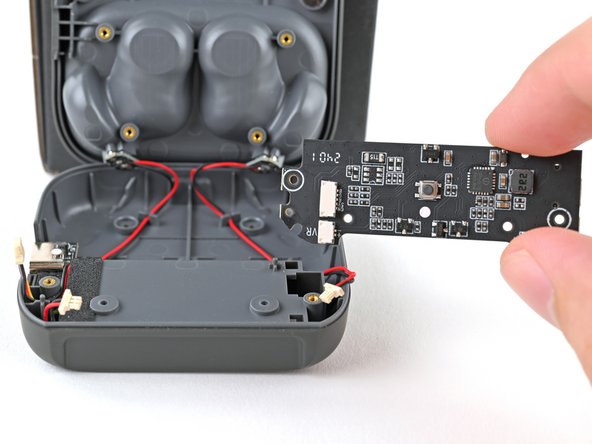
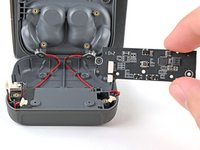
Lift the mainboard off its posts in the charging core and remove it.
-
-


 Ask FixBot


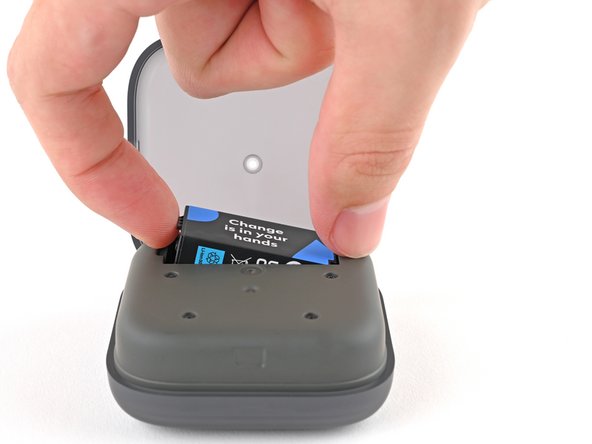
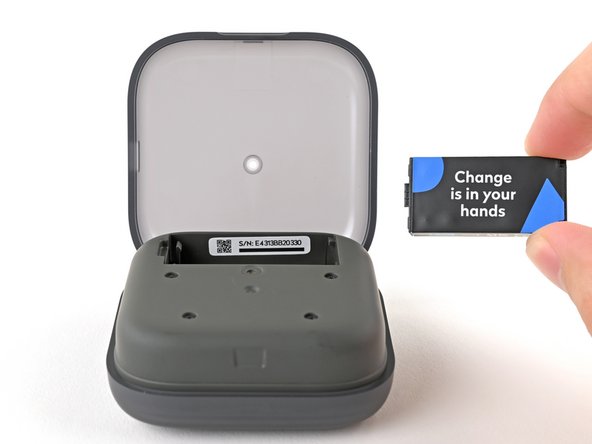
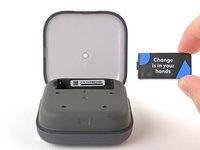

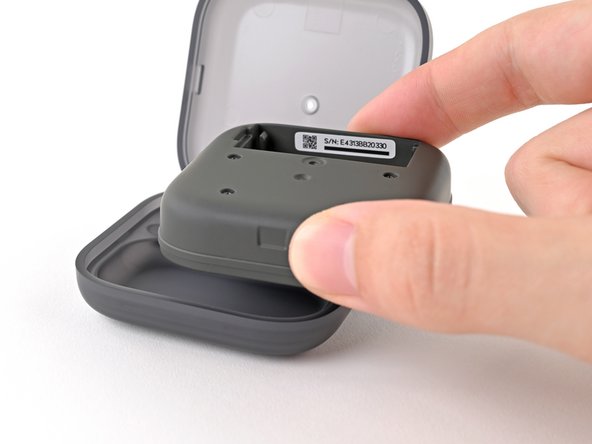



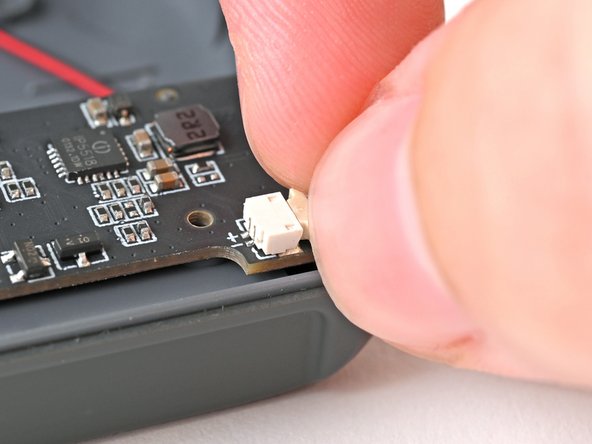
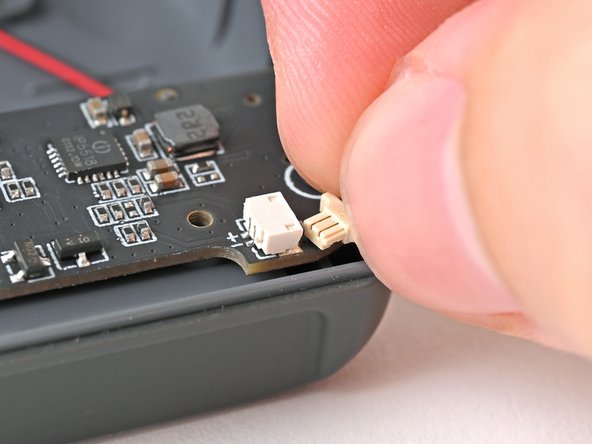
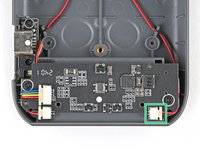



To reassemble your device, follow these instructions in reverse order.
Take your e-waste to an R2 or e-Stewards certified recycler.
Repair didn’t go as planned? Try some basic troubleshooting, or ask our Answers Community for help.
Cancel: I did not complete this guide.
2 other people completed this guide.


