Introduction
This guide is for the Euhomy IM-06D icemaker. This guides purpose is to replace the top cover of the ice maker. This part covers the ice that is made and holds the buttons for controlling the device. Symptoms of this piece needing to be replaced is if there is a crack or break anywhere on the piece. Please make sure to unplug the device before starting all guides.
What you need
-
-
-
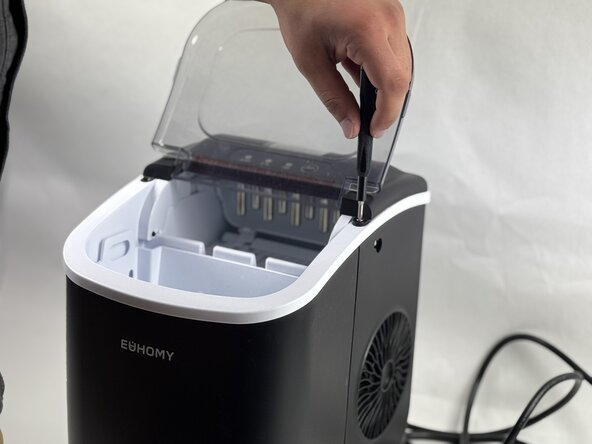
Open the lid.
-
Remove the two 5 mm Phillips screws that secure the lid.
-
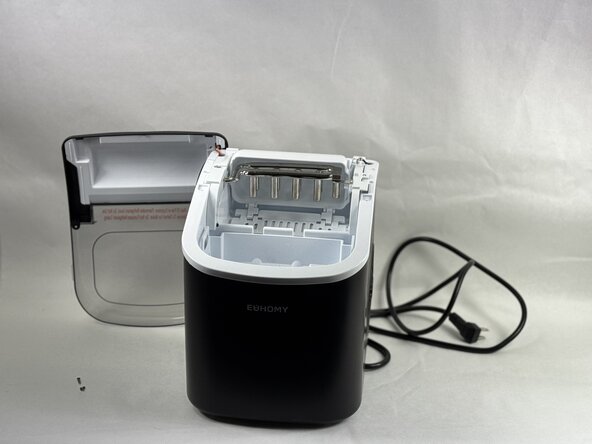
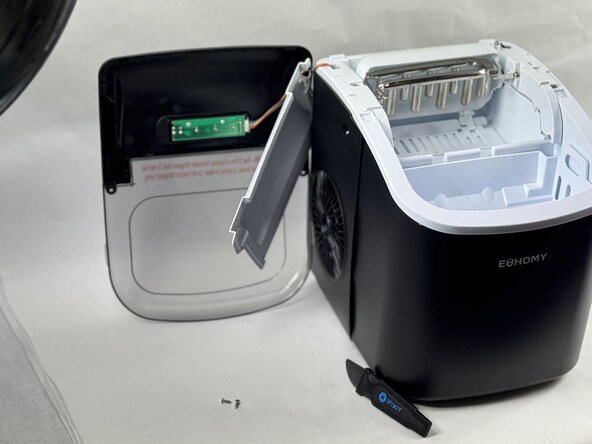
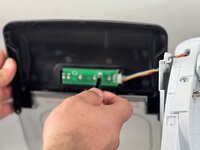
Gently lift the lid off, with care not to damage or strain the attached cable.
 Ask FixBot
-
-
-
-
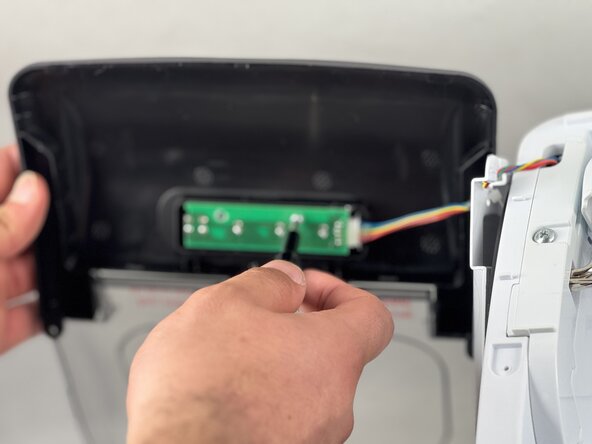
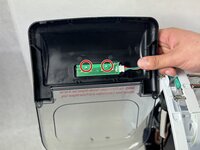
Remove the two 5 mm Phillips screws that secure the display PCB.
-
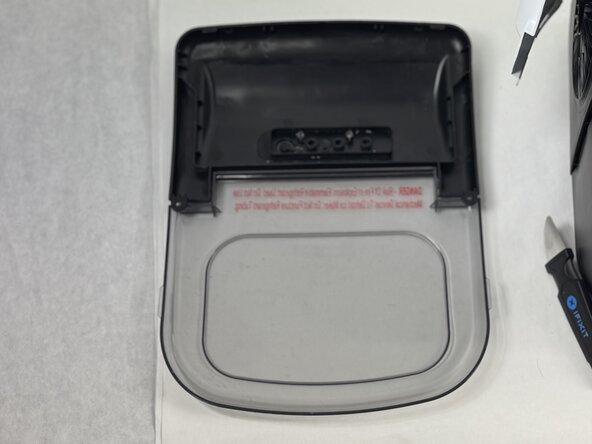
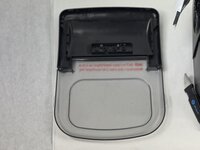
Remove the lid.
-
-





To reassemble your device, follow these instructions in reverse order.
Cancel: I did not complete this guide.
2 other people completed this guide.

Team

UMass Dartmouth, Team 2-5, Botvin Spring 2025 Member of UMass Dartmouth, Team 2-5, Botvin Spring 2025
UMASSD-BOTVIN-S25S2G5
3 Members
60 Guides authored
