
Escort Passport 9500IX Display Replacement

Jiahao Xu and 3 other contributors
Last updated on Dec 21, 2018
Views: 2.7K
View statistics:
- Past 24 Hours:
- 1
- Past 7 Days:
- 14
- Past 30 Days:
- 76
- All Time:
- 2,693
Comments: 2
2 comments on steps.
Completed: 0 1
No one has marked this guide "completed." Will you be the first?
1 person has marked this guide "completed." It's you — great job!
Favorites: 0 1
No one has favorited (and subscribed to) this guide. Will you be the first?
1 person has favorited (and subscribed to) this guide — and that's you!
Introduction
Go to step 1 ↓Is your radar's display not powering on or just hangs on a black screen? If this is the case, then the display could be at fault. Follow this guide to replace the display on your radar.
What you need
Tools
-
Spudger4.9


-
-
-
Remove the three 1.2 mm Phillips #1 screws on the back of the device.
 Ask FixBot
-
-
-
-
-
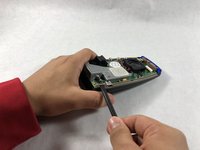
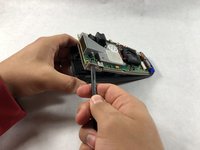
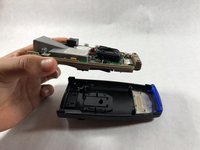
Carefully pry the grey frame off the black plastic covering using the nylon spudger.
-
-
-
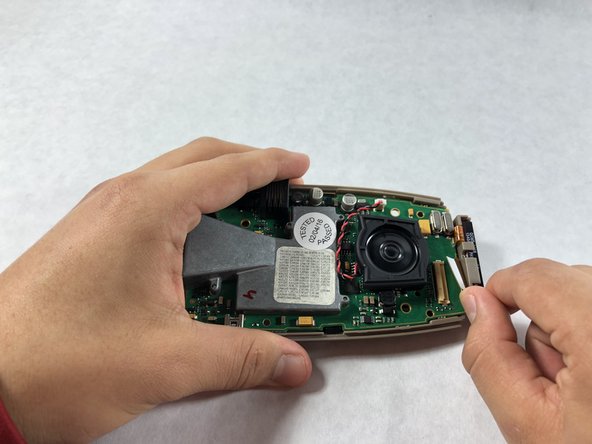
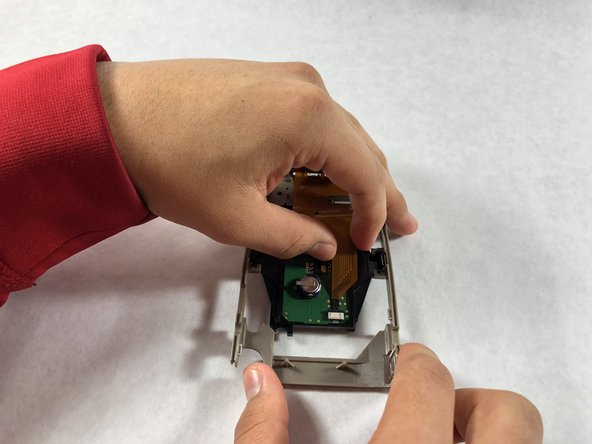
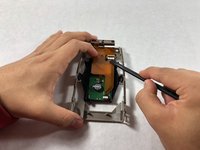
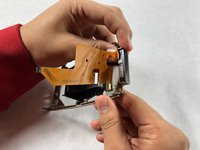
Detach the orange flap from the motherboard using a nylon spudger.
-
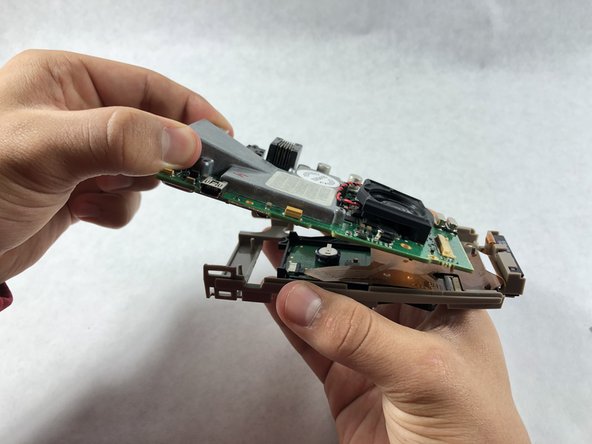
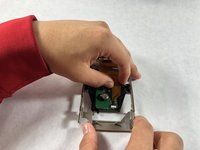
Carefully remove the motherboard from the grey plastic frame.
-
-
-
-
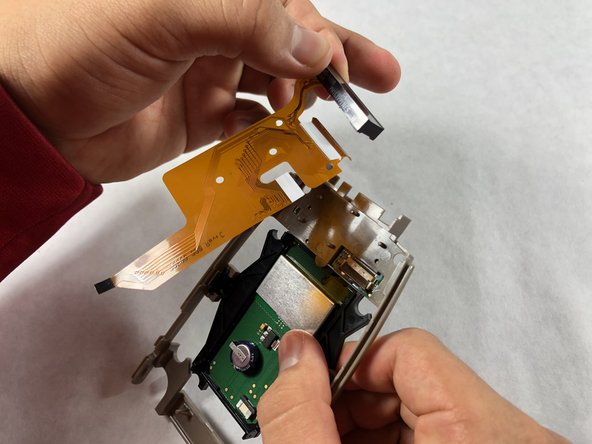
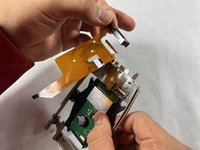
Detach the remaining two orange flaps from the circuit board that is attached onto the grey frame.
-
-





To reassemble your device, follow these instructions in reverse order.

Team

UMass Dartmouth, Team S2-G3, Peak Fall 2018 Member of UMass Dartmouth, Team S2-G3, Peak Fall 2018
UMASSD-PEAK-F18S2G3
3 Members
84 Guides authored
