
Escali P115M Battery Replacement

Megan Herrel and
Last updated on Jul 28, 2017
Views: 1.4K
View statistics:
- Past 24 Hours:
- 3
- Past 7 Days:
- 23
- Past 30 Days:
- 113
- All Time:
- 1,413
Comments: 0
No one has left comments on this guide. Will you be first?
Go to guide commentsCompleted: 0 1
No one has marked this guide "completed." Will you be the first?
1 person has marked this guide "completed." It's you — great job!
Favorites: 0 1
No one has favorited (and subscribed to) this guide. Will you be the first?
1 person has favorited (and subscribed to) this guide — and that's you!
Introduction
Go to step 1 ↓The Escali P115M should show a low battery symbol on the display if the battery is running low.
-
-
-
-
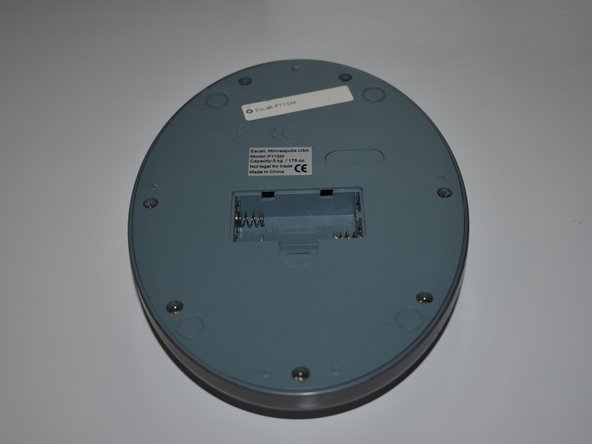
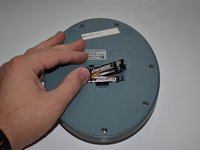
Use the plastic tab to pry the battery cover off to get the batteries up and out of the device.
-

 Ask FixBot


To reassemble your device, follow these instructions in reverse order.

Team

University of North Texas, Team 1-5, Campbell Spring 2017 Member of University of North Texas, Team 1-5, Campbell Spring 2017
UNT-CAMPBELL-S17S1G5
3 Members
12 Guides authored
