Free Shipping on Domestic Orders $75+

Epson Powerlite Power Supply Replacement

What you need

  1. Epson Powerlite Power Supply Replacement, Motherboard: step 1, image 1 of 1
    • Flip the projector over.

    • Remove all 8 screws on the bottom of the projector.

    Ask FixBot

    Add Comment

  2. Epson Powerlite Power Supply Replacement: step 2, image 1 of 2 Epson Powerlite Power Supply Replacement: step 2, image 2 of 2
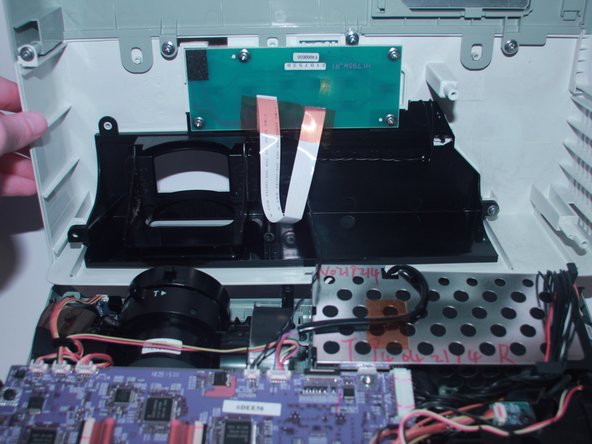
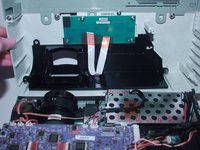
    • Now, flip the projector back over and pry the top of it open revealing the inside of the projector.

    Ask FixBot

    Add Comment

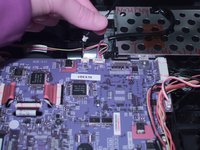
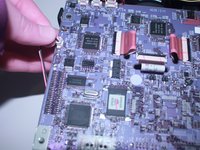
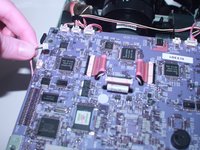
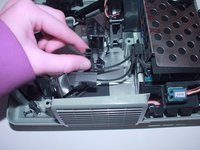
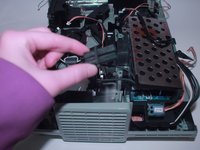
  3. Epson Powerlite Power Supply Replacement: step 3, image 1 of 2 Epson Powerlite Power Supply Replacement: step 3, image 2 of 2
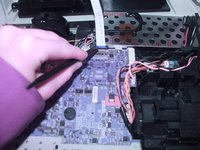
    • Use the spudger to disconnect it from the motherboard.

    Ask FixBot

    Add Comment

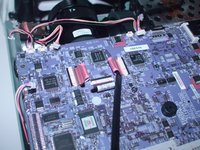
  4. Epson Powerlite Power Supply Replacement: step 4, image 1 of 2 Epson Powerlite Power Supply Replacement: step 4, image 2 of 2
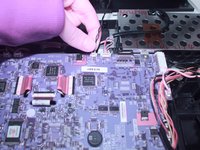
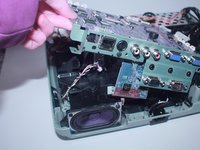
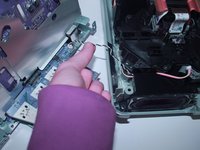
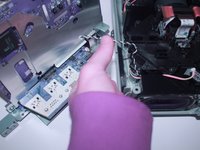
    • Using your finger gently move back and forth the JST cable that connects the top to the motherboard.

    • Now completely take off the top of the projector.

    Ask FixBot

    Add Comment

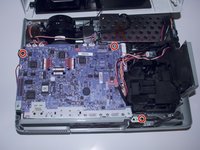
  5. Epson Powerlite Power Supply Replacement: step 5, image 1 of 2 Epson Powerlite Power Supply Replacement: step 5, image 2 of 2
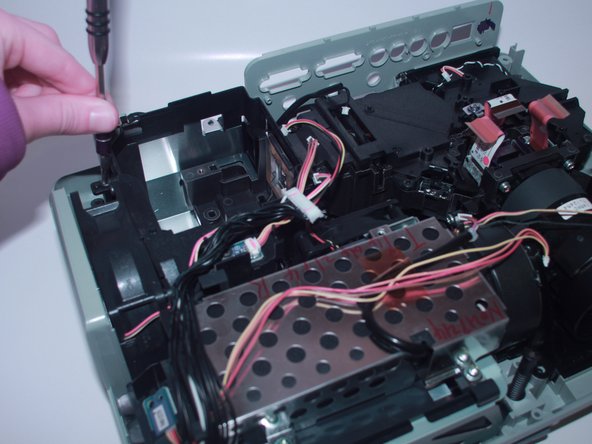
    • Remove the 3 screws that secure the motherboard in place.

    Ask FixBot

    Add Comment

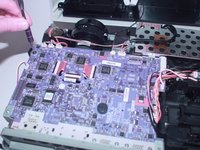
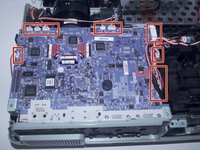
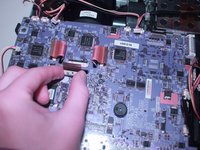
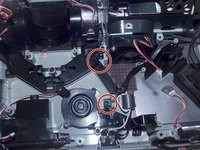
  6. Epson Powerlite Power Supply Replacement: step 6, image 1 of 3 Epson Powerlite Power Supply Replacement: step 6, image 2 of 3 Epson Powerlite Power Supply Replacement: step 6, image 3 of 3
    • Gently move back and forth the 11 JST connectors until they come out.

    Ask FixBot

    Add Comment

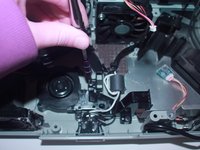
  7. Epson Powerlite Power Supply Replacement: step 7, image 1 of 2 Epson Powerlite Power Supply Replacement: step 7, image 2 of 2
    • With the spudger lift the red plastic tabs from their connectors.

    Ask FixBot

    Add Comment

  8. Epson Powerlite Power Supply Replacement: step 8, image 1 of 3 Epson Powerlite Power Supply Replacement: step 8, image 2 of 3 Epson Powerlite Power Supply Replacement: step 8, image 3 of 3
    • Lift the motherboard and disconnect the JST connector underneath.

    Ask FixBot

    Add Comment

  9. Epson Powerlite Power Supply Replacement: step 9, image 1 of 1
    • Now, the motherboard is completely removed from the projector and you are ready to replace it.

    Ask FixBot

    Add Comment

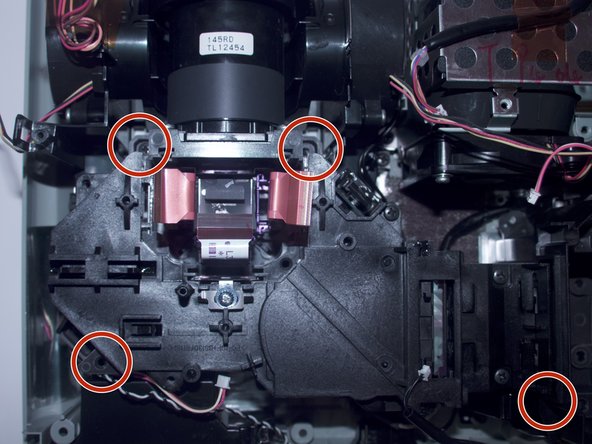
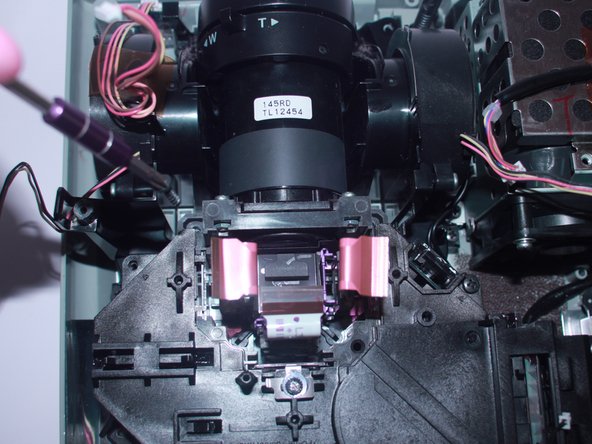
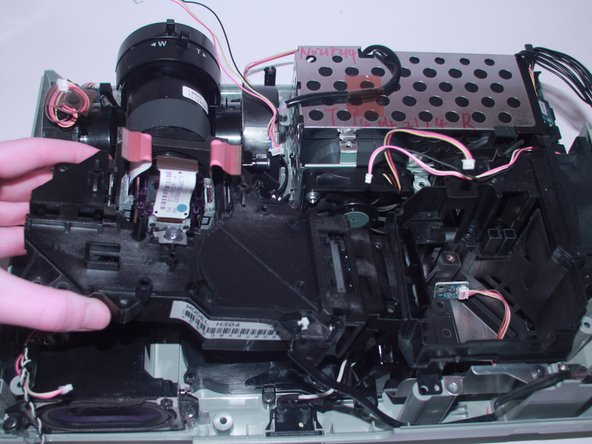
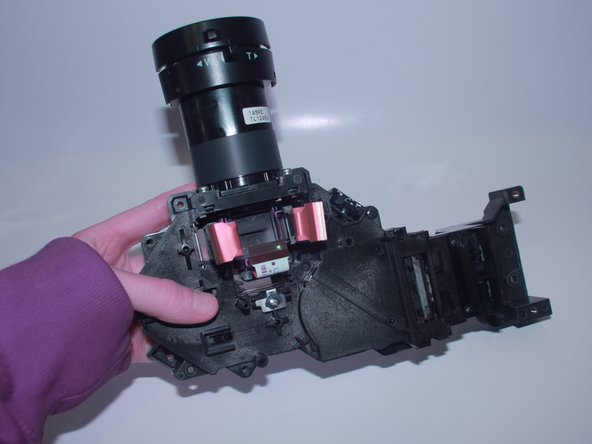
  10. Epson Powerlite Power Supply Replacement, Projector Lens: step 10, image 1 of 3 Epson Powerlite Power Supply Replacement, Projector Lens: step 10, image 2 of 3 Epson Powerlite Power Supply Replacement, Projector Lens: step 10, image 3 of 3
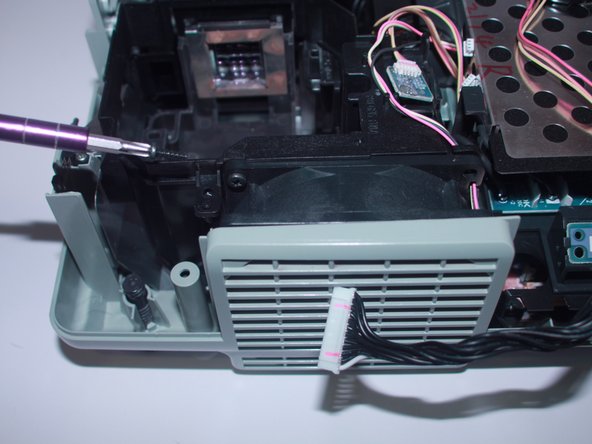
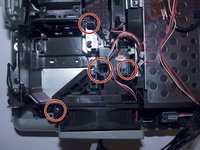
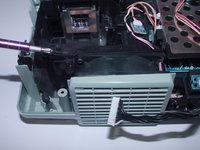
    • Unscrew the four 6mm screws that hold together the fan bracket.

    Ask FixBot

    Add Comment

  11. Epson Powerlite Power Supply Replacement: step 11, image 1 of 2 Epson Powerlite Power Supply Replacement: step 11, image 2 of 2
    • Unscrew the four 6mm screws that secure the projector.

    Ask FixBot

    Add Comment

  12. Epson Powerlite Power Supply Replacement: step 12, image 1 of 2 Epson Powerlite Power Supply Replacement: step 12, image 2 of 2
    • Pull out the loose projector.

    Ask FixBot

    Add Comment

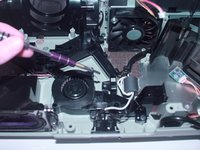
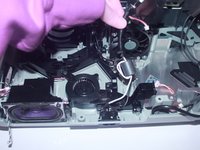
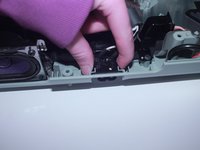
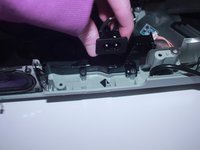
  13. Epson Powerlite Power Supply Replacement, Power Supply: step 13, image 1 of 2 Epson Powerlite Power Supply Replacement, Power Supply: step 13, image 2 of 2
    • Remove the power plug attached to the bracket which kept the fan in place by rocking it back and forth and gently pull up when it is loose.

    Ask FixBot

    Add Comment

  14. Epson Powerlite Power Supply Replacement: step 14, image 1 of 1
    • Remove the rest of the bracket which helped keep the exhaust fan in place.

    Ask FixBot

    Add Comment

  15. Epson Powerlite Power Supply Replacement: step 15, image 1 of 3 Epson Powerlite Power Supply Replacement: step 15, image 2 of 3 Epson Powerlite Power Supply Replacement: step 15, image 3 of 3
    • Use a Phillips #2 screwdriver to remove the two 6 mm screws that secure the wire guide.

    Ask FixBot

    Add Comment

  16. Epson Powerlite Power Supply Replacement: step 16, image 1 of 3 Epson Powerlite Power Supply Replacement: step 16, image 2 of 3 Epson Powerlite Power Supply Replacement: step 16, image 3 of 3
    • Gently lift up the wire guide to remove the wires.

    • Use your fingers to firmly press on the sides of the power plug and lift it upward.

    • You will now be able to remove and replace the power supply.

    Ask FixBot

    Add Comment

Conclusion

To reassemble your device, follow these instructions in reverse order.

Cancel: I did not complete this guide.

0 Guide Comments

Add Comment

View Statistics:

Past 24 Hours: 0

Past 7 Days: 1

Past 30 Days: 40

All Time: 1,217