Introduction
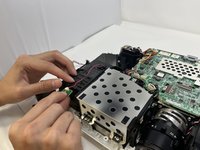
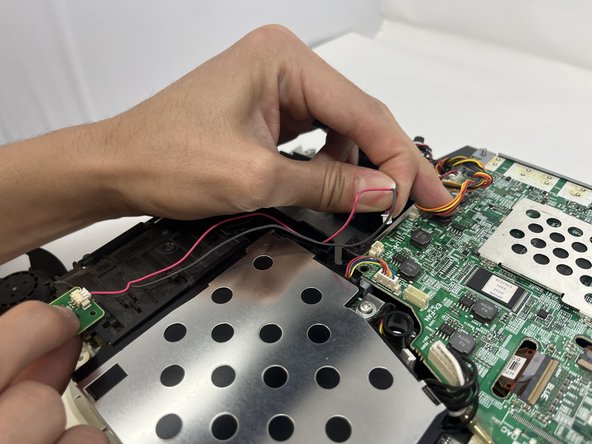
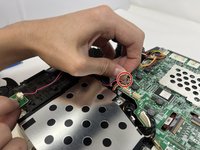
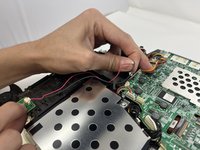
If your Epson PowerLite Home Cinema 1040 (model V11H772020 or H772A) fan constantly runs even right after you turn the projector on and the lamp is still cool, there could be an issue with the temperature sensor. The temperature sensor in the Epson PowerLite Home Cinema 1040 is a green chip about the size of a nickel. It has 2 wires that plug into the motherboard. If there is a malfunction with this sensor, the projector will constantly think it is overheating, and the fans will constantly run and the projector may even shut off.
This guide demonstrates the steps necessary for replacing your temperature sensor.
Before beginning, make sure to turn off the projector and unplug the power cord.
What you need
-
-
-
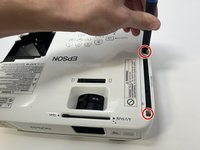
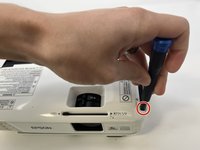
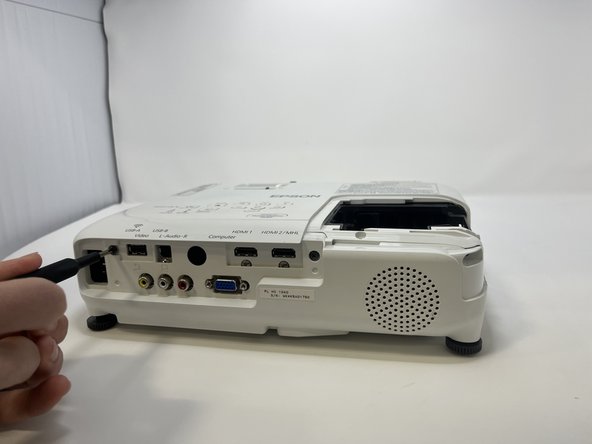
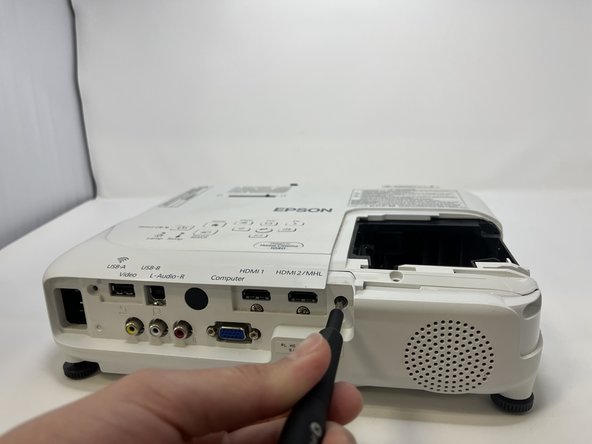
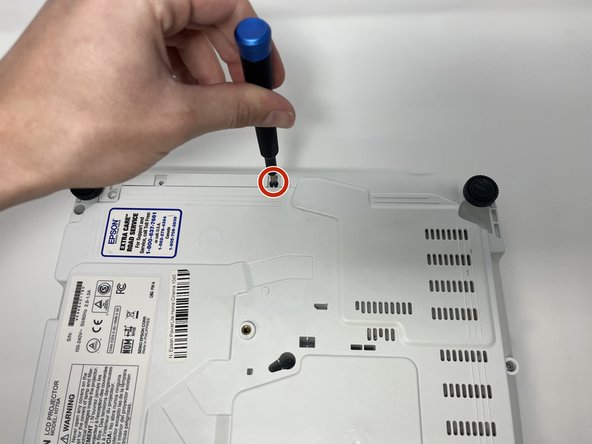
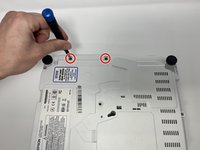
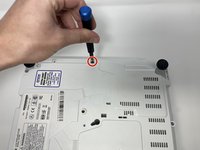
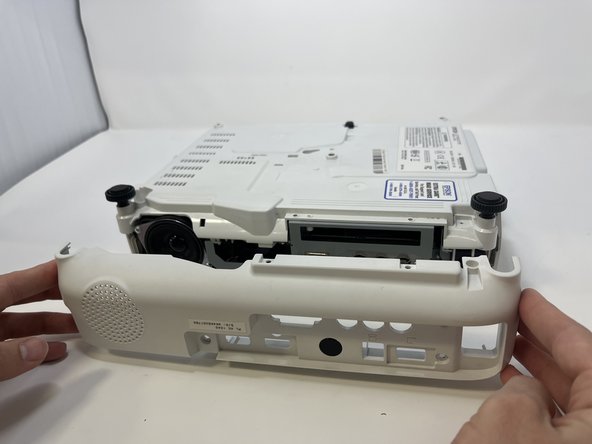
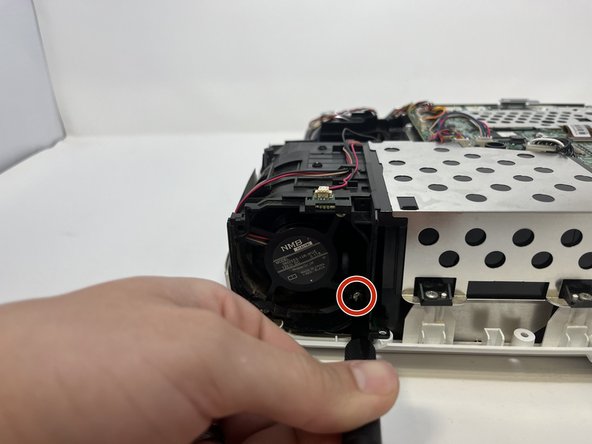
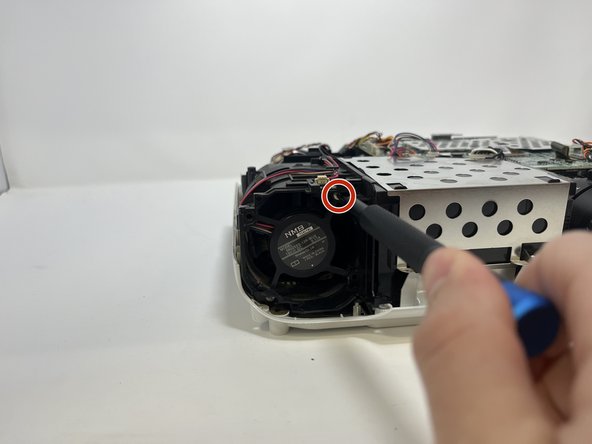
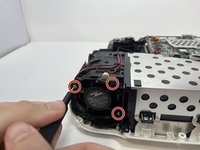
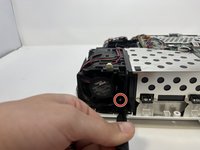
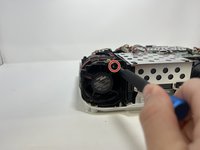
Use the Philips #1 to unscrew the 3 silver 7mm screws securing the fan frame in place.
-


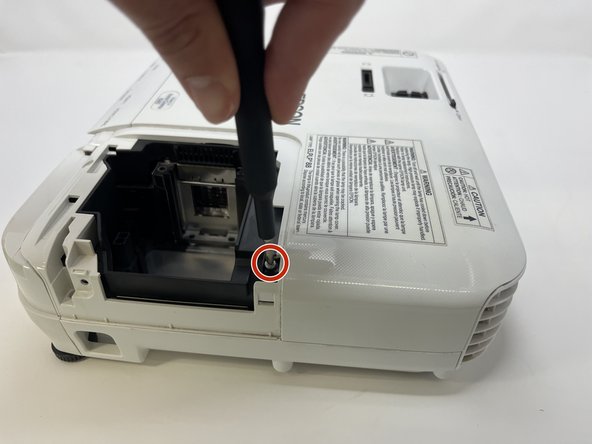
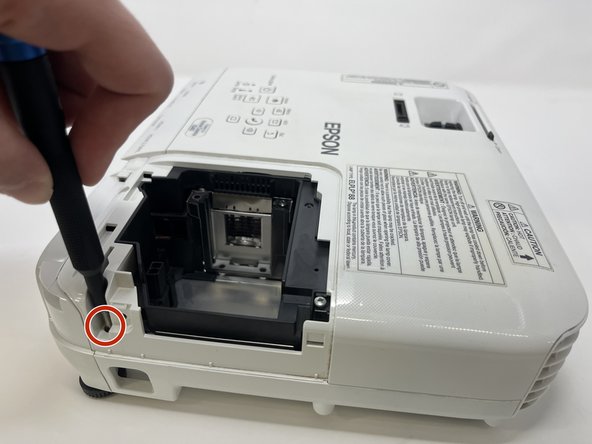
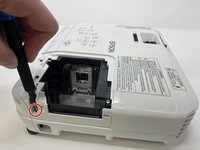

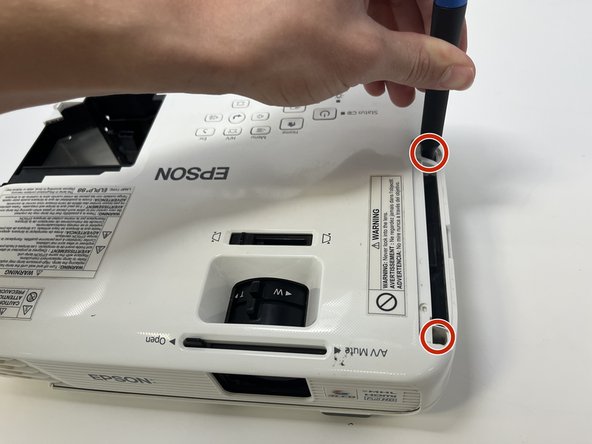
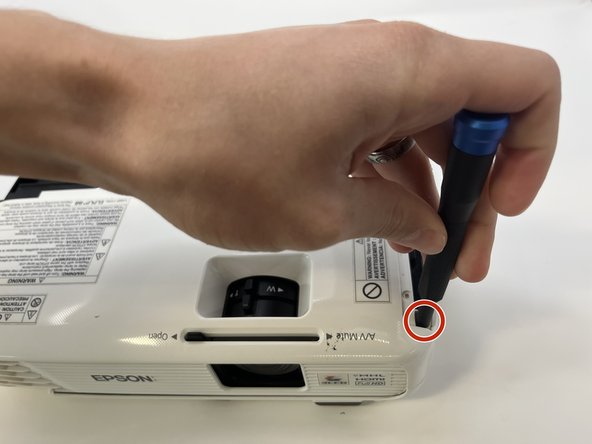
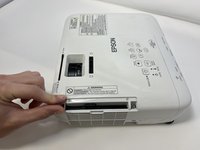

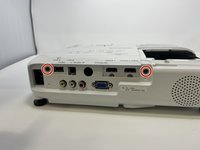
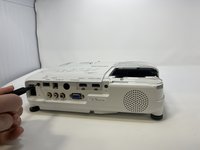
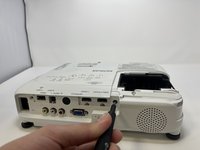

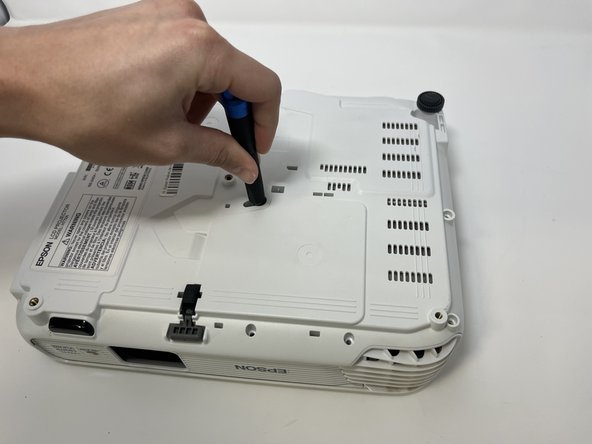
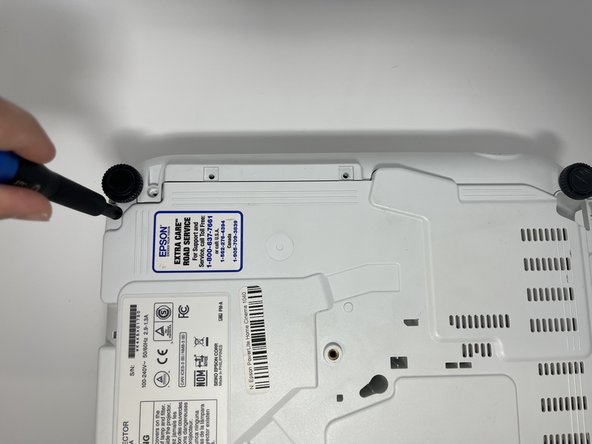
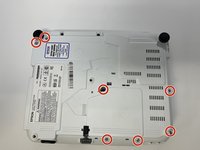
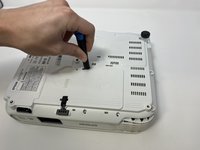
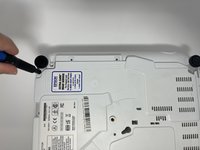


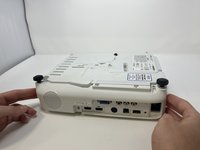
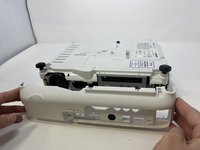

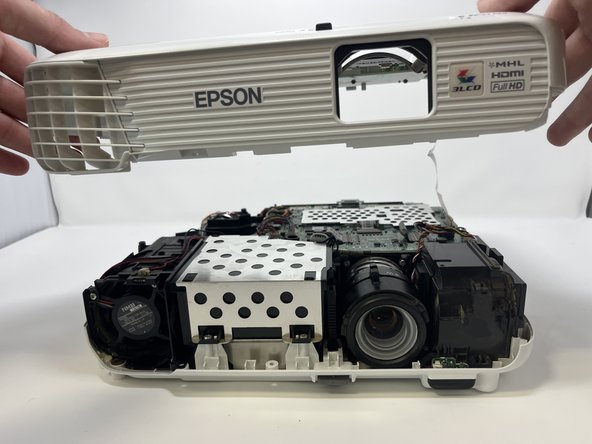
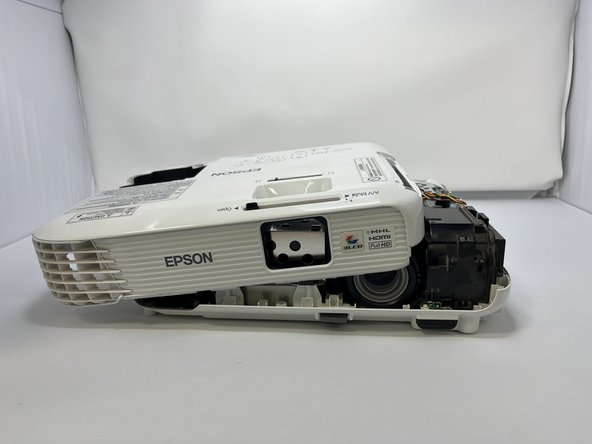
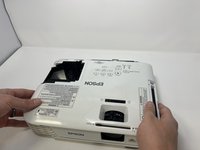
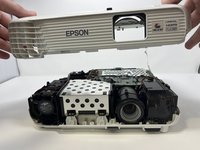
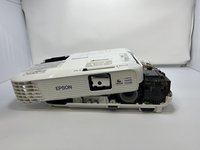

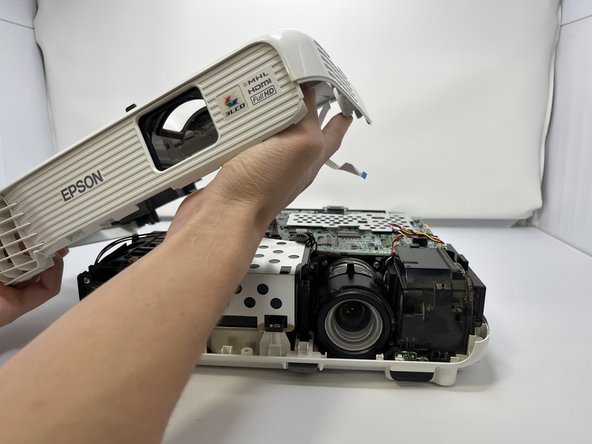
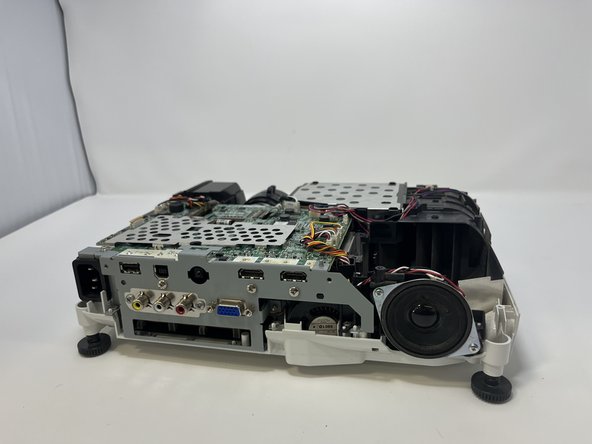
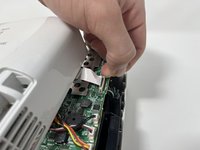

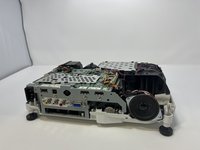


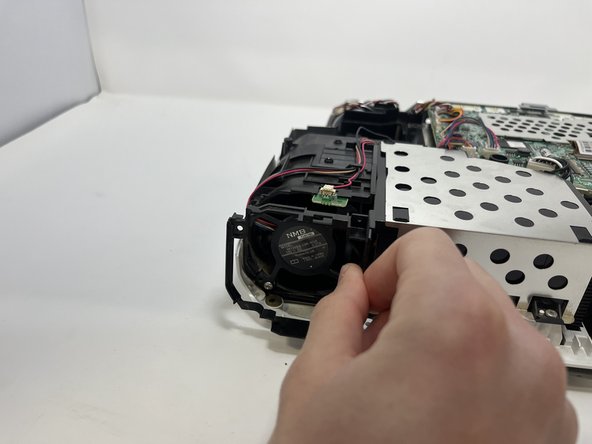



To reassemble your device, follow these instructions in reverse order.
Cancel: I did not complete this guide.
One other person completed this guide.

Team

Utah Tech University, Team 1-6, McMurrin Spring 2023 Member of Utah Tech University, Team 1-6, McMurrin Spring 2023
UTAHTECH-MCMURRIN-S23S1G6
3 Members
6 Guides authored
2 Guide Comments
Very helpful. Even if it doesn't fix my issue on a epson eb-x27 solid status light with blinking status light. Neither lamp or temp alluminated. No fan or lamp. I tried a known working lamp and checked obvious safety switches. I have 17v from psu to board. Not sure if there are any other outputs missing that should be there though. I'm wondering if this thermistor is putting the unit into a safe mode. Or I have another rail loss somewhere detected or another issue.
