Free Shipping on Domestic Orders $75+

Epson BrightLink 450wi Screen Replacement

What you need

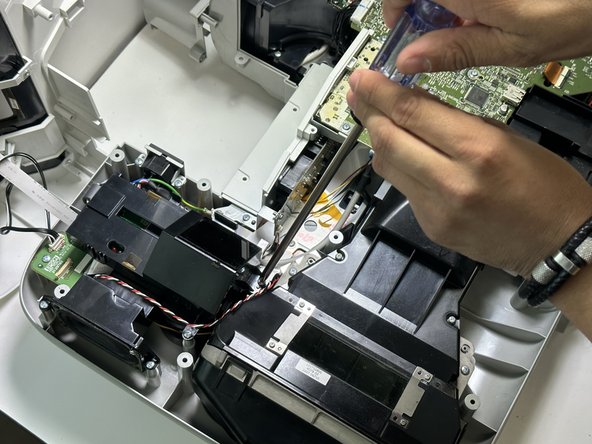
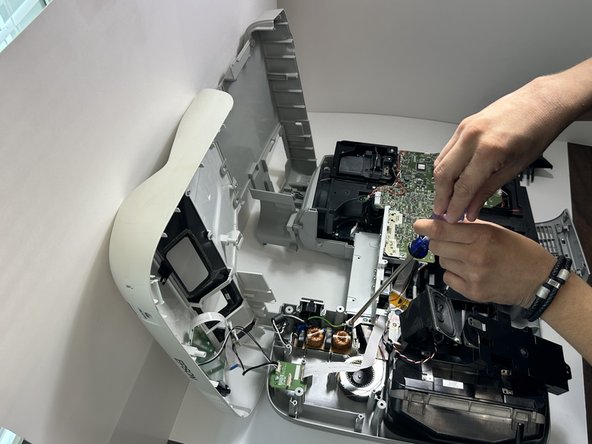
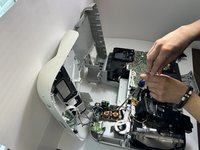
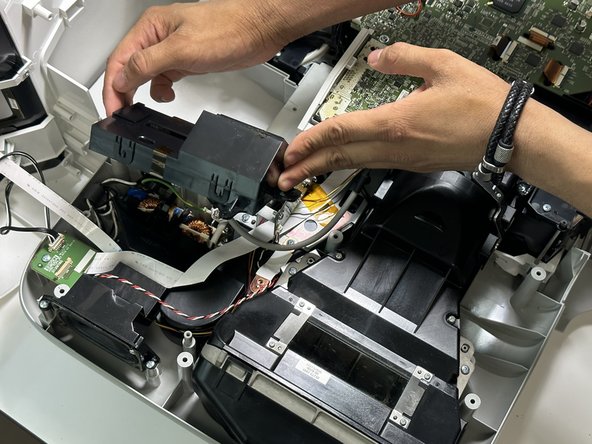
    1. Epson BrightLink 450wi Screen Replacement, Speaker: step 1, image 1 of 3 Epson BrightLink 450wi Screen Replacement, Speaker: step 1, image 2 of 3 Epson BrightLink 450wi Screen Replacement, Speaker: step 1, image 3 of 3
      • Remove the 11 mm screws from the bottom of the device using a long-handle Phillips screwdriver.

      Ask FixBot

      Add Comment

    2. Epson BrightLink 450wi Screen Replacement: step 2, image 1 of 3 Epson BrightLink 450wi Screen Replacement: step 2, image 2 of 3 Epson BrightLink 450wi Screen Replacement: step 2, image 3 of 3
      • Remove the 11 mm screws from the air filter section and power source section.

      Ask FixBot

      Add Comment

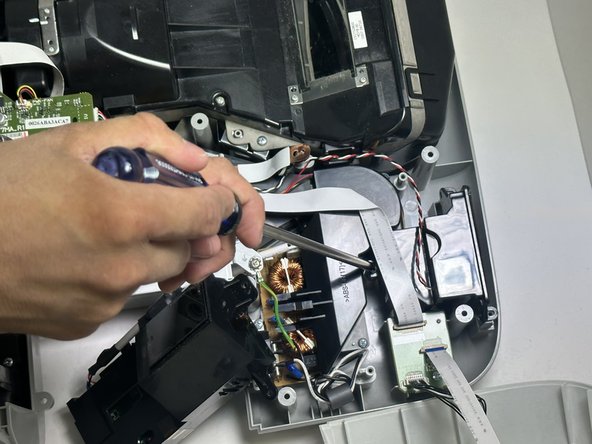
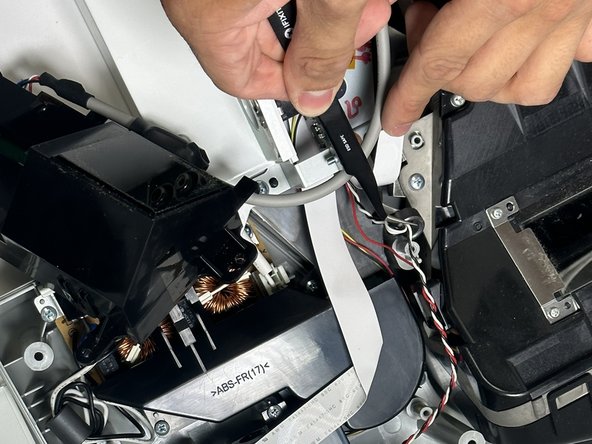
    3. Epson BrightLink 450wi Screen Replacement: step 3, image 1 of 3 Epson BrightLink 450wi Screen Replacement: step 3, image 2 of 3 Epson BrightLink 450wi Screen Replacement: step 3, image 3 of 3
      Tool used on this step:
      Tweezers
      $4.99
      Buy
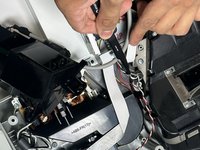
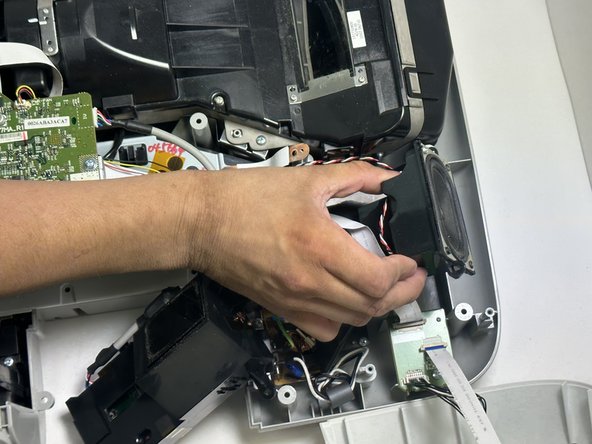
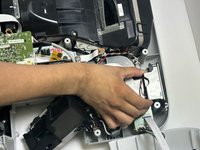
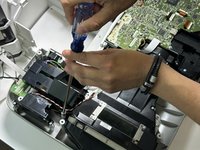
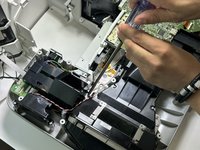
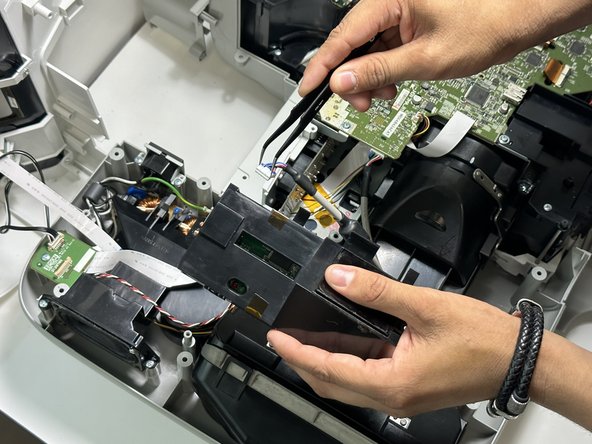
      • Remove the 11 mm screws around the speaker. Use tweezers to move wires out of the way to locate screws.

      Ask FixBot

      Add Comment

    4. Epson BrightLink 450wi Screen Replacement: step 4, image 1 of 2 Epson BrightLink 450wi Screen Replacement: step 4, image 2 of 2
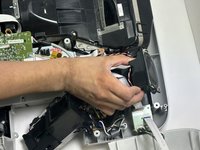
      • Once the screws are removed, the speaker can be removed.

      Ask FixBot

      Add Comment

    1. Epson BrightLink 450wi Screen Replacement, Screen: step 5, image 1 of 3 Epson BrightLink 450wi Screen Replacement, Screen: step 5, image 2 of 3 Epson BrightLink 450wi Screen Replacement, Screen: step 5, image 3 of 3
      • Using Phillips screwdriver unscrew the screws to the screen.

      Ask FixBot

      Add Comment

    2. Epson BrightLink 450wi Screen Replacement: step 6, image 1 of 2 Epson BrightLink 450wi Screen Replacement: step 6, image 2 of 2
      • Gently lift the screen up after the screws are removed.

      Ask FixBot

      Add Comment

    3. Epson BrightLink 450wi Screen Replacement: step 7, image 1 of 2 Epson BrightLink 450wi Screen Replacement: step 7, image 2 of 2
      Tool used on this step:
      Tweezers
      $4.99
      Buy
      • Using the tweezers remove the wire to the back of the screen.

      Ask FixBot

      Add Comment

Conclusion

To reassemble your device, follow these instructions in reverse order.

Cancel: I did not complete this guide.

Jason

Member since: 09/01/23

257 Reputation

2 Guides authored

0 Guide Comments

Add Comment

View Statistics:

Past 24 Hours: 1

Past 7 Days: 4

Past 30 Days: 19

All Time: 236