
Epson BrightLink 450wi Projector Lamp Replacement

Evan Sandoval and 2 other contributors
Last updated on Dec 11, 2023
Views: 431
View statistics:
- Past 24 Hours:
- 2
- Past 7 Days:
- 14
- Past 30 Days:
- 51
- All Time:
- 431
Comments: 0
No one has left comments on this guide. Will you be first?
Go to guide commentsCompleted: 0 1
No one has marked this guide "completed." Will you be the first?
1 person has marked this guide "completed." It's you — great job!
Favorites: 0 1
No one has favorited (and subscribed to) this guide. Will you be the first?
1 person has favorited (and subscribed to) this guide — and that's you!
Introduction
Go to step 1 ↓The lamp is the most important part of the Epson Brightlink 450Wi; it allows the image to be projected onto the screen by shining a light through the LCD system. Without a working lamp, your device is essentially useless; so it is very important to make sure your lamp is properly working.
For such an important part, it is luckily a replacement that just about anyone can perform. In the event your lamp isn't working right or when in need of replacement, follow this guide.
What you need

-
-
-
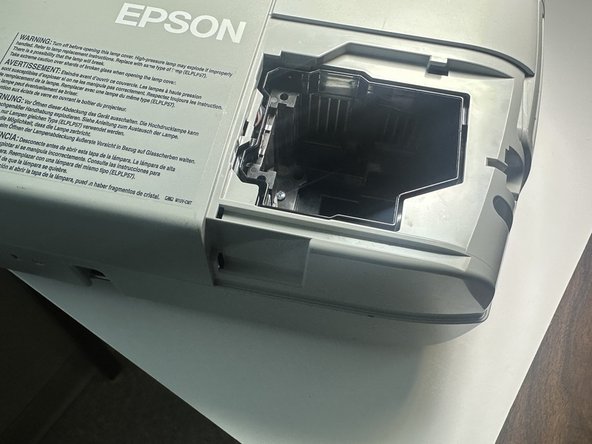
Rotate Projector so you are looking at the right corner, next to the white EPSON logo.
-
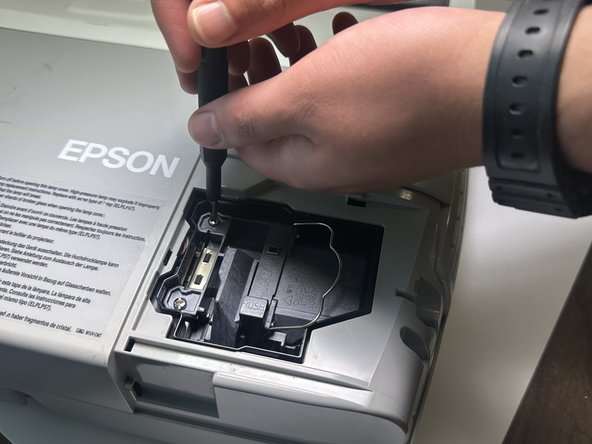
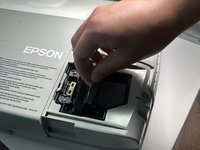
On the right side, begin to unscrew the 11 mm screw.
 Ask FixBot
-
-
-
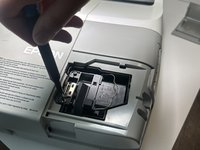
Once the screw is no longer tightened remove the cover plate by sliding it off towards the right of the device. This will expose the lamp.
-
-
-
-
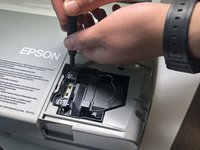
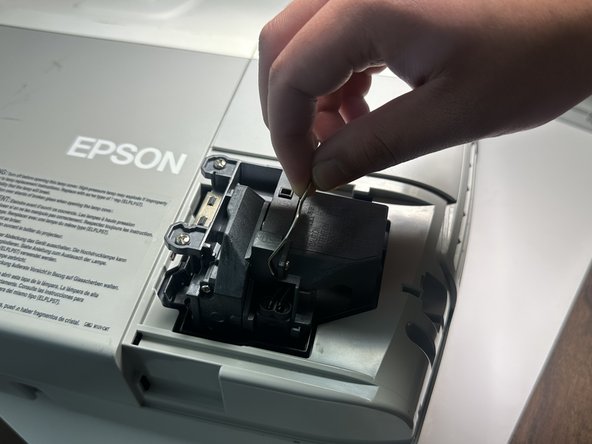
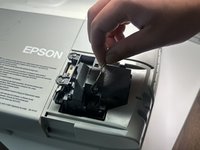
Once the screws are loose you can lift the thin metal handle upwards. Use it as leverage to pull the lamp straight out to remove it.
-
-



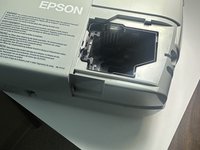
To reassemble your device, follow these instructions in reverse order.

