Introduction
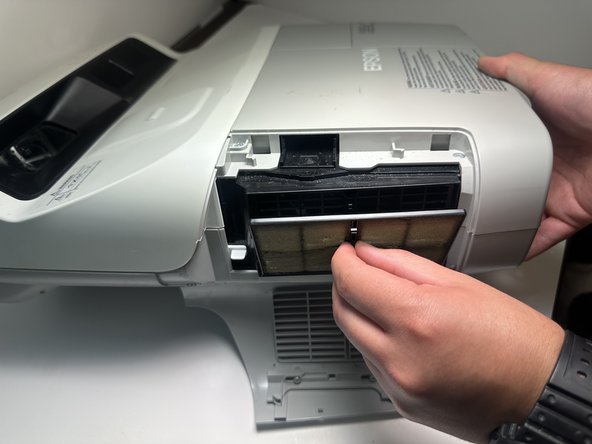
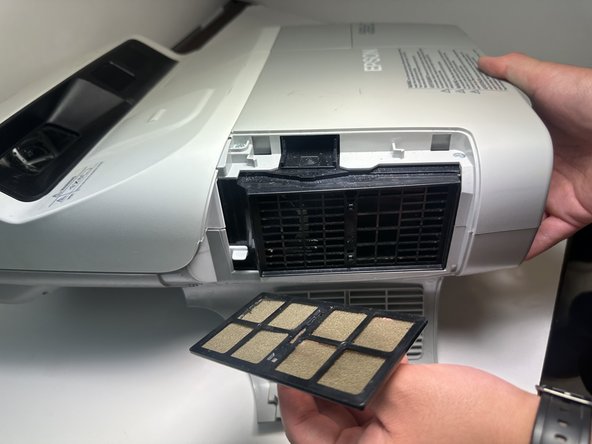
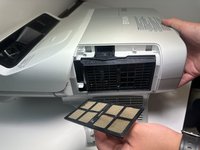
The air filter is a very important part of the Epson Brightlink 450Wi. Although a small piece, it's absolutely vital to keep in good working condition. The air filter is important because it keeps your device clean and dust free.
When too much dust builds up it can cause the device to overheat, which can damage your device and cause malfunctions. In the event of a clogged air filter or when in need of replacement, follow this guide.
-
-
Rotate the projector on its side with the Wi-Fi symbol and sliding lock facing you.
 Ask FixBot
-
-
-
-
Pull back the sliding lock in the direction away from the projector, and gently open the air filter door while still holding the lock open.
-


Conclusion
To reassemble your device, follow these instructions in reverse order.

