Free Shipping on Domestic Orders $75+

Enabot EBO SE Motherboard Replacement

What you need

  1. Enabot EBO SE Motherboard Replacement, Wheel Assembly: step 1, image 1 of 1
    • Gently turn the robot upside down.

    • Place the robot on a stable surface to prevent it from rolling or falling.

    Ask FixBot

    Add Comment

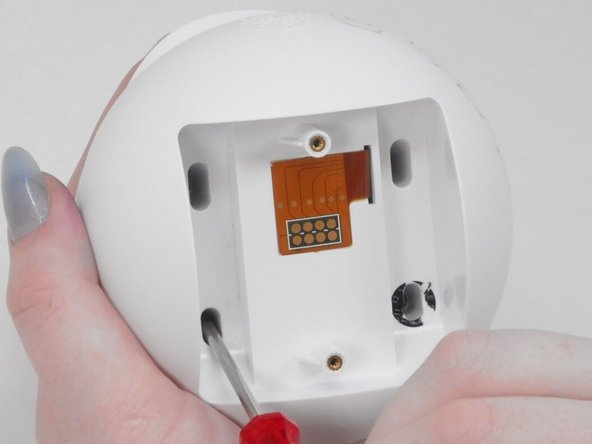
  2. Enabot EBO SE Motherboard Replacement: step 2, image 1 of 3 Enabot EBO SE Motherboard Replacement: step 2, image 2 of 3 Enabot EBO SE Motherboard Replacement: step 2, image 3 of 3
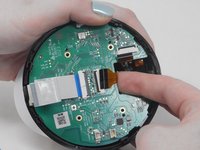
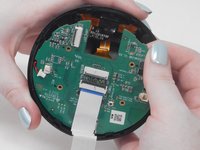
    • Use a flathead 2.5 mm screwdriver to remove the 5.7 mm screw from the wheels.

    • A tool should have been provided in the box for this purpose.

    Ask FixBot

    Add Comment

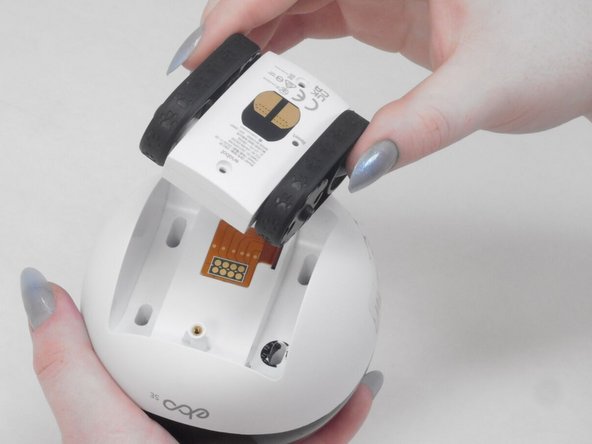
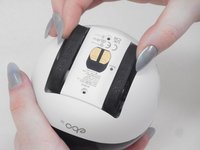
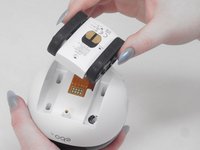
  3. Enabot EBO SE Motherboard Replacement: step 3, image 1 of 2 Enabot EBO SE Motherboard Replacement: step 3, image 2 of 2
    • Pull the wheel assembly towards you so it comes straight off without resistance.

    • If there is resistance, make sure to apply gentle force when pulling as it can get damaged with too much force.

    Ask FixBot

    Add Comment

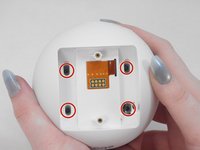
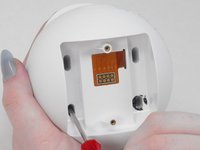
  4. Enabot EBO SE Motherboard Replacement, Lower Housing: step 4, image 1 of 2 Enabot EBO SE Motherboard Replacement, Lower Housing: step 4, image 2 of 2
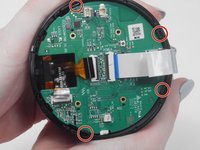
    • Use a Torx screwdriver to remove the four 9 mm screws from the assembly.

    Ask FixBot

    Add Comment

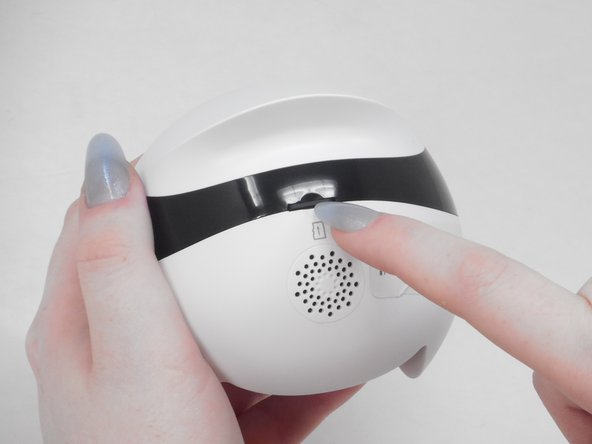
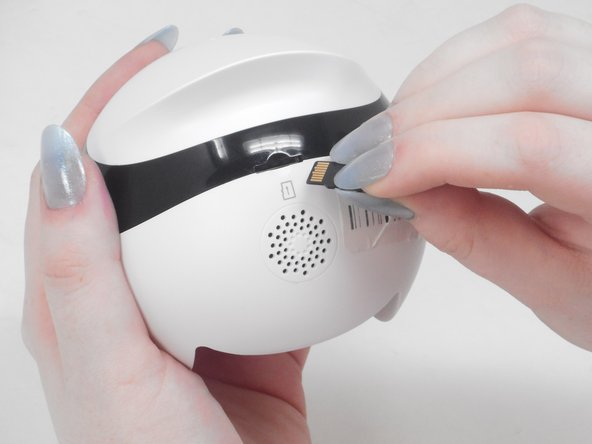
  5. Enabot EBO SE Motherboard Replacement: step 5, image 1 of 3 Enabot EBO SE Motherboard Replacement: step 5, image 2 of 3 Enabot EBO SE Motherboard Replacement: step 5, image 3 of 3
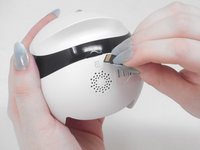
    • Use your fingernail to carefully press down and eject the Micro SD Card from the back of the Enabot.

    • Keep the Micro SD Card in a safe spot for later.

    Ask FixBot

    Add Comment

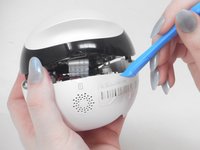
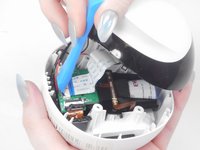
  6. Enabot EBO SE Motherboard Replacement: step 6, image 1 of 2 Enabot EBO SE Motherboard Replacement: step 6, image 2 of 2
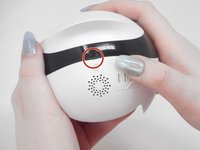
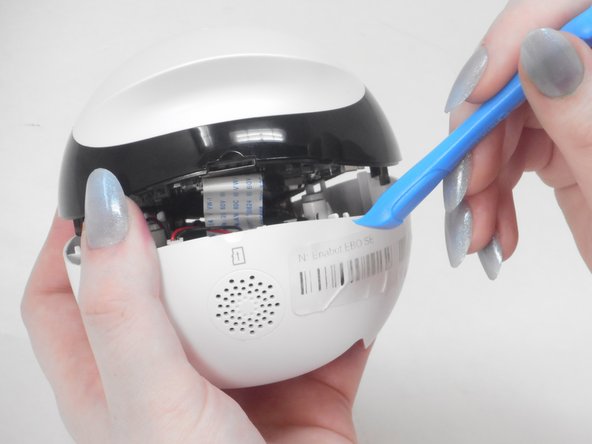
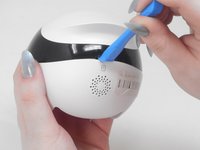
    • Place the iFixit opening tool inside the Micro SD slot.

    • Very carefully apply pressure to the top of the slot and pry open the casing to separate the upper and lower housing.

    Ask FixBot

    Add Comment

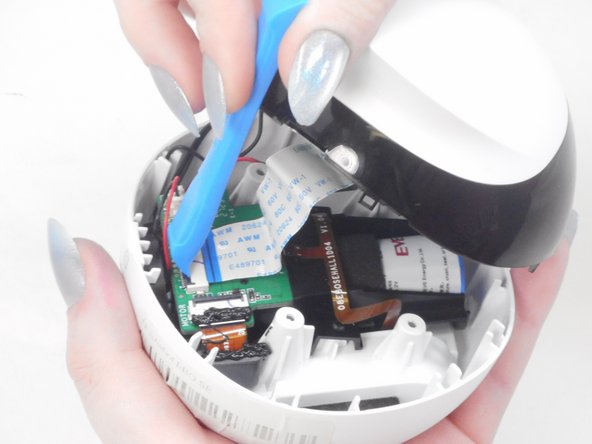
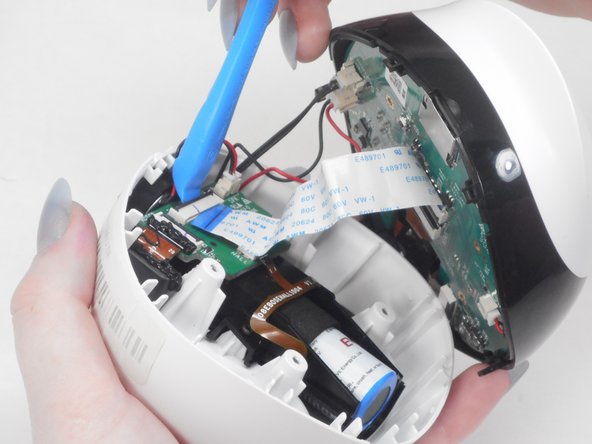
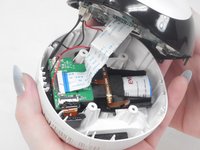
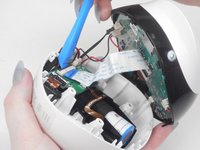
  7. Enabot EBO SE Motherboard Replacement: step 7, image 1 of 3 Enabot EBO SE Motherboard Replacement: step 7, image 2 of 3 Enabot EBO SE Motherboard Replacement: step 7, image 3 of 3
    • Using the iFixit opening tool or your fingernail, place it underneath the gray tab on the lower housing.

    • Lift the tab up and pull out the ribbon cable to disconnect it from the lower housing.

    Ask FixBot

    Add Comment

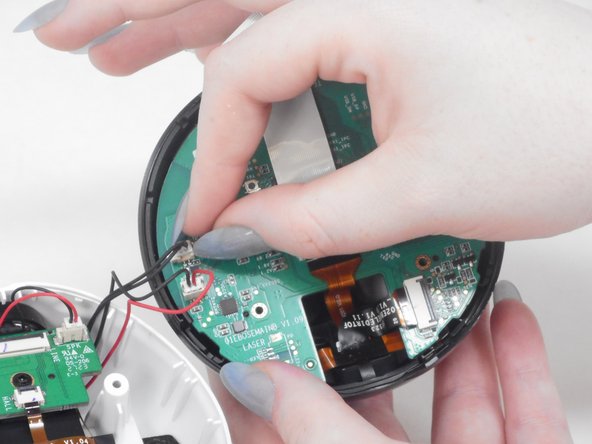
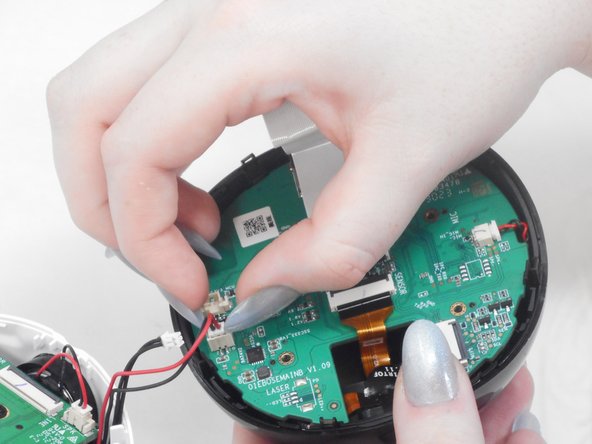
  8. Enabot EBO SE Motherboard Replacement: step 8, image 1 of 3 Enabot EBO SE Motherboard Replacement: step 8, image 2 of 3 Enabot EBO SE Motherboard Replacement: step 8, image 3 of 3
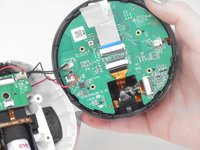
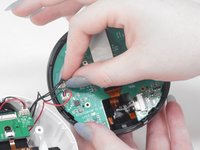
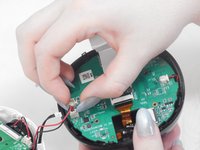
    • There are two black and red wire connectors attached to the upper and lower housing.

    • Gently use your finger nails to lift up and disconnect both wires to fully separate the upper and lower housings.

    Ask FixBot

    Add Comment

  9. Enabot EBO SE Motherboard Replacement, Motherboard: step 9, image 1 of 2 Enabot EBO SE Motherboard Replacement, Motherboard: step 9, image 2 of 2
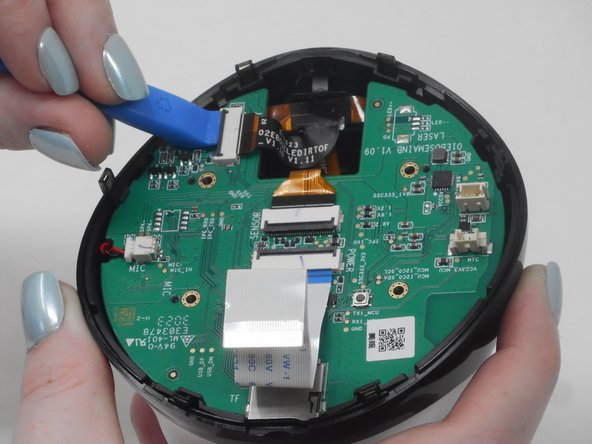
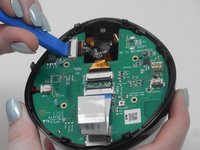
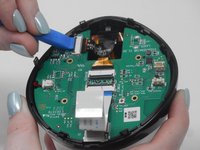
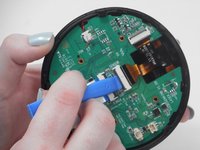
    • Use the iFixit opening tool to unlock the side gray tab and free the orange & black ribbon cable.

    Ask FixBot

    Add Comment

  10. Enabot EBO SE Motherboard Replacement: step 10, image 1 of 2 Enabot EBO SE Motherboard Replacement: step 10, image 2 of 2
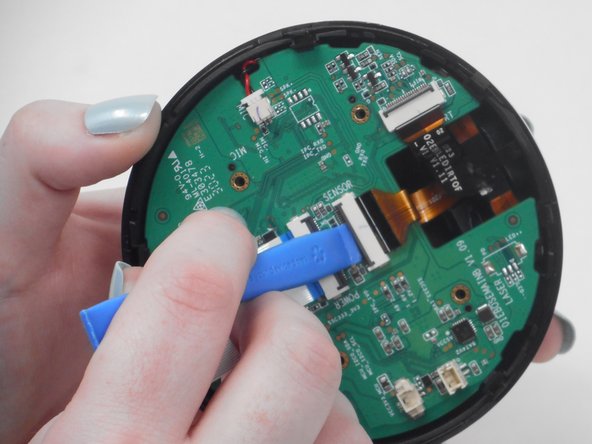
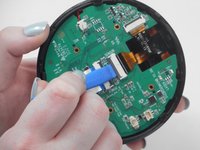
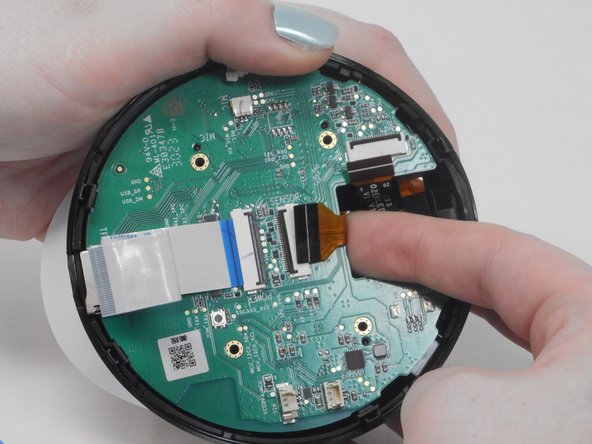
    • Use the iFixit opening tool to unlock the middle gray tab and free the orange & black ribbon cable.

    Ask FixBot

    Add Comment

  11. Enabot EBO SE Motherboard Replacement: step 11, image 1 of 3 Enabot EBO SE Motherboard Replacement: step 11, image 2 of 3 Enabot EBO SE Motherboard Replacement: step 11, image 3 of 3
    • Select one of the release tabs on the edge of the upper casing that holds the motherboard in place.

    • Place one finger in between the motherboard and the upper casing.

    • Pull the release tab back while lifting the motherboard with your other finger to "pop" the motherboard out of the casing.

    Ask FixBot

    Add Comment

  12. Enabot EBO SE Motherboard Replacement: step 12, image 1 of 3 Enabot EBO SE Motherboard Replacement: step 12, image 2 of 3 Enabot EBO SE Motherboard Replacement: step 12, image 3 of 3
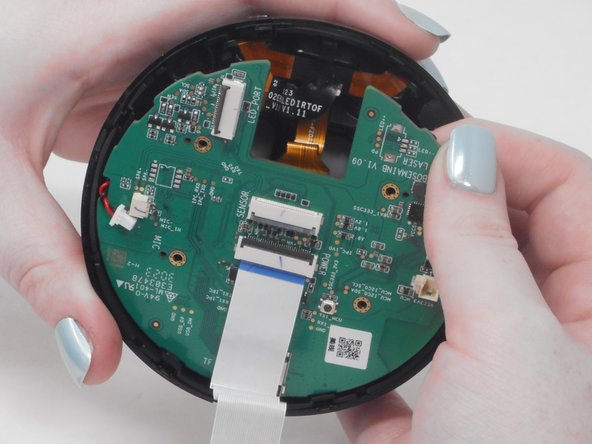
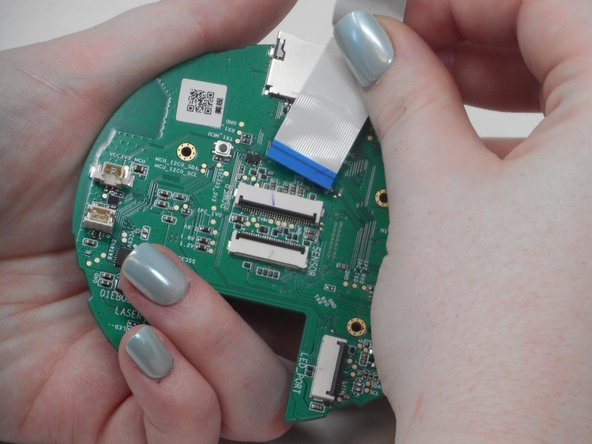
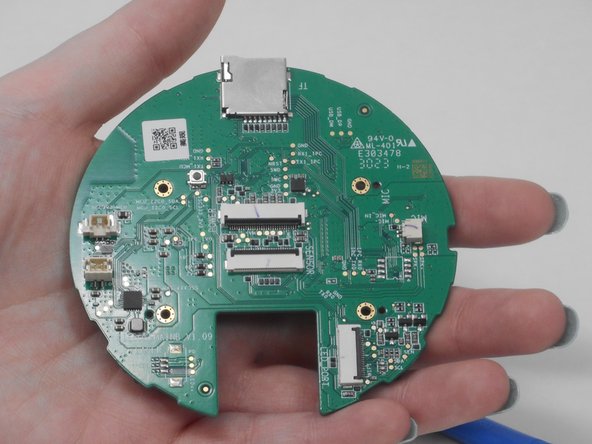
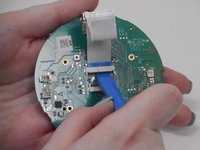
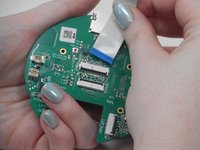
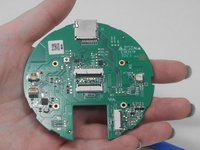
    • Use the ifixit opening tool to disconnect the blue & white ribbon cable.

    • Gently pull the blue & white ribbon cable out of the gray connector tab.

    Ask FixBot

    Add Comment

Conclusion

To reassemble your device, follow these instructions in reverse order.

Cancel: I did not complete this guide.

Kevin H.

Member since: 02/15/24

716 Reputation

5 Guides authored

0 Guide Comments

Add Comment

View Statistics:

Past 24 Hours: 1

Past 7 Days: 9

Past 30 Days: 43

All Time: 726