
Enabot EBO SE Battery Replacement

Kevin H. and 2 other contributors
Last updated on May 24, 2024
Views: 5.5K
View statistics:
- Past 24 Hours:
- 3
- Past 7 Days:
- 45
- Past 30 Days:
- 340
- All Time:
- 5,498
Comments: 12
3 comments on steps, 9 guide comments.
Go to guide commentsCompleted: 7 8
7 people have marked this guide "completed." Will you be next?
8 people have marked this guide "completed." Including you — great job!
Favorites: 0 1
No one has favorited (and subscribed to) this guide. Will you be the first?
1 person has favorited (and subscribed to) this guide — and that's you!
Featured Student Guide
This guide has been the hard work of our awesome students and is found to be exceptionally cool by the iFixit staff.
Introduction
Go to step 1 ↓Replacing the battery in the Enabot EBO SE can be essential in prolonging the lifespan on this product. Overcharging or a faulty battery can drastically impact the ability of the Enabot EBO SE to function. Replacing the battery when damaged or worn down can revitalize your robot pal and help prevent unnecessary e-waste. In these following steps we will show you how to replace your battery.
What you need
Tools


-
-
-
Gently turn the robot upside down.
-
Place the robot on a stable surface to prevent it from rolling or falling.
 Ask FixBot
-
-
-
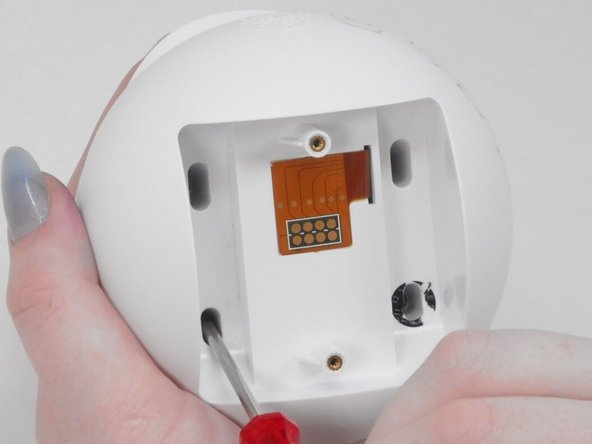
Use a flathead 2.5 mm screwdriver to remove the 5.7 mm screw from the wheels.
-
-
-
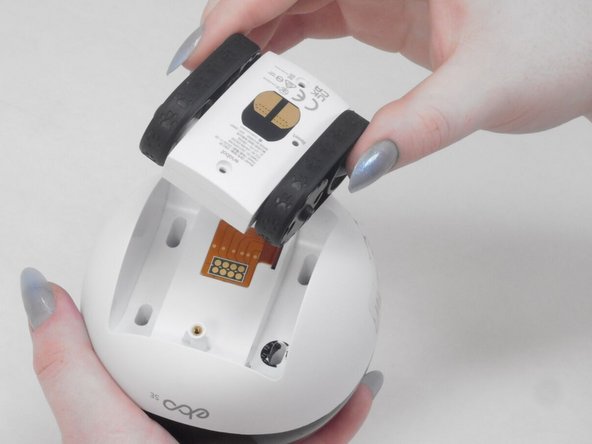
Pull the wheel assembly towards you so it comes straight off without resistance.
-
-
-
-
-
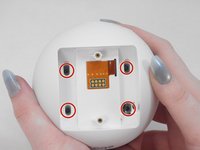
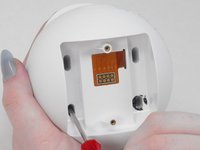
Use a Torx screwdriver to remove the four 9 mm screws from the assembly.
-
-
-
-
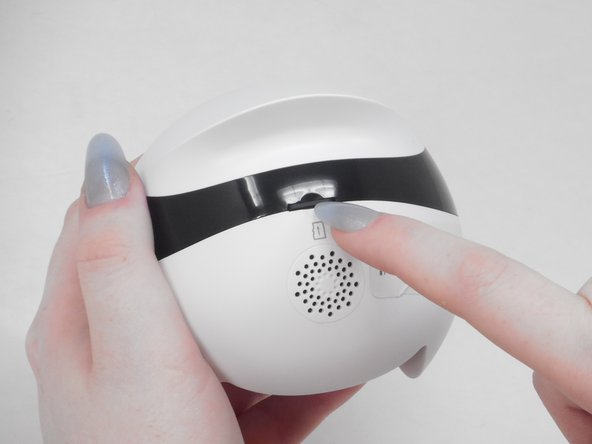
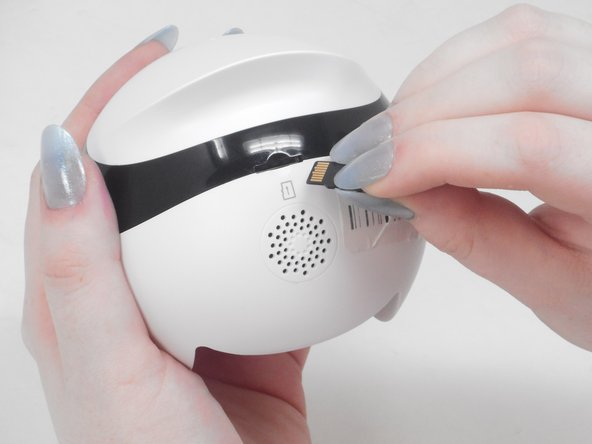
Use your fingernail to carefully press down and eject the Micro SD Card from the back of the Enabot.
-
-
-
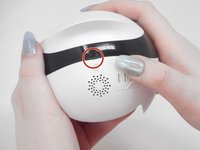
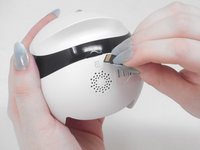
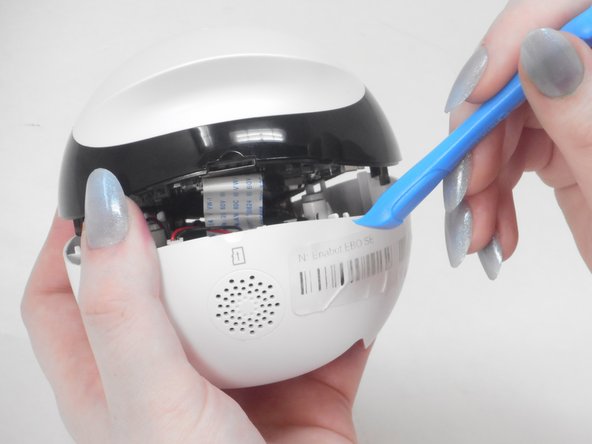
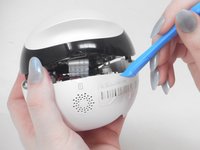
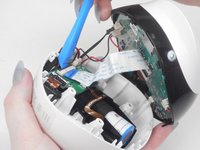
Using the iFixit opening tool or your fingernail, place it underneath the gray tab on the lower housing.
-
Lift the tab up and pull out the ribbon cable to disconnect it from the lower housing.
-
-
-
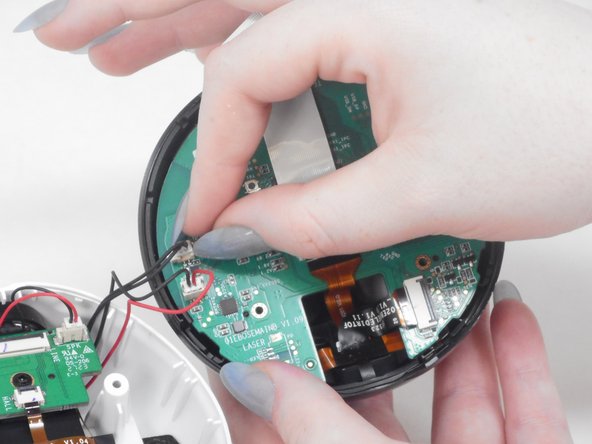
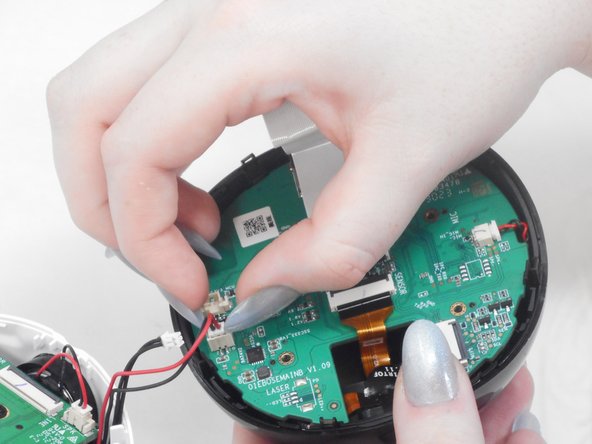
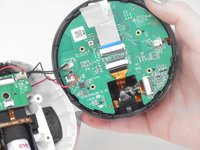
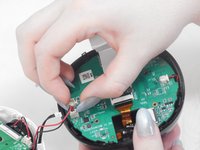
Gently use your finger nails to lift up and disconnect both wires to fully separate the upper and lower housings.
-
-
-
-
-
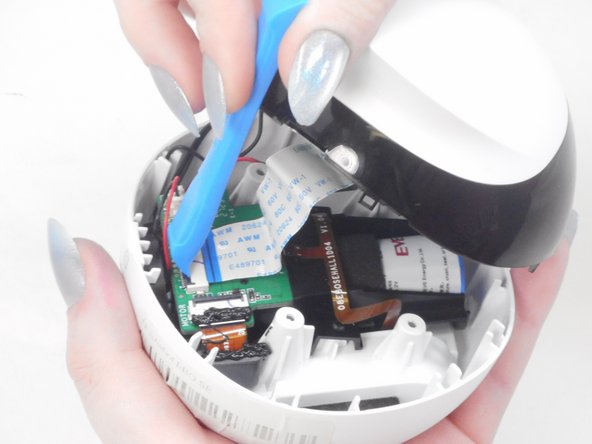
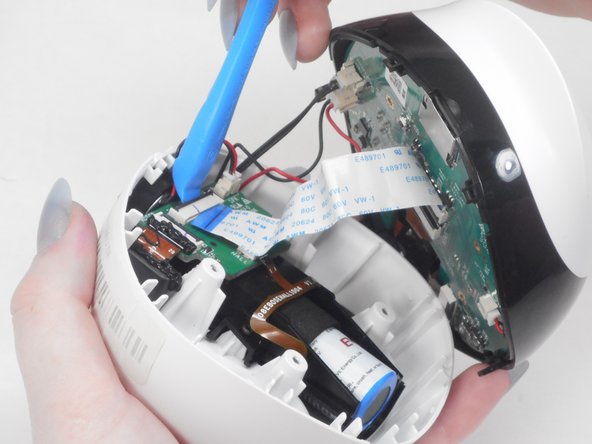
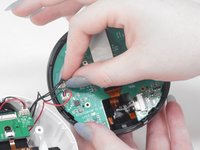
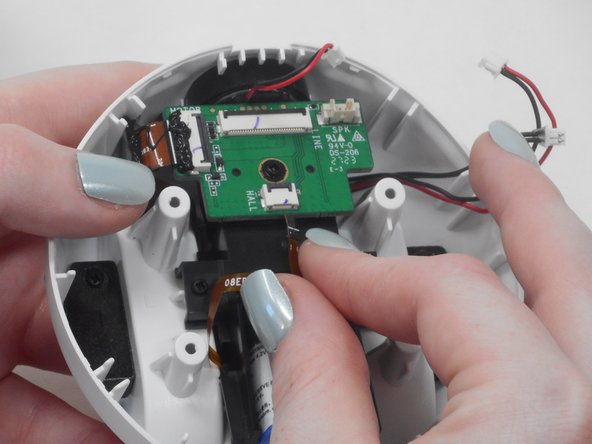
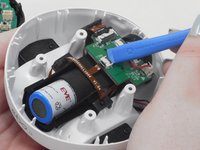
Use the iFixit opening tool or your fingernail to disconnect the cable by placing the edge underneath the gray tab.
-
Flip the tab up and pull the ribbon cable out.
-
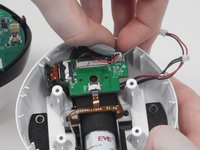
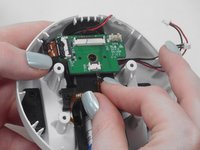
Disconnect the red and blue wires from the daughterboard by using your finger nails to pull up on the connector to disconnect.
-
-
-
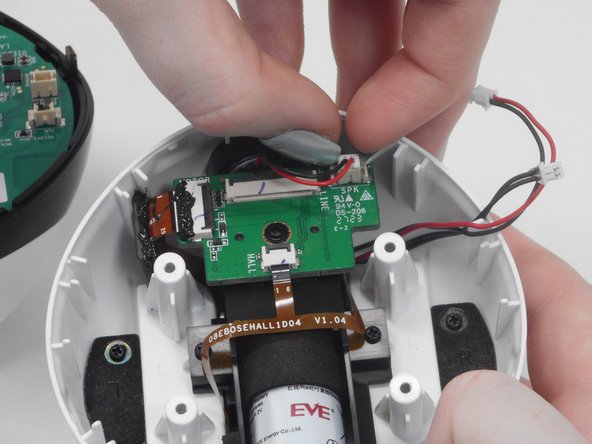
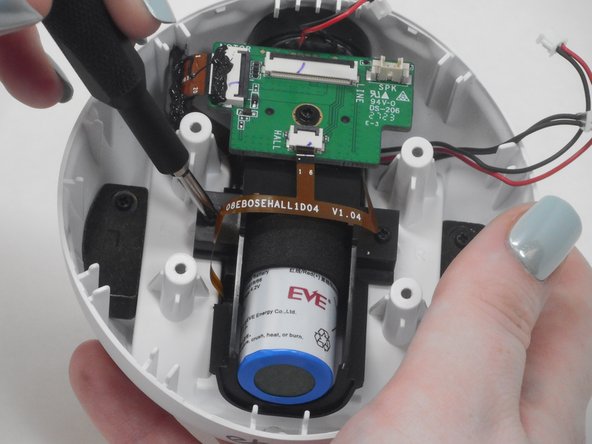
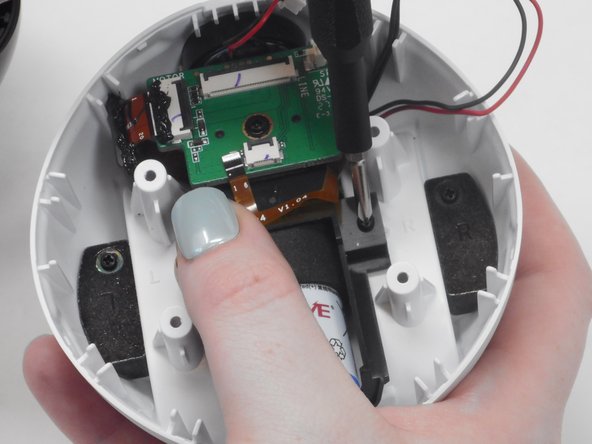
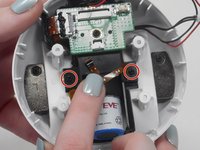
Use a Phillips #00 screwdriver to remove both 7.4 mm screws from the side of the battery's casing.
-
-
-
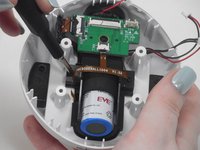
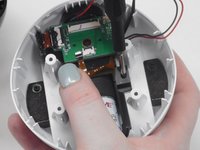
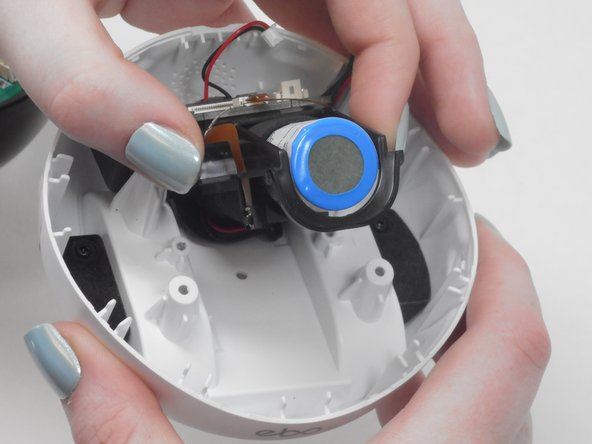
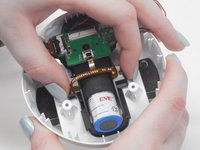
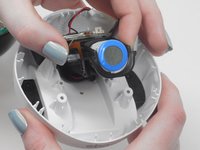
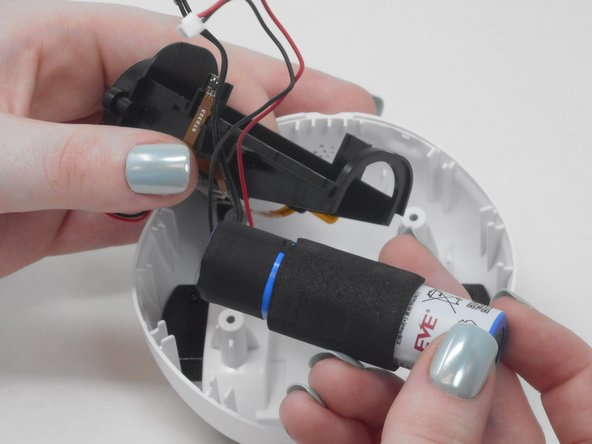
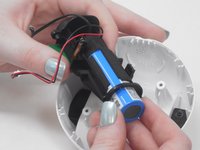
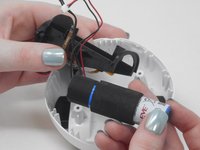
Pull the battery casing upwards from the lower half of the assembly to remove it.
-
-













To reassemble your device, follow these instructions in reverse order.
Cancel: I did not complete this guide.
7 other people completed this guide.

Team

University of Memphis, Team 4-5, Sneed Spring 2024 Member of University of Memphis, Team 4-5, Sneed Spring 2024
UM-SNEED-S24S4G5
4 Members
72 Guides authored
9 Guide Comments
Una guía fantástica, pero no puedo seguirla porque no encuentro el recambio de la batería ¿Se puede usar una genérica? ¿Alguna referencia que me ayude a encontrar el recambio?
tengo la misma duda, entendí perfecto el tutorial, que tipo de batería lleva?
What type of battery?
18650 battery with ph2.0/2p connector
Do you know what's the original battery capacity in mah?
