Introduction
This repair guide will teach you how to replace the battery in the Ematic Genesis 2 tablet.
What you need
-
-
-
With your fingers, carefully pry off the back plastic casing. Starting at the corners is usually the easiest.
 Ask FixBot
-
-
-
Remove all four screws surrounding the battery with a Phillips Head Screwdriver.
-
Carefully remove the battery from the device using the Metal Spudger tool to gently separate the battery by wedging it between the device and the battery.
-
-
-
-
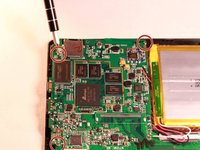
Remove the three screws surrounding the circuit board using the Phillips Head Screwdriver.
-
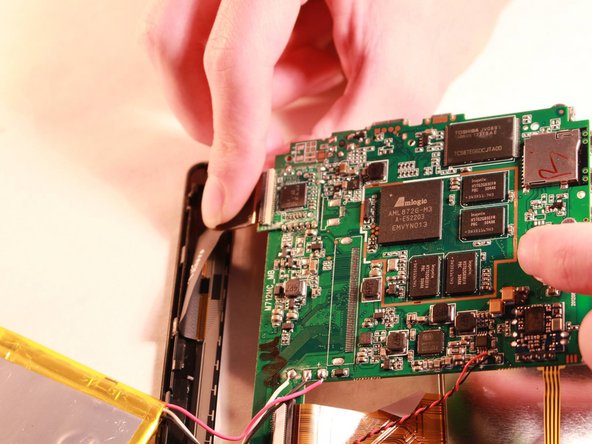
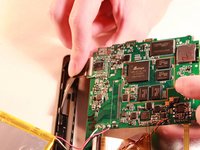
Remove the circuit board from the device by uncliping the copper flexible PCB ribbon cable from the circuit board.
-
-
-
Use the Small Pointed Metal Spudger to separate the LED screen from the front screen by gently wedging the spudger between the screen and the device.
-
-
-
Remove the glass from the front casing by using the metal spudger to break it free from the device. (It's held together by glue.)
-
Install the new screen.
-
-




To reassemble your device, follow these instructions in reverse order.

Team

Western Carolina University, Team 1-1, Virtue Fall 2015 Member of Western Carolina University, Team 1-1, Virtue Fall 2015
WCU-VIRTUE-F15S1G1
4 Members
48 Guides authored
