Introduction
If your Stream Deck screen starts flickering or you have any other issue that seems fixable by replacing the screen, here's a guide on how to do it. There are no official replacement screens but it's a very standard screen which can cost as low as $5.
No screwdrivers required. No soldering required.
What you need
-
-
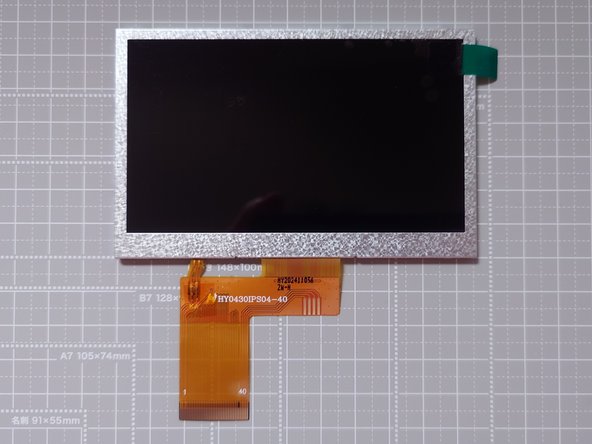
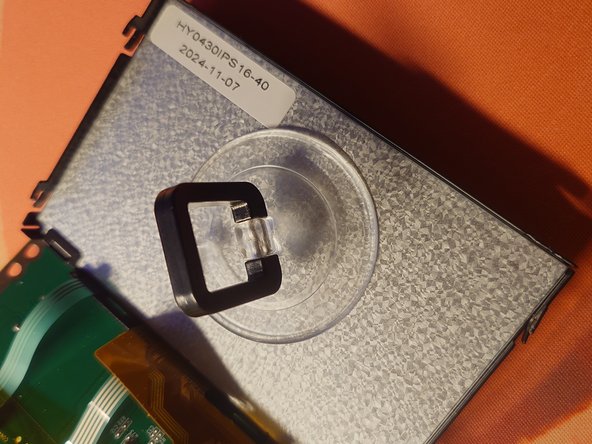
It should look like the one on the picture. Pay attention to the shape of the ribbon cable.
-
must have a resolution of 480x272
-
must be 4.3 inch TFT
-
must have a 40-pin connector
-
should not have a touch capability
-
There are apparently various versions with different luminance. I bought a 1000 nits one and it looks just about right.
-
-
-
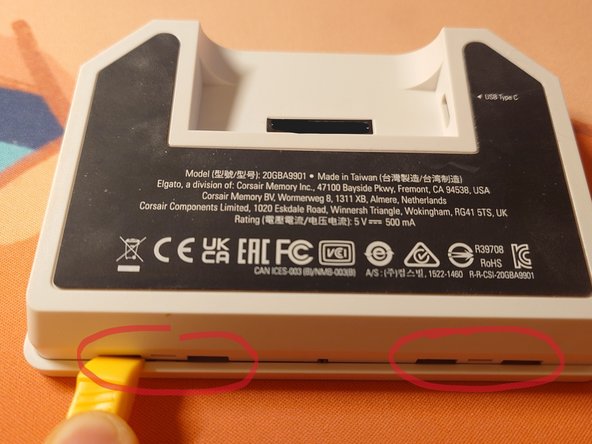
Unplug the USB cable from the device and take the main unit out of the stand.
-
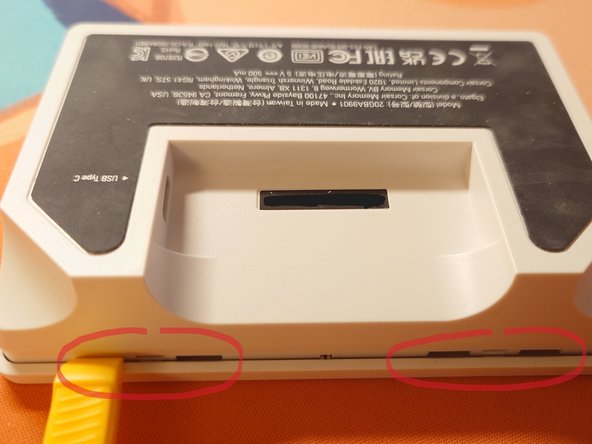
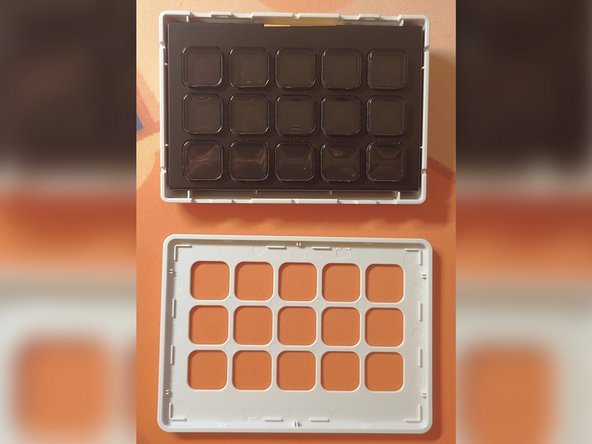
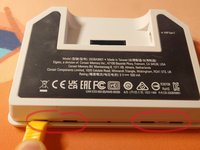
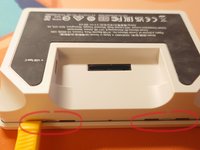
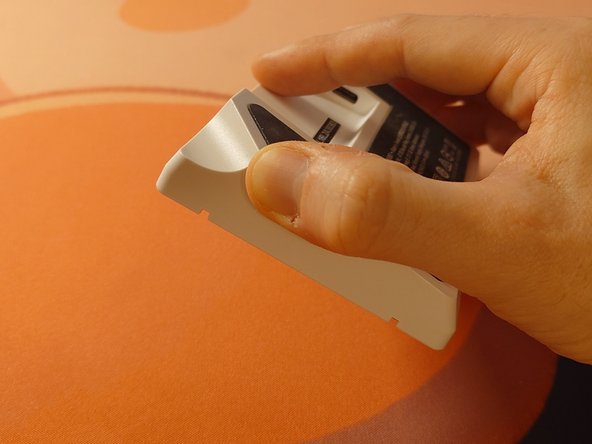
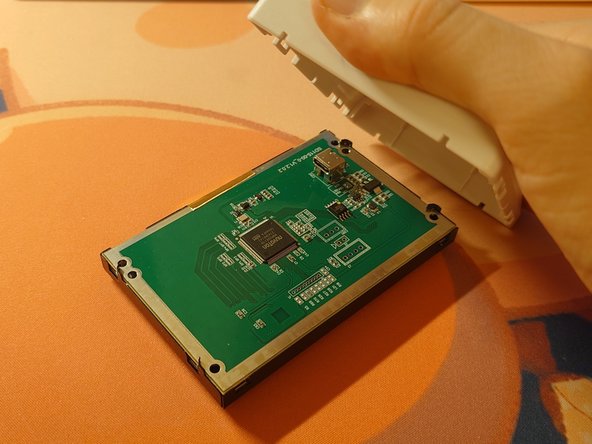
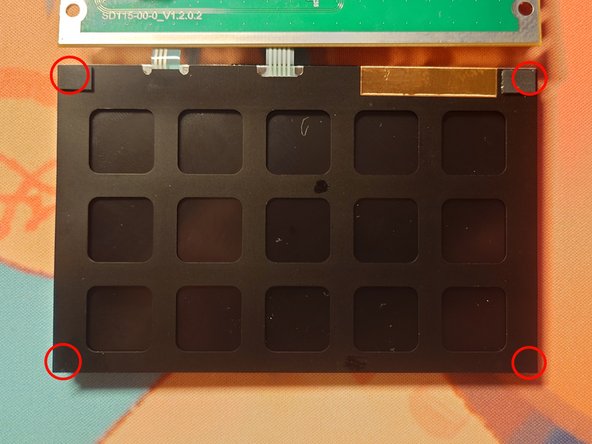
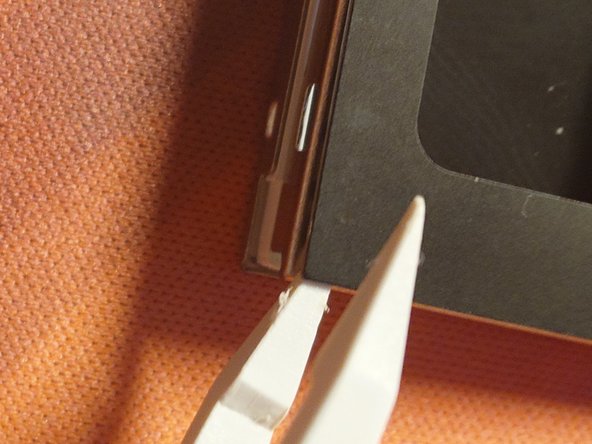
Pry gently at the 4 marked places to remove the faceplate.
-
-
-
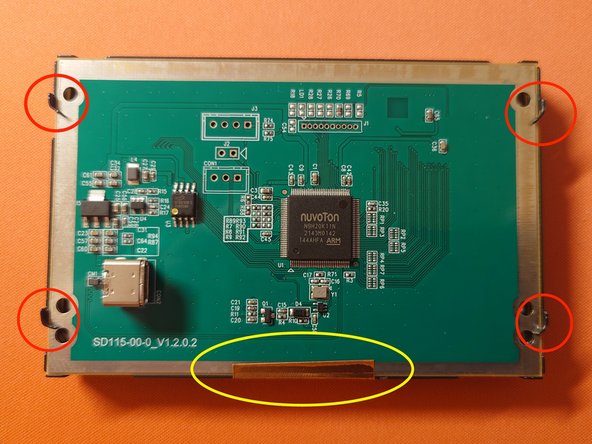
The motherboard is secured with:
-
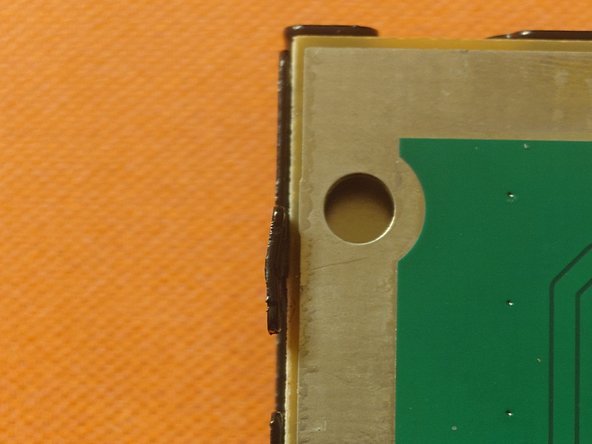
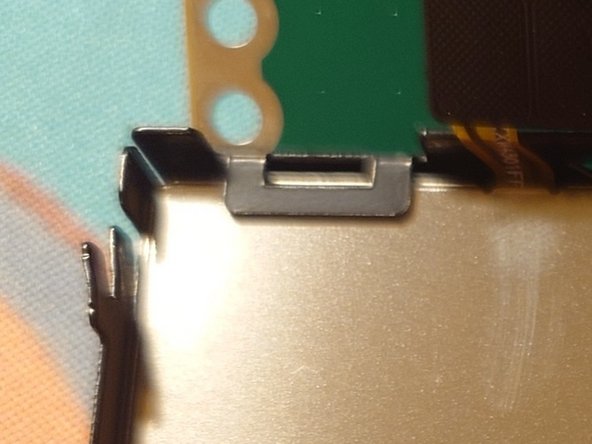
4 metal brackets
-
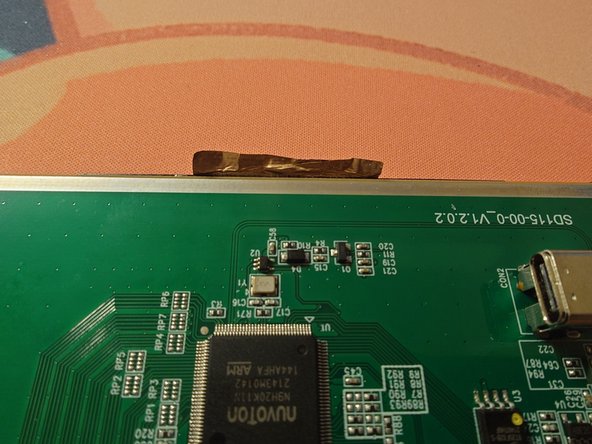
Conductive tape
-
Use precision pliers to bend the brackets out
-
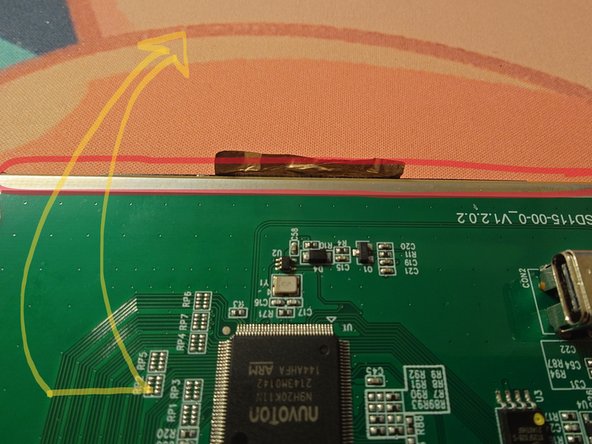
Use something thin to stick between the conductive tape and the motherboard to detach it without damaging. (I used a piece of a bit thicker paper to start the corners off and then gently pulled with pliers)
-
-
-
-
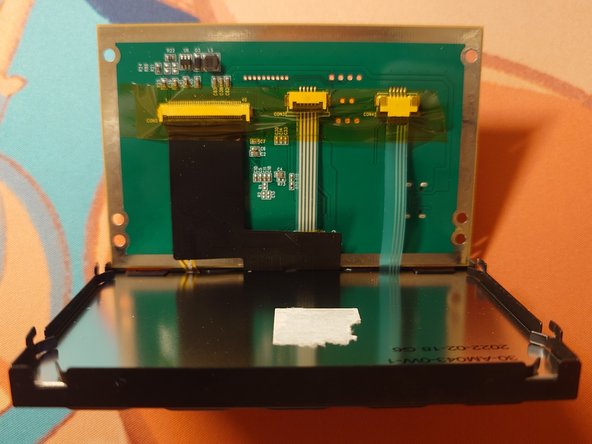
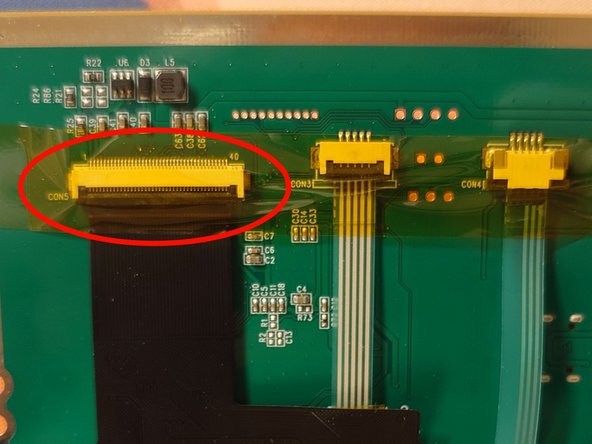
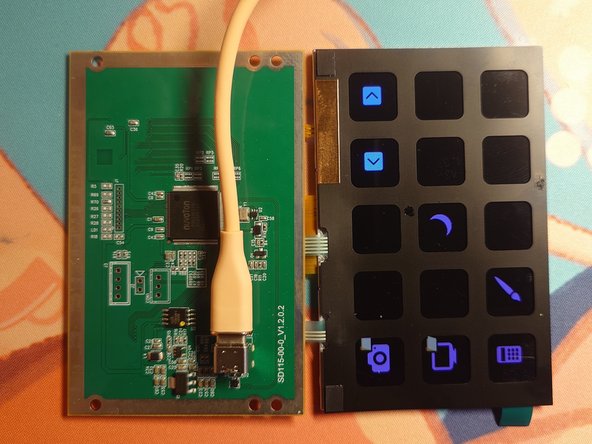
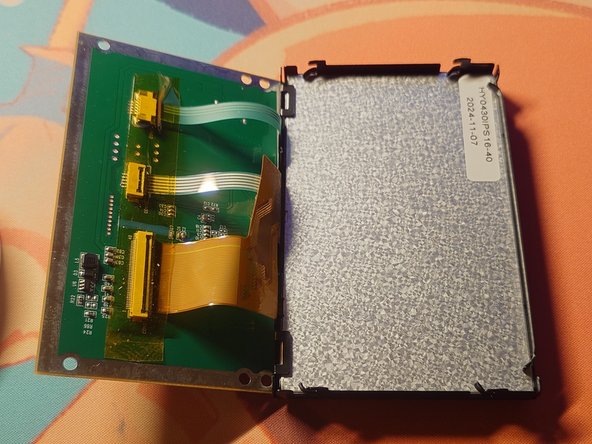
Only the widest cable which connects the screen to the motherboard needs to be disconnected. Lift the yellow kapton tape covering the connector in a way that would allow you to reapply it later.
-
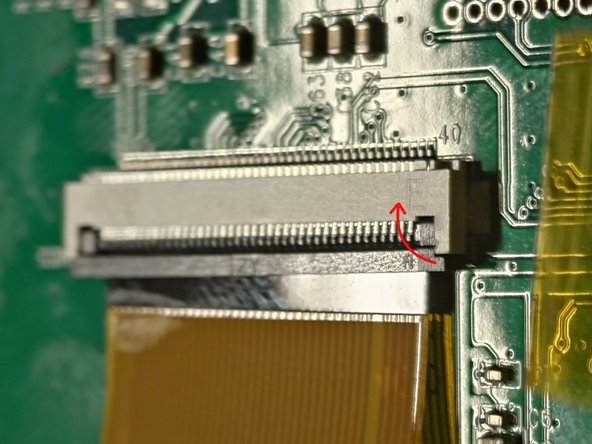
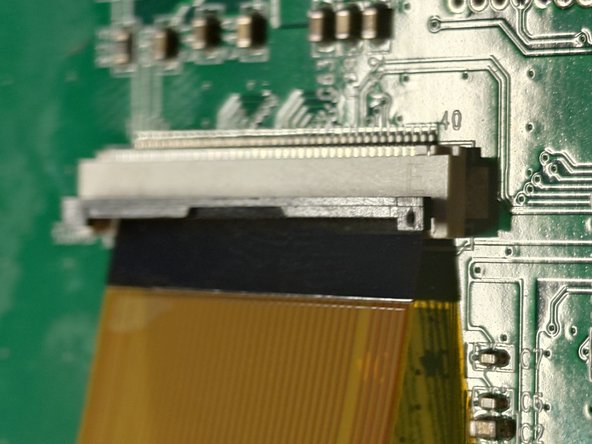
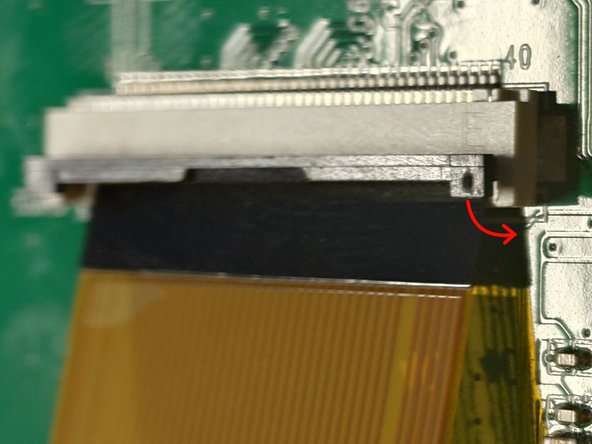
The ribbon cable is secured to its connector by the little black bar.
-
You can insert a plastic prying tool between the small bar and the cable to lift it.
-
Only after the bar is lifted, the cable can be removed from the connector.
-
-
-
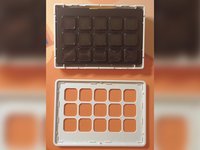
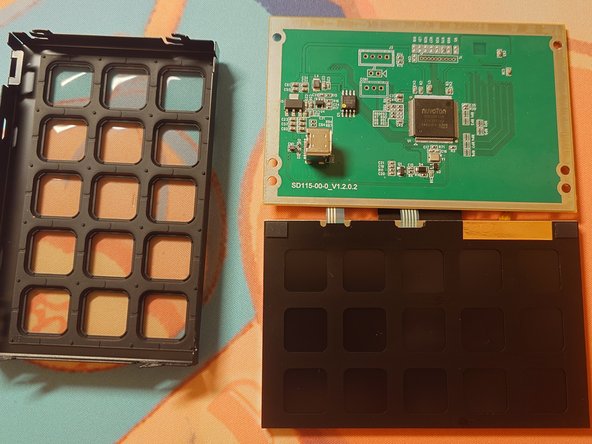
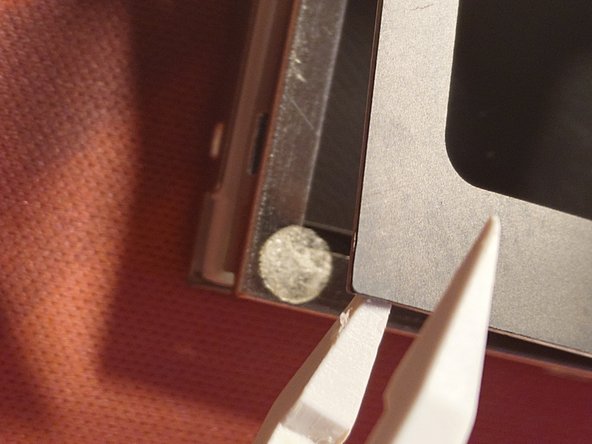
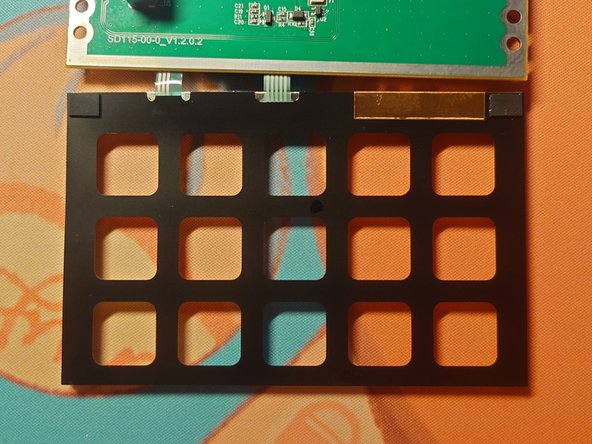
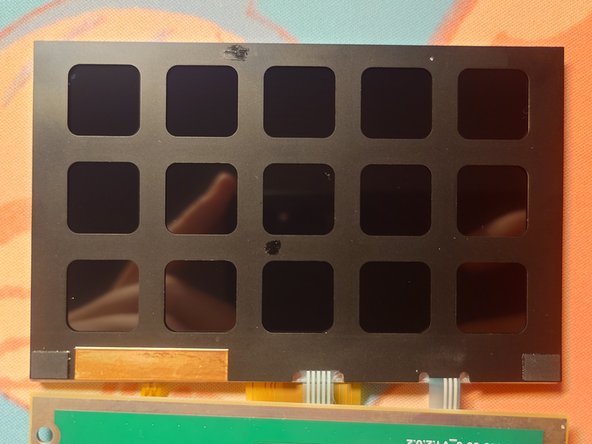
The thin black piece of plastic with button-shaped cutouts is lightly glued to the screen frame in four places.
-
Use a plastic prying tool to gently detach the plastic sheet.
-
-
-
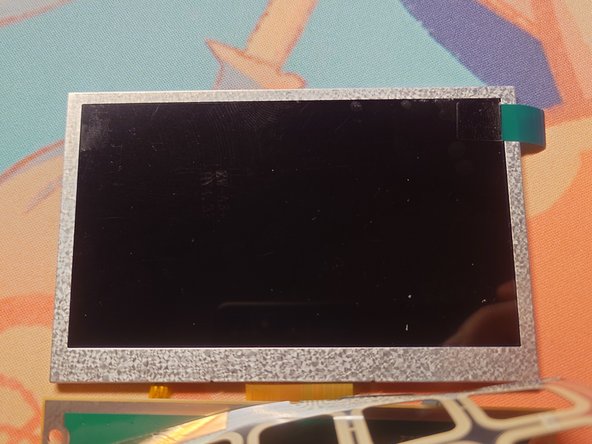
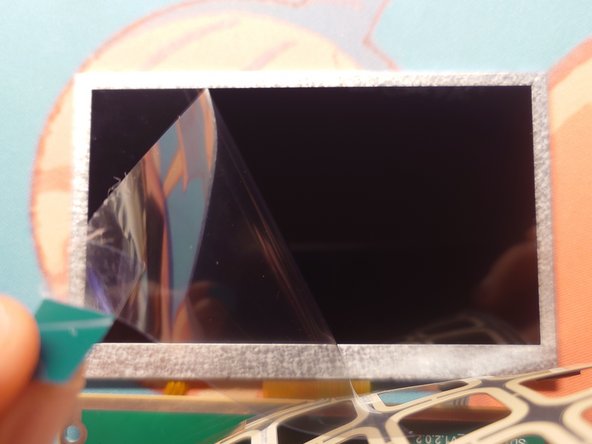
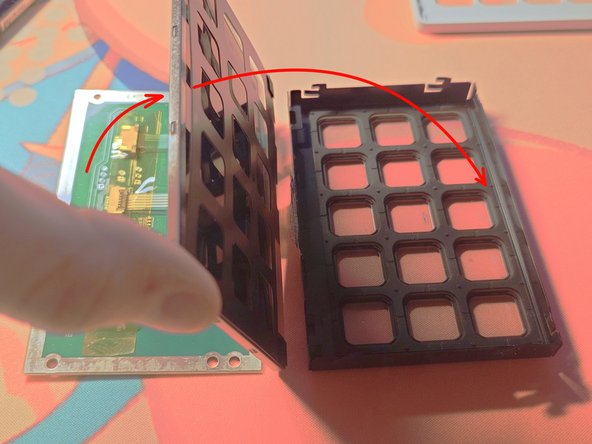
Insert the screen back to the black metal frame. (🧹 this is your last chance to have a direct access to the screen surface so make sure there is no dust or fingerprints on the screen)
-
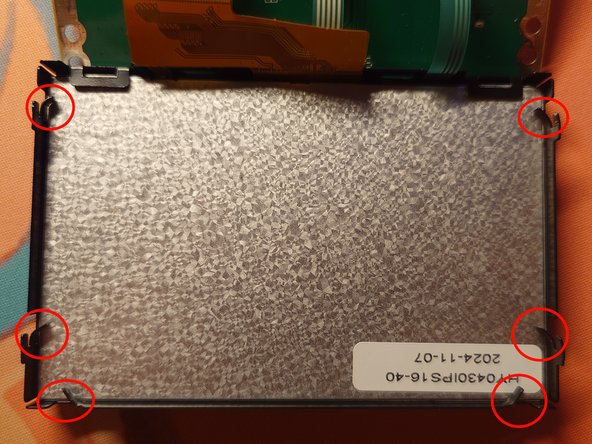
Bend the 6 metal brackets back to secure the screen
-
Reapply the yellow kapton tape on the connectors (do not use regular adhesive tape)
-
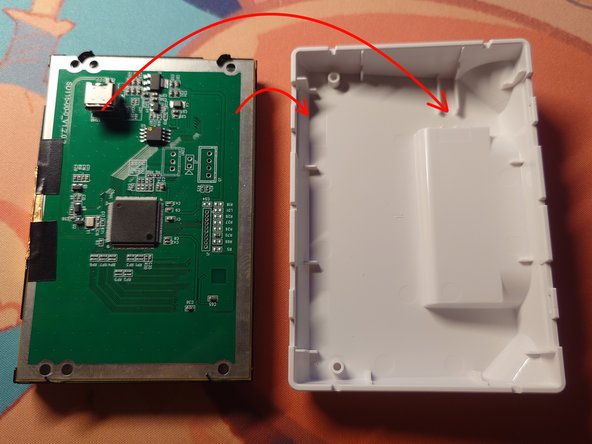
Put the motherboard back to its place
-
Bend the 4 metal brackets back to secure the motherboard
-
Reattach the conductive copper tape to the motherboard edge (you can use a bit of electrical tape to do so)
-
Push the assembly back into the plastic casing. Reattach faceplate.
-
Done! 🎉
-




















Cancel: I did not complete this guide.
4 other people completed this guide.