Introduction
Use this guide to access the headphone jack and check soldered connections. If you are planning to follow this replacement guide, you should have identified the headphone jack as a source of a problem (or maybe you just want to see the guts of your Element GC-1020).
What you need
-
-
Unscrew the four screws (size: 3.175mm) on the left and right side of the Element Electronics GC-1020 device using the PH#0 screwdriver.
 Ask FixBot
-
-
-
-
Carefully pull the back of the device (the silver portion) apart from the rest of the device.
-
-
Tool used on this step:Tweezers$4.99
-
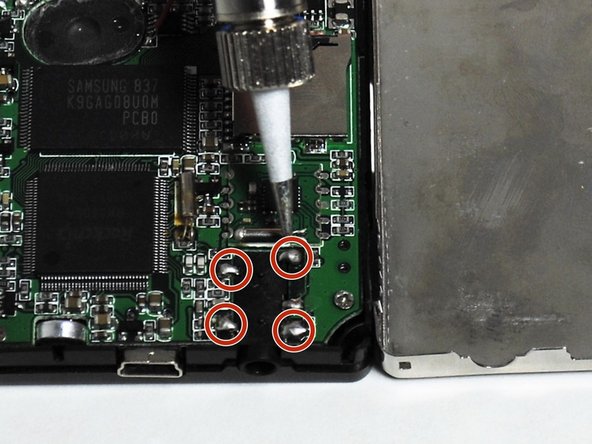
Desolder the four points where it is soldered to the motherboard.
-
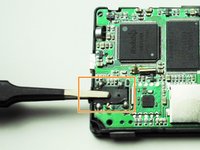
When completed pull the headphone jack off using tweezers and replace.
-



To reassemble your device, follow these instructions in reverse order.
Cancel: I did not complete this guide.
One other person completed this guide.

Team

University of Tampa, Team 1-4, Whiteside Fall 2015 Member of University of Tampa, Team 1-4, Whiteside Fall 2015
UT-WHITESIDE-F15S1G4
4 Members
5 Guides authored
