
Eco X Gear Cone Replacement

James Lipsett and one other contributor
Last updated on May 17, 2017
Views: 489
View statistics:
- Past 24 Hours:
- 2
- Past 7 Days:
- 14
- Past 30 Days:
- 73
- All Time:
- 489
Comments: 0
No one has left comments on this guide. Will you be first?
Go to guide commentsCompleted: 0 1
No one has marked this guide "completed." Will you be the first?
1 person has marked this guide "completed." It's you — great job!
Favorites: 0 1
No one has favorited (and subscribed to) this guide. Will you be the first?
1 person has favorited (and subscribed to) this guide — and that's you!
Introduction
Go to step 1 ↓You will need a phillips head screw driver and needle nose pliers to complete this task. Before opening the device, ensure that there is no power to avoid damaging the electronics or harming yourself.
What you need
Tools


-
-
-
-
-
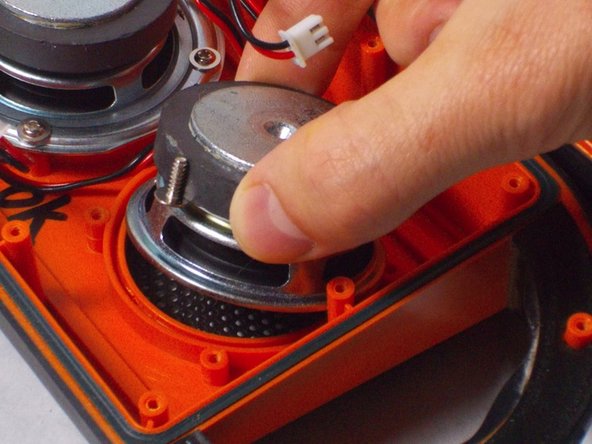
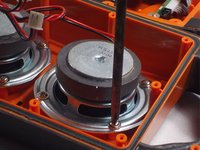
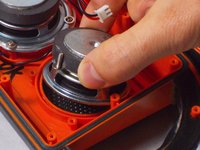
Remove the four screws which hold down the speaker. Then, pry up the speaker from the frame.
-
-
-
To replace the cone, remove the existing one by peeling it off of the speaker with needle nose pliers.
-

 Ask FixBot



To reassemble your device, follow these instructions in reverse order.

Team

UMass Dartmouth, Team S9-G3, Martin Spring 2017 Member of UMass Dartmouth, Team S9-G3, Martin Spring 2017
UMASSD-MARTIN-S17S9G3
2 Members
72 Guides authored
