This translation was generated by a machine and has not been reviewed by a person yet. Speak this language? Review it.

ECAM 350.55 Test mode

VauWeh and 2 other contributors
Last updated on Oct 6, 2026
Views: 16K
View statistics:
- Past 24 Hours:
- 25
- Past 7 Days:
- 160
- Past 30 Days:
- 647
- All Time:
- 16,008
Comments: 13
13 comments on steps.
Completed: 8 9
8 people have marked this guide "completed." Will you be next?
9 people have marked this guide "completed." Including you — great job!
Favorites: 3 4
3 people have favorited (and subscribed to) this guide. Will you be next?
4 people have favorited (and subscribed to) this guide — including you!
Community-Contributed Guide
An awesome member of our community made this guide. It was not created by iFixit staff.
Introduction
Go to step 1 ↓Setting the ECAM models with touch display to test mode is a little tricky. These instructions show you how to do this on the ECAM 350.55, but this guide will also work for other ECAM models, such as the 370.70. You can use the test mode to quickly check the function of the most important components. For models with "real" buttons, see here.
-
-
-
When the machine is switched on, press the off-switch until the machine goes into standby mode and the display turns off.
-
There has to be water in the water tank, the drip tray is initially still inserted. The power plug remains in the outlet.
 Ask FixBot
-
-
-
Pull the drip tray out a little, a corresponding message will appear on the display. (In the picture in English)
-
-
-
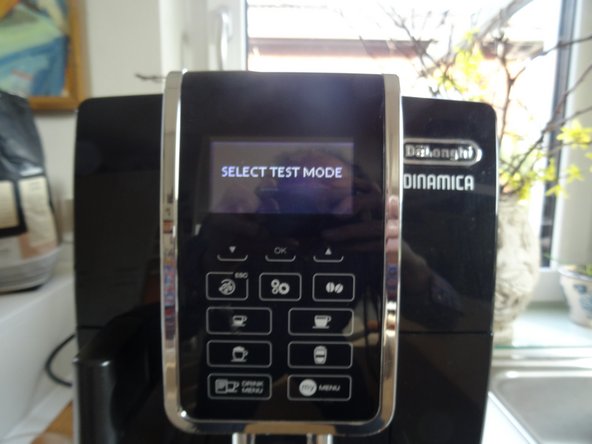
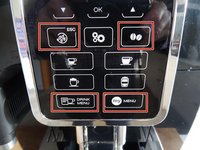
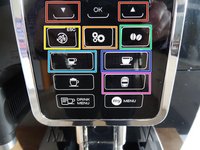
First press and hold the ESC button, then press and hold the remaining three buttons in the other corners simultaneously.
-
SELECT TEST MODE" will appear on the display. Push the drip tray back in
-
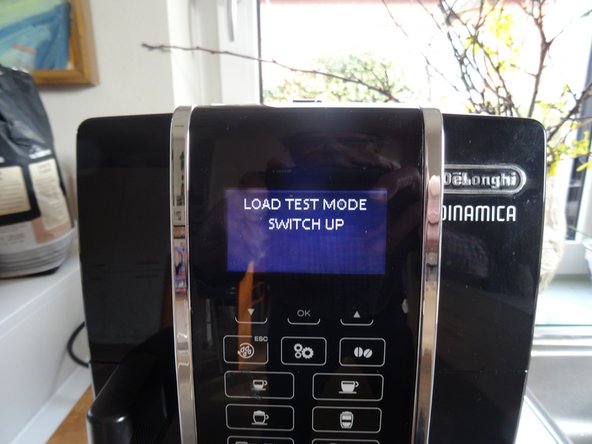
Press the "DRINK MENU" button
-
-
-
-
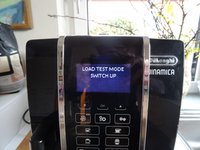
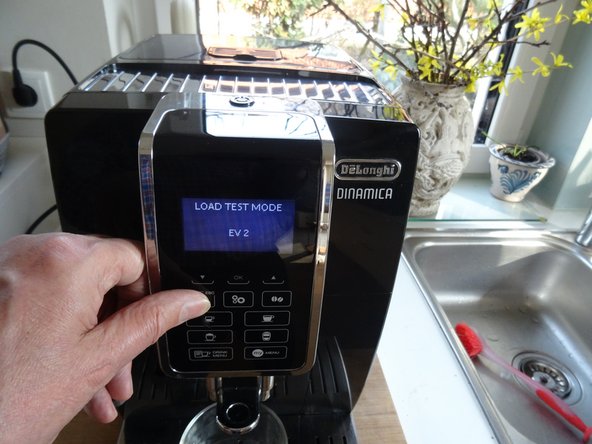
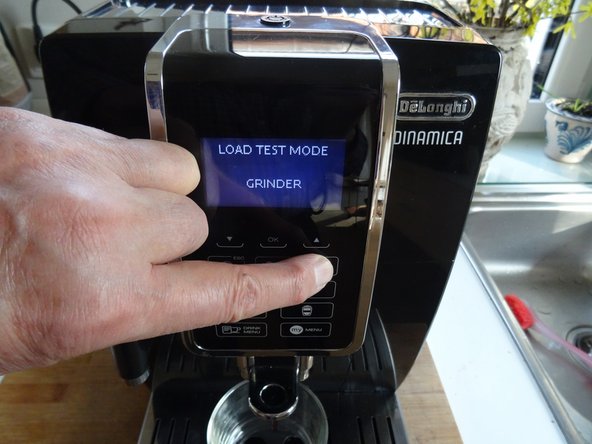
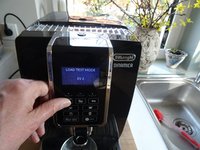
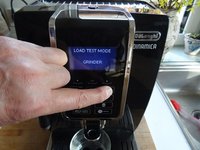
You can now test various functions:
-
Brew group up/brew group down
-
Ev2 = solenoid valve2 clicks (upper 3-way valve)
-
Ev1 = solenoid valve1 clicks (lower 3-way valve)
-
Grinder is running
-
Coffee heater gets hot
-
Steam heater
-
Pump is running
-
-



Work through the steps in reverse order to reassemble your device.
Cancel: I did not complete this guide.
8 other people completed this guide.
Special thanks to these translators:
100%


These translators are helping us fix the world! Want to contribute?
Start translating ›

Team

Repair is War on Entropy Member of Repair is War on Entropy
Community
43 Members
7,058 Guides authored
