Introduction
If your Dyson v6 Absolute cordless vacuum isn’t properly collecting material as advertised, the most likely culprit is a malfunctioning brush roll. This guide will demonstrate how to inspect and repair/replace the apparatus for proper function.
Before using this guide, visually inspect the brush roll while the vacuum is running to determine whether or not rolling occurs. If the brush roll is functioning properly yet the vacuum isn’t collecting dust or debris from the floor, please consult another guide regarding blockage or another electrical issue. If the brush roll remains inert while the vacuum is running, these easy steps should return your product to working order.
What you need
-
-
-
Disassemble the vacuum by depressing the buttons and pulling each piece from its station.
 Ask FixBot
-
-
-
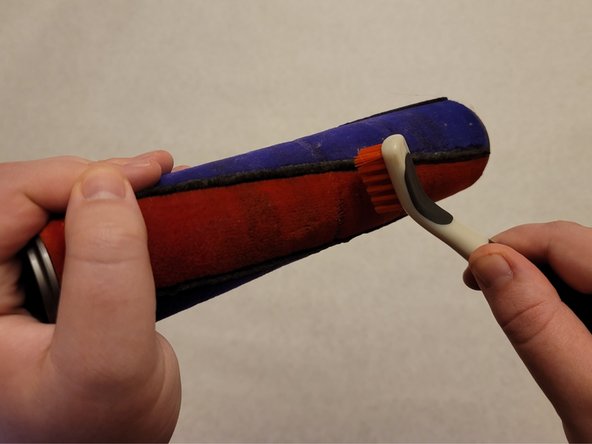
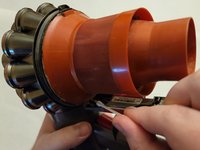
Remove brush roll bar and brush away visible excess from the bristles. Remove tangled hair from head unit roll bar in the if necessary.
-
-
-
-
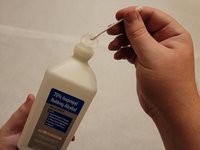
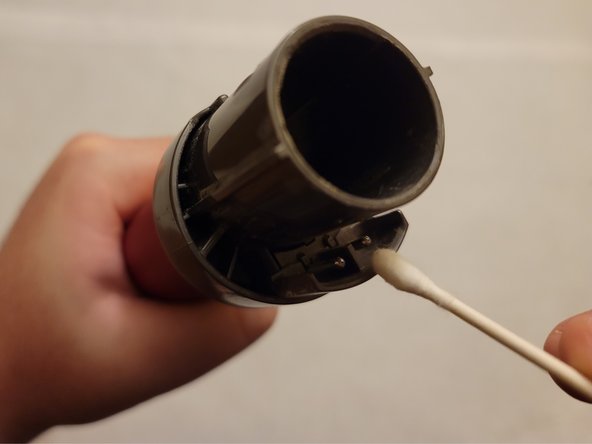
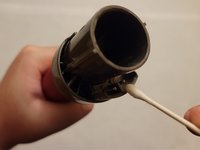
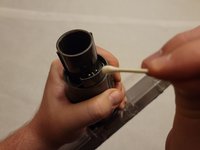
Lightly dip cotton swab into rubbing alcohol. Gently wipe the electrical connection points to remove residuals.
-
-
-
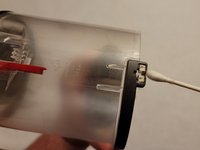
Repeat process from Step 4 for each connection point throughout the apparatus.
-
-
-
Reassemble vacuum (see Step 1 for steps if necessary). Depress power switch to ensure proper connection.
-
-
-
Once electrical connection is verified, depress the power switch while visually inspecting brush roll. If rolling occurs, continue as normal. If not, repeat steps as needed.
-
-









To reassemble your device, follow these instructions in reverse order.
Cancel: I did not complete this guide.
One other person completed this guide.

Team

University of North Texas, Team 1-12, Friess Fall 2021 Member of University of North Texas, Team 1-12, Friess Fall 2021
UNT-FRIESS-F21S1G12
1 Member
12 Guides authored
