Free Shipping on Domestic Orders $75+

Dyson Ball Animal Power Button Replacement

What you need

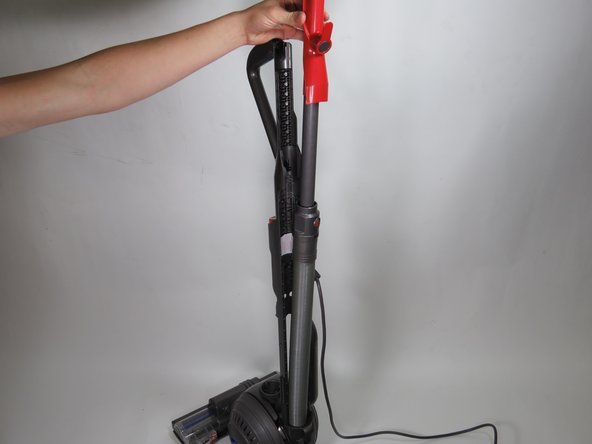
    1. Dyson Ball Animal Power Button Replacement, Power Button: step 1, image 1 of 2 Dyson Ball Animal Power Button Replacement, Power Button: step 1, image 2 of 2
      • Turn off and unplug the vacuum

      Ask FixBot

      Add Comment

    2. Dyson Ball Animal Power Button Replacement: step 2, image 1 of 1
      • Press the red release button and pull the canister up and away.

      Ask FixBot

      Add Comment

    3. Dyson Ball Animal Power Button Replacement: step 3, image 1 of 2 Dyson Ball Animal Power Button Replacement: step 3, image 2 of 2
      • Locate the red dial at the back of the wand and turn counterclockwise to detach the wand.

      Ask FixBot

      Add Comment

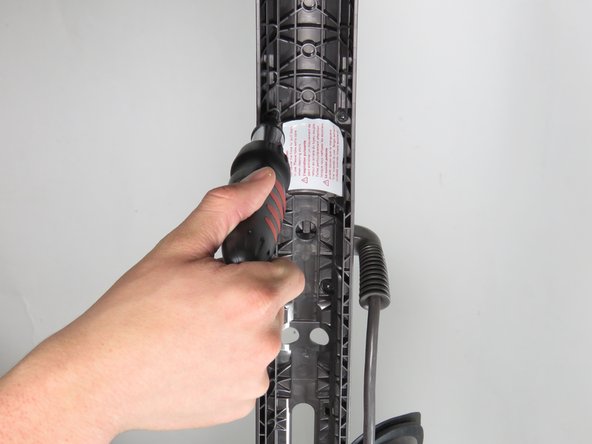
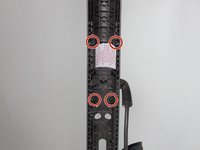
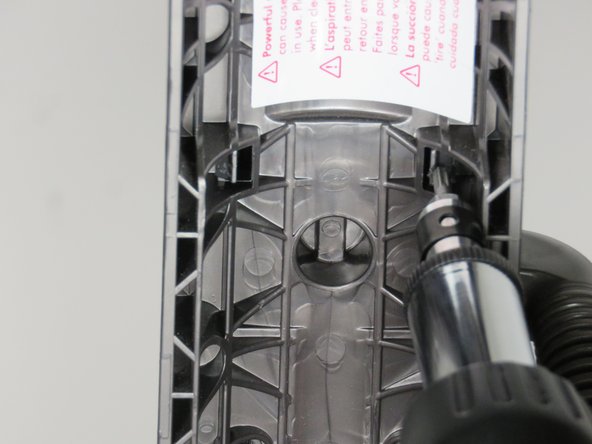
    4. Dyson Ball Animal Power Button Replacement: step 4, image 1 of 2 Dyson Ball Animal Power Button Replacement: step 4, image 2 of 2
      • Remove the four 15mm screws behind the power button using a Torx T15 screwdriver.

      Ask FixBot

      Add Comment

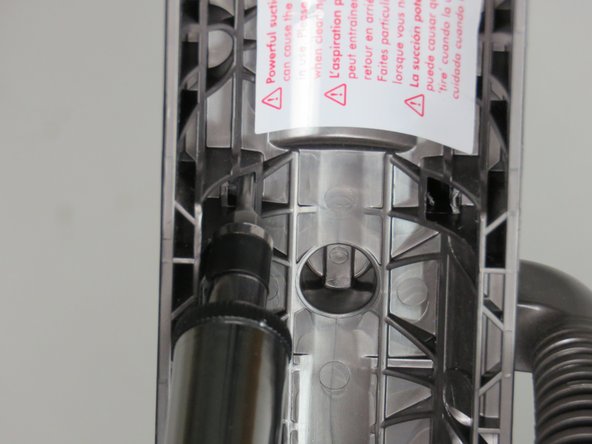
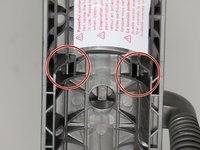
    5. Dyson Ball Animal Power Button Replacement: step 5, image 1 of 3 Dyson Ball Animal Power Button Replacement: step 5, image 2 of 3 Dyson Ball Animal Power Button Replacement: step 5, image 3 of 3
      • Use a spudger to push the two clamp tabs behind the power button towards the middle of the vacuum.

      Ask FixBot

      Add Comment

    6. Dyson Ball Animal Power Button Replacement: step 6, image 1 of 2 Dyson Ball Animal Power Button Replacement: step 6, image 2 of 2
      • Detach the power box case from the body of the Dyson after both clamps have been pushed out.

      • Upon removal of this case, you will be able to see a red circular power button.

      Ask FixBot

      Add Comment

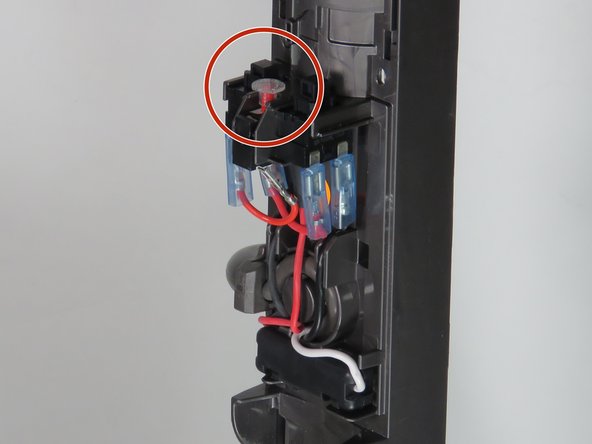
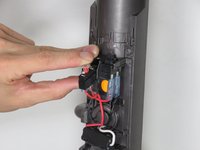
    7. Dyson Ball Animal Power Button Replacement: step 7, image 1 of 2 Dyson Ball Animal Power Button Replacement: step 7, image 2 of 2
      • Gently pull the power button out of its slot as shown.

      • Detach the power button box from the two wires connecting it, and replace the faulty power button box with a functional one. The power button is the first black one.

      Ask FixBot

      Add Comment

Conclusion

To reassemble your device, follow these instructions in reverse order.

Cancel: I did not complete this guide.

4 other people completed this guide.

Hank Wai

Member since: 05/07/17

166 Reputation

1 Guide authored

0 Guide Comments

Add Comment

View Statistics:

Past 24 Hours: 2

Past 7 Days: 21

Past 30 Days: 94

All Time: 8,685