Free Shipping on Domestic Orders $75+

Dreamax DMX-ST7A Battery Replacement

What you need

  1. Dreamax DMX-ST7A Battery Replacement, Back Cover: step 1, image 1 of 1
    • Position the tablet so the ports and screws are facing you.

    Ask FixBot

    Add Comment

  2. Dreamax DMX-ST7A Battery Replacement: step 2, image 1 of 1
    • Remove the two 2.5mm screws using the Phillips #00 precision screwdriver.

    Ask FixBot

    Add Comment

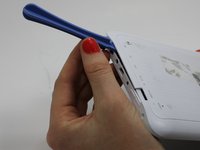
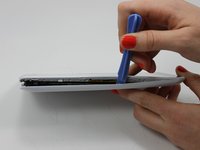
  3. Dreamax DMX-ST7A Battery Replacement: step 3, image 1 of 2 Dreamax DMX-ST7A Battery Replacement: step 3, image 2 of 2
    • Use the plastic opening tool to assist in removing the back cover.

    Ask FixBot

    Add Comment

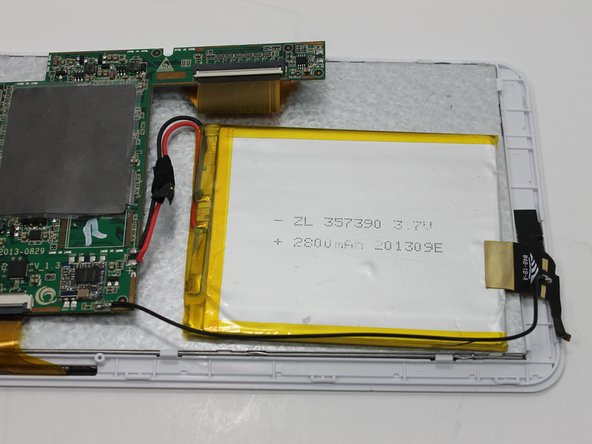
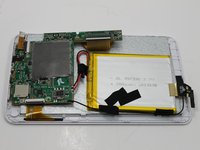
  4. Dreamax DMX-ST7A Battery Replacement: step 4, image 1 of 1
    • Upon removing the back cover position the tablet as seen in the picture.

    Ask FixBot

    Add Comment

  5. Dreamax DMX-ST7A Battery Replacement, Battery: step 5, image 1 of 2 Dreamax DMX-ST7A Battery Replacement, Battery: step 5, image 2 of 2
    • Remove any tape that might be holding the wires in place.

    Ask FixBot

    Add Comment

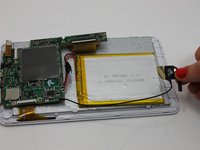
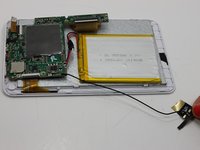
  6. Dreamax DMX-ST7A Battery Replacement: step 6, image 1 of 3 Dreamax DMX-ST7A Battery Replacement: step 6, image 2 of 3 Dreamax DMX-ST7A Battery Replacement: step 6, image 3 of 3
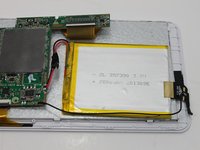
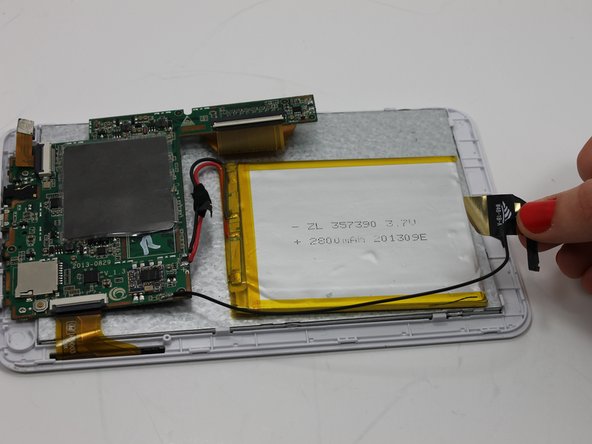
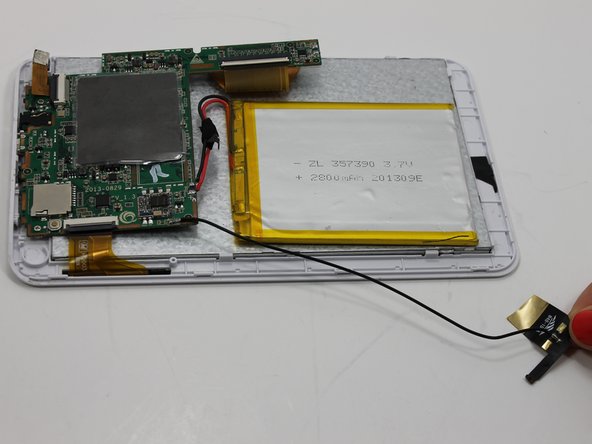
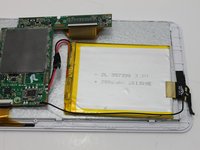
    • Remove the black and gold tab connecting the battery to the tablet's frame.

    Ask FixBot

    Add Comment

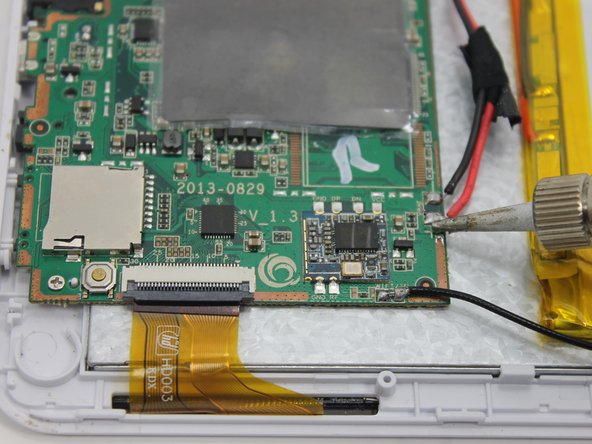
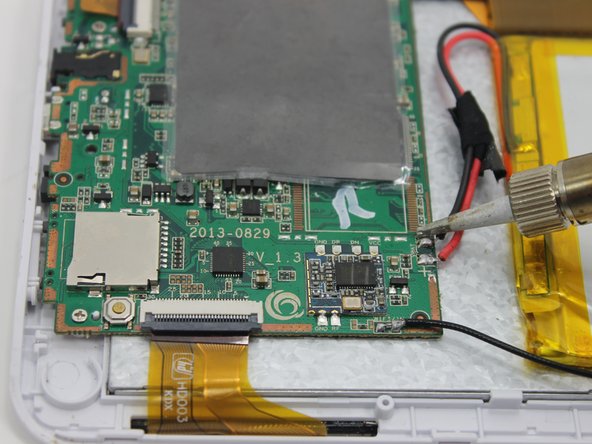
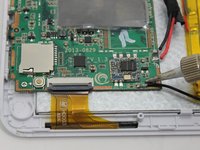
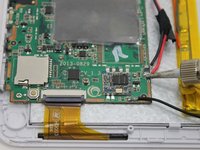
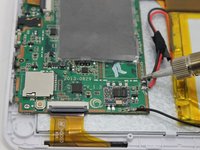
  7. Dreamax DMX-ST7A Battery Replacement: step 7, image 1 of 1
    • Remove the the one red and two black wires that connect the battery to the motherboard.

    Ask FixBot

    Add Comment

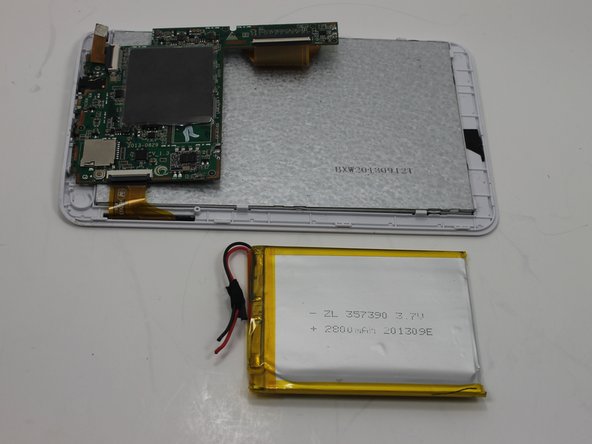
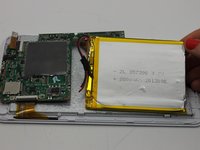
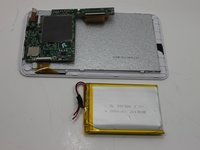
  8. Dreamax DMX-ST7A Battery Replacement: step 8, image 1 of 2 Dreamax DMX-ST7A Battery Replacement: step 8, image 2 of 2
    • Remove the battery from the tablet.

    Ask FixBot

    Add Comment

  9. Dreamax DMX-ST7A Battery Replacement: step 9, image 1 of 3 Dreamax DMX-ST7A Battery Replacement: step 9, image 2 of 3 Dreamax DMX-ST7A Battery Replacement: step 9, image 3 of 3
    Ask FixBot

    Add Comment

Conclusion

To reassemble your device, follow these instructions in reverse order.

Cancel: I did not complete this guide.

Stacey Mattila

Member since: 03/18/15

543 Reputation

5 Guides authored

Team

0 Guide Comments

Add Comment

View Statistics:

Past 24 Hours: 2

Past 7 Days: 3

Past 30 Days: 17

All Time: 669