Free Shipping on Domestic Orders $75+

Display Assembly

What you need

      • Pull straight up on the pull-tab that is attached to the display-feed flex cable to disconnect the cable from the system board.

      • Disconnect the antenna cable.

      • Close the display.

      • Turn the computer upside down with the back of the computer facing you.

      Ask FixBot

      Add Comment

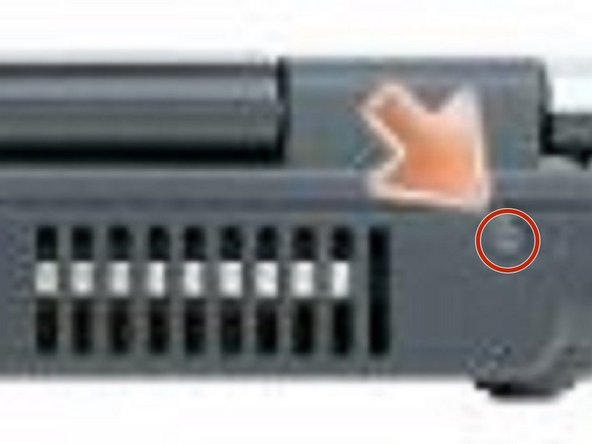
    1. Display Assembly, Remove the Screws: step 2, image 1 of 1
      • From the bottom of the computer, remove the two M2.5 x 8-mm screws labeled "D."

      Ask FixBot

      Add Comment

    2. Display Assembly, Remove the Screws: step 3, image 1 of 2 Display Assembly, Remove the Screws: step 3, image 2 of 2
      • From the back of the computer, remove the two M2.5 x 8-mm screws labeled "D."

      Ask FixBot

      Add Comment

    3. Display Assembly, Removing the Cables: step 4, image 1 of 1
      • Turn the computer right-side up and open the display.

      • Carefully remove the antenna cable and the display cables from their routing guides.

      Ask FixBot

      Add Comment

    4. Display Assembly, Lifting the Display Assembly: step 5, image 1 of 1
      • NOTICE: Be careful not to damage the display switch when removing the display.

      • Lift the display assembly out of the computer base.

      Ask FixBot

      Add Comment

Conclusion

To reassemble your device, follow these instructions in reverse order.

Cancel: I did not complete this guide.

Terrence15

Member since: 12/18/17

80,125 Reputation

441 Guides authored

Team

RampUP America, Inc. Member of RampUP America, Inc.

Community

45 Members

12,136 Guides authored

0 Guide Comments

Add Comment

View Statistics:

Past 24 Hours: 1

Past 7 Days: 4

Past 30 Days: 23

All Time: 915