Free Shipping on Domestic Orders $75+

What you need

This teardown is not a repair guide. To repair your iClicker, use our service manual.

    1. Disassembling iClicker Device, Disassembling iClicker Device: step 1, image 1 of 1
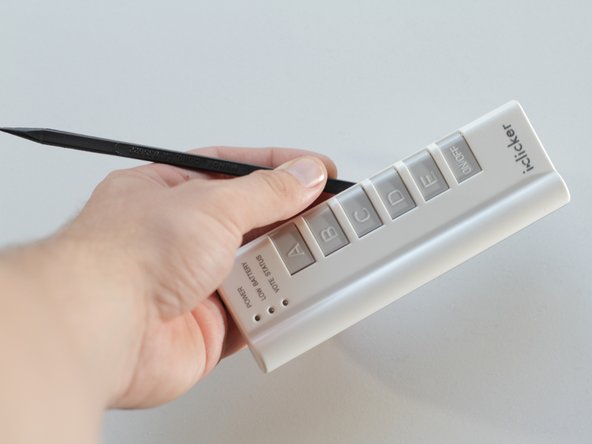
      • Behold the iclicker in all its interactive and educational beauty.

      Ask FixBot

      Add Comment

    2. Disassembling iClicker Device: step 2, image 1 of 1
      • Place the device on a flat surface, buttons facing down.

      • Remove the battery cover and the three batteries within.

      Ask FixBot

      Add Comment

    3. Disassembling iClicker Device: step 3, image 1 of 2 Disassembling iClicker Device: step 3, image 2 of 2
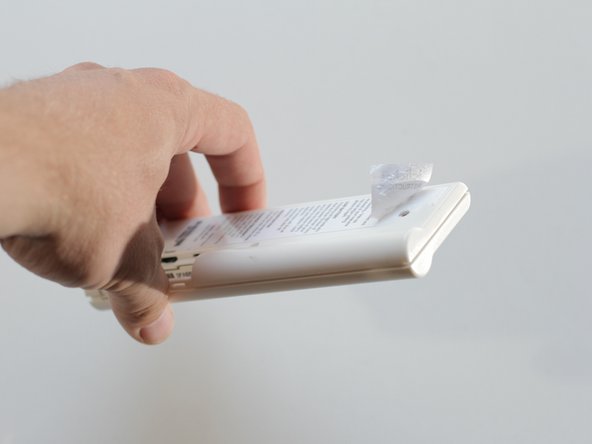
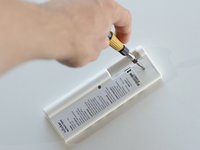
      • Remove the two visible screws using a #00 Phillips screwdriver.

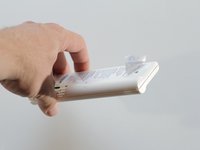
      • Oops! Don't forget a hidden third screw beneath the factory label.

      • Peel back the corner of the label to reveal the hidden screw.

      • If you wish to maintain the integrity of the label, a blowdryer may be used to soften the adhesive on the label before removal.

      Ask FixBot

      Add Comment

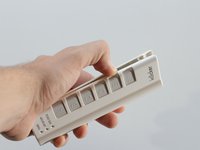
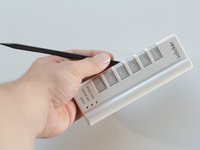
    4. Disassembling iClicker Device: step 4, image 1 of 2 Disassembling iClicker Device: step 4, image 2 of 2
      • Depending on how much abuse your iclicker has endured, you might be able to separate the front and rear panels of the iclicker with your fingers.

      • For the more resistent iclickers, a spudger may be employed to separate the pieces.

      Ask FixBot

      Add Comment

    5. Disassembling iClicker Device: step 5, image 1 of 1
      • Your iclicker is now exposed for all its worth.

      • The back panel can be set aisde, as the remaining components are housed in the front panel.

      Ask FixBot

      Add Comment

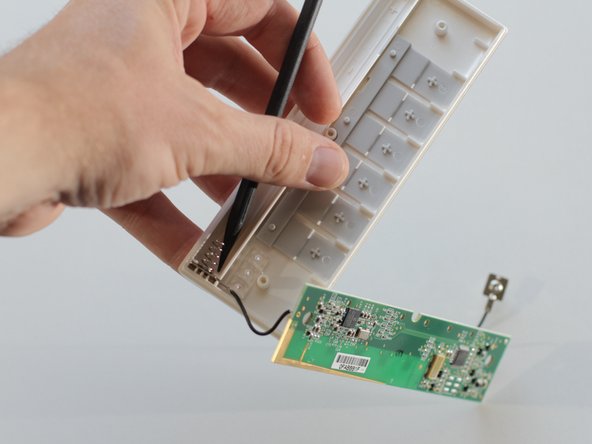
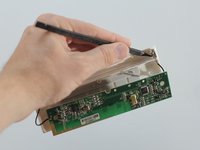
    6. Disassembling iClicker Device: step 6, image 1 of 2 Disassembling iClicker Device: step 6, image 2 of 2
      • Using a spudger, gently pry the battery connectors from the front panel.

      Ask FixBot

      Add Comment

    7. Disassembling iClicker Device: step 7, image 1 of 1
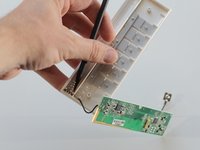
      • If your circuit board is stuck in the front panel, use a spudger to lift the circuit board from the front panel.

      Ask FixBot

      Add Comment

    8. Disassembling iClicker Device: step 8, image 1 of 1
      • The buttons can be easily removed from the front assembly sans spudger.

      Ask FixBot

      Add Comment

    9. Disassembling iClicker Device: step 9, image 1 of 1
      • Don't lose the small LED cover sitting precariously in the front panel.

      Ask FixBot

      Add Comment

    10. Disassembling iClicker Device: step 10, image 1 of 1
      • Your iclicker is now disassembled.

      Ask FixBot

      Add Comment

1 Guide Comment

What is an iClicker ?

furbies - Reply Share

Add Comment

View Statistics:

Past 24 Hours: 2

Past 7 Days: 9

Past 30 Days: 29

All Time: 8,231