Free Shipping on Domestic Orders $75+

Disassembling Unbranded Robot Vacuum (full disassembly)

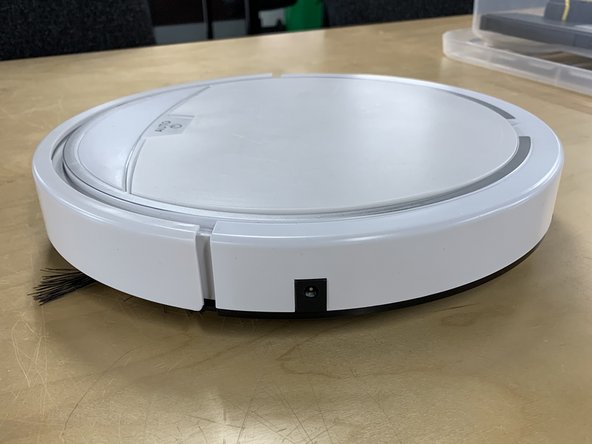
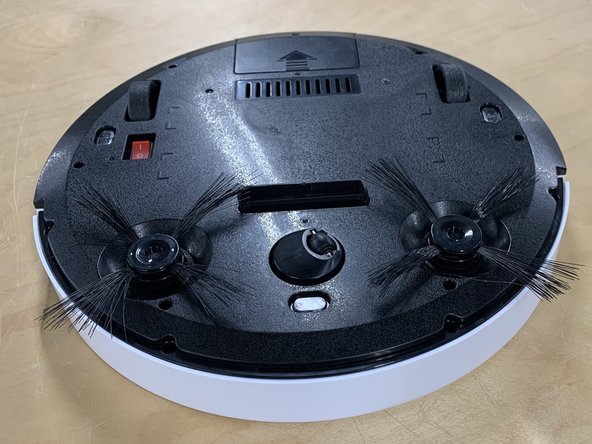
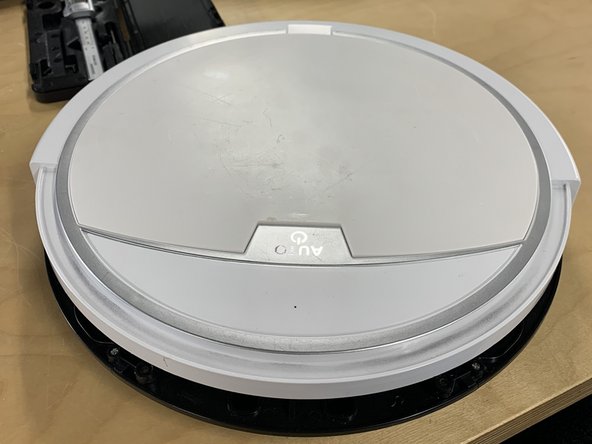
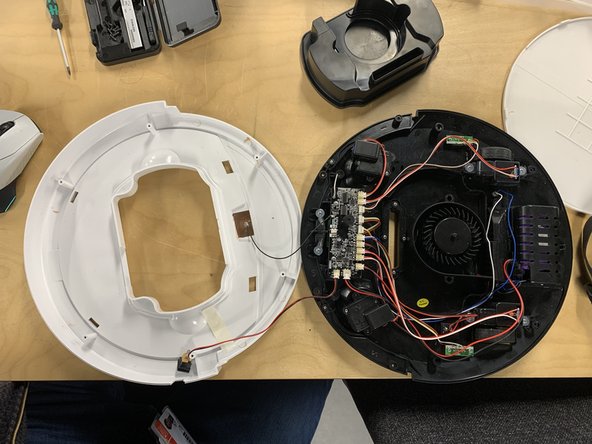
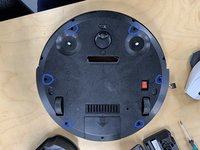
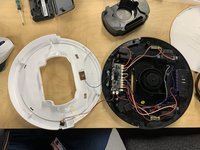
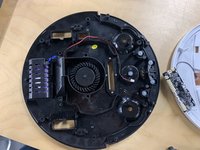
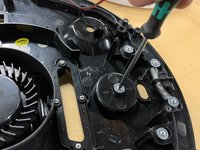
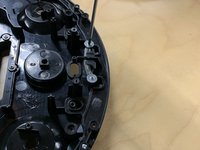
  1. Disassembling Unbranded Robot Vacuum (full disassembly), Full disassembly: step 1, image 1 of 3 Disassembling Unbranded Robot Vacuum (full disassembly), Full disassembly: step 1, image 2 of 3 Disassembling Unbranded Robot Vacuum (full disassembly), Full disassembly: step 1, image 3 of 3
    • You will need a PH0 screwdriver.

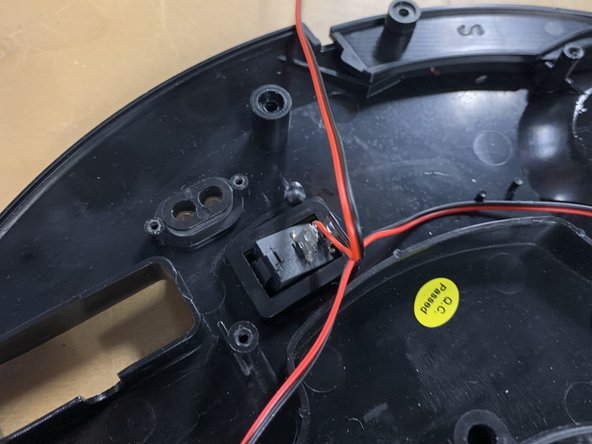
    • First make sure the power is turned off. (this is the red switch on the bottom.)

    • This then can be followed by removing the side brush.

    Ask FixBot

    Add Comment

  2. Disassembling Unbranded Robot Vacuum (full disassembly): step 2, image 1 of 2 Disassembling Unbranded Robot Vacuum (full disassembly): step 2, image 2 of 2
    • Next remove the screws connecting the top of the bumper to the bottom.

    • Then remove the top of the bumper. By lifting and pulling the plate towards yourself.

    Ask FixBot

    Add Comment

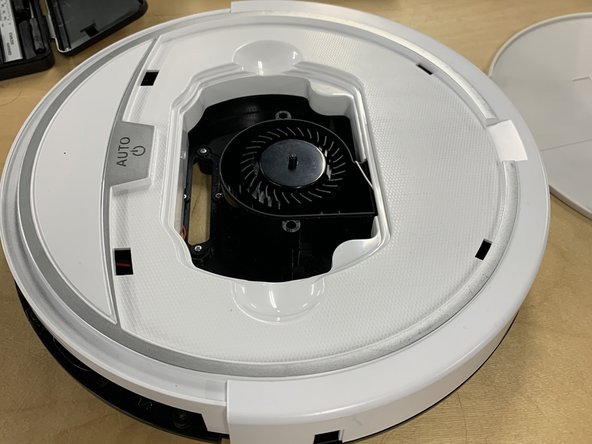
  3. Disassembling Unbranded Robot Vacuum (full disassembly): step 3, image 1 of 3 Disassembling Unbranded Robot Vacuum (full disassembly): step 3, image 2 of 3 Disassembling Unbranded Robot Vacuum (full disassembly): step 3, image 3 of 3
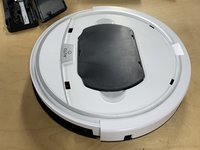
    • Remove the top white plate.

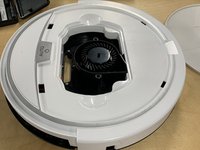
    • Remove the fan housing part.

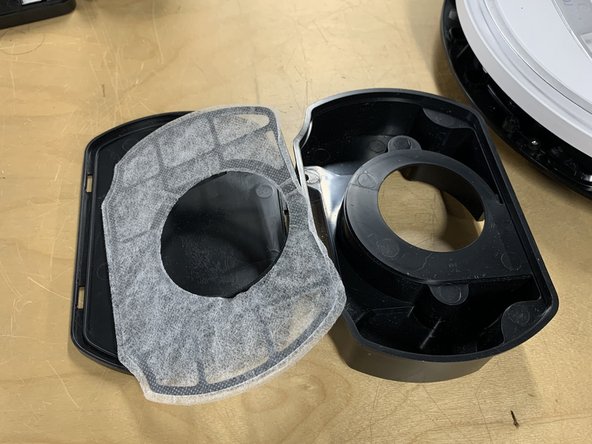
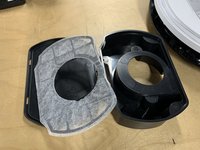
    • Remove the filter from the part by popping the lid off the part. (this can be done with your hands.)

    Ask FixBot

    Add Comment

  4. Disassembling Unbranded Robot Vacuum (full disassembly): step 4, image 1 of 2 Disassembling Unbranded Robot Vacuum (full disassembly): step 4, image 2 of 2
    • After Unscrew the rest of the plates from the base.

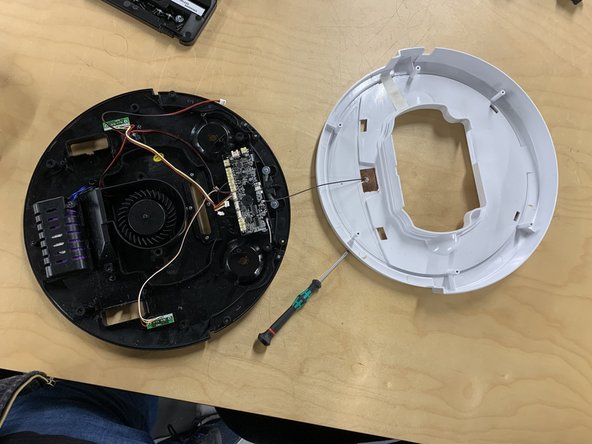
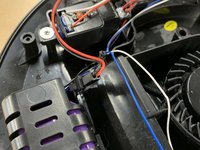
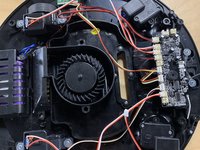
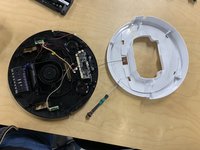
    • Next remove the base from the top as shown. (make sure to be careful as the lid and the base are attached by a wire.

    Ask FixBot

    Add Comment

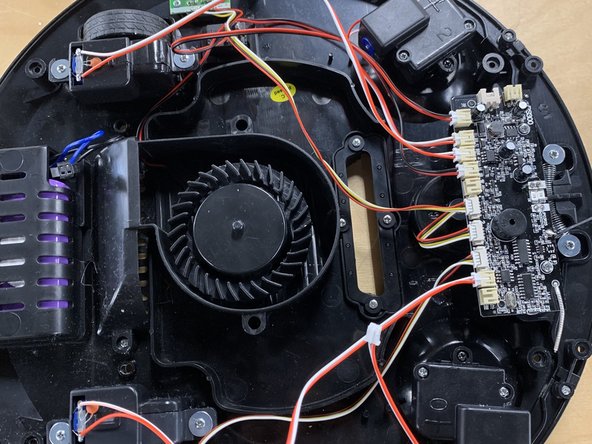
  5. Disassembling Unbranded Robot Vacuum (full disassembly): step 5, image 1 of 3 Disassembling Unbranded Robot Vacuum (full disassembly): step 5, image 2 of 3 Disassembling Unbranded Robot Vacuum (full disassembly): step 5, image 3 of 3
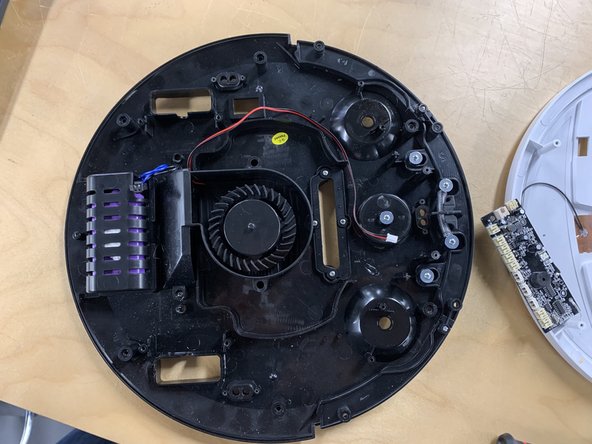
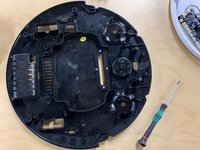
    • Now unplug the battery.

    • After unplug all the components MAKING SURE TO KEEP TRACK OF WHAT GOES WHERE!

    • Once done unscrew the motors and remove them from the chasis.

    Ask FixBot

    Add Comment

  6. Disassembling Unbranded Robot Vacuum (full disassembly): step 6, image 1 of 3 Disassembling Unbranded Robot Vacuum (full disassembly): step 6, image 2 of 3 Disassembling Unbranded Robot Vacuum (full disassembly): step 6, image 3 of 3
    • Now the motherboard must be removed. Unscrew the motherboard and remove so that other components can be removed.

    • Once removed all of the IR sensors can be removed.

    • Unscrew and remove the IR sensors followed by popping out the power switch (this will require some force.)

    Ask FixBot

    Add Comment

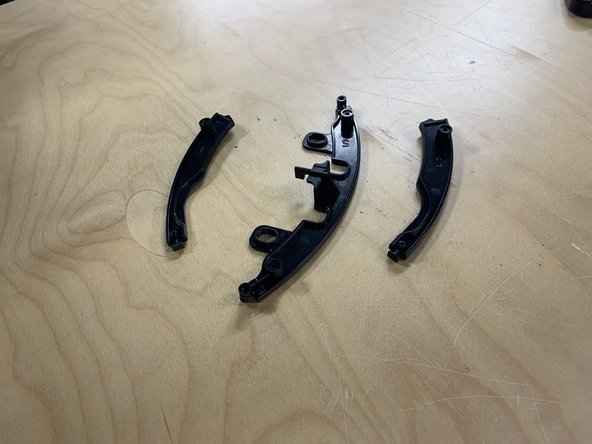
  7. Disassembling Unbranded Robot Vacuum (full disassembly): step 7, image 1 of 3 Disassembling Unbranded Robot Vacuum (full disassembly): step 7, image 2 of 3 Disassembling Unbranded Robot Vacuum (full disassembly): step 7, image 3 of 3
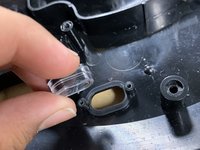
    • Remove the IR sensors casing and place the 2 parts next to the IR sensors.

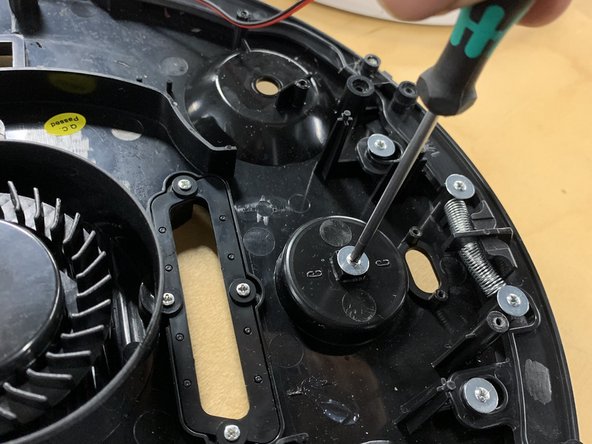
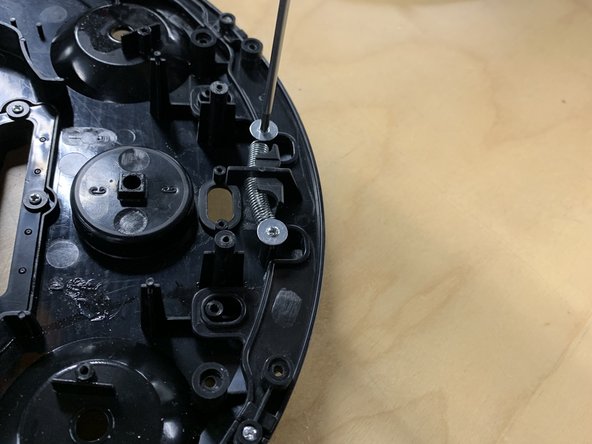
    • Next unscrew the universal directional wheel.

    • Next unscrew the lower bumper and remove it.

    Ask FixBot

    Add Comment

  8. Disassembling Unbranded Robot Vacuum (full disassembly): step 8, image 1 of 3 Disassembling Unbranded Robot Vacuum (full disassembly): step 8, image 2 of 3 Disassembling Unbranded Robot Vacuum (full disassembly): step 8, image 3 of 3
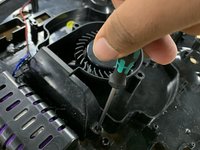
    • Now unscrew the lower fan housing and remove.

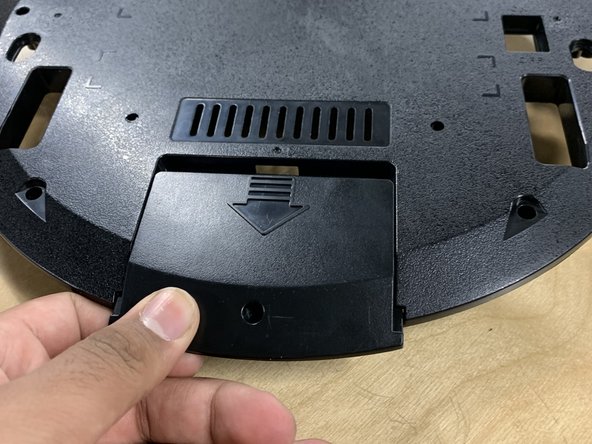
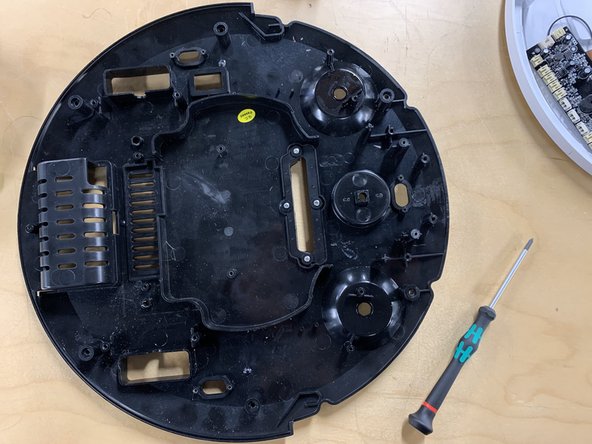
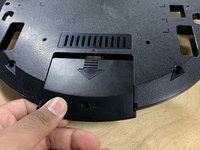
    • Flip over the product and unscrew the back panel. Then remove the battery.

    Ask FixBot

    Add Comment

  9. Disassembling Unbranded Robot Vacuum (full disassembly): step 9, image 1 of 3 Disassembling Unbranded Robot Vacuum (full disassembly): step 9, image 2 of 3 Disassembling Unbranded Robot Vacuum (full disassembly): step 9, image 3 of 3
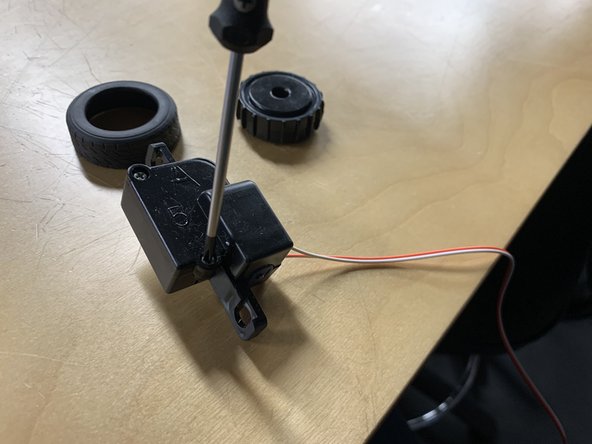
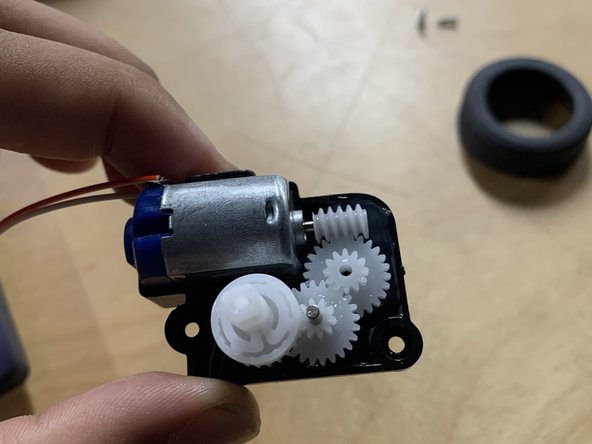
    • Sub assembly of Motor and Wheel.

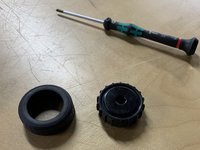
    • First unscrew the wheel from the motor.

    • Next remove the tyre from the wheel.

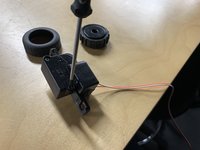
    • After unscrew the motor and open it.

    Ask FixBot

    Add Comment

  10. Disassembling Unbranded Robot Vacuum (full disassembly): step 10, image 1 of 2 Disassembling Unbranded Robot Vacuum (full disassembly): step 10, image 2 of 2
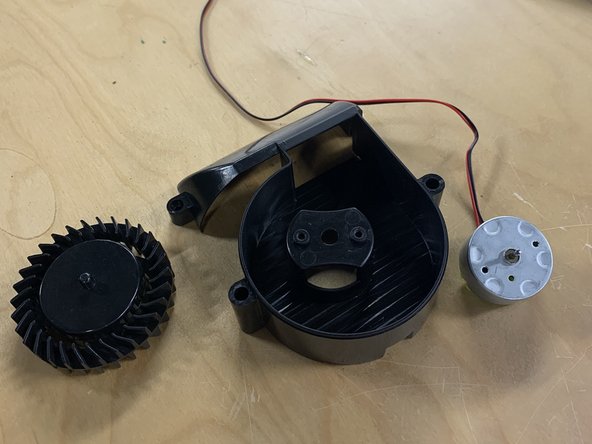
    • Disassembly of fan and holder.

    • First remove the fan. (This will require some force.)

    • Next unscrew the motor and remove.

    Ask FixBot

    Add Comment

  11. Disassembling Unbranded Robot Vacuum (full disassembly): step 11, image 1 of 2 Disassembling Unbranded Robot Vacuum (full disassembly): step 11, image 2 of 2
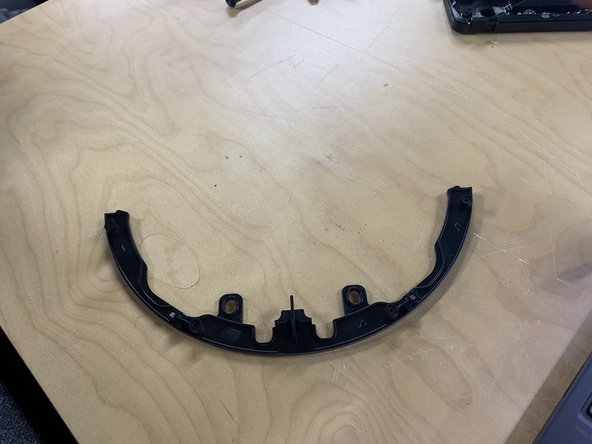
    • Disassembly of lower bumper.

    • Unscrew the plates and remove.

    Ask FixBot

    Add Comment

Conclusion

To reassemble your device, follow these instructions in reverse order.

Cancel: I did not complete this guide.

Jonty Bhumbra

Member since: 11/05/24

193 Reputation

1 Guide authored

0 Guide Comments

Add Comment

View Statistics:

Past 24 Hours: 4

Past 7 Days: 23

Past 30 Days: 61

All Time: 395