Free Shipping on Domestic Orders $75+

Disassembling Tineco Floor One Switch S6 SwitchPro Motor

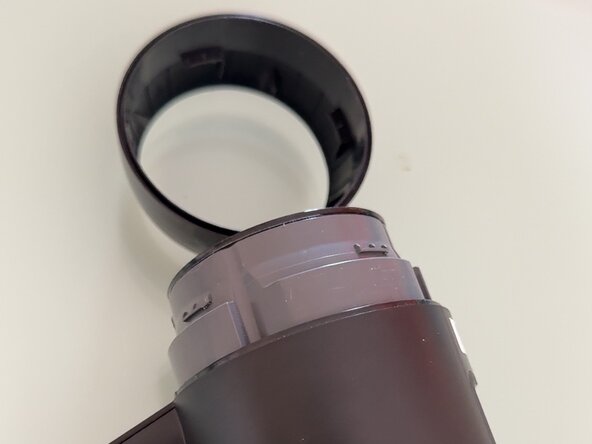
  1. Disassembling Tineco Floor One Switch S6 SwitchPro Motor, Take cover off: step 1, image 1 of 2 Disassembling Tineco Floor One Switch S6 SwitchPro Motor, Take cover off: step 1, image 2 of 2
    • Turn the plastic around the screen counterclockwise then lift up, it should come off pretty gently

    Ask FixBot

    Add Comment

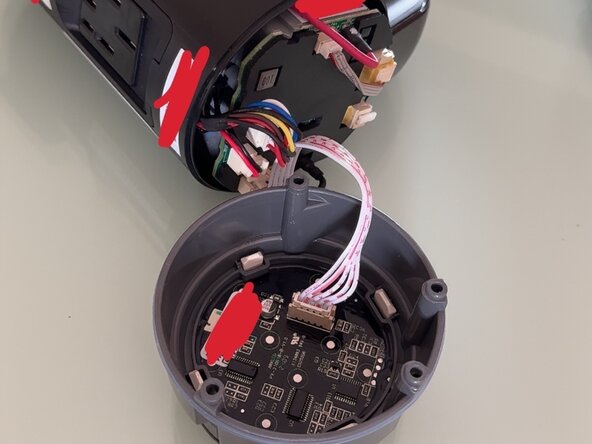
  2. Disassembling Tineco Floor One Switch S6 SwitchPro Motor, Unscrew and pull up screen: step 2, image 1 of 2 Disassembling Tineco Floor One Switch S6 SwitchPro Motor, Unscrew and pull up screen: step 2, image 2 of 2
    • Unscrew the 4 screws on the side then pull the screen up. You have to wiggle it around a little bit but it should still go up pretty easily

    Ask FixBot

    Add Comment

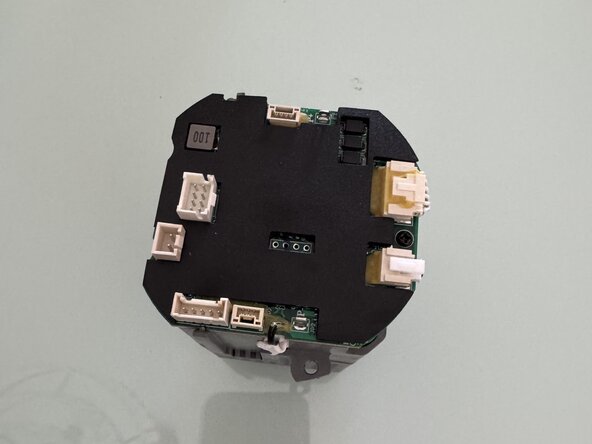
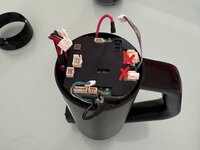
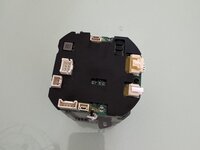
  3. Disassembling Tineco Floor One Switch S6 SwitchPro Motor, Disconnect and pull out battery: step 3, image 1 of 2 Disassembling Tineco Floor One Switch S6 SwitchPro Motor, Disconnect and pull out battery: step 3, image 2 of 2
    • Disconnect all the cables apart from the 2 marked ones then pull battery out

    Ask FixBot

    Add Comment

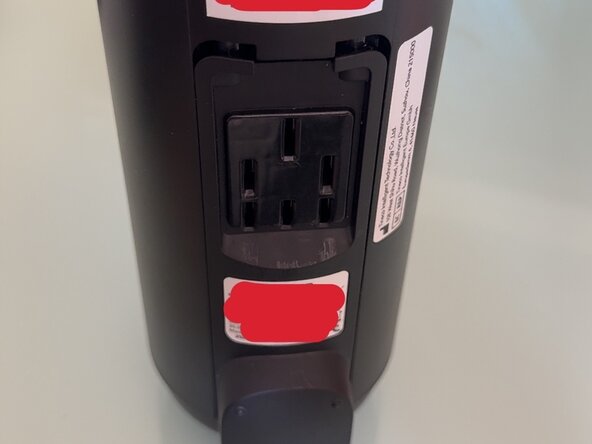
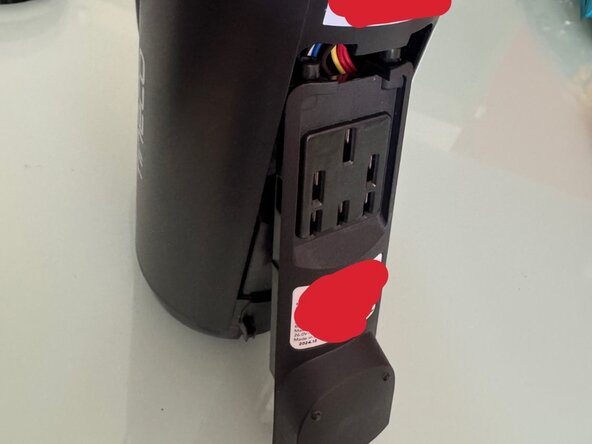
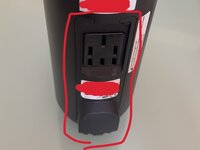
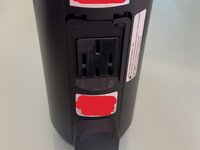
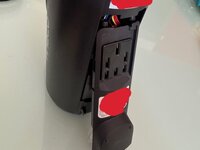
  4. Disassembling Tineco Floor One Switch S6 SwitchPro Motor, Remove charging panel: step 4, image 1 of 3 Disassembling Tineco Floor One Switch S6 SwitchPro Motor, Remove charging panel: step 4, image 2 of 3 Disassembling Tineco Floor One Switch S6 SwitchPro Motor, Remove charging panel: step 4, image 3 of 3
    • Simply pull the panel down then lift the bottom and it should come out.

    Ask FixBot

    Add Comment

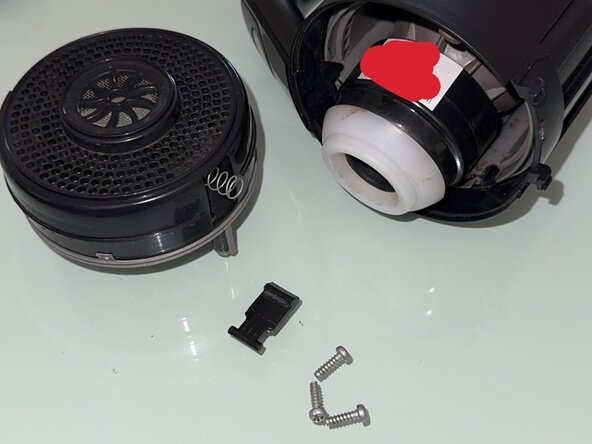
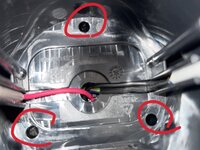
  5. Disassembling Tineco Floor One Switch S6 SwitchPro Motor, Access suction motor: step 5, image 1 of 2 Disassembling Tineco Floor One Switch S6 SwitchPro Motor, Access suction motor: step 5, image 2 of 2
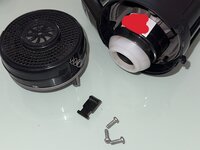
    • Now to access the bottom part where the suction motor is you need to unscrew these 3.

    • Once you are done unscrewing you can take the bottom plastic off by pulling it out. Be careful as the small plastic piece is not held by anything and is in front of a spring so if you dont hold it when pulling the bottom plastic it will shoot out.

    Ask FixBot

    Add Comment

Conclusion

To reassemble your device, follow these instructions in reverse order.

Cancel: I did not complete this guide.

Kacper

Member since: 05/22/25

136 Reputation

1 Guide authored

0 Guide Comments

Add Comment

View Statistics:

Past 24 Hours: 3

Past 7 Days: 23

Past 30 Days: 68

All Time: 349