Free Shipping on Domestic Orders $75+

Disassembling Samsung SPH-A760 Keyboard

Views: 1.6K

View statistics:

Past 24 Hours:
1
Past 7 Days:
9
Past 30 Days:
32
All Time:
1,586
Comments: 0

No one has left comments on this guide. Will you be first?

Go to guide comments
Completed: 0

No one has marked this guide "completed." Will you be the first?

Favorites: 0

No one has favorited (and subscribed to) this guide. Will you be the first?

Time Required: 10 minutes
Difficulty: Moderate
Needs Better Images

Better photos will improve this guide. Help out by taking, editing, or uploading new ones!

Disassembling Samsung SPH-A760 Keyboard

Introduction

Go to step 1 ↓

How to remove keyboard

What you need

Tools

    1. Disassembling Samsung SPH-A760 Keyboard, Battery: step 1, image 1 of 2 Disassembling Samsung SPH-A760 Keyboard, Battery: step 1, image 2 of 2
      • Push open the latch and remove the battery.

      Ask FixBot

      Add Comment

    1. Disassembling Samsung SPH-A760 Keyboard, Antenna: step 2, image 1 of 2 Disassembling Samsung SPH-A760 Keyboard, Antenna: step 2, image 2 of 2
      • Twist off the antenna.

      • Pop off the transparent cylinder.

      Ask FixBot

      Add Comment

    1. Disassembling Samsung SPH-A760 Keyboard, Motherboard: step 3, image 1 of 1
      • Remove the five screws as shown.

      Ask FixBot

      Add Comment

    2. Disassembling Samsung SPH-A760 Keyboard: step 4, image 1 of 1
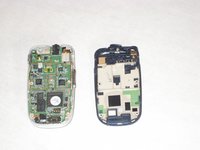
      • Carefully pry the back plate off.

      Ask FixBot

      Add Comment

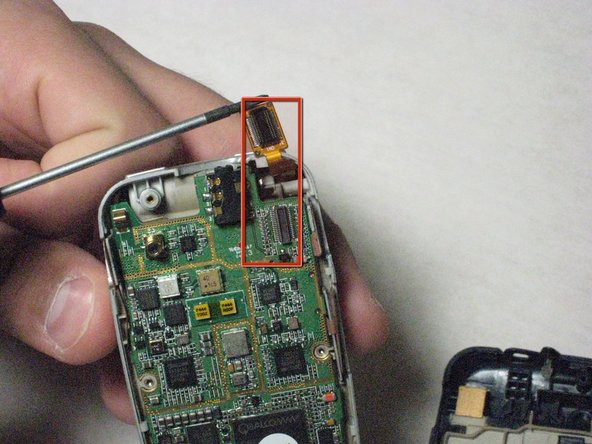
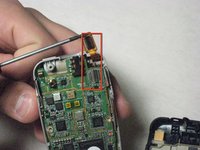
    3. Disassembling Samsung SPH-A760 Keyboard: step 5, image 1 of 2 Disassembling Samsung SPH-A760 Keyboard: step 5, image 2 of 2
      • Carefully detach golden screen connector.

      Ask FixBot

      Add Comment

    4. Disassembling Samsung SPH-A760 Keyboard: step 6, image 1 of 2 Disassembling Samsung SPH-A760 Keyboard: step 6, image 2 of 2
      Tool used on this step:
      Tweezers
      $4.99
      Buy
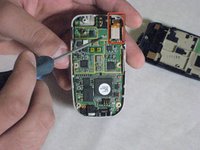
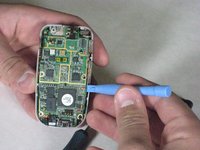
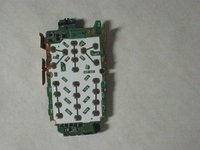
      • Pop out the logic board with spudger.

      • Caution: Do not touch with bare hands, use tweezers or wash hands before contact.

      Ask FixBot

      Add Comment

    5. Disassembling Samsung SPH-A760 Keyboard: step 7, image 1 of 2 Disassembling Samsung SPH-A760 Keyboard: step 7, image 2 of 2
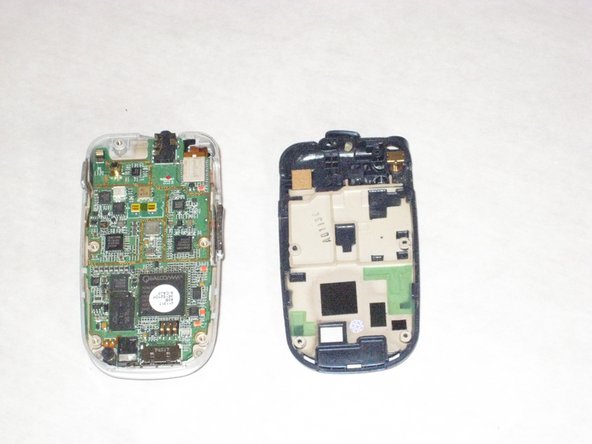
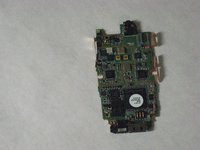
      • Place the logic board on a clean tray.

      Ask FixBot

      Add Comment

    1. Disassembling Samsung SPH-A760 Keyboard, Keyboard: step 8, image 1 of 1
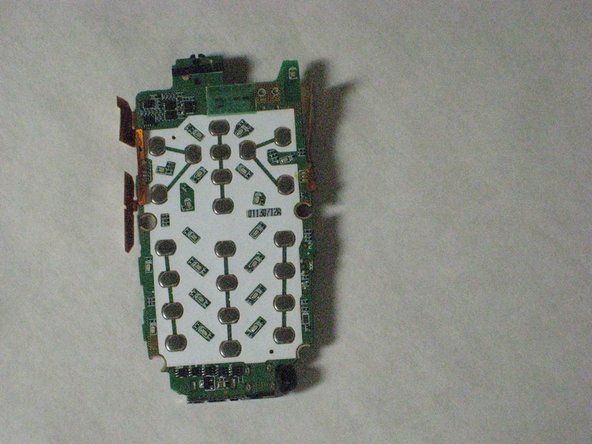
      • Peel off the keyboard.

      Ask FixBot

      Add Comment

Conclusion

To reassemble your device, follow these instructions in reverse order.

Cancel: I did not complete this guide.

David

Member since: 04/19/10

25 Reputation

6 Guides authored

Team

Cal Poly, Team 10-43, Garner Spring 2010 Member of Cal Poly, Team 10-43, Garner Spring 2010

CPSU-GARNER-S10S10G43

5 Members

72 Guides authored

0 Guide Comments

Add Comment

View Statistics:

Past 24 Hours: 1

Past 7 Days: 9

Past 30 Days: 32

All Time: 1,586