Free Shipping on Domestic Orders $75+

Disassembling Samsung Galaxy Ace Logic Board

What you need

    1. Disassembling Samsung Galaxy Ace Logic Board, Logic Board: step 1, image 1 of 2 Disassembling Samsung Galaxy Ace Logic Board, Logic Board: step 1, image 2 of 2
      • Remove the battery cover and the battery

      Ask FixBot
      Add Comment

    2. Disassembling Samsung Galaxy Ace Logic Board: step 2, image 1 of 2 Disassembling Samsung Galaxy Ace Logic Board: step 2, image 2 of 2
      • Remove the 7 silver screws with a Phillips #000 screw driver.

      • Sometimes the green one could be a little difficult. Use a tweezer for get it out.

      Ask FixBot

      Add Comment

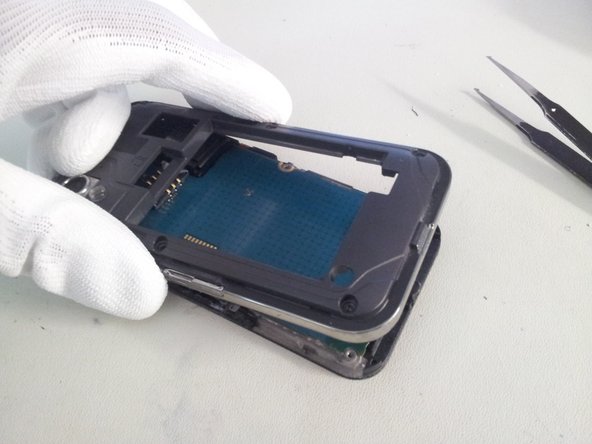
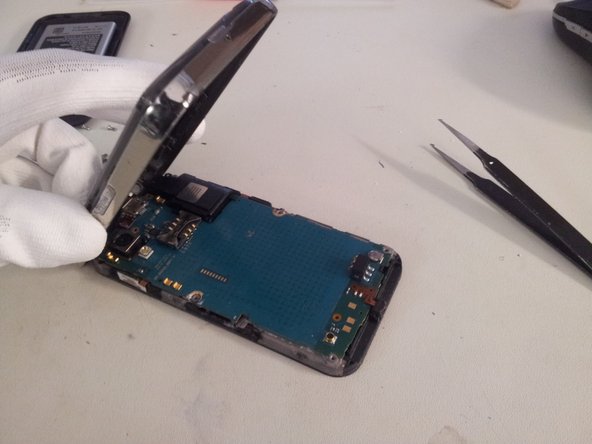
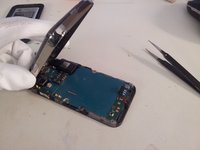
    3. Disassembling Samsung Galaxy Ace Logic Board: step 3, image 1 of 3 Disassembling Samsung Galaxy Ace Logic Board: step 3, image 2 of 3 Disassembling Samsung Galaxy Ace Logic Board: step 3, image 3 of 3
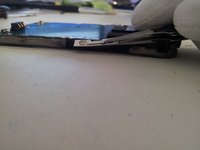
      • Lift gently the back cover from the screen assembly from the bottom.

      Ask FixBot
      Add Comment

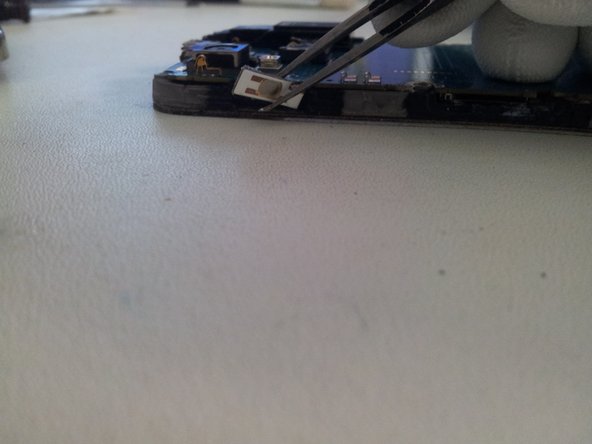
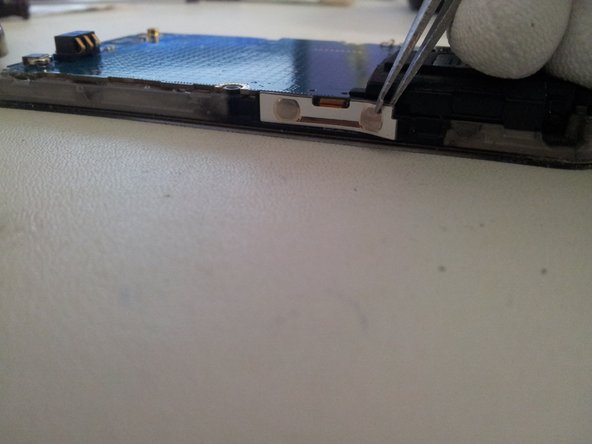
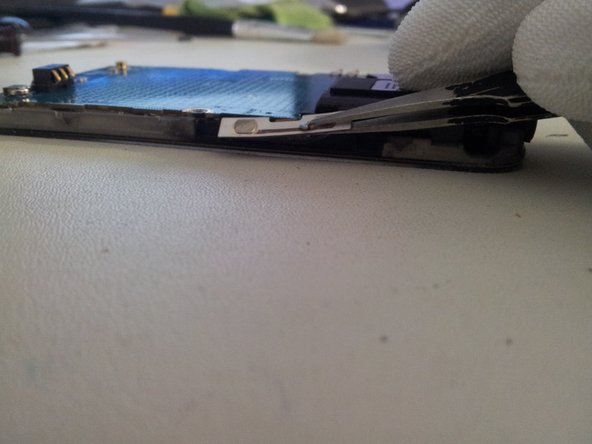
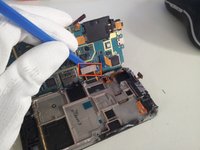
    4. Disassembling Samsung Galaxy Ace Logic Board: step 4, image 1 of 2 Disassembling Samsung Galaxy Ace Logic Board: step 4, image 2 of 2
      • Use a flat tweezer for take off the flexible on/off button from the frame.

      • Be careful, the flexible is very delicate; it could be cut if you go too fast.

      Ask FixBot
      Add Comment

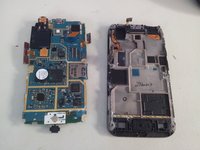
    5. Disassembling Samsung Galaxy Ace Logic Board: step 5, image 1 of 3 Disassembling Samsung Galaxy Ace Logic Board: step 5, image 2 of 3 Disassembling Samsung Galaxy Ace Logic Board: step 5, image 3 of 3
      • Use a flat tweezer and take off gently Flexible volume button from the left side.

      • Do the same for the right side.

      • Then lift the flex slowly, if you go fast you may cut the cable.

      Ask FixBot
      Add Comment

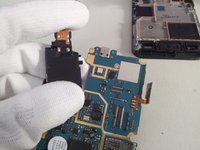
    6. Disassembling Samsung Galaxy Ace Logic Board: step 6, image 1 of 1
      • Lift the microphone from the logic board.

      Ask FixBot

      Add Comment

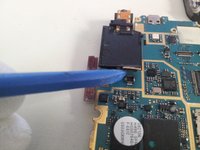
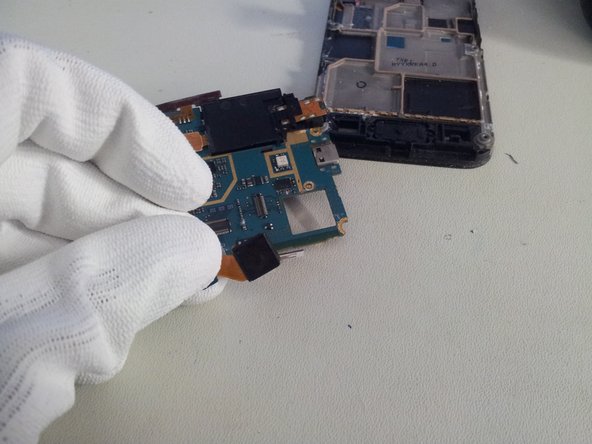
    7. Disassembling Samsung Galaxy Ace Logic Board: step 7, image 1 of 3 Disassembling Samsung Galaxy Ace Logic Board: step 7, image 2 of 3 Disassembling Samsung Galaxy Ace Logic Board: step 7, image 3 of 3
      • Lift the sensor/earpiece cable with the opening tool.

      • Don't force, you may damage the soldering.

      Ask FixBot
      Add Comment

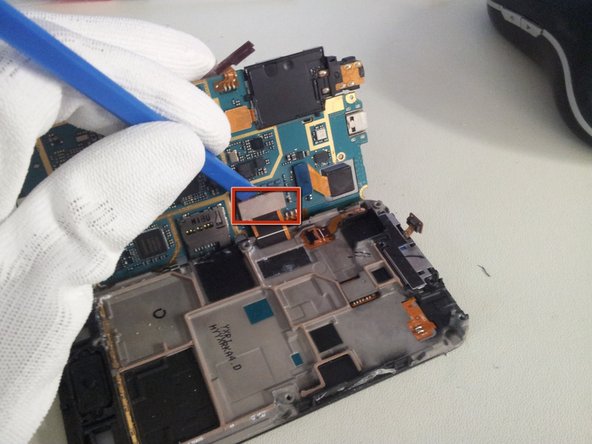
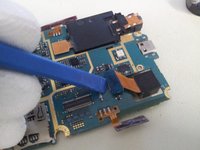
    8. Disassembling Samsung Galaxy Ace Logic Board: step 8, image 1 of 3 Disassembling Samsung Galaxy Ace Logic Board: step 8, image 2 of 3 Disassembling Samsung Galaxy Ace Logic Board: step 8, image 3 of 3
      • Lift the logic board from the right side.

      • Use the removal tool to unplug the display cable from the logic board.

      • You can now separate the Logic board from the display assembly.

      Ask FixBot
      Add Comment

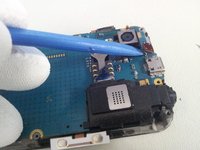
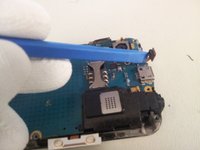
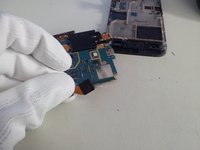
    9. Disassembling Samsung Galaxy Ace Logic Board: step 9, image 1 of 2 Disassembling Samsung Galaxy Ace Logic Board: step 9, image 2 of 2
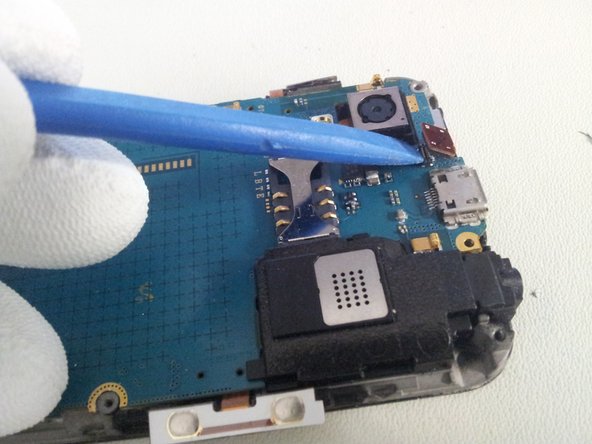
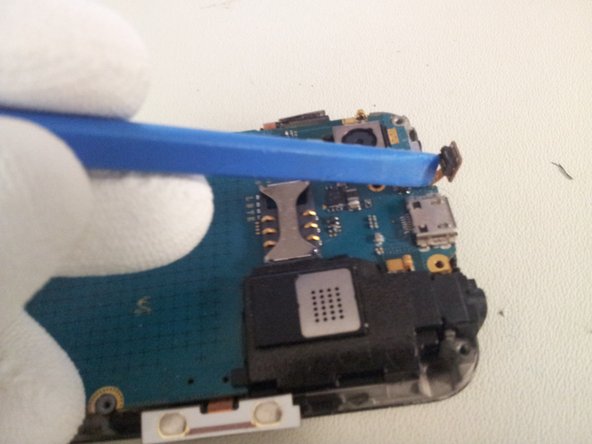
      • Use the removal tool to unclip the camera module from the Logic board.

      Ask FixBot
      Add Comment

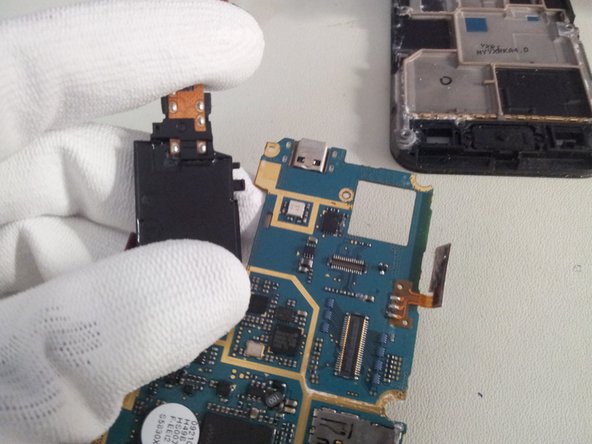
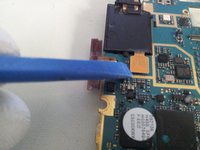
    10. Disassembling Samsung Galaxy Ace Logic Board: step 10, image 1 of 3 Disassembling Samsung Galaxy Ace Logic Board: step 10, image 2 of 3 Disassembling Samsung Galaxy Ace Logic Board: step 10, image 3 of 3
      • Use the removal tool or a spudger to unplug speaker module cable

      • And separate the speaker module from Logic board.

      • Be caution, the module is fixed by plastic teeth to the Logic board. Don't force, just make little wave-movements and the speaker comes on his own.

      Ask FixBot

      Add Comment

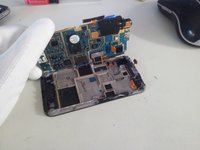
    11. Disassembling Samsung Galaxy Ace Logic Board: step 11, image 1 of 1
      • Now you can work with the Logic board.

      Ask FixBot

      Add Comment

Conclusion

To reassemble your device, follow these instructions in reverse order.

Cancel: I did not complete this guide.

34 other people completed this guide.

finster

Member since: 08/17/11

1,986 Reputation

1 Guide authored

2 Guide Comments

Thanks for the post. This is really Helpful

Dave Dayanan - Reply Share

im curently selling one thx to you

Kyle at work - Reply Share

Add Comment

View Statistics:

Past 24 Hours: 2

Past 7 Days: 9

Past 30 Days: 56

All Time: 27,554