Free Shipping on Domestic Orders $75+

Disassembling Pentax Optio S4i Lens Assembly

What you need

  1. Disassembling Pentax Optio S4i Lens Assembly, Front and Back Cover: step 1, image 1 of 2 Disassembling Pentax Optio S4i Lens Assembly, Front and Back Cover: step 1, image 2 of 2
    • Remove the following screws:

    • Two silver 3.15mm Phillips #00 screws on the right side of the camera

    • Two silver 2.08mm Phillips #00 screws on the left side of the camera

    Ask FixBot

    Add Comment

  2. Disassembling Pentax Optio S4i Lens Assembly: step 2, image 1 of 1
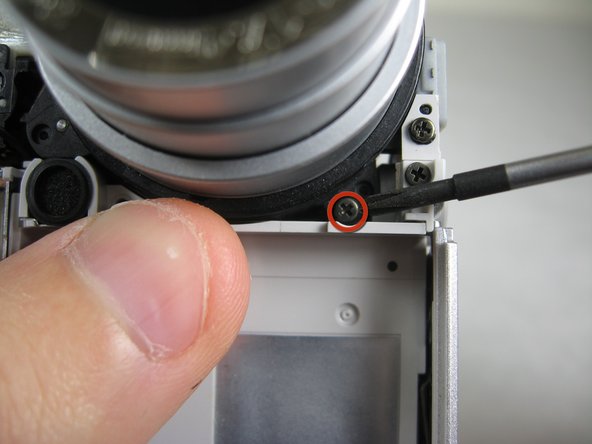
    • Remove the two indicated screws on the bottom of the camera:

    • The screw circled in red is a longer silver 3.15mm Phillips #00 screw

    • The screw circled in blue is a shorter silver 2.25mm Phillips #00 screw

    Ask FixBot

    Add Comment

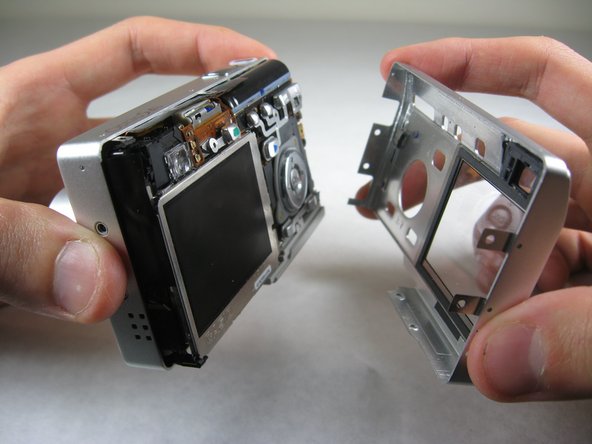
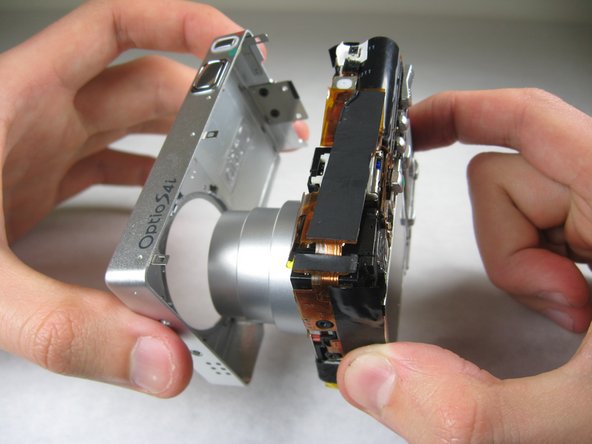
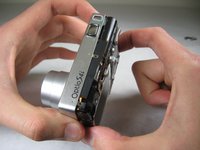
  3. Disassembling Pentax Optio S4i Lens Assembly: step 3, image 1 of 2 Disassembling Pentax Optio S4i Lens Assembly: step 3, image 2 of 2
    • Carefully pull the back of casing away from the front.

    Ask FixBot

    Add Comment

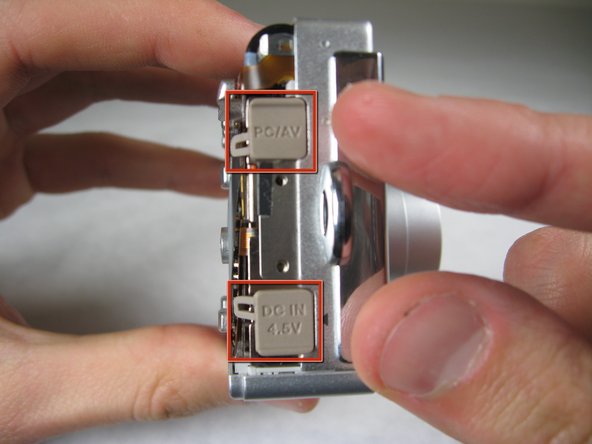
  4. Disassembling Pentax Optio S4i Lens Assembly: step 4, image 1 of 3 Disassembling Pentax Optio S4i Lens Assembly: step 4, image 2 of 3 Disassembling Pentax Optio S4i Lens Assembly: step 4, image 3 of 3
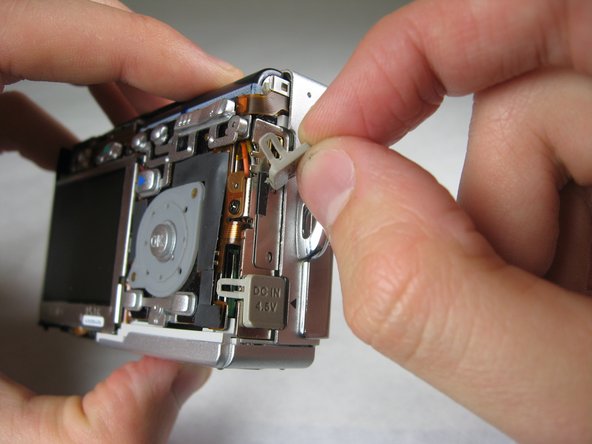
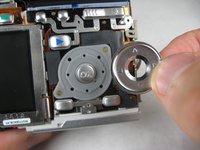
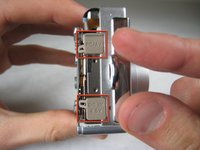
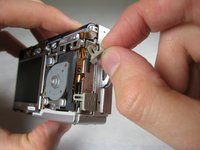
    • After removing the back cover, several things must be removed.

    • Silver donut-shaped button will fall off. Place separately. Remove the plug covers on the right side of camera, labeled “PC/AV” and “DC IN 4.5V”.

    Ask FixBot

    Add Comment

  5. Disassembling Pentax Optio S4i Lens Assembly: step 5, image 1 of 2 Disassembling Pentax Optio S4i Lens Assembly: step 5, image 2 of 2
    • To remove the front cover, gently hold the inside structure of the camera and slowly pull the front cover off.

    Ask FixBot

    Add Comment

  6. Disassembling Pentax Optio S4i Lens Assembly, LCD: step 6, image 1 of 2 Disassembling Pentax Optio S4i Lens Assembly, LCD: step 6, image 2 of 2
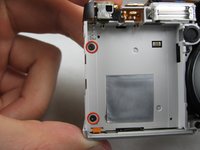
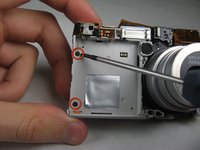
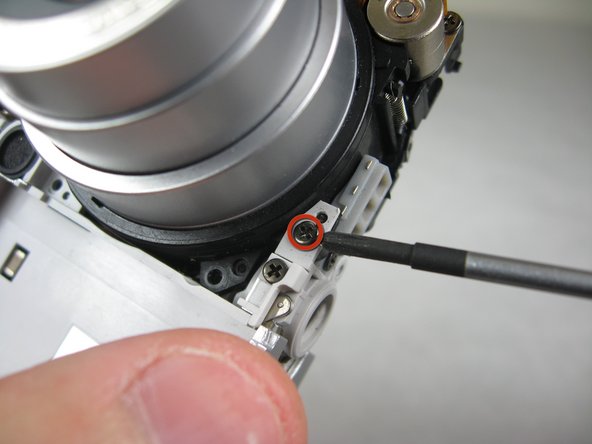
    • On the front of the camera, in battery case, remove screws indicated:

    • Two black 2.05mm Phillips #00 screws

    Ask FixBot

    Add Comment

  7. Disassembling Pentax Optio S4i Lens Assembly: step 7, image 1 of 2 Disassembling Pentax Optio S4i Lens Assembly: step 7, image 2 of 2
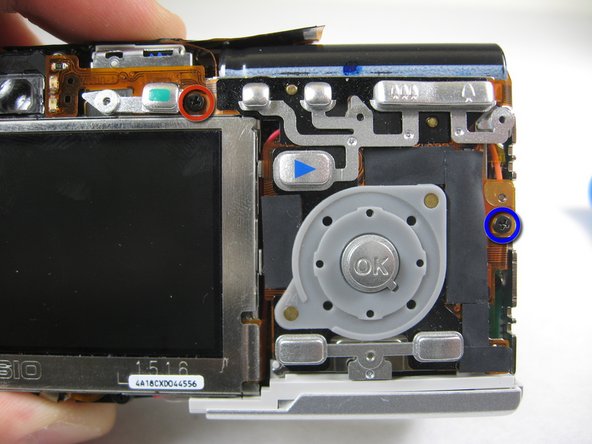
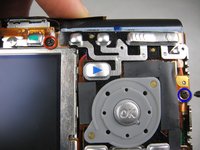
    • Flip the camera over to the backside and remove screws indicated:

    • The screw circled in red is a longer black 3.00mm Phillips #00 screw

    • The screw circled in red is a shorter black 2.00mm Phillips #00 screw

    Ask FixBot

    Add Comment

  8. Disassembling Pentax Optio S4i Lens Assembly: step 8, image 1 of 1
    • Pull the cover plate off for the two power cord jacks.

    Ask FixBot

    Add Comment

  9. Disassembling Pentax Optio S4i Lens Assembly: step 9, image 1 of 3 Disassembling Pentax Optio S4i Lens Assembly: step 9, image 2 of 3 Disassembling Pentax Optio S4i Lens Assembly: step 9, image 3 of 3
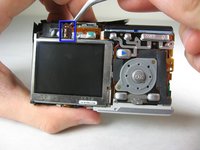
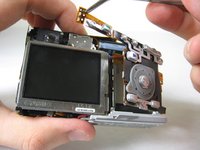
    • Cautiously and gently pull up the control board at the upper left corner, next to the viewfinder.

    Ask FixBot

    Add Comment

  10. Disassembling Pentax Optio S4i Lens Assembly: step 10, image 1 of 1
    • Remove the orange tape on top of the SD cardholder.

    Ask FixBot

    Add Comment

  11. Disassembling Pentax Optio S4i Lens Assembly: step 11, image 1 of 3 Disassembling Pentax Optio S4i Lens Assembly: step 11, image 2 of 3 Disassembling Pentax Optio S4i Lens Assembly: step 11, image 3 of 3
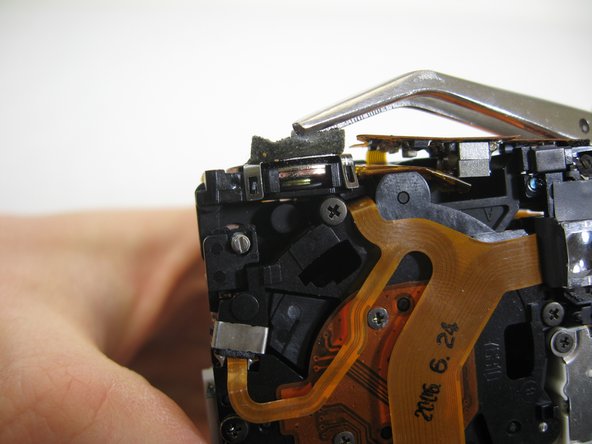
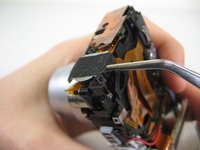
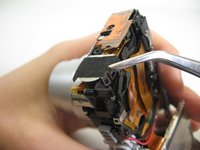
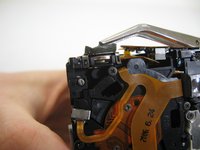
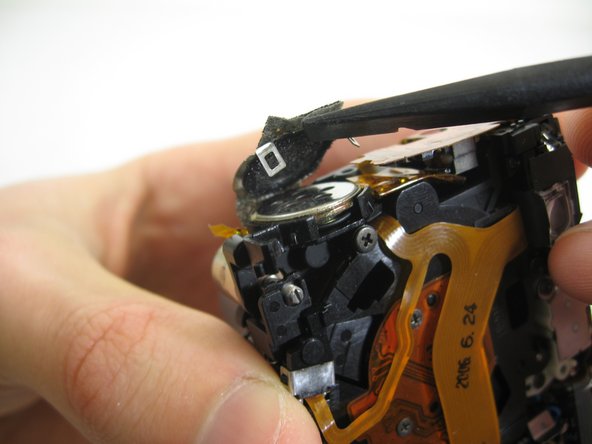
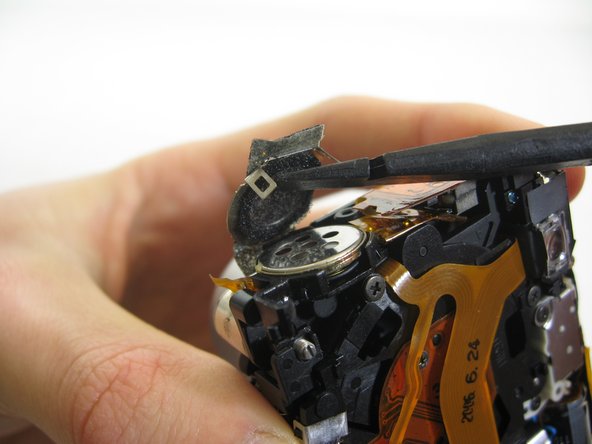
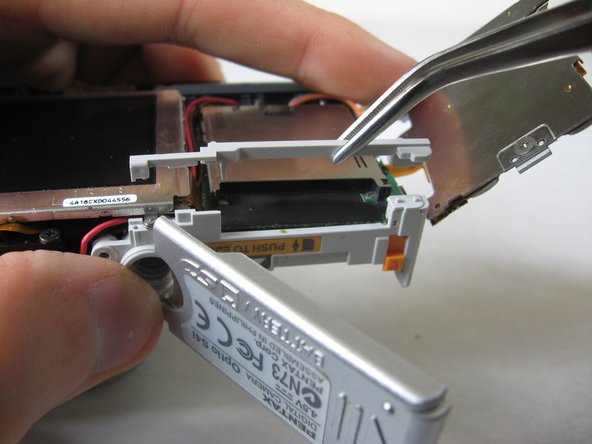
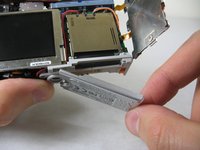
    • Open the battery cover and lift plastic piece off.

    Ask FixBot

    Add Comment

  12. Disassembling Pentax Optio S4i Lens Assembly: step 12, image 1 of 1
    • Remove tape on left side of camera.

    Ask FixBot

    Add Comment

  13. Disassembling Pentax Optio S4i Lens Assembly: step 13, image 1 of 1
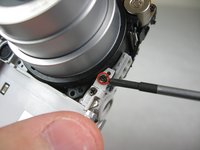
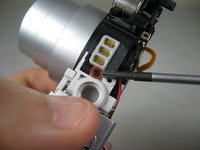
    • Remove the indicated 2.40mm Phillips #00 screw to release top left LCD bracket.

    Ask FixBot

    Add Comment

  14. Disassembling Pentax Optio S4i Lens Assembly: step 14, image 1 of 1
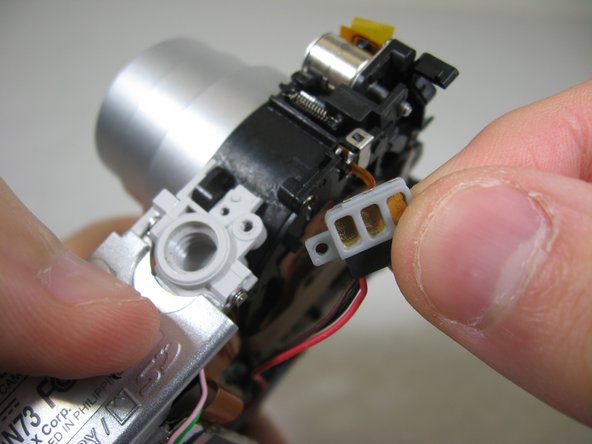
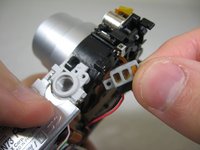
    • Remove top left LCD bracket.

    • This is a small piece, be careful not to lose it.

    Ask FixBot

    Add Comment

  15. Disassembling Pentax Optio S4i Lens Assembly: step 15, image 1 of 2 Disassembling Pentax Optio S4i Lens Assembly: step 15, image 2 of 2
    • Push down bottom left LCD bracket to release the LCD from grip.

    Ask FixBot

    Add Comment

  16. Disassembling Pentax Optio S4i Lens Assembly: step 16, image 1 of 1
    • Gently lift up LCD screen.

    Ask FixBot

    Add Comment

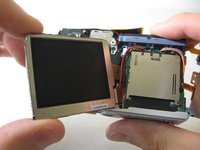
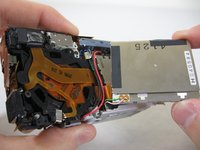
  17. Disassembling Pentax Optio S4i Lens Assembly: step 17, image 1 of 3 Disassembling Pentax Optio S4i Lens Assembly: step 17, image 2 of 3 Disassembling Pentax Optio S4i Lens Assembly: step 17, image 3 of 3
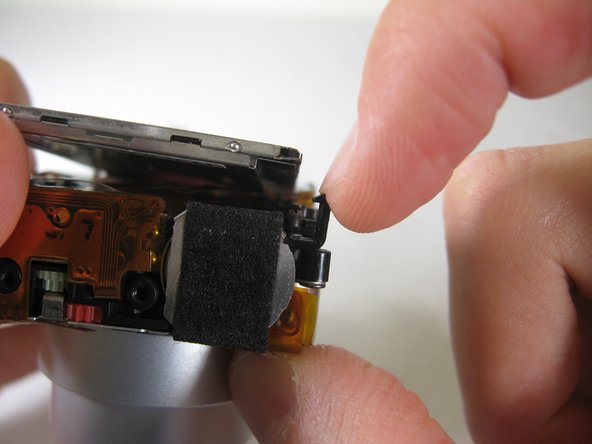
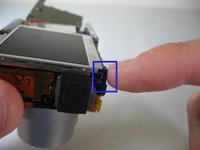
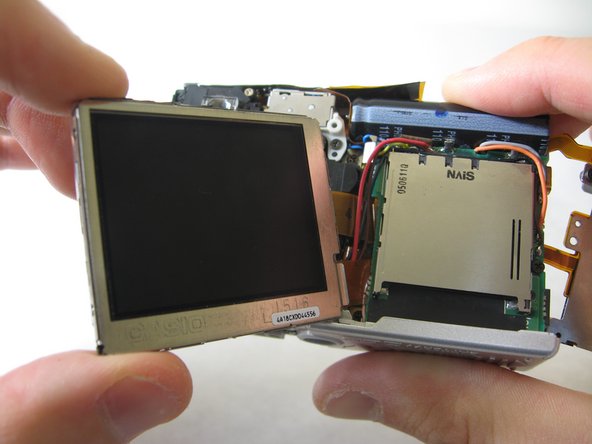
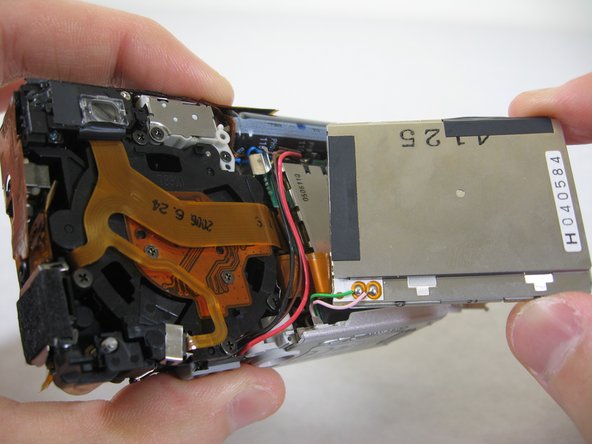
    • Slowly pull LCD screen to the left to remove it from the other grips.

    • BEWARE: The LCD screen is attached to the logic board by two wires at the bottom.

    Ask FixBot

    Add Comment

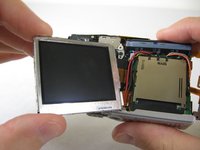
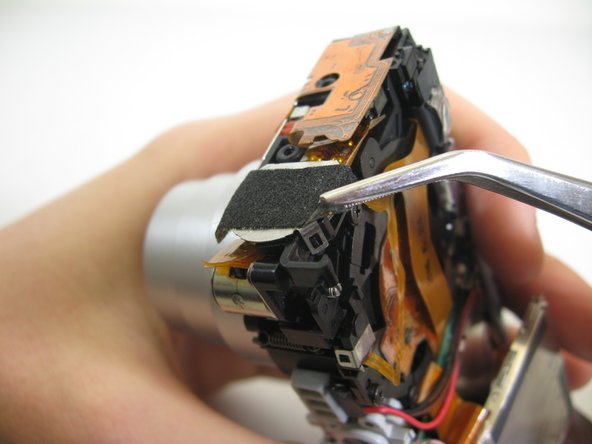
  18. Disassembling Pentax Optio S4i Lens Assembly, Lens Assembly: step 18, image 1 of 3 Disassembling Pentax Optio S4i Lens Assembly, Lens Assembly: step 18, image 2 of 3 Disassembling Pentax Optio S4i Lens Assembly, Lens Assembly: step 18, image 3 of 3
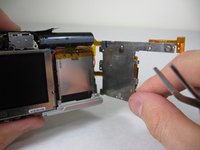
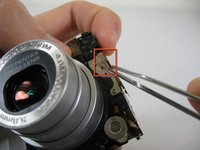
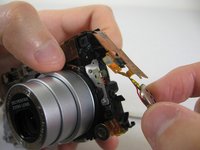
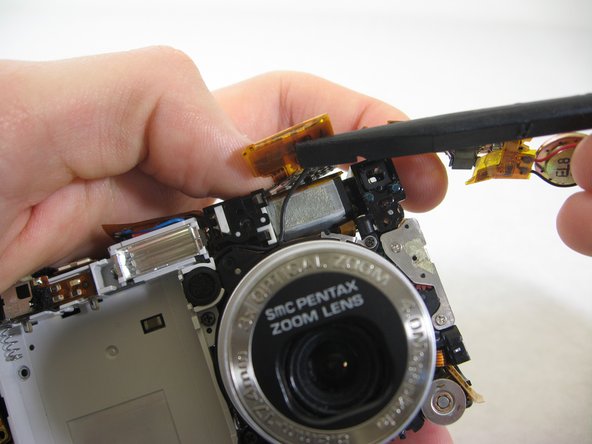
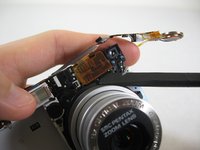
    • Lift up tape slightly on both sides of speaker.

    Ask FixBot

    Add Comment

  19. Disassembling Pentax Optio S4i Lens Assembly: step 19, image 1 of 3 Disassembling Pentax Optio S4i Lens Assembly: step 19, image 2 of 3 Disassembling Pentax Optio S4i Lens Assembly: step 19, image 3 of 3
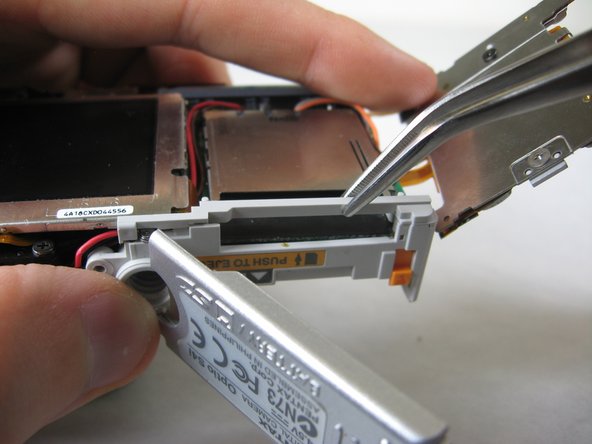
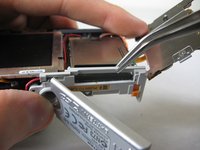
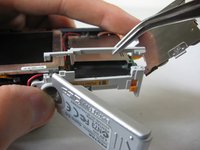
    • Use the pointed end of a spudger to lift up brackets.

    • Lift speaker cover out.

    Ask FixBot

    Add Comment

  20. Disassembling Pentax Optio S4i Lens Assembly: step 20, image 1 of 1
    • Remove speaker cover.

    Ask FixBot

    Add Comment

  21. Disassembling Pentax Optio S4i Lens Assembly: step 21, image 1 of 2 Disassembling Pentax Optio S4i Lens Assembly: step 21, image 2 of 2
    • Turn camera to front.

    • Carefully peel off orange wire tape. The tape is glued to the surface indicated.

    • Lift speaker from holder.

    Ask FixBot

    Add Comment

  22. Disassembling Pentax Optio S4i Lens Assembly: step 22, image 1 of 2 Disassembling Pentax Optio S4i Lens Assembly: step 22, image 2 of 2
    • Use a wedge to lift up the wire tape flap.

    Ask FixBot

    Add Comment

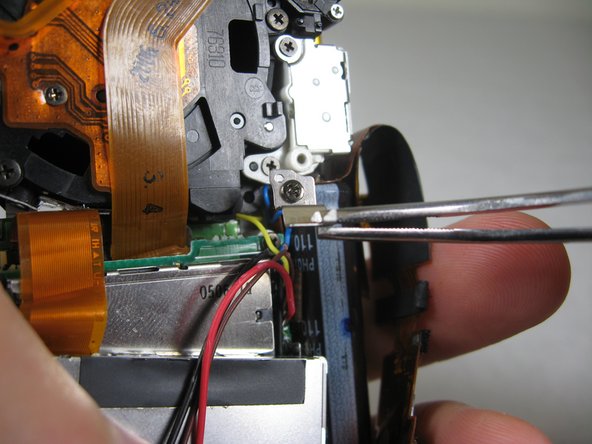
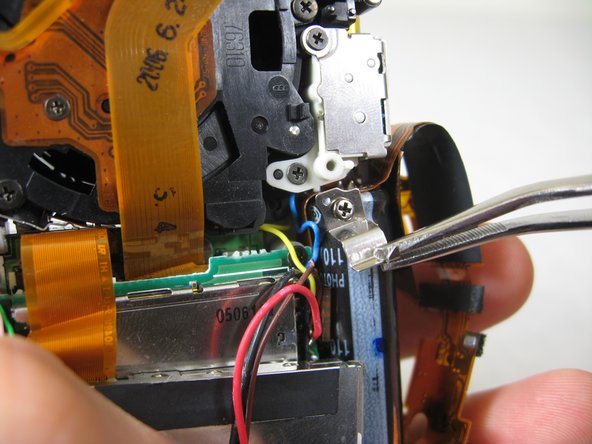
  23. Disassembling Pentax Optio S4i Lens Assembly: step 23, image 1 of 3 Disassembling Pentax Optio S4i Lens Assembly: step 23, image 2 of 3 Disassembling Pentax Optio S4i Lens Assembly: step 23, image 3 of 3
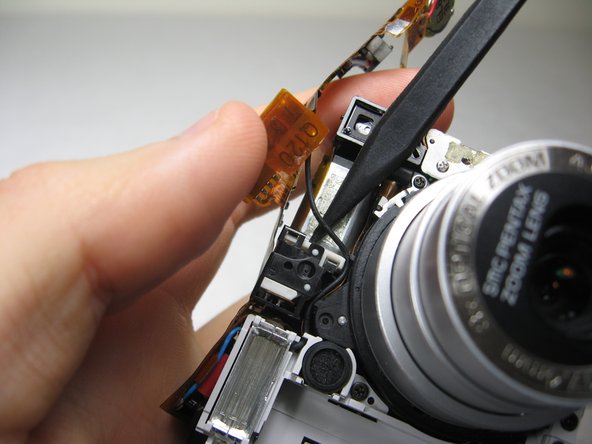
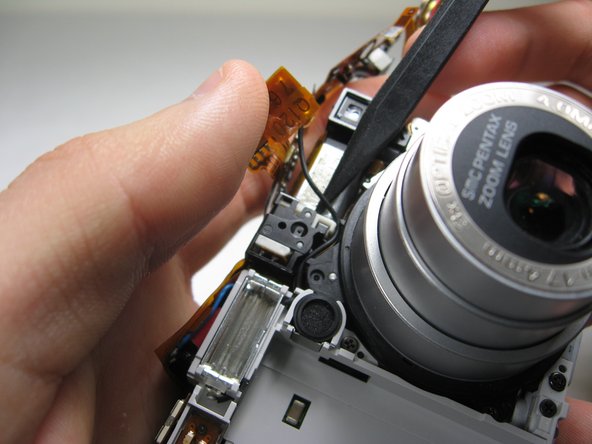
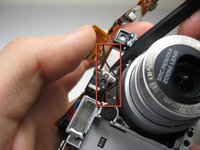
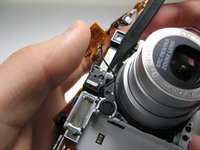
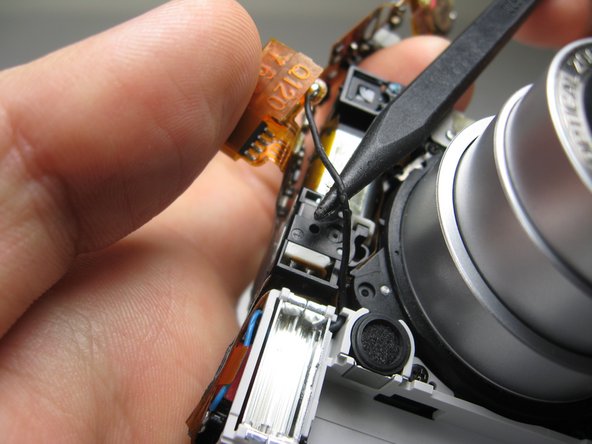
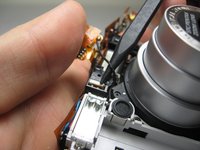
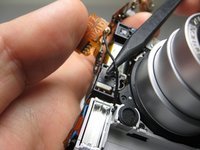
    • Insert the point of a spudger underneath the wire shown.

    Ask FixBot

    Add Comment

  24. Disassembling Pentax Optio S4i Lens Assembly: step 24, image 1 of 2 Disassembling Pentax Optio S4i Lens Assembly: step 24, image 2 of 2
    • Carefully lift the wire out of the crevasses.

    Ask FixBot

    Add Comment

  25. Disassembling Pentax Optio S4i Lens Assembly: step 25, image 1 of 1
    • Slowly bend the speaker's wire tape away from the lens assembly. Avoid creasing the tape.

    Ask FixBot

    Add Comment

  26. Disassembling Pentax Optio S4i Lens Assembly: step 26, image 1 of 3 Disassembling Pentax Optio S4i Lens Assembly: step 26, image 2 of 3 Disassembling Pentax Optio S4i Lens Assembly: step 26, image 3 of 3
    • Remove indicated screws:

    • Three Black 3.80mm Phillips #00 screws.

    Ask FixBot

    Add Comment

  27. Disassembling Pentax Optio S4i Lens Assembly: step 27, image 1 of 2 Disassembling Pentax Optio S4i Lens Assembly: step 27, image 2 of 2
    • Remove the indicated black 3.40mm Phillips #00 screw on the bottom of the camera.

    • Remove copper leads.

    Ask FixBot

    Add Comment

  28. Disassembling Pentax Optio S4i Lens Assembly: step 28, image 1 of 3 Disassembling Pentax Optio S4i Lens Assembly: step 28, image 2 of 3 Disassembling Pentax Optio S4i Lens Assembly: step 28, image 3 of 3
    • Unscrew the indicated 3.80mm Phillips #00 screw on the back of the camera.

    • Remove screw and bracket.

    Ask FixBot

    Add Comment

  29. Disassembling Pentax Optio S4i Lens Assembly: step 29, image 1 of 1
    • Turn the camera over to the front.

    • In the following step, you will undo the indicated pegs. PROCEED TO THE NEXT STEP.

    Ask FixBot

    Add Comment

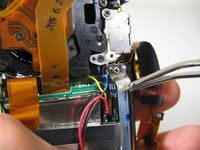
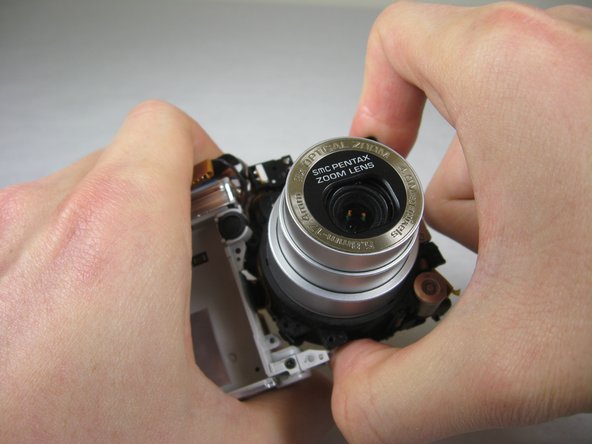
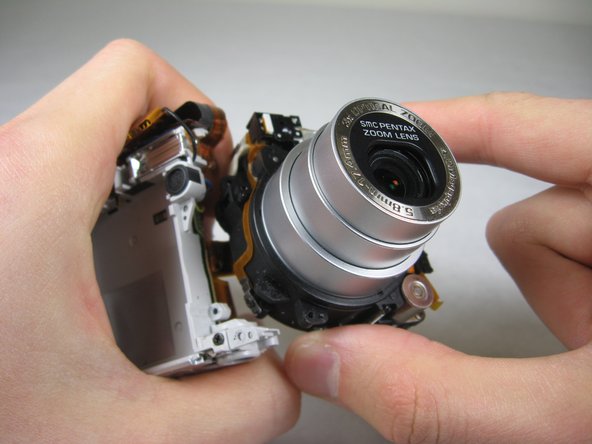
  30. Disassembling Pentax Optio S4i Lens Assembly: step 30, image 1 of 3 Disassembling Pentax Optio S4i Lens Assembly: step 30, image 2 of 3 Disassembling Pentax Optio S4i Lens Assembly: step 30, image 3 of 3
    • Carefully holding the camera, grab the corresponding two points.

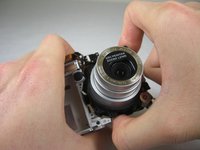
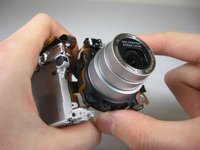
    • Carefully twist the lens assembly away from you. You will be turning your hand clockwise.

    • Pull lens assembly out.

    • The lens assembly is attached to the logic board by wire tape.

    Ask FixBot

    Add Comment

Conclusion

To reassemble your device, follow these instructions in reverse order.

Cancel: I did not complete this guide.

Bassem Tossoun

Member since: 01/21/11

201 Reputation

2 Guides authored

Team

Cal Poly, Team 4-29, Regan Winter 2011 Member of Cal Poly, Team 4-29, Regan Winter 2011

CPSU-REGAN-W11S4G29

3 Members

10 Guides authored

2 Guide Comments

Do you have this disassembly steps for the S12?

ThoH - Reply Share
Lens will Not focuscorrectly

ThoH - Reply Share
Add Comment

View Statistics:

Past 24 Hours: 2

Past 7 Days: 11

Past 30 Days: 57

All Time: 3,132