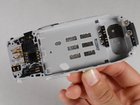
Disassembling Nokia 3395 Inner Components

Nico Lee and 5 other contributors
Last updated on Jan 28, 2014
Views: 3.6K
View statistics:
- Past 24 Hours:
- 3
- Past 7 Days:
- 21
- Past 30 Days:
- 109
- All Time:
- 3,572
Comments: 0
No one has left comments on this guide. Will you be first?
Go to guide commentsCompleted: 1 2
1 person has marked this guide "completed." Will you be next?
2 people have marked this guide "completed." Including you — great job!
Favorites: 1 2
1 person has favorited (and subscribed to) this guide. Will you be next?
2 people have favorited (and subscribed to) this guide — including you!
Community-Contributed Guide
An awesome member of our community made this guide. It was not created by iFixit staff.
Inconsistent Images
Updating the images on this guide to be more consistent with the prerequisites would increase its awesomeness.
Step Trimmer
This guide has unnecessary steps. Trim them to be more concise!
Incorrect Tools
Help make this guide better by using the correct tools in images and/or text.
Introduction
Go to step 1 ↓We will now disassemble the guts of the phone, including the SIM card reader, vibrating unit, power toggle button, audio speaker, power assembly/microphone, and the battery connector.
What you need
Tools
-
Spudger4.9
-


-
-
-
Turn the phone off.
-
Hold the phone, and gently press the white button located at the bottom of the phone.
-
While pressing the button, slide the back plate upwards, opening the plate.
 Ask FixBot
-
-
-
-
-
Locate grey buttons beneath battery (shown).
-
Spread buttons simultaneously away from each other and the battery will pop out.
-
Remove battery from phone.
-
-
-
-
-
Push the two black buttons on the side with your thumbs forward. This will release the front faceplate.
-
Flip over the device, and pry the faceplate away.
-
-
-
-
-
-
-
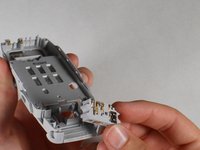
Microphone/power assembly.
-
Vibrating unit.
-
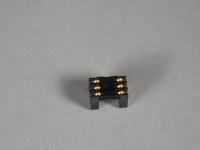
SIM card reader.
-
Audio speaker.
-
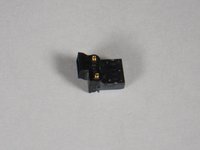
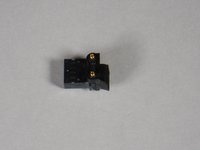
Power toggle button.
-
Battery connector.
-
-
-
Insert spudger between power assembly/micro-phone and phone body.
-
Pry as shown and remove the power assembly/microphone.
-
-
-
Microphone/power assembly.
-
Vibrating unit.
-
SIM card reader.
-
Audio speaker.
-
Power toggle button.
-
Battery connector.
-
-
-


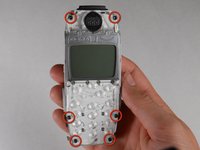
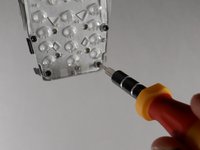


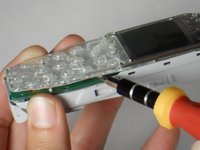
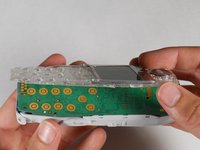


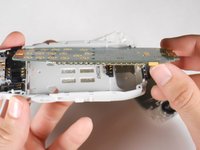
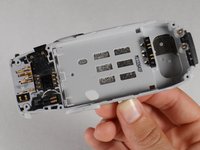


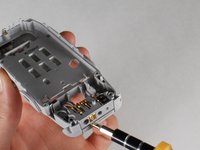




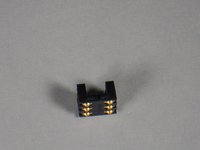


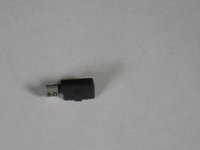
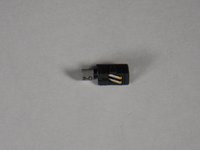


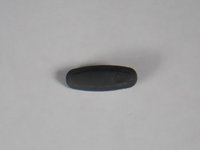


To reassemble your device, follow these instructions in reverse order.
Cancel: I did not complete this guide.
One other person completed this guide.

Team

Cal Poly, Team 30-41, Garner Spring 2010 Member of Cal Poly, Team 30-41, Garner Spring 2010
CPSU-GARNER-S10S30G41
4 Members
72 Guides authored
