Introduction
These instructions will demonstrate how to remove the camera from the KDDI Kyocera A5521K.
What you need
-
-
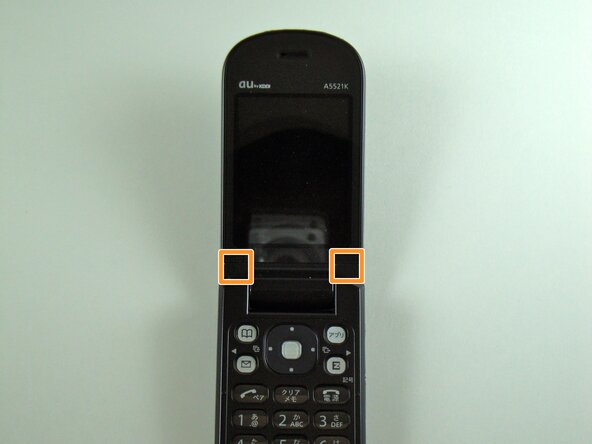
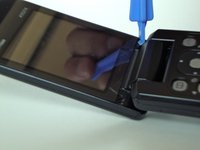
Start by prying, with a metal probe, the black covers that are located by the pivoting joints of the phone/
-
Beneath those covers are the screws.
 Ask FixBot
-
-
-
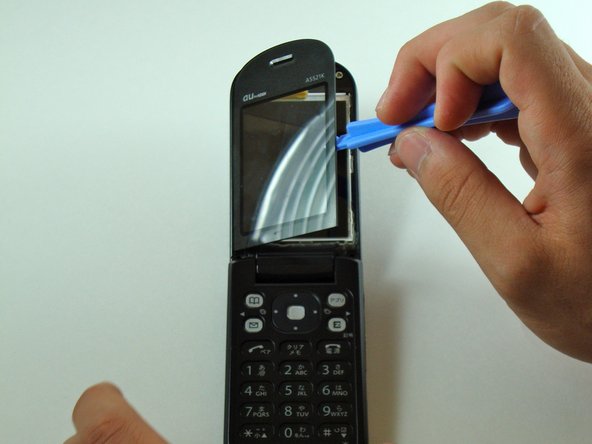
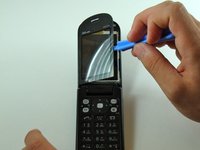
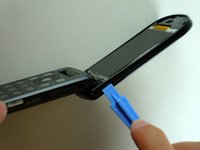
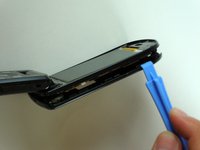
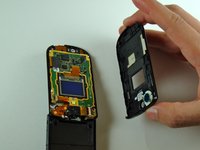
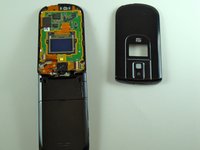
Use the iPod pry tool to remove the outer screen.
-
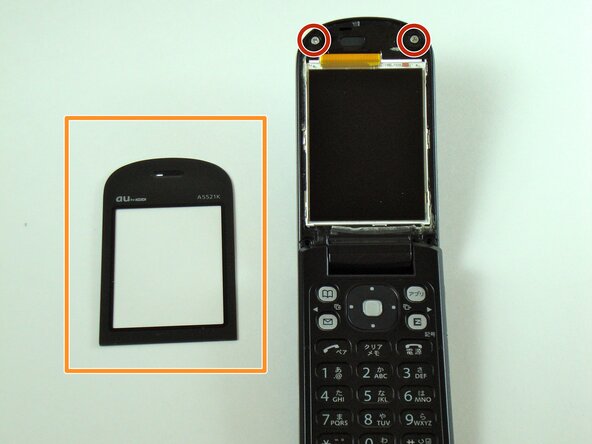
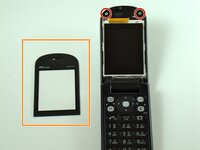
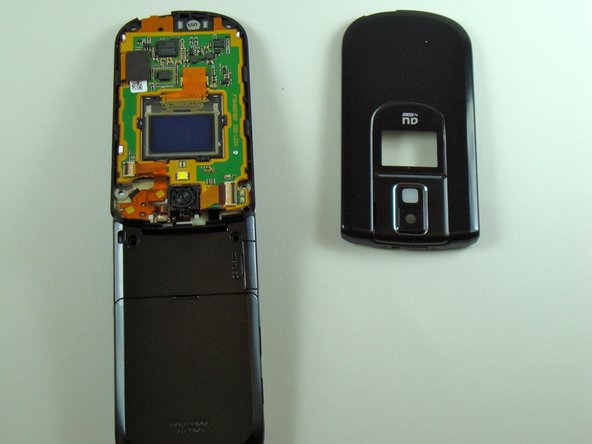
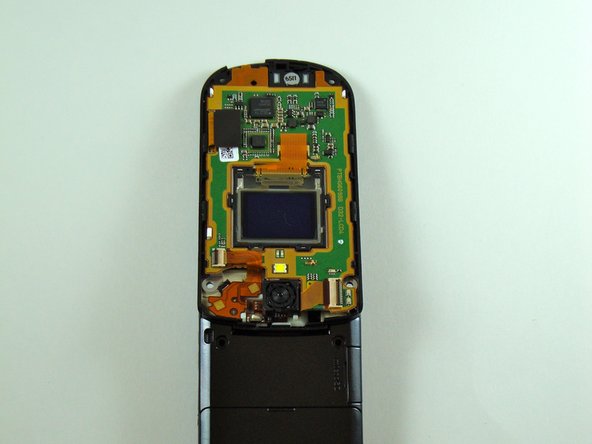
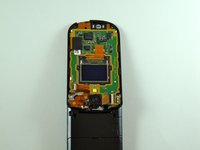
Two screws are now visible.
-
Be careful not to crack the screen upon removal. It adheres strongly to the phone.
-
-
-
Tool used on this step:Tweezers$4.99
-
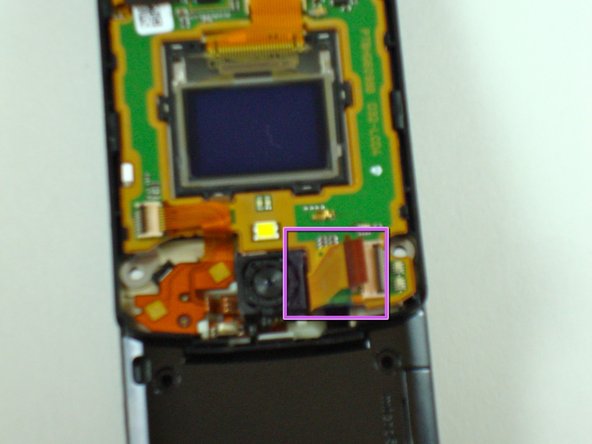
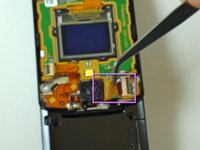
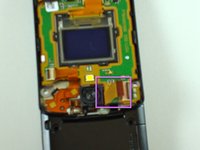
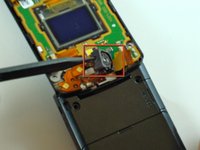
Firmly grab the flexible circuit with tweezers to detach (or use your fingers if you can manage a firm grip).
-
-
-
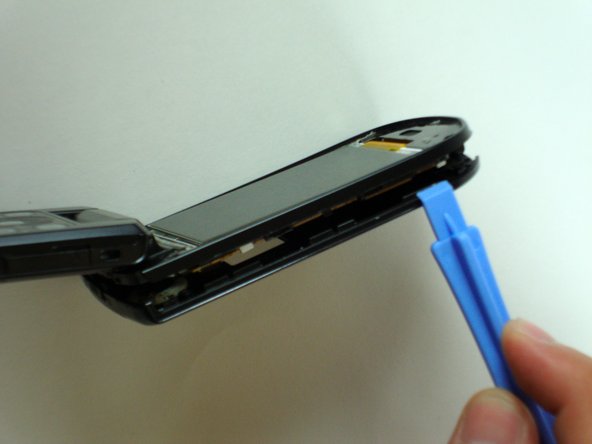
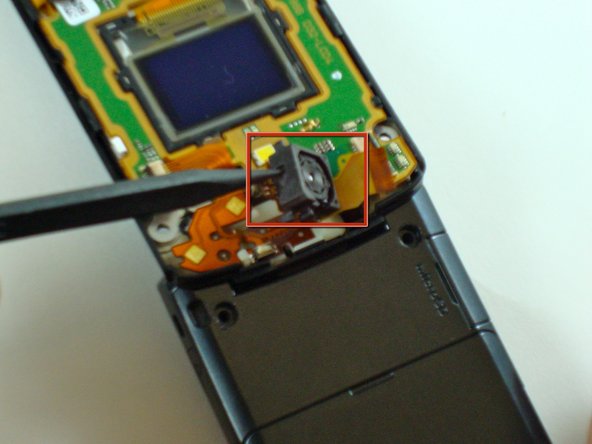
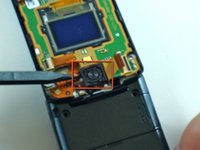
Carefully pry up the camera unit with a spudger.
-
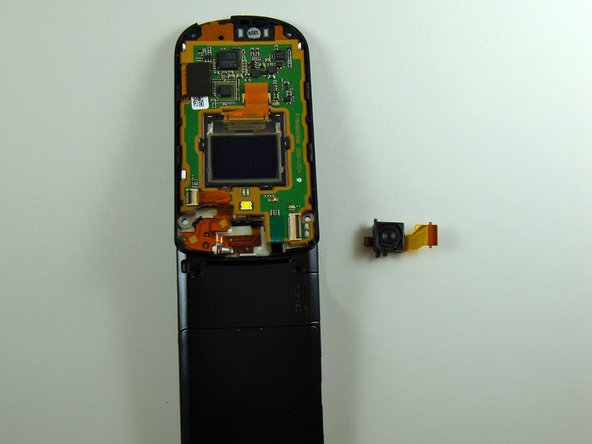
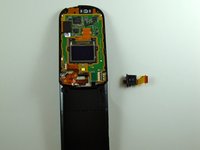
The camera should now be separated from the phone.
-










To reassemble your device, follow these instructions in reverse order.

Team

Cal Poly, Team 28-25, Regan Spring 2010 Member of Cal Poly, Team 28-25, Regan Spring 2010
CPSU-REGAN-S10S28G25
4 Members
34 Guides authored
