Free Shipping on Domestic Orders $75+

Disassembling HTC Touch Pro CDMA Verizon Basic Parts

Prerequisite Only
This is a prerequisite-only guide! This guide is part of another procedure and isn’t meant to be used alone.

What you need

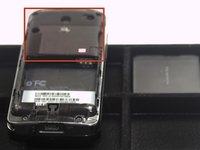
  1. Disassembling HTC Touch Pro CDMA Verizon Basic Parts, Battery: step 1, image 1 of 1
    • Remove the back cover (not pictured) to your phone.

    Ask FixBot
    Add Comment

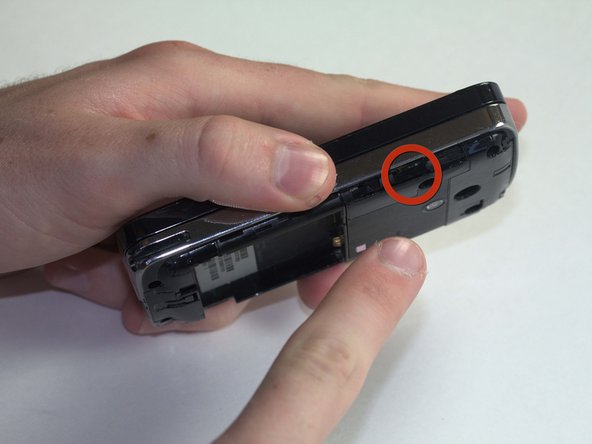
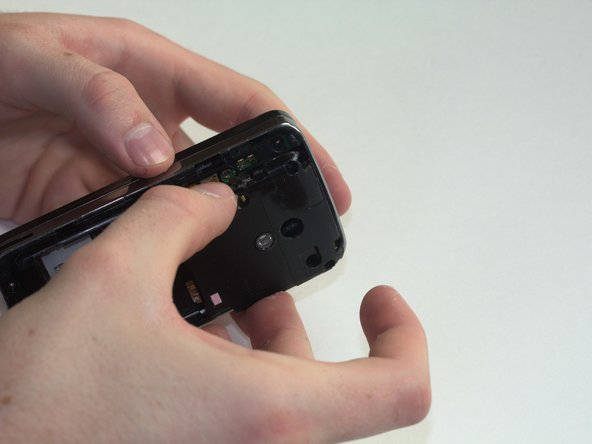
  2. Disassembling HTC Touch Pro CDMA Verizon Basic Parts: step 2, image 1 of 2 Disassembling HTC Touch Pro CDMA Verizon Basic Parts: step 2, image 2 of 2
    • To remove the battery, place your thumb beneath the tab and begin to lift.

    • Pinching the battery, lift up at an angle from the bottom of the phone.

    Ask FixBot
    Add Comment

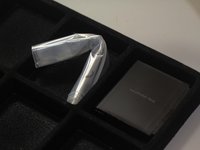
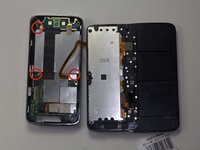
  3. Disassembling HTC Touch Pro CDMA Verizon Basic Parts, Basic Parts: step 3, image 1 of 1
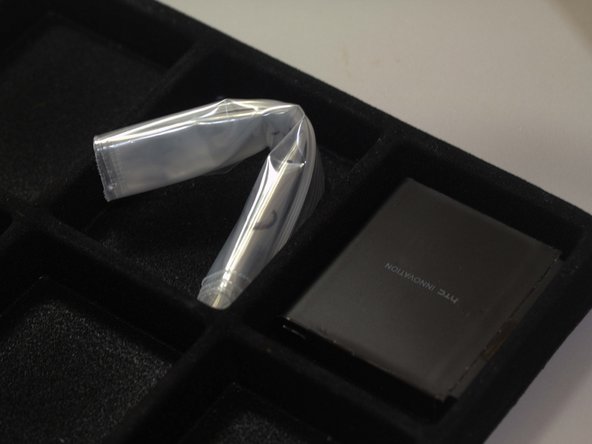
    • Place the battery in a container off to the side. If you do this for every step beyond this point, you will keep better track of your parts and make reassembling the device far easier when you get around to it.

    • It might not be necessary, but we recommend using an anti-static bracelet or anti-static mat from this point on. Any charge on your finger tips may cause harm to the device.

    Ask FixBot
    Add Comment

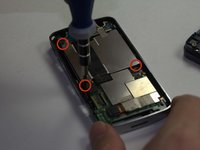
  4. Disassembling HTC Touch Pro CDMA Verizon Basic Parts: step 4, image 1 of 3 Disassembling HTC Touch Pro CDMA Verizon Basic Parts: step 4, image 2 of 3 Disassembling HTC Touch Pro CDMA Verizon Basic Parts: step 4, image 3 of 3
    • Use a T6 screwdriver to remove the four screws on the rear plate of the HTC Touch Pro.

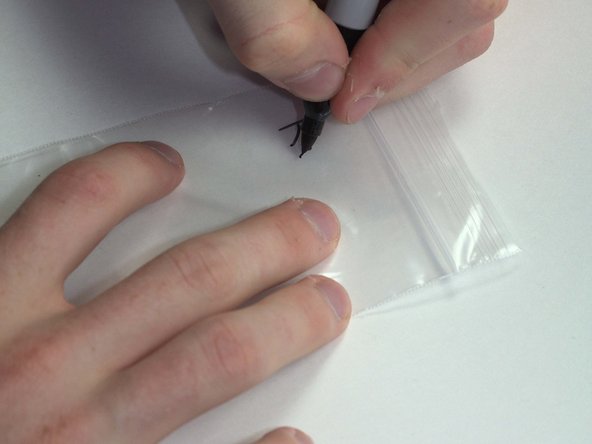
    • Place your screws in a bag labeled with where they came from, what screwdriver you used, and the order in which you removed them. For example, this bag would say "Rear casing. T6. #1."

    Ask FixBot
    Add Comment

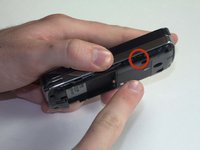
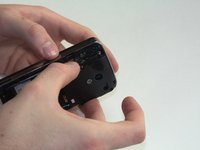
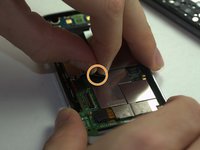
  5. Disassembling HTC Touch Pro CDMA Verizon Basic Parts: step 5, image 1 of 3 Disassembling HTC Touch Pro CDMA Verizon Basic Parts: step 5, image 2 of 3 Disassembling HTC Touch Pro CDMA Verizon Basic Parts: step 5, image 3 of 3
    • Next, remove the casing that covers the camera and motherboard.

    • To do this, place your thumbnail in any of the grooves along either side and pry it open.

    Ask FixBot
    Add Comment

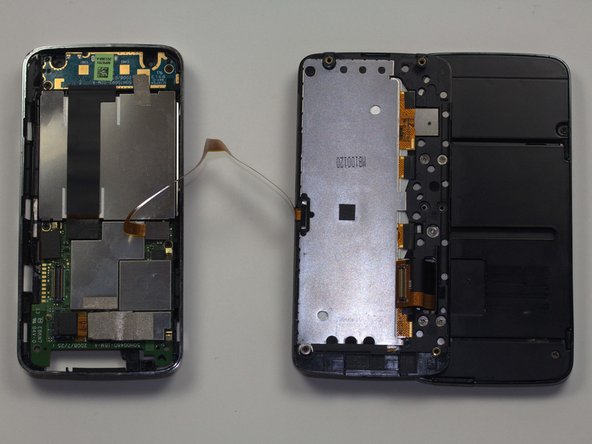
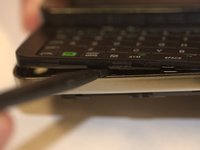
  6. Disassembling HTC Touch Pro CDMA Verizon Basic Parts: step 6, image 1 of 2 Disassembling HTC Touch Pro CDMA Verizon Basic Parts: step 6, image 2 of 2
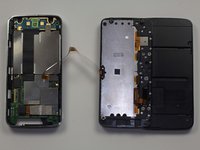
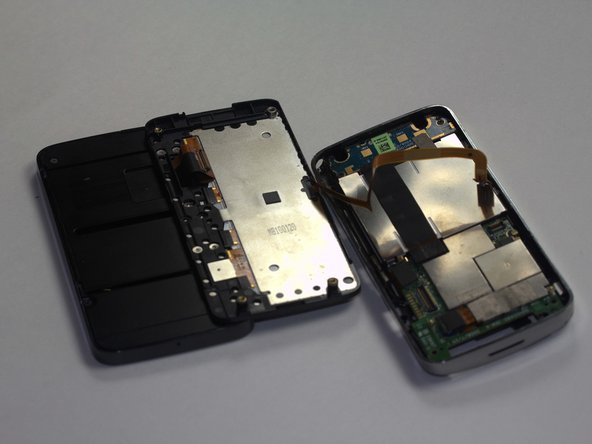
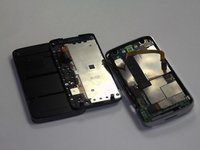
    • Insert your spudger along the slit between the keyboard and the external casing. Pry open as shown.

    • Careful! The ribbon connecting the keyboard to the motherboard will still connect the two halves of the phone when you separate them. Be sure to take your time and move slowly to avoid damage to the cable.

    Ask FixBot

    Add Comment

  7. Disassembling HTC Touch Pro CDMA Verizon Basic Parts: step 7, image 1 of 3 Disassembling HTC Touch Pro CDMA Verizon Basic Parts: step 7, image 2 of 3 Disassembling HTC Touch Pro CDMA Verizon Basic Parts: step 7, image 3 of 3
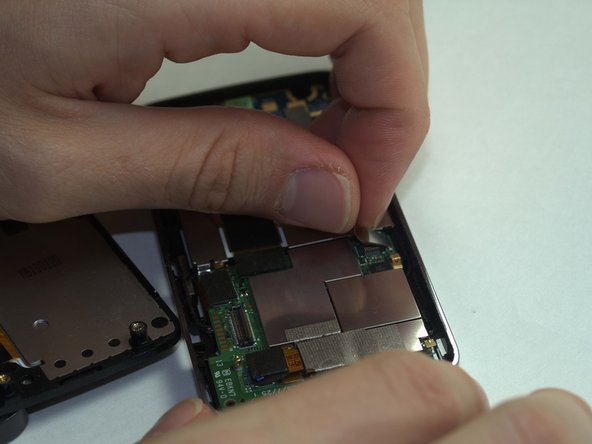
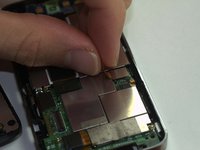
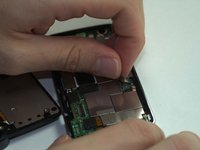
    • Remove the keyboard ribbon from the motherboard. To do this, simply grasp the ribbon at its base and pry it up at an angle. The ribbon has a metal end that is easily removed from the motherboard.

    Ask FixBot

    Add Comment

  8. Disassembling HTC Touch Pro CDMA Verizon Basic Parts: step 8, image 1 of 3 Disassembling HTC Touch Pro CDMA Verizon Basic Parts: step 8, image 2 of 3 Disassembling HTC Touch Pro CDMA Verizon Basic Parts: step 8, image 3 of 3
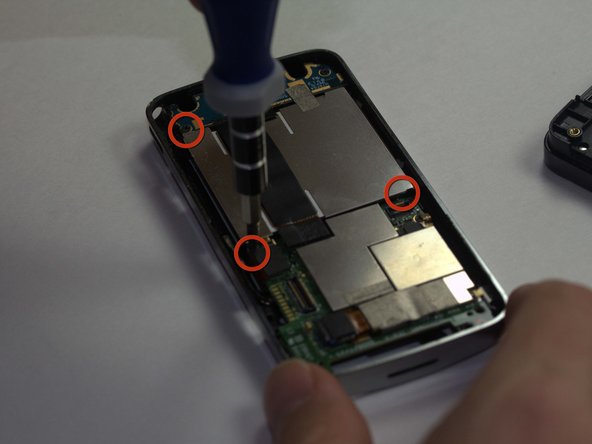
    • Using a Phillips Head size 0 screwdriver, remove the 3 screws holding in the battery compartment.

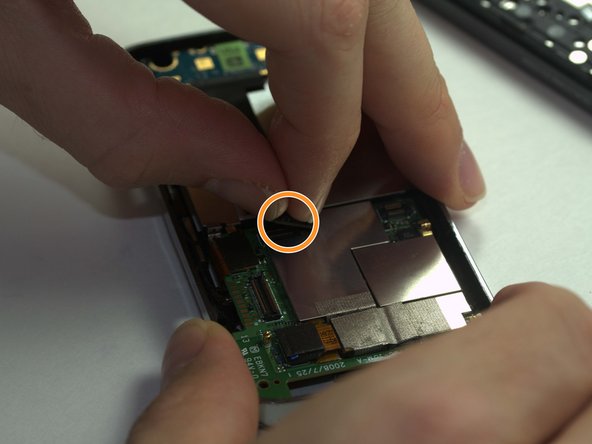
    • Remove the ribbon covering the battery compartment by pinching it at the base and lifting.

    Ask FixBot

    Add Comment

Conclusion

To reassemble your device, follow these instructions in reverse order.

Cancel: I did not complete this guide.

Jack Bowen

Member since: 04/09/11

79 Reputation

5 Guides authored

Team

Cal Poly, Team 20-67, Walters Spring 2011 Member of Cal Poly, Team 20-67, Walters Spring 2011

CPSU-WALTERS-S11S20G67

4 Members

10 Guides authored

0 Guide Comments

Add Comment

View Statistics:

Past 24 Hours: 1

Past 7 Days: 9

Past 30 Days: 25

All Time: 1,827