
Disassembling Compaq Mini 110 Microphone

Last updated on Jul 30, 2014
Views: 2.6K
View statistics:
- Past 24 Hours:
- 2
- Past 7 Days:
- 14
- Past 30 Days:
- 88
- All Time:
- 2,647
Comments: 4
4 comments on steps.
Completed: 0 1
No one has marked this guide "completed." Will you be the first?
1 person has marked this guide "completed." It's you — great job!
Favorites: 3 4
3 people have favorited (and subscribed to) this guide. Will you be next?
4 people have favorited (and subscribed to) this guide — including you!
Missing Steps
Oops! This guide is currently missing one or more important steps.
Action Shots
Be an action hero! This guide needs images that better demonstrate how to perform specific actions.
Introduction
Go to step 1 ↓If it needs replacing, here's how to find it.
What you need
Parts
-
Spudger4.9


-
-
-
Locate the battery and the battery tabs on the bottom of the Compaq Mini.
 Ask FixBot
-
-
-
-
-
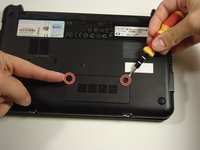
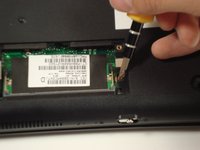
Use a Philips #0 screwdriver to unscrew the two screws covering the memory compartment on the bottom of the laptop and remove the cover.
-
-
-
-
-
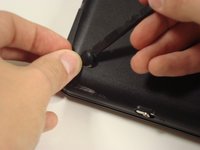
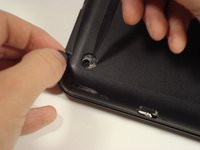
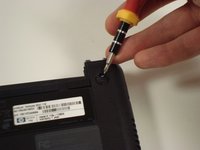
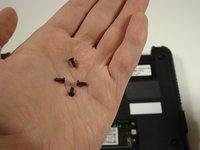
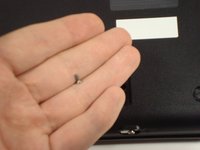
Unscrew all the corner screws. There are four total, one under each rubber pad.
-
-
-
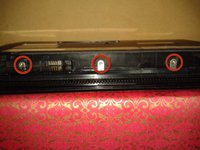
Remove the three screws in the silver tabs at the back of the keyboard.
-
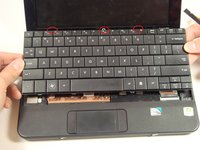
Lift the keyboard away from the laptop.
-
-
-
-
-
Pry up the top plastic cover using a spudger.
-
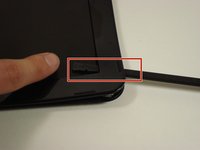
These two tabs under the screen need to be pushed in with a spudger.
-
-
-
-
-
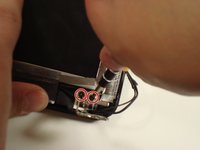
Remove the four screws that keep the bottom of the hinges attached to the base.
-
-
-
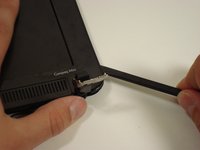
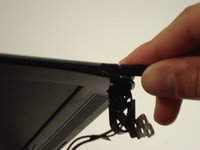
Pry off the top plastic cover of the display assembly.
-
The spudger may go all the way through to the screen-side of the cover. This is not a problem and won't damage anything.
-
-
-
-
-
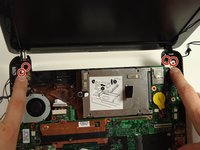
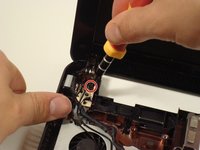
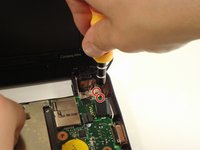
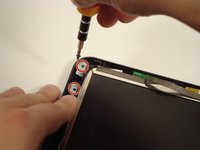
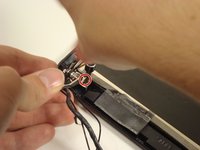
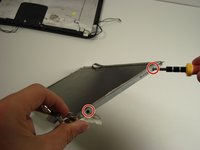
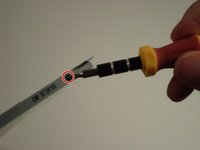
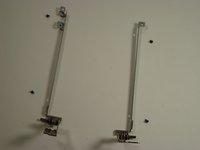
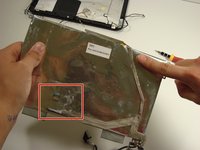
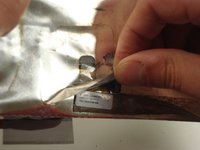
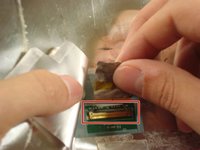
Take the screen off the metal connectors by unscrewing each side. Each side has 2 screws.
-
-












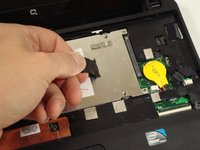
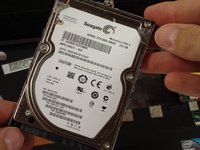


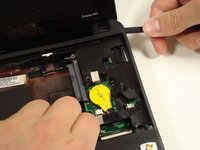
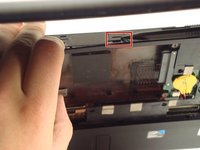
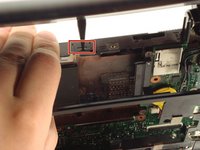


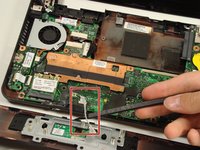
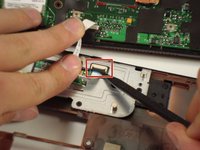











To reassemble your device, follow these instructions in reverse order.

Team

Cal Poly, Team 22-2, Maness Fall 2010 Member of Cal Poly, Team 22-2, Maness Fall 2010
CPSU-MANESS-F10S22G2
6 Members
180 Guides authored
