Free Shipping on Domestic Orders $75+

Disassembling Axis 214 PTZ Camera

Views: 3.3K

View statistics:

Past 24 Hours:
4
Past 7 Days:
29
Past 30 Days:
132
All Time:
3,326
Comments: 0

No one has left comments on this guide. Will you be first?

Go to guide comments
Completed: 3

3 people have marked this guide "completed." Will you be next?

Favorites: 3

3 people have favorited (and subscribed to) this guide. Will you be next?

Time Required: No estimate
Difficulty: Moderate
Confusing Text

Some of this guide's text is confusing, duplicated, or off-topic. Clarify it by editing!

Community-Contributed Guide

An awesome member of our community made this guide. It was not created by iFixit staff.

Better Introduction

Improve this guide by completing or revising its introduction.

Disassembling Axis 214 PTZ Camera

Introduction

Go to step 1 ↓

How to disassemble Axis 214 PTZ camera.

What you need

Tools

    1. Disassembling Axis 214 PTZ Camera, Camera: step 1, image 1 of 2 Disassembling Axis 214 PTZ Camera, Camera: step 1, image 2 of 2
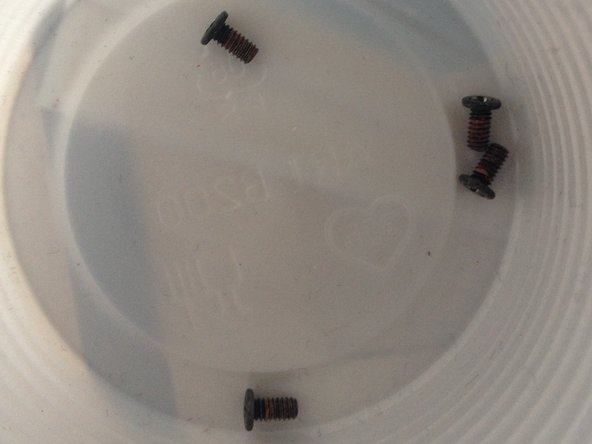
      • 4 screws

      Ask FixBot

      Add Comment

    2. Disassembling Axis 214 PTZ Camera: step 2, image 1 of 3 Disassembling Axis 214 PTZ Camera: step 2, image 2 of 3 Disassembling Axis 214 PTZ Camera: step 2, image 3 of 3
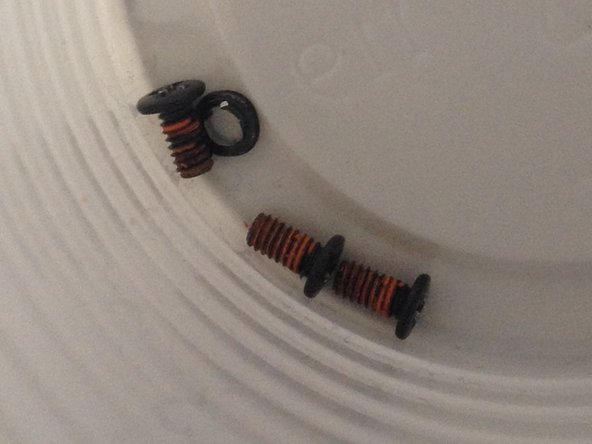
      • 7 screws

      Ask FixBot

      Add Comment

    3. Disassembling Axis 214 PTZ Camera: step 3, image 1 of 3 Disassembling Axis 214 PTZ Camera: step 3, image 2 of 3 Disassembling Axis 214 PTZ Camera: step 3, image 3 of 3
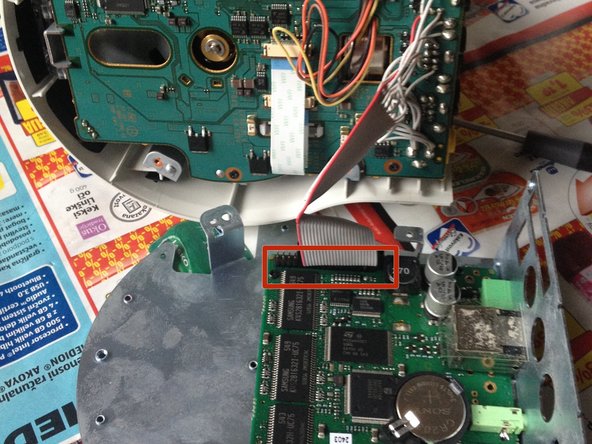
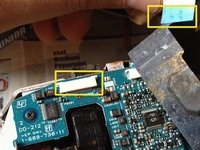
      • Remove (4) Phillips screws.

      • Carefully disconnect the ribbon connector.

      Ask FixBot
      Add Comment

    4. Disassembling Axis 214 PTZ Camera: step 4, image 1 of 3 Disassembling Axis 214 PTZ Camera: step 4, image 2 of 3 Disassembling Axis 214 PTZ Camera: step 4, image 3 of 3
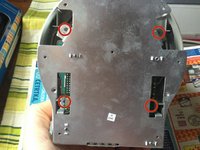
      • Remove (4) Phillips screws.

      • If replacing the logic board, remove (2) cables at the connectors.

      • At the underside of the logic board, disconnect the connector.

      Ask FixBot

      Add Comment

    5. Disassembling Axis 214 PTZ Camera: step 5, image 1 of 3 Disassembling Axis 214 PTZ Camera: step 5, image 2 of 3 Disassembling Axis 214 PTZ Camera: step 5, image 3 of 3
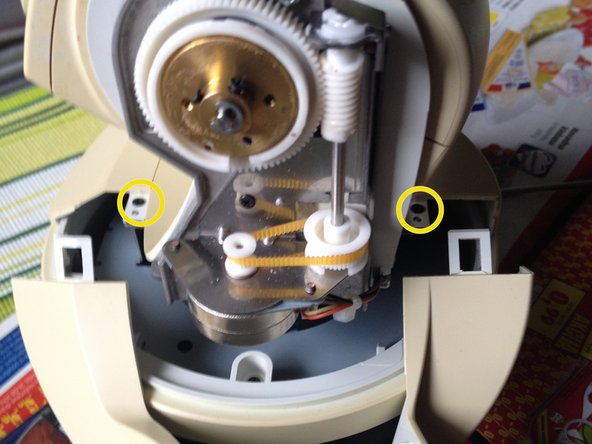
      • Gently press back the plastic clip at both sides.

      • Remove 2 screws.

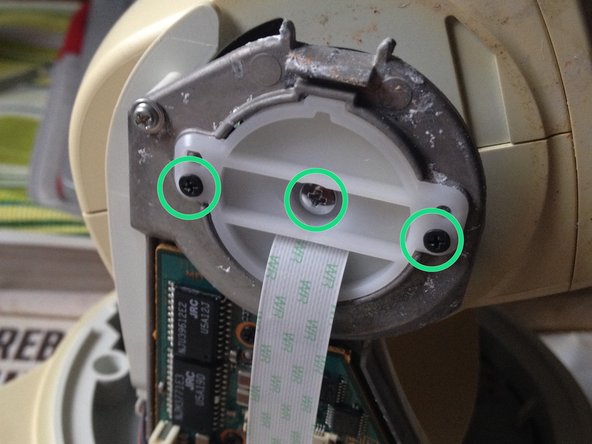
      • Remove (3) Phillip screws.

      Ask FixBot

      Add Comment

    6. Disassembling Axis 214 PTZ Camera, Odključitev heada: step 6, image 1 of 2 Disassembling Axis 214 PTZ Camera, Odključitev heada: step 6, image 2 of 2
      • Remove (4) Phillips screws.

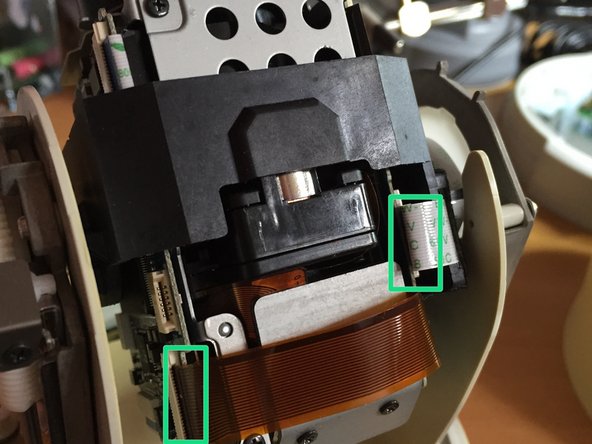
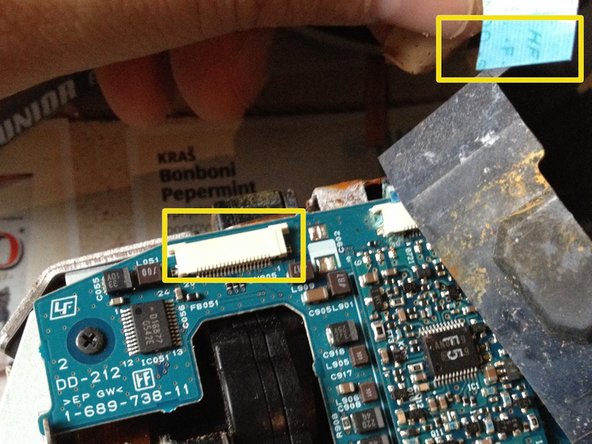
      • Carefully disconnect ribbon and flex cables.

      Ask FixBot

      Add Comment

    7. Disassembling Axis 214 PTZ Camera: step 7, image 1 of 1
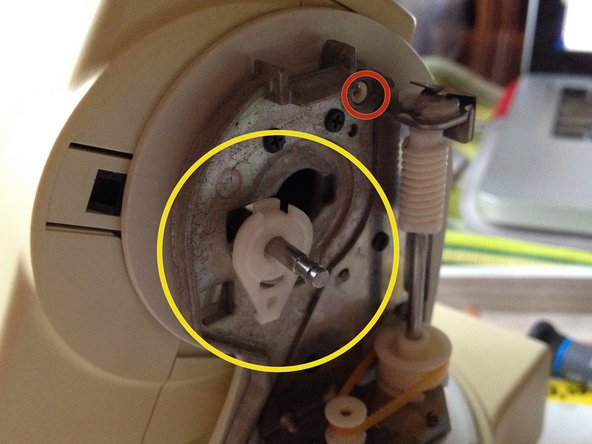
      • Remove (2) Phillip screws.

      • Remove (1) protective clip.

      Ask FixBot
      Add Comment

    8. Disassembling Axis 214 PTZ Camera: step 8, image 1 of 2 Disassembling Axis 214 PTZ Camera: step 8, image 2 of 2
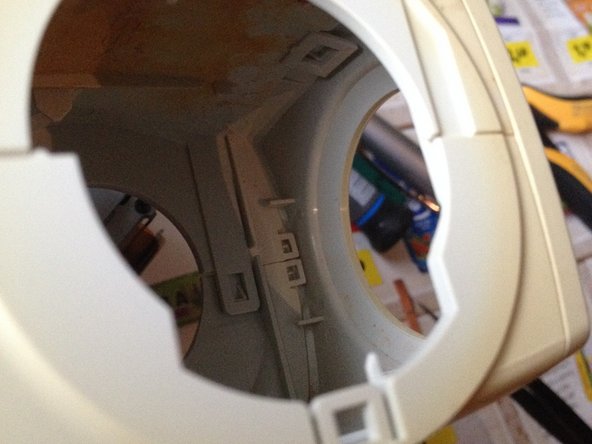
      • Remove 2 screws one on each side.

      • Turn the latch mechanism to the right.

      Ask FixBot
      Add Comment

    9. Disassembling Axis 214 PTZ Camera: step 9, image 1 of 3 Disassembling Axis 214 PTZ Camera: step 9, image 2 of 3 Disassembling Axis 214 PTZ Camera: step 9, image 3 of 3
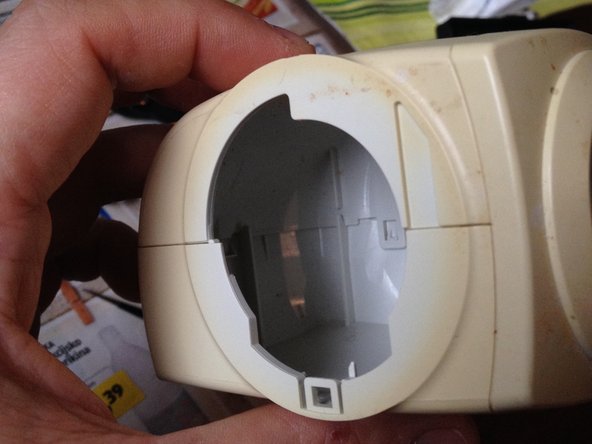
      • It is difficult to disassemble.

      Ask FixBot

      Add Comment

    10. Disassembling Axis 214 PTZ Camera: step 10, image 1 of 2 Disassembling Axis 214 PTZ Camera: step 10, image 2 of 2
      • Remove (4) recessed screws.

      • Disconnect flat Ribbon Cable.

      Ask FixBot

      Add Comment

Conclusion

To reassemble your device, follow these instructions in reverse order.

Cancel: I did not complete this guide.

3 other people completed this guide.

lukahlastec

Member since: 06/02/11

181 Reputation

1 Guide authored

0 Guide Comments

Add Comment

View Statistics:

Past 24 Hours: 4

Past 7 Days: 29

Past 30 Days: 132

All Time: 3,326